
Comic speech bubble generator for readable panels.
Place speech bubbles, caption boxes, tails, and dialogue areas on comic panels so the story reads clearly after the artwork is generated.
Add speech bubbles to one comic panel
Upload PNG, JPG, or WebP. Drag bubbles directly on the panel.
Select and drag an element on the panel. Use the controls for exact size and tail direction.
Add comic text
Speech bubble
Edit the selected element.
Export is free and uses no generation credits. Sign-in protects the download action; the image itself stays in your browser.
Your image and comic text stay in this browser. This editor does not upload them.
Definition
What is comic bubble generator?
A comic bubble generator helps place speech bubbles, thought bubbles, narration boxes, and tail directions on comic panels.
Short answer
When to use this workflow.
Use this workflow when the artwork already exists and the next job is lettering: dialogue, captions, bubble order, and speaker tails.
Add speech bubbles without covering the action.
Place bubbles in safe areas of the panel and keep the character, action, and reading order visible.
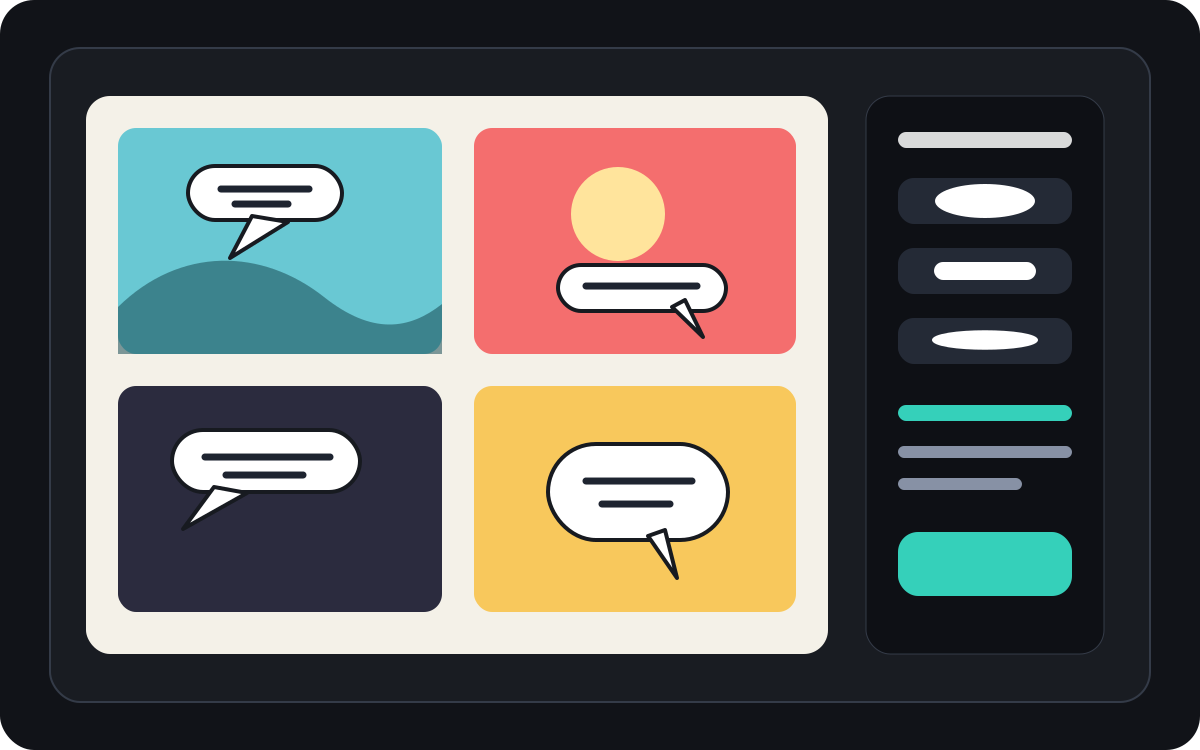
Handle manga speech bubble spacing and reading order.
Manga panels often need tighter bubble placement and careful reading direction. Keep the flow clear before final lettering is applied.
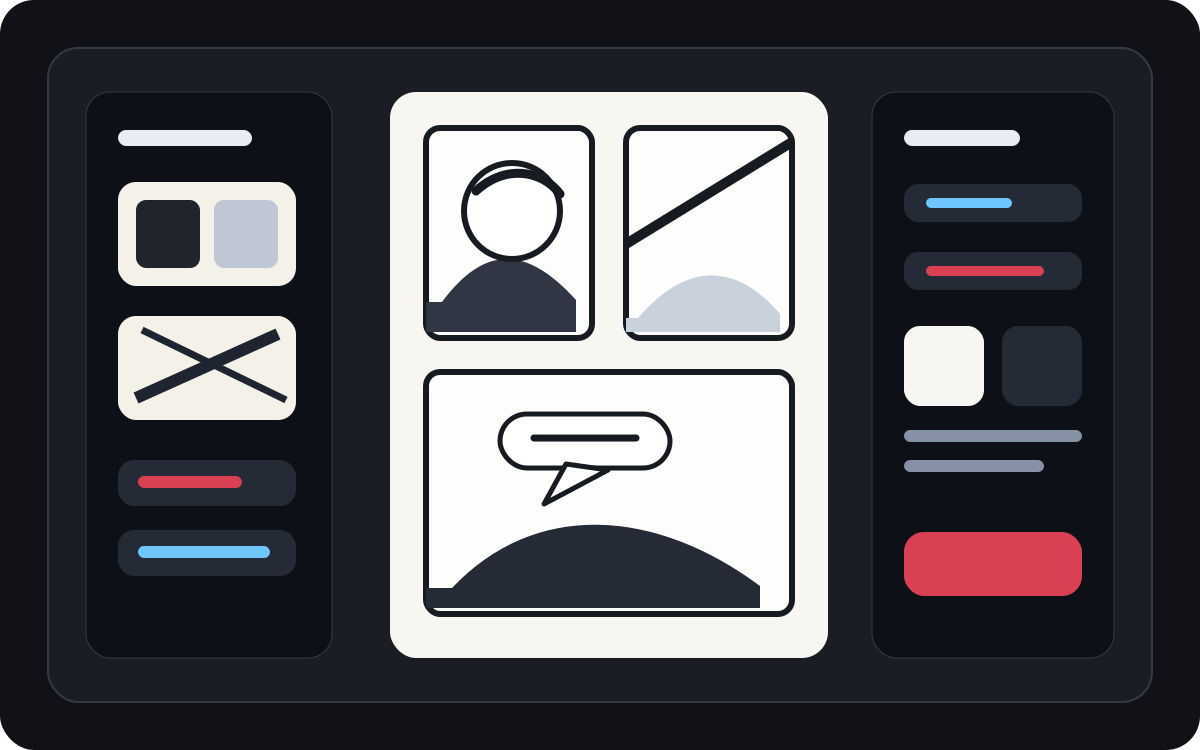
Turn generated art into a readable comic panel.
AI-generated art may look good but still need lettering. Add narration, short dialogue, and clean caption boxes after the image exists.
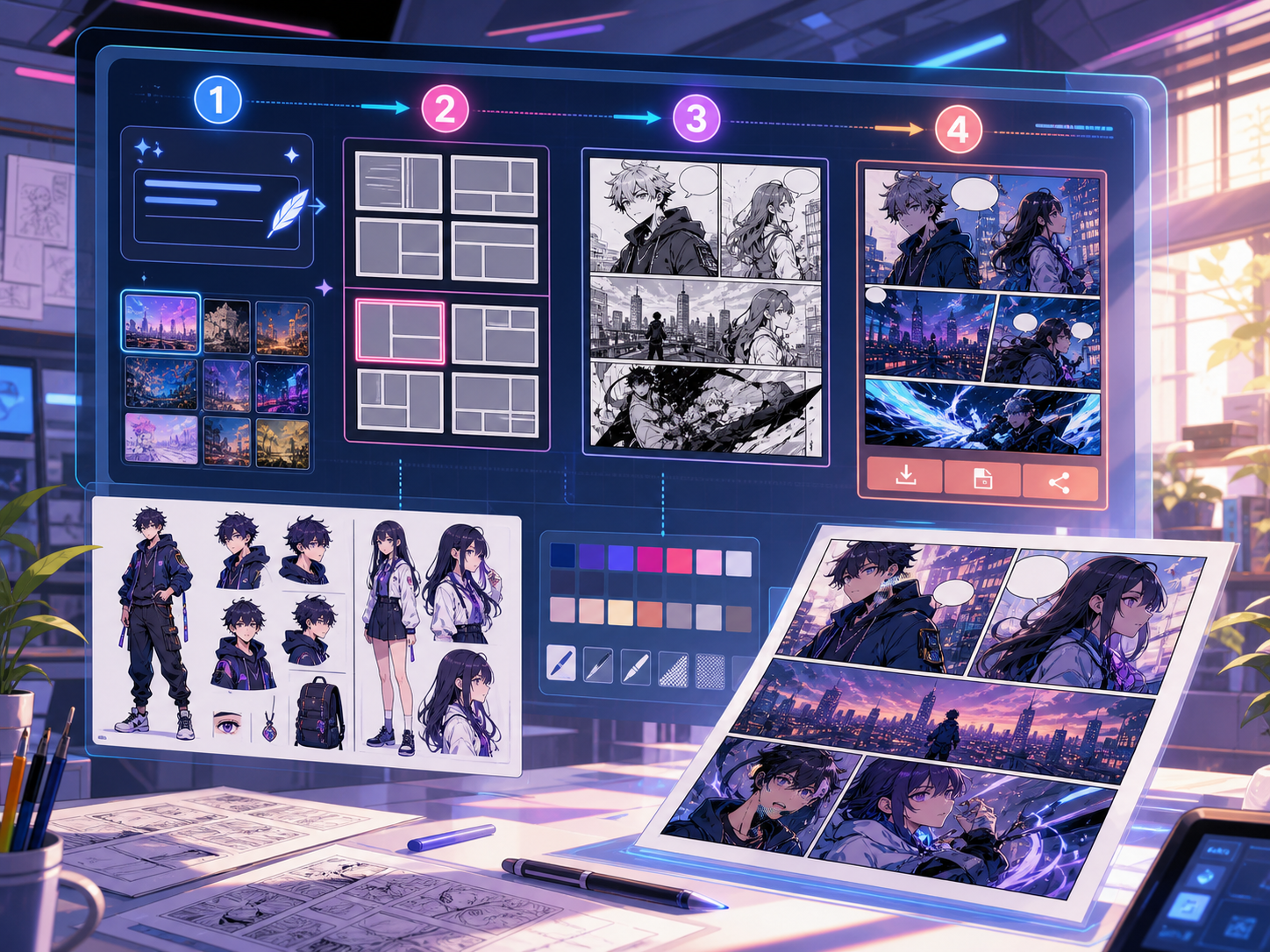
Built around a real comic-making task.
Creators who already have a comic panel or generated scene and need clean dialogue placement, bubble styles, and caption structure.
01
Best for creators who already have art and need the dialogue to read cleanly.
02
Solves a real post-generation problem: making dialogue readable inside panels.
03
Supports speech bubbles, narration boxes, tail direction, and panel-safe spacing.
What creators can make here.
Pick the closest project type, then open Studio with a clearer idea of the draft you want to make.
What you can draft.
These are practical starting points for review, sharing, and continued editing.
A short path into Studio.
Start with the smallest useful step, then refine the draft inside the editor.
Start with these comic bubble generator prompts.
Use these as starting points, then swap in your own characters, setting, and tone.
Dialogue cleanup
Add two speech bubbles to this panel: one surprised line on the left character and one short reply on the right.
Output: Panel with clean bubble placement and readable dialogue areas.
Narration box
Add a small top-left caption box that sets the scene without covering the main character.
Output: Captioned comic panel with clear visual hierarchy.
Manga bubble layout
Place three blank manga speech bubbles in reading order for a dramatic conversation scene.
Output: Manga panel with bubble positions ready for lettering.
Tools that help the draft become usable.
Readable dialogue
Keep speech short, placed well, and connected to the right speaker.
Bubble style choices
Use speech, thought, shout, whisper, caption, and narration shapes.
Panel-safe spacing
Avoid covering faces, hands, props, and action that carry the scene.
Keep building with the right next tool.
More comic creation pages.
Related workflow
Comic Panel Generator for Single-Scene Drafts
Generate individual comic panels online with AI prompts, camera direction, style controls, character notes, and export-ready panel drafts.
Open page
Related workflow
Manga Translator for OCR, Editing, and PNG Drafts
Upload a manga page, detect bubbles and captions, edit the translation line by line, and export a reviewable PNG overlay or JSON draft.
Open page
Related workflow
Comic Translator for OCR, Editing, and PNG Drafts
Upload a comic page, detect speech bubbles and captions, edit each translated line, and export a reviewable PNG overlay or JSON draft.
Open page
Common comic bubble generator questions.
What is a comic bubble generator?
A comic bubble generator helps place speech bubbles, thought bubbles, narration boxes, and captions on comic panels. It is useful after a panel is drawn, generated, or translated.
Can I make comic speech bubbles online?
Yes. Start from a generated panel or uploaded image, choose a bubble style, place it on the canvas, and adjust the tail direction toward the speaker.
Does it support manga speech bubbles?
Yes. Manga speech bubble workflows need careful spacing, reading order, and compact lettering areas. Use it to plan blank bubbles, translated text, or final dialogue placement.
Can I add text after generating a comic panel?
Yes. Add dialogue and captions after the image is created so the panel stays readable and the bubble placement matches the artwork.
What is the difference between a speech bubble and a caption box?
A speech bubble is tied to a character speaking. A caption box usually holds narration, time, place, or context that is not spoken by a character.
Can I use blank bubbles?
Yes. Blank bubbles are useful for planning layout, translation review, or handing the panel to a letterer before final text is approved.
Is a comic bubble generator the same as a full comic generator?
No. A full comic generator creates comic images or panel drafts. A bubble generator focuses on lettering, captions, tail direction, and dialogue layout.
What makes a bubble layout readable?
Good bubble layouts follow the reading order, point tails at the right speaker, avoid important art, and keep each line short enough to scan quickly.
Start your next comic draft.
Open the Studio, choose a layout, and turn the idea into a working comic draft.
Try this workflow