Comics Maker
Open navigation
comic translator

Translate a comic page, review every line, and export the draft.

The comic translator reads page images with vision OCR, returns source and translated text in page order, and keeps every line editable before export.

Image-first OCR for speech bubbles, captions, narration, and meaningful sound effects.

Editable line-by-line translation with original text and confidence shown together.

Download a PNG overlay draft or structured JSON for the next review step.

editable OCR and translation drafttranslated PNG overlaystructured JSON exportoriginal / translated page preview
Working tool

Translate one comic page

Upload a page, detect bubbles, captions, and important sound effects, then edit the draft before exporting a translated PNG overlay.

Drop a comic image, or click to browse

PNG, JPG, or WebP up to 5MB. PDF files need to be split into images first.

Sign in to translate

Your source is served from a sign-in protected URL and sent to the configured AI provider for OCR. Upload only pages you have the right to process.

The configured model cost is charged when the job starts; final failures are refunded automatically.

Before / after translator

Drag the translation curtain

Illustrated example
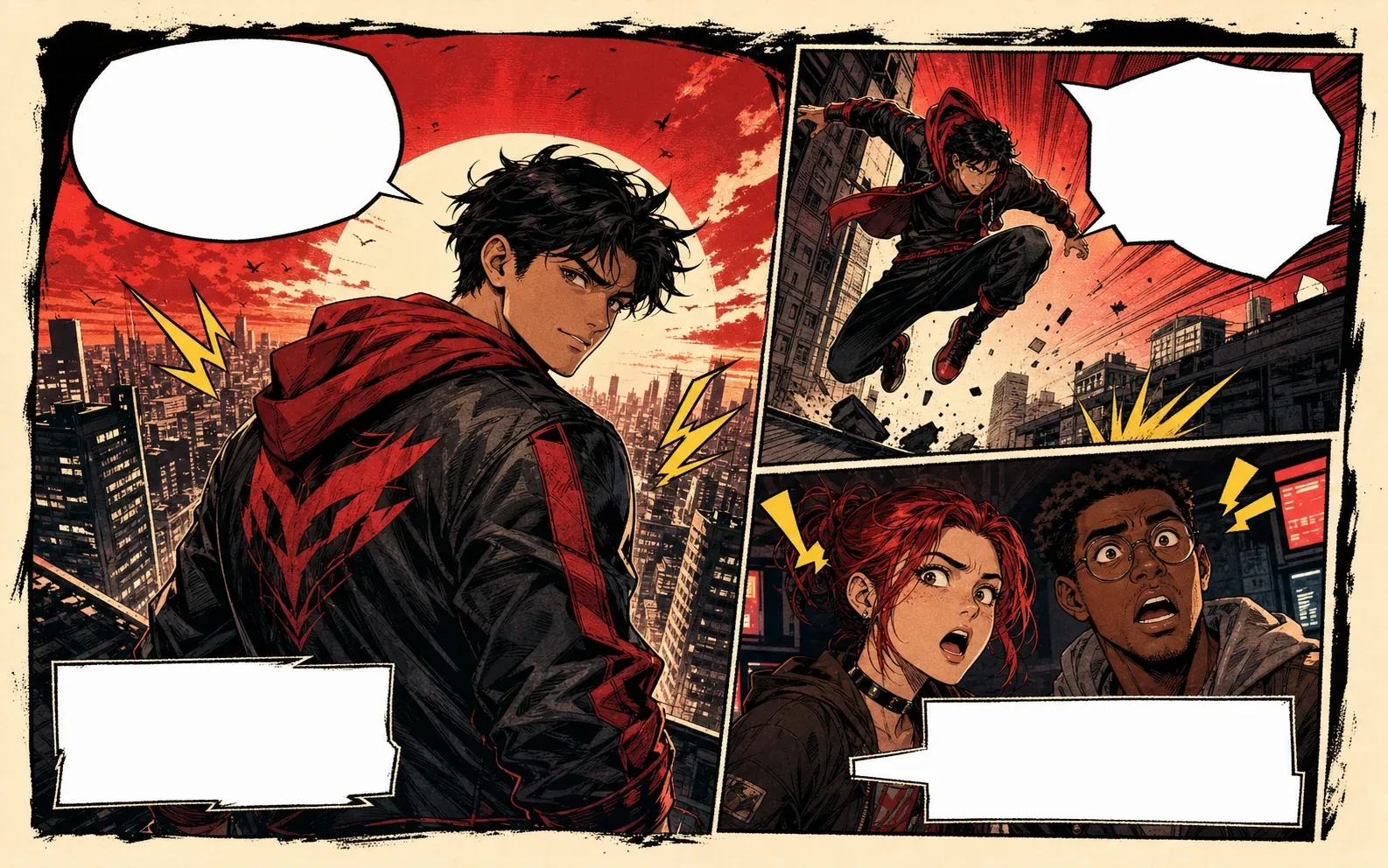
Comic translator before and after preview with blank comic speech bubbles
Let's move!Careful!The signal is back.We have one minute.
On y va!Cuidado!Le signal revient.Nous avons une minute.
Before translation
After translation
Workflow

Comic translation works best when text stays inside the page context.

Upload a PNG, JPG, or WebP page, choose languages, then review OCR, wording, confidence, and page order before exporting a draft overlay.

comic translator ai

Comic translator AI for assisted localization.

Use AI for the first pass, then review tone, names, jokes, sound effects, and bubble fit before finalizing the page.

comic translator online

Comic translator online for reviewable pages.

Upload a page or screenshot, compare it with the editable translation draft, and export only after checking the dialogue.

pdf comic translator

PDF comic translator for page batches.

Split PDF comics into page images so each page can move through OCR, translation, review, and export in order.

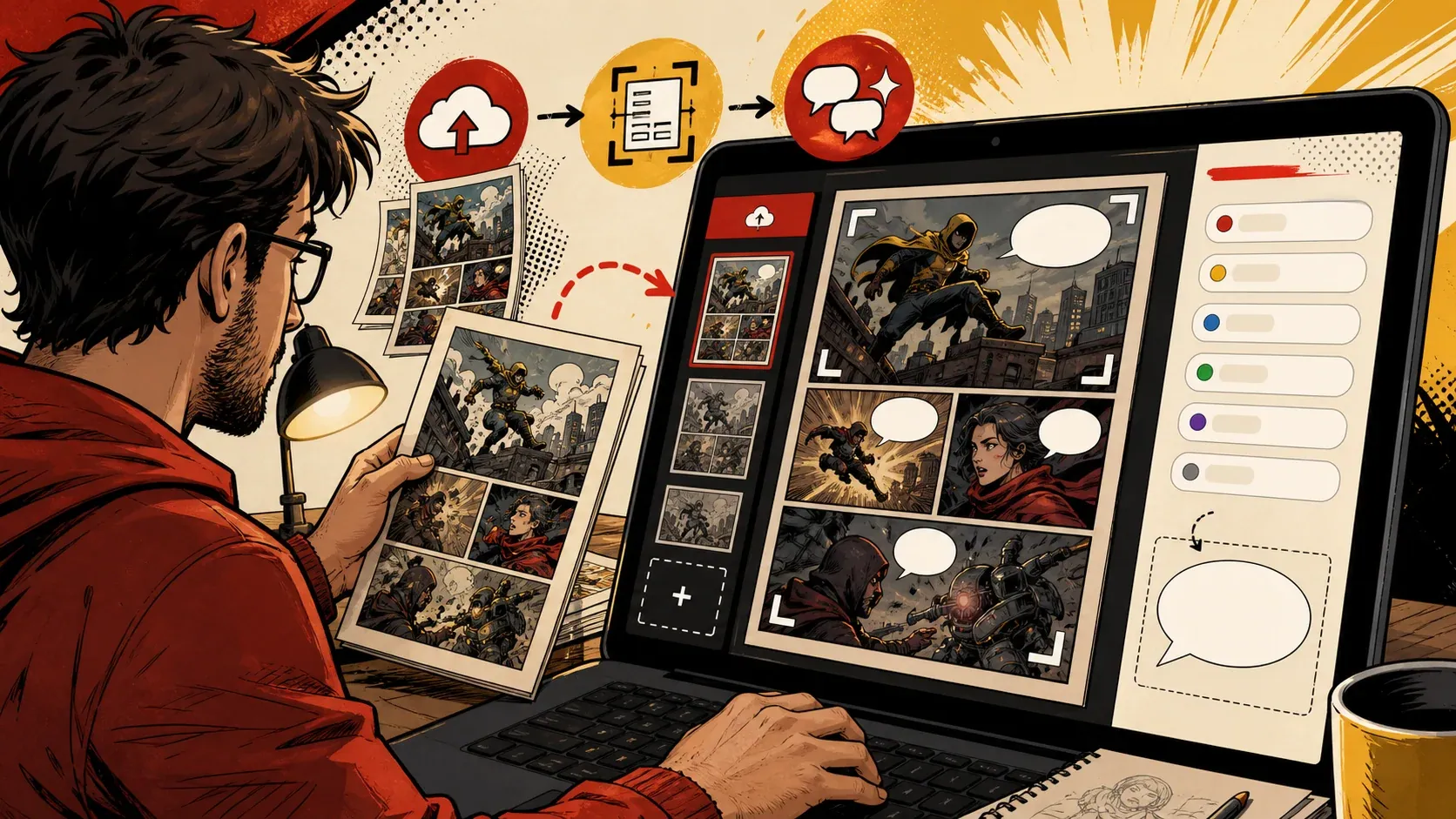
Comic translator online workflow with upload and OCR steps
comic translator online

Comic translator online for images and screenshots.

The upload path is direct: image in, OCR review, translated bubbles, and export out.

Upload comic panels, pages, or screen captures.
Review source text and translated copy side by side.
Use the page preview to catch wording that exceeds the detected region.
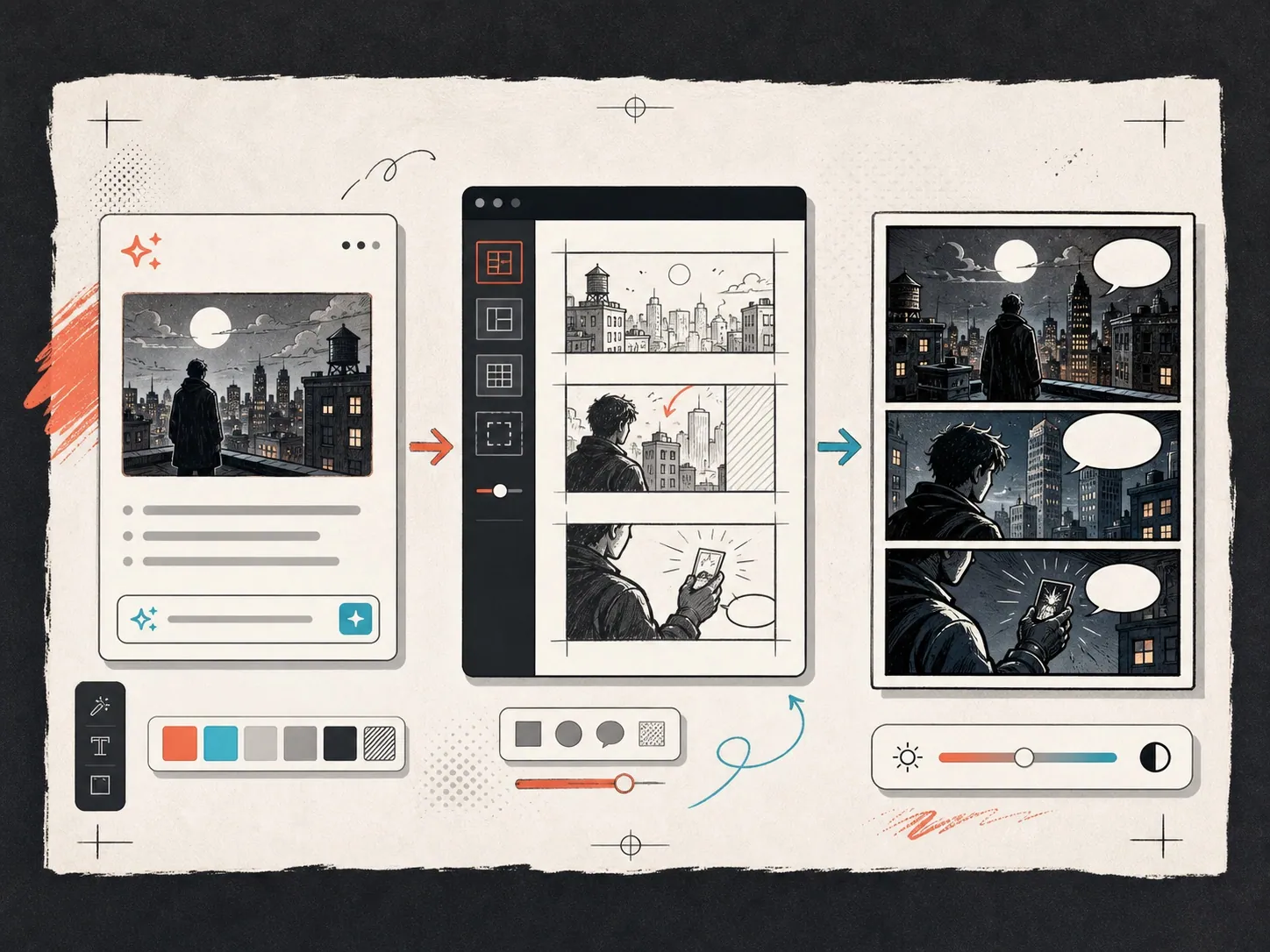
Comic translator app project workflow
comic translator app

Comic translator workflow for repeat page review.

For a chapter or issue, keep the same language direction and review rules while processing one image page at a time.

The browser preserves language settings for the next page.
Refresh the page without losing the active signed-in task.
Download JSON when another editor needs the recognized text and coordinates.
Comic page translator review workflow
comic page translator

Comic page translator support for PDFs and screens.

Full comic pages need clear page handling rather than single-line translation, especially when captions and speech bubbles share the same scene.

Translate full-page screenshots without losing panel order.
Handle captions, narrator boxes, and speech bubbles separately.
Export translated page drafts for reading or editing.
Workflow

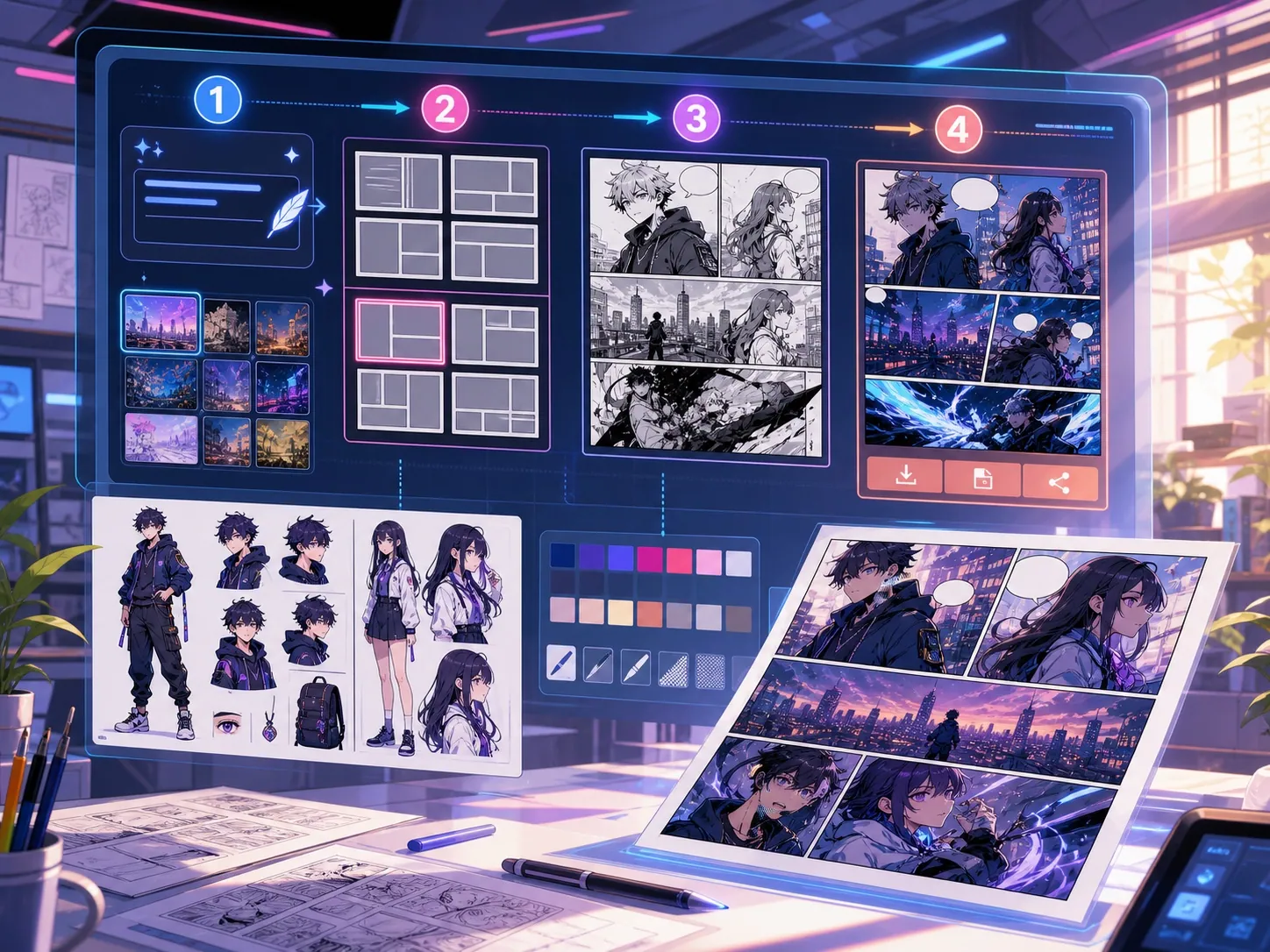
Comic translator AI workflow from image to edited page.

Inspect recognized source text, edit each translated line, check warnings, and save PNG or JSON when the wording is ready.

1

Upload a comic image

2

Choose the source and target languages

3

Review OCR and edit each translated line

4

Export a PNG overlay or JSON draft

Use cases

Comic translator use cases.

Creators, readers, teachers, and teams that need a comic image translator for page previews, language review, and story localization.

creator localization drafts
reader translation notes
translation-team handoff files
classroom language review
Formats

Comic page translator formats.

Keep the target clear before you translate so OCR, cleanup, and export settings match the comic source.

editable OCR and translation draft
translated PNG overlay
structured JSON export
original / translated page preview
Quality

Comic language translator checks.

Check page order, names, jokes, tone, low-confidence OCR, and text length. The PNG is an overlay draft, not professional inpainting or typesetting.

Shows source text, translation, region type, and confidence together.
Detects speech bubbles, captions, narration, and meaningful sound effects.
Keeps the source private behind sign-in and refunds final failed jobs.
FAQ

Common comic translator questions.

What does a comic translator do?

A comic translator reads text in speech bubbles, captions, and panels, then helps rewrite it in another language while keeping the page readable.

Can I use a comic translator online?

Yes. Upload a PNG, JPG, or WebP page up to 5MB. The tool detects text regions, returns editable translations, and exports a PNG overlay or JSON draft.

Is there a free comic translator option?

The editable sample is free to try. Translating your own page uses the credit cost configured for the comic translation model; final failed jobs are refunded.

How is a PDF comic translator handled?

PDF comic translator work is best handled page by page: split the PDF into images, translate each page, then export reviewed results.

How accurate is comic OCR and translation?

Accuracy depends on image resolution, lettering style, text direction, and artwork behind the text. Review names, jokes, sound effects, low-confidence lines, and tight bubble copy before using the draft.

Related resources

More comic creation pages.

Translate the next comic page.

Start with one readable page, check names and dialogue tone, then repeat the same review flow for the rest of the chapter.

Back to translator