
읽기 쉬운 패널을 위한 만화 말풍선 생성기.
만화 패널에 말풍선, 캡션 박스, 꼬리, 대화 영역을 배치해 그림이 생성된 후 이야기가 명확하게 읽히도록 하세요.
한 만화 패널에 말풍선을 추가하세요
업로드 PNG, JPG, 또는 WebP. 거품이 패널에 직접 끌려 붙습니다.
패널에서 요소를 선택하고 드래그하세요. 정확한 크기와 꼬리 방향은 조절 장치를 사용하세요.
만화 텍스트 추가로
말풍선
선택한 요소를 편집하세요.
수출은 무료이며 발전 크레딧을 사용하지 않습니다. 로그인은 다운로드 동작을 보호합니다; 이미지 자체는 브라우저에 남아 있습니다.
이미지와 만화 문구는 브라우저 안에서만 처리되며, 이 편집기는 파일을 업로드하지 않습니다.
정의
만화 말풍선 생성기란 무엇인가요?
만화 버블 생성기는 말풍선, 생각 버블, 내레이션 박스, 꼬리 방향을 만화 패널에 배치하는 데 도움을 줍니다.
짧은 답변
이 워크플로를 사용할 때.
이미 아트워크가 있고 다음 작업은 글자 작업(대사, 캡션, 말풍선 순서, 화자 꼬리)일 때 이 워크플로우를 사용하세요.
행동을 가리지 않고 말풍선을 추가하세요.
패널의 안전한 구역에 버블을 배치하고, 캐릭터, 행동, 읽기 순서를 보이게 하세요.
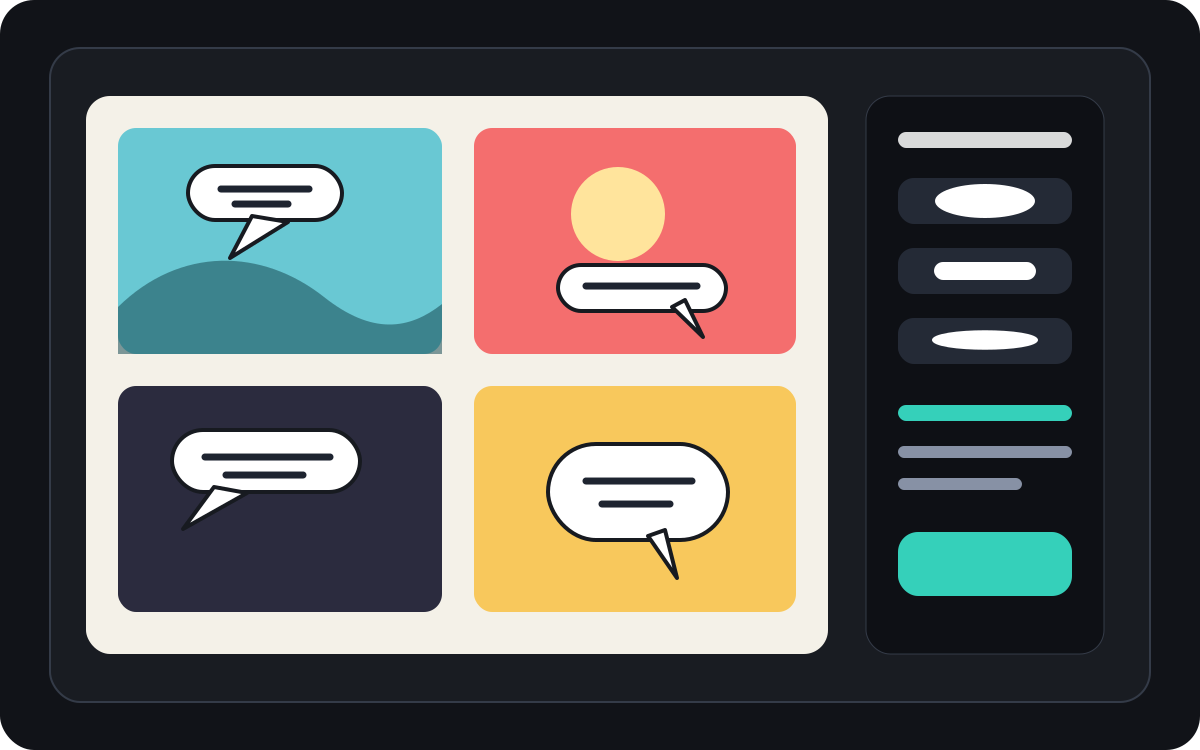
만화 말풍선 간격과 읽기 순서를 관리하세요.
만화 패널은 종종 더 좁은 버블 배치와 신중한 읽기 방향이 필요합니다. 최종 글씨를 적용하기 전에 흐름을 명확하게 유지하세요.
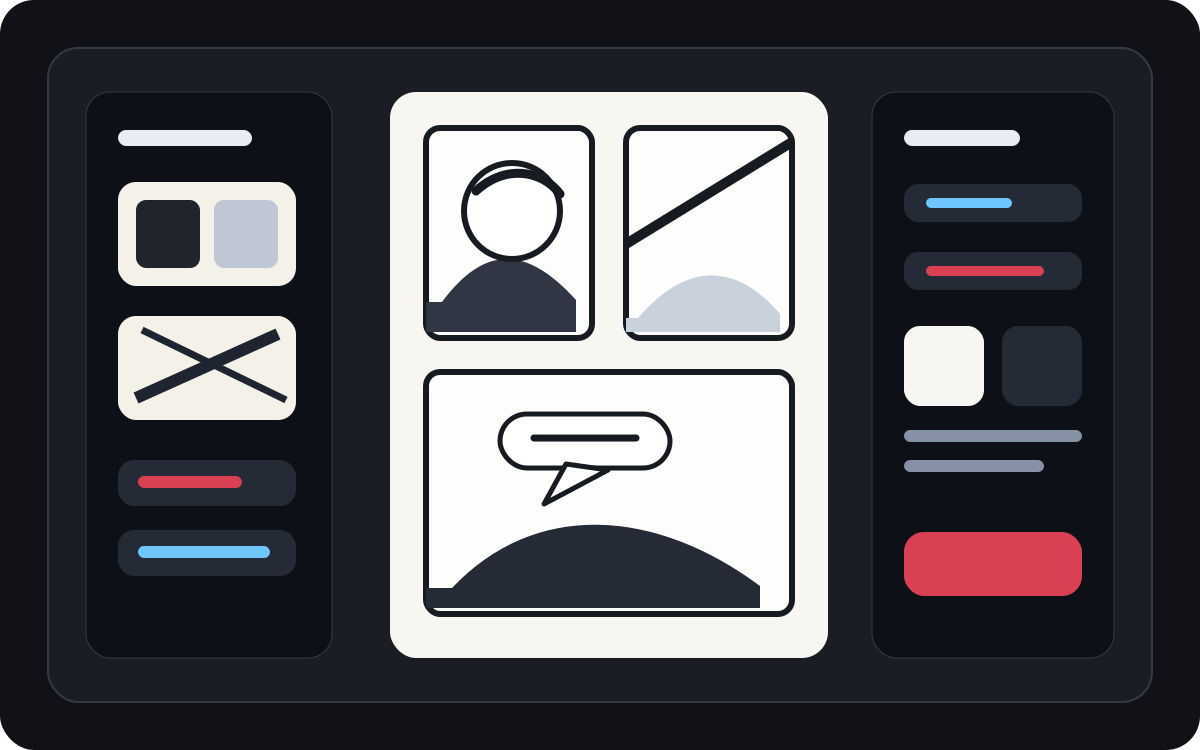
생성된 아트를 읽기 쉬운 만화 패널로 변환하세요.
AI 생성 아트는 보기 좋지만 여전히 글씨체가 필요합니다. 이미지가 존재한 후에는 내레이션, 짧은 대화, 깔끔한 캡션 박스를 추가하세요.
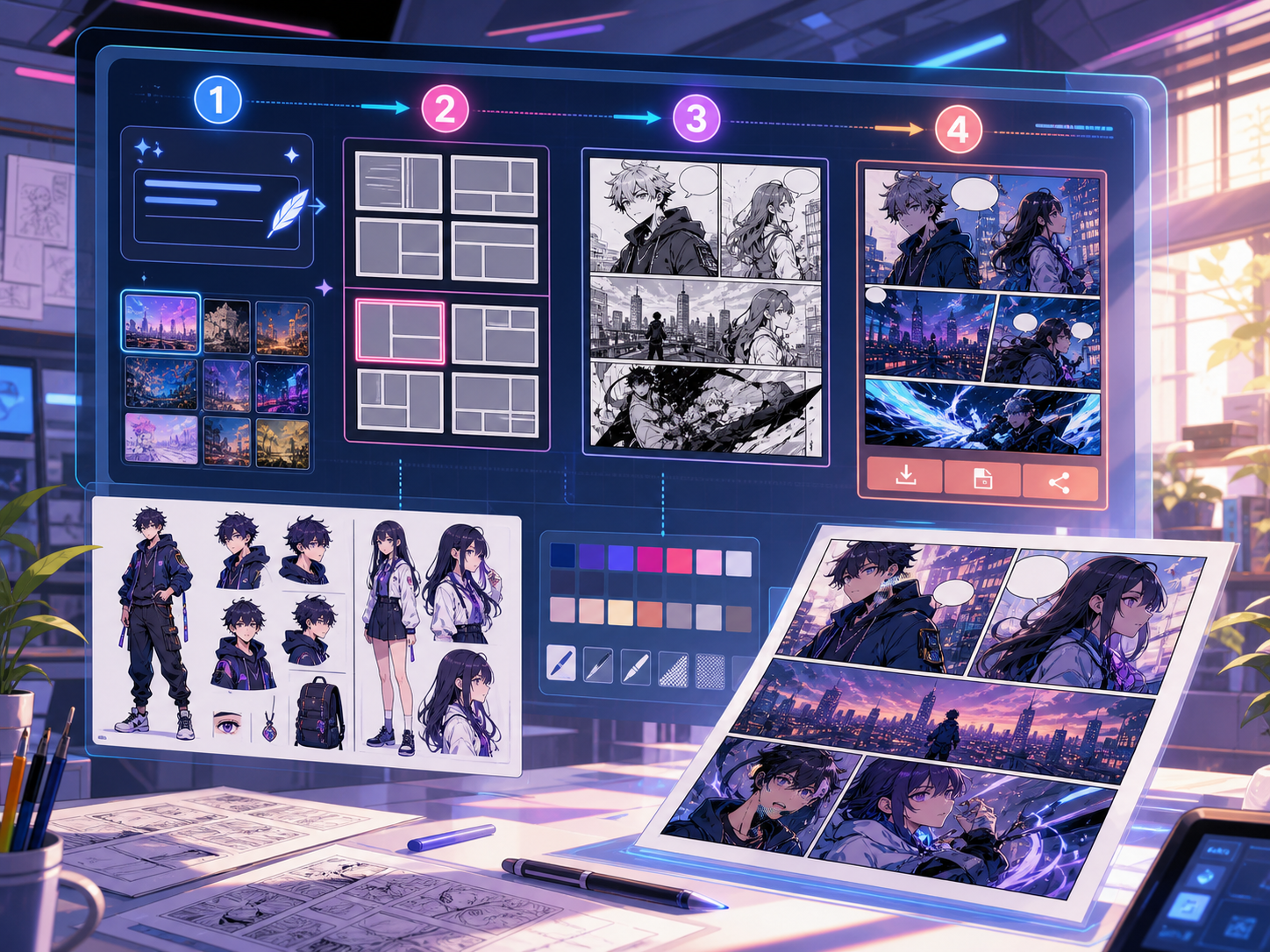
실제 만화 제작 작업에 맞춰 설계되었습니다.
이미 만화 패널이나 생성된 장면이 있고, 깔끔한 대화 배치, 말풍선 스타일, 캡션 구조가 필요한 창작자들.
01
이미 아트가 있고 대사가 깔끔하게 읽히길 원하는 창작자에게 가장 좋습니다.
02
진짜 포스트 제너레이션 문제를 해결해줍니다: 패널 안에서 대화를 읽기 쉽게 만드는 것.
03
말풍선, 내레이션 박스, 꼬리 방향, 패널 간격 조절을 지원합니다.
여기서 만들 수 있는 것.
가장 가까운 프로젝트 유형을 고른 뒤, 원하는 초안을 더 명확히 하고 Studio를 여세요.
초안으로 만들 수 있는 것.
검토, 공유, 이어서 편집하기 좋은 실용적인 시작점입니다.
Studio로 들어가는 짧은 경로.
가장 작은 유용한 단계부터 시작한 뒤 편집기에서 초안을 다듬습니다.
만화 말풍선 생성기 프롬프트로 시작하세요.
예시를 시작점으로 삼고 캐릭터, 배경, 톤을 자신의 이야기로 바꾸세요.
대화 정리
이 패널에 두 개의 말풍선을 추가하세요: 왼쪽 캐릭터에는 놀란 문장, 오른쪽에는 짧은 대답 문구가 있습니다.
출력: 깔끔한 말풍선 배치와 읽기 쉬운 대화 영역이 있는 패널.
내레이션 박스
왼쪽 상단에 작은 캡션 박스를 추가해 주인공을 가리지 않고 장면을 설정하세요.
출력: 명확한 시각적 계층 구조가 있는 자막 만화 패널.
만화 버블 레이아웃
읽기 순서대로 세 개의 빈 만화 말풍선을 배치해 드라마틱한 대화 장면을 연출하세요.
출력: 글자 표시 준비가 된 버블 위치의 만화 패널.
초안을 실제로 쓸 수 있게 돕는 도구.
읽기 쉬운 대화
말은 짧고, 적절하며, 올바른 화자와 연결하세요.
버블 스타일 선택
말하기, 생각, 외침, 속삭임, 캡션, 내레이션 모양을 사용하세요.
패널 안전 간격
장면을 이끄는 얼굴, 손, 소품, 액션을 가리지 마세요.
다음에 맞는 도구로 계속 제작하세요.
더 많은 코믹 제작 페이지.
관련 워크플로
comic panel generator
comic panel generator: Comics Maker에서 스토리, 캐릭터 노트, 패널 구성, 말풍선, 내보내기용 편집 초안을 만들 수 있습니다.
페이지 열기
관련 워크플로
Manga Translator: AI 만화 페이지 번역기
AI manga translator로 만화 페이지를 온라인 번역하세요. 이미지 OCR, 말풍선, PDF 페이지, 검토 가능한 번역 초안을 지원합니다.
페이지 열기
관련 워크플로
Comic Translator: AI 코믹 페이지 번역기
comic translator 워크플로로 코믹 페이지를 온라인 번역하세요. 이미지, PDF, 말풍선, 캡션, 검토용 초안을 지원합니다.
페이지 열기
만화 말풍선 생성기 자주 묻는 질문.
만화 버블 생성기란 무엇인가요?
만화 버블 생성기는 만화 패널에 말풍선, 생각 버블, 내레이션 박스, 캡션을 배치하는 데 도움을 줍니다. 패널을 그려, 생성, 번역한 후에 유용합니다.
온라인에서 만화 말풍선을 만들 수 있나요?
네. 생성된 패널이나 업로드된 이미지에서 시작해 버블 스타일을 선택하고 캔버스에 배치한 뒤, 꼬리 방향을 스피커 쪽으로 조정하세요.
만화 말풍선을 지원하나요?
네. 만화 말풍선 작업 흐름은 신중한 간격, 읽기 순서, 그리고 간결한 글자 영역이 필요합니다. 빈 말풍선, 번역된 텍스트, 최종 대사 배치를 계획하는 데 사용하세요.
만화 패널을 생성한 후에 텍스트를 추가할 수 있나요?
네. 이미지를 만든 후에 대화와 캡션을 추가해서 패널이 읽기 좋고 버블 위치가 아트워크와 일치하도록 하세요.
말풍선과 캡션 박스의 차이점은 무엇인가요?
말풍선은 캐릭터가 말하는 것에 연동되어 있습니다. 캡션 박스에는 보통 등장인물이 직접 말하지 않은 내레이션, 시간, 장소 또는 맥락이 담겨 있습니다.
빈 버블을 사용할 수 있나요?
네. 빈 말풍선은 레이아웃 계획, 번역 검토, 최종 텍스트 승인 전 레터러에게 패널을 넘기는 데 유용합니다.
만화 버블 생성기와 완전한 만화 생성기가 같나요?
아니. 완전한 만화 생성기는 만화 이미지나 컷 초안을 생성합니다. 버블 생성기는 글자, 캡션, 꼬리 방향, 대화 레이아웃에 중점을 둡니다.
버블 레이아웃이 읽기 쉽다는 것은 무엇일까요?
좋은 버블 레이아웃은 읽기 순서를 따르고, 꼬리를 올바른 스피커에 가리키며, 중요한 아트를 피하고, 각 줄을 빠르게 스캔할 수 있을 만큼 짧게 유지해야 합니다.