
Comic panel generator for focused single-scene drafts.
Create one clear panel at a time: describe the scene, set the camera and style, generate variations, then export the panel into a larger comic project.
Start on this page
Single-panel brief
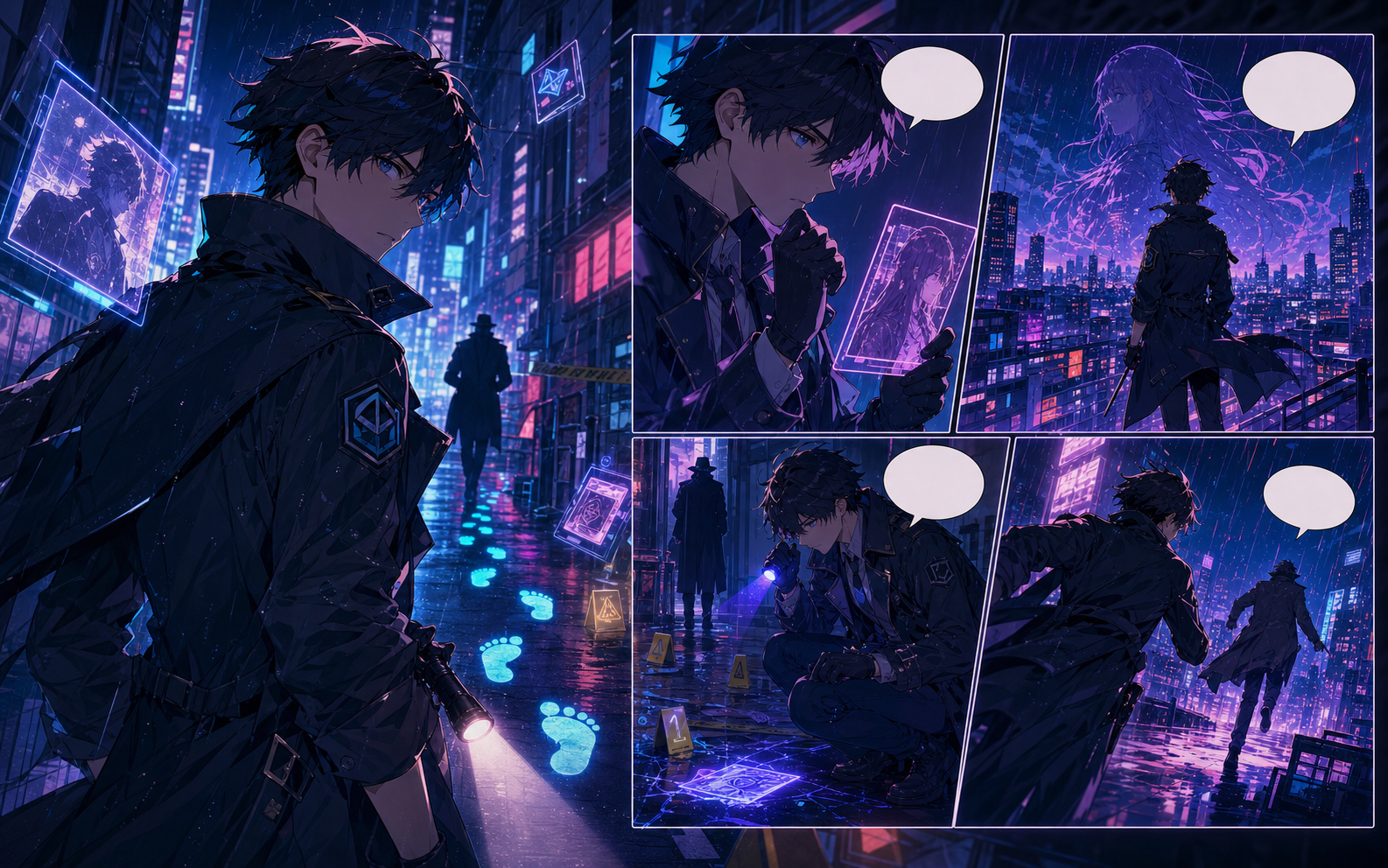
Describe the subject, action, camera distance, setting, and the emotion the panel must carry.
What this draft does not do
- Image generation does not place reliable dialogue. Add and position speech bubbles in Studio after the panels are ready.
- Long plots produce vague pages. Work one scene or page at a time and repeat concrete character details.
Definition
What is comic panel generator?
A comic panel generator creates one comic frame from a prompt, usually with camera, character, mood, and style direction.
Short answer
When to use this workflow.
Use this workflow when the creator does not need a full comic book yet; one clear image can become part of a strip, sequence, or larger page.
Generate one clear scene before building a page.
Focus on a single camera angle, action, emotion, or reveal. A better panel prompt makes the next strip or page easier to assemble.
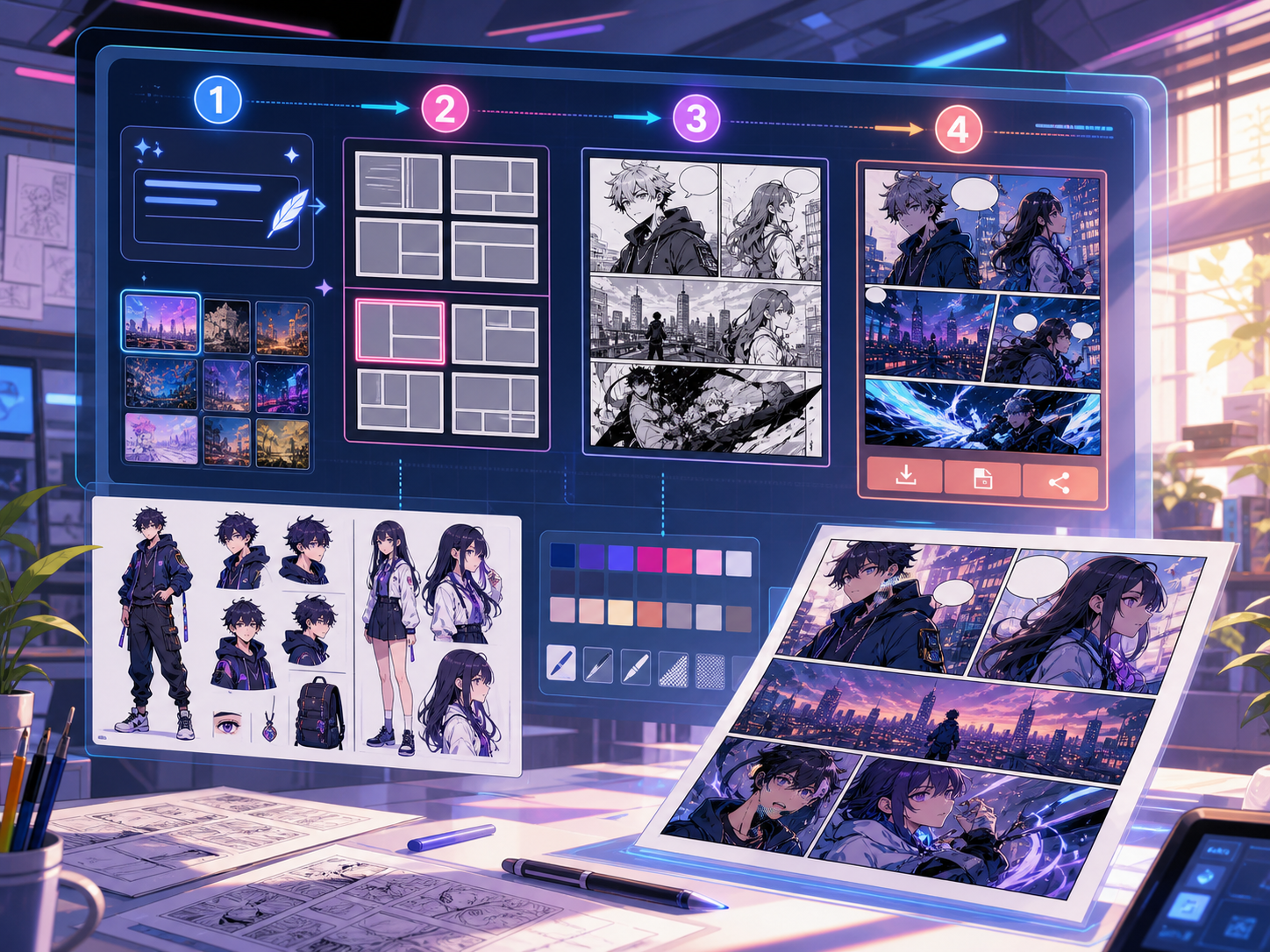
Move the panel into larger comic work.
Use the generated panel as a pitch visual, scene test, or starting point for a longer comic sequence.
Built around a real comic-making task.
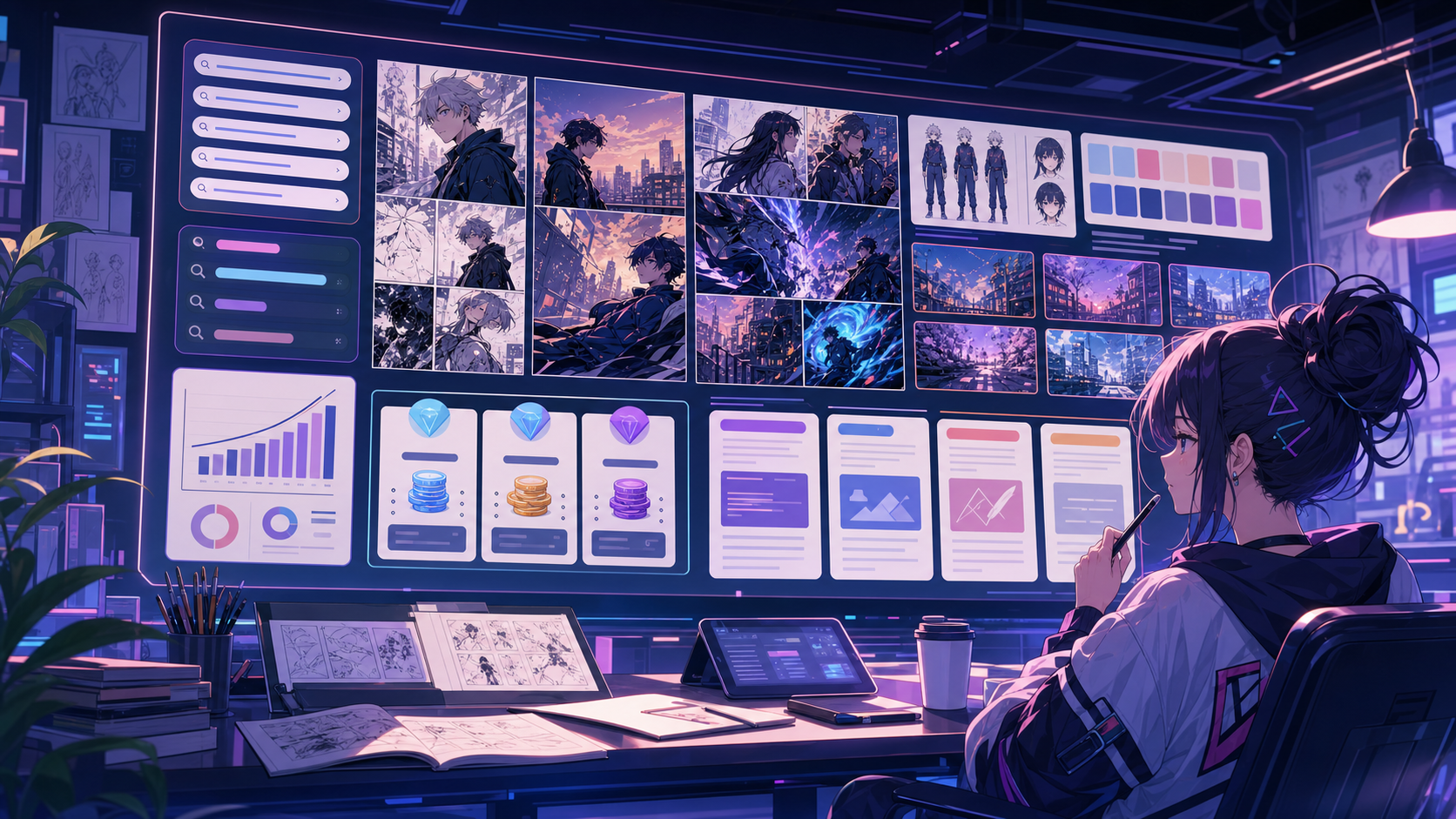
Creators who need a strong individual panel before building a strip, page, longer sequence, or pitch sample.
01
Built for creators who need one strong panel before a full page.
02
Camera and style direction help single scenes read clearly.
03
Generated panels can move into strips, books, or presentations.
What creators can make here.
Pick the closest project type, then open Studio with a clearer idea of the draft you want to make.
What you can draft.
These are practical starting points for review, sharing, and continued editing.
A short path into Studio.
Start with the smallest useful step, then refine the draft inside the editor.
Start with these comic panel generator prompts.
Use these as starting points, then swap in your own characters, setting, and tone.
Reaction shot
Generate a close-up comic panel of a young inventor seeing a city map glow for the first time, surprised but excited.
Output: Single reaction panel with camera and mood direction.
Establishing shot
Create a wide comic panel of a quiet rooftop workshop at sunset, with tools, notebooks, and a glowing map on the table.
Output: Wide scene panel for a story opening.
Tools that help the draft become usable.
Camera-ready prompts
Use framing language so the panel has a clear visual job.
Variation review
Generate multiple directions and choose the one that fits the story.
Project exports
Move selected panels into comic pages, strips, or longer narrative drafts.
Keep building with the right next tool.
More comic creation pages.
Related workflow
Text to Comic Generator for Prompt-Based Pages
Turn text into comic panels with an AI text to comic generator for story beats, captions, layouts, and export-ready drafts.
Open page
Related workflow
AI Comic Maker for Editable Comic Pages
Use AI to draft comic panels, captions, and character-consistent scenes from one focused comic maker studio.
Open page
Related workflow
Comic Book Generator for AI Comic Pages
Create structured comic book pages online with an AI comic book generator for chapter beats, character notes, panels, and editable project drafts.
Open page
Common comic panel generator questions.
What is a comic panel generator?
A comic panel generator creates one comic frame from a scene prompt. It is useful for testing a moment before building a full strip or page.
Can I generate multiple panel variations?
Yes. Draft several directions for the same scene, then keep the one with the best composition, emotion, and readability.
Can I use a generated panel in a bigger comic?
Yes. A single panel can become part of a strip, comic book, longer visual sequence, or presentation draft.
What makes a good panel prompt?
Name the subject, action, camera angle, mood, setting, and any important visual constraints. Keep it focused on one moment.
Start your next comic draft.
Open the Studio, choose a layout, and turn the idea into a working comic draft.
Try this workflow