
comic strip maker
Describe a setup and a change or punchline. Plan three panels with a clear beginning, middle and end.
Start with one scene
Strip scene
Write one sentence for the situation and one for the change or punchline. Dialogue can be added later in Studio.
Estimated cost: 6 credits
What this draft does not do
- Generating all three images uses more credits than one starter image. Speech-bubble text is edited separately.
Planning example
Build a three-panel setup, turn and payoff
Editorial shot suggestions, not a generated image result. Try the brief in the tool above; review the planner's directions before spending image credits.
Example scene brief
In a quiet library, a student carefully stacks books to reach a high shelf. A cat climbs the stack and takes the student's seat. End with the student reading on the floor while the cat sleeps on the chair.
- Establish the student, the high shelf and the empty chair in one wide shot.
- Show the cat climbing the book stack as the student reaches up.
- Reveal the cat asleep on the chair and the student reading on the floor.
What to check and revise
Keep the chair visible in the first panel so the final reversal makes sense. Add the punchline as editable dialogue after reviewing the pictures, rather than asking the image model to draw the text.
Built around a real comic-making task.
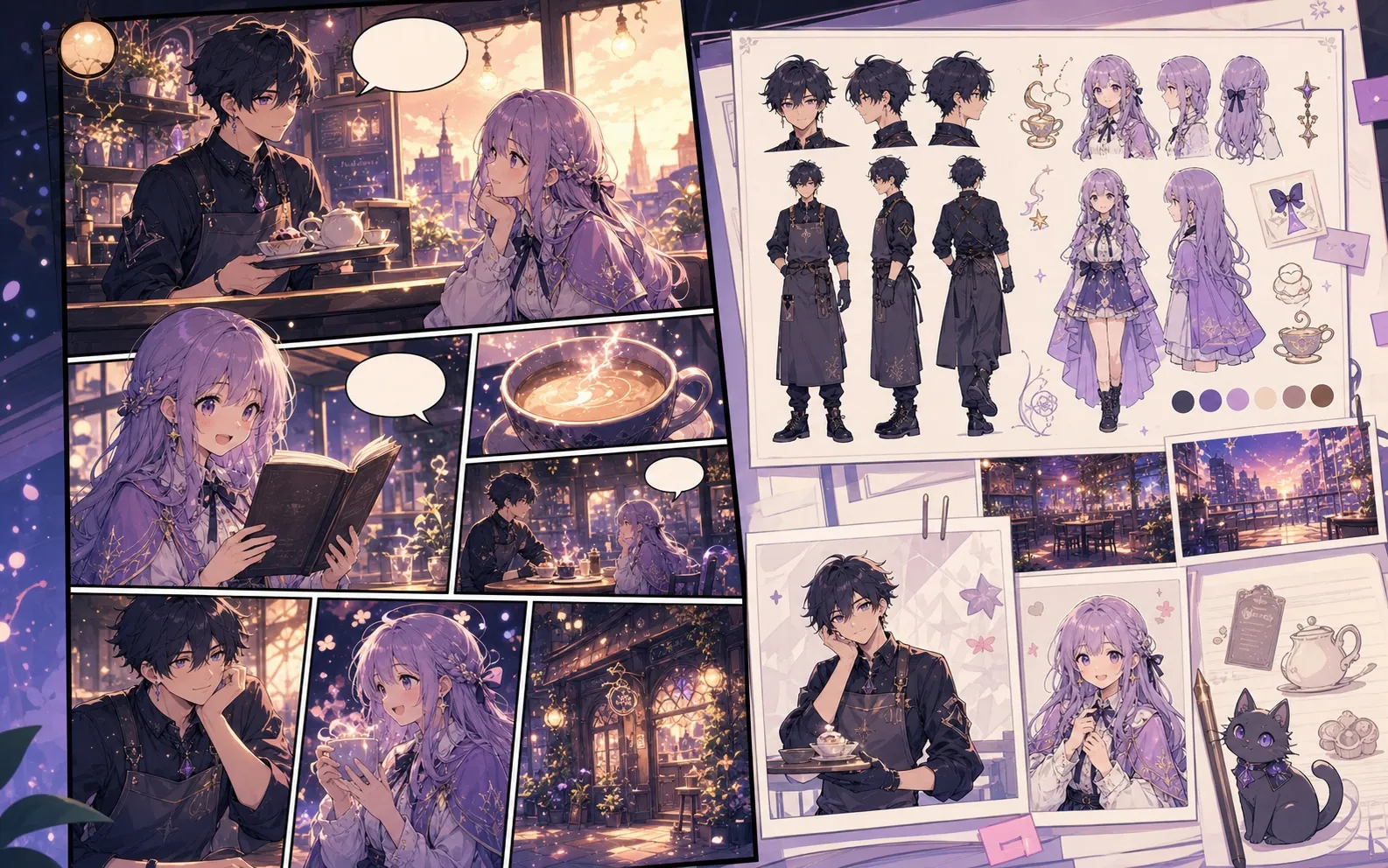
Generate the three panel images, then adjust dialogue and spacing in Studio for a readable short strip.
01
Generating all three images uses more credits than one starter image. Speech-bubble text is edited separately.
More comic creation pages.
Related workflow
Comic Character Maker for Consistent Story Casts
Describe a comic character's age, silhouette, clothing, expression and signature prop to create one visual reference.
Open page
Related workflow
Comic Script Maker for Panel-by-Panel Scripts
Use a free comic script maker to turn a story premise into editable pages, panels, visual descriptions, dialogue cues, captions, SFX, and art prompts.
Open page
Related workflow
Comic Book Generator for AI Comic Pages
Describe one scene from your comic book, including the lead, setting and final change. Plan four beats before generating individual panel images.
Open page
Common comic strip maker questions.
How do I make a three-panel strip read clearly?
Give each panel a different job: setup, change and payoff. Repeat the character and setting details, then remove any action that does not lead to the final change. Review the three images together before adding dialogue in Studio.
What can I create here?
Generate the three panel images, then adjust dialogue and spacing in Studio for a readable short strip.
What are the limitations?
Generating all three images uses more credits than one starter image. Speech-bubble text is edited separately.
Start your next comic draft.
Open the Studio, choose a layout, and turn the idea into a working comic draft.
Try this workflow