
Strip tekstballongenerator voor leesbare panelen.
Plaats tekstballonnen, onderschriften, staarten en dialooggebieden op strippanelen zodat het verhaal duidelijk leest nadat het artwork is gegenereerd.
Voeg tekstballonnen toe aan één strippaneel
Upload PNG, JPG of WebP. Sleep bubbles direct op het paneel.
Selecteer en sleep een element op het paneel. Gebruik de bediening voor de exacte grootte en richting van de staart.
Striptekst toevoegen
Tekstballon
Bewerk het geselecteerde element.
Export is gratis en gebruikt geen generatiecredits. Inloggen beschermt de downloadactie; De afbeelding zelf blijft in je browser.
Je afbeelding en striptekst blijven in deze browser. Deze editor uploadt ze niet.
Definitie
Wat is tekstballonmaker voor strips?
Een stripbubbelgenerator helpt om tekstballonnen, gedachteballonnen, vertelkavels en staartinstructies op strippanelen te plaatsen.
Kort antwoord
Wanneer je deze werkstroom gebruikt.
Gebruik deze workflow wanneer het artwork al bestaat en de volgende taak lettering is: dialoog, bijschriften, bubble order en speaker tails.
Voeg tekstballonnen toe zonder de actie te bedekken.
Plaats bubbels in veilige delen van het paneel en houd het personage, de actie en de leesvolgorde zichtbaar.
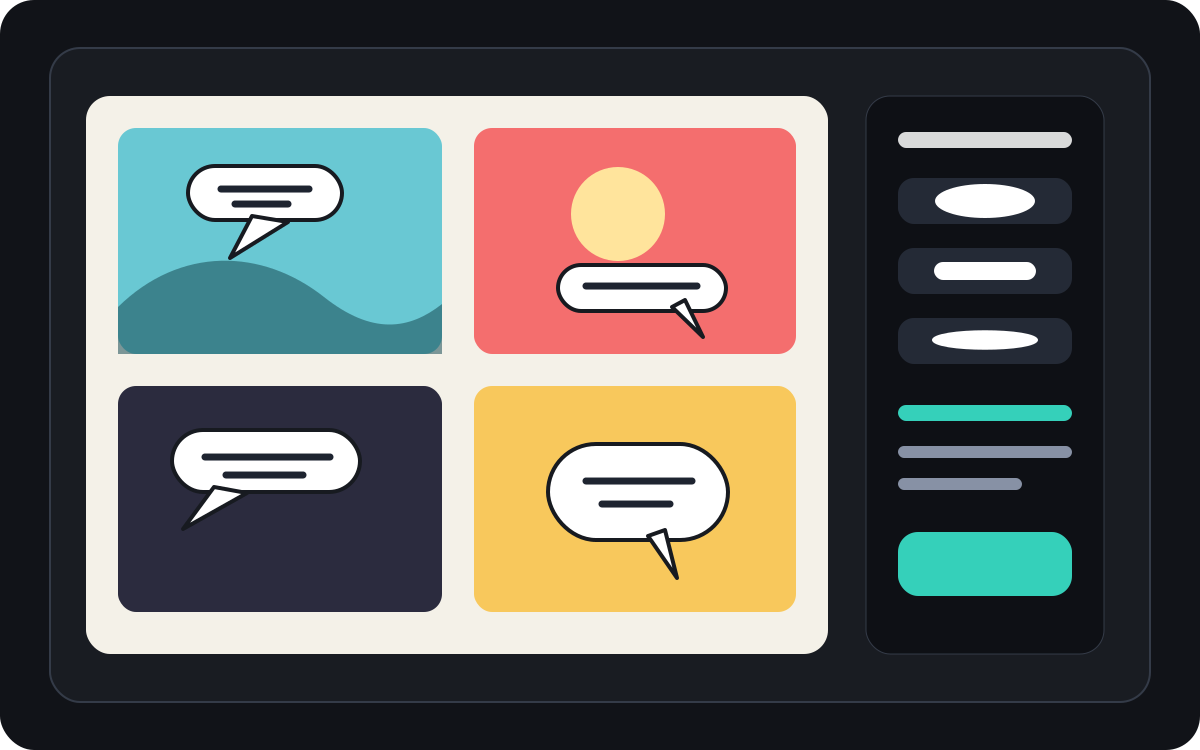
Regelen de ruimte in de tekstballonnen en de leesvolgorde van manga.
Manga-panelen hebben vaak strakkere bubbelplaatsing en zorgvuldige leesinstructies nodig. Houd de flow duidelijk voordat de uiteindelijke letters worden aangebracht.
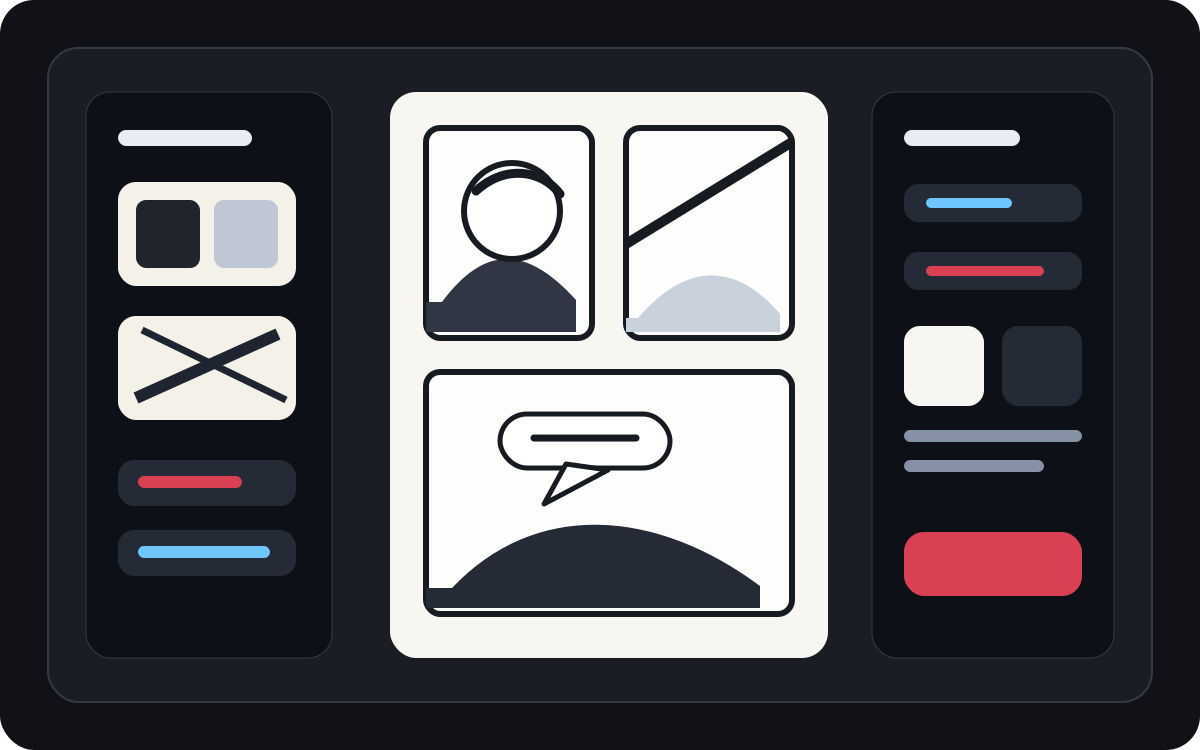
Verander gegenereerde kunst in een leesbaar stripplaatje.
AI gemaakte kunst kan er goed uitzien, maar heeft nog steeds letters nodig. Voeg vertelling, korte dialogen en schone bijschriften toe nadat de afbeelding is aanwezig.
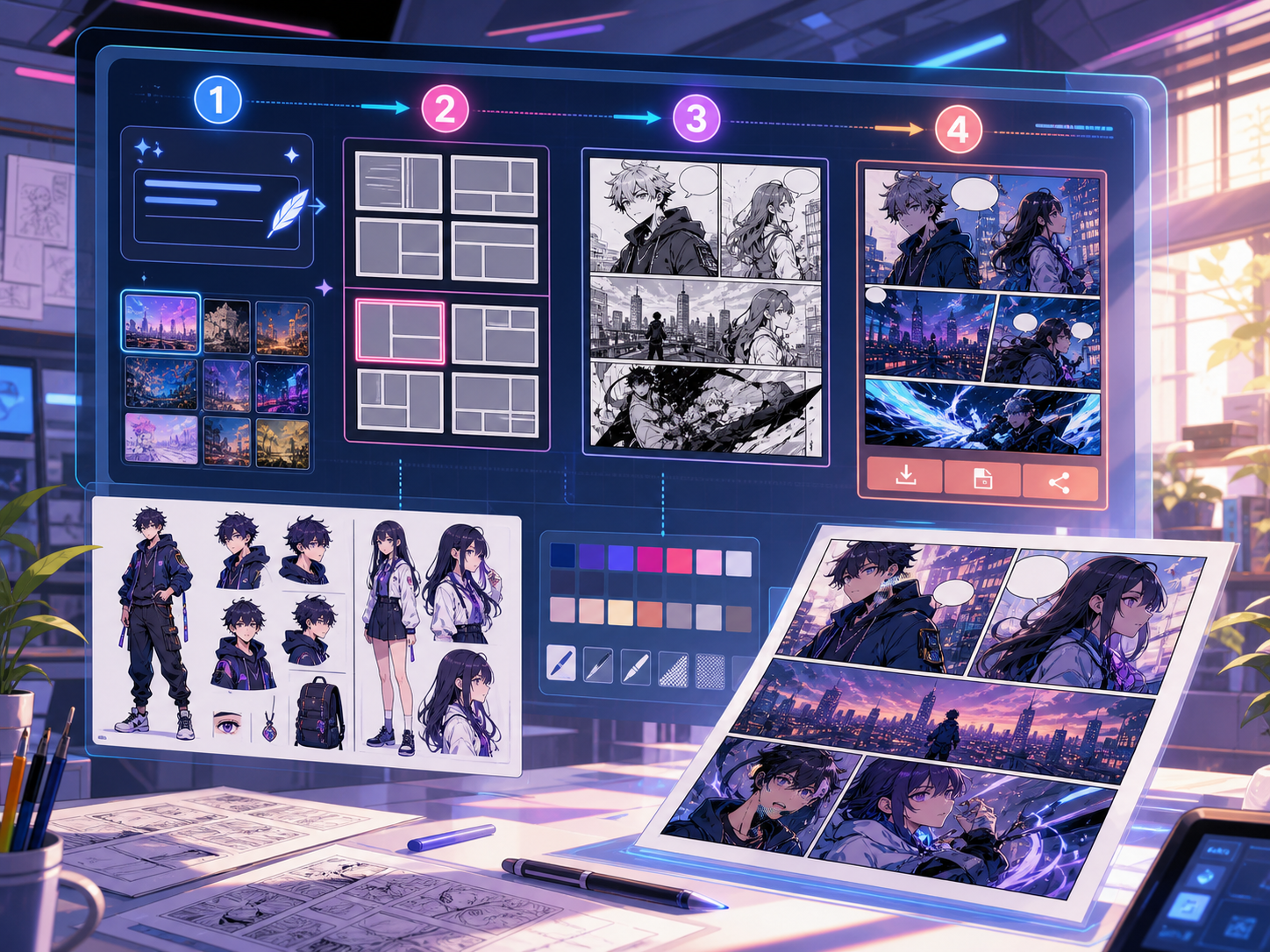
Gebouwd rond een echte taak voor stripcreatie.
Makers die al een strippaneel of gegenereerde scène hebben en een schone dialoogplaatsing, bubbelstijlen en bijschriftstructuur nodig hebben.
01
Het beste voor makers die al kunst hebben en willen dat de dialogen duidelijk overkomen.
02
Los een echt post-generatieprobleem op: dialogen leesbaar maken binnen panelen.
03
Ondersteunt tekstballonnen, vertelboxes, staartrichting en panelveilige afstand.
Wat makers hier kunnen maken.
Kies het dichtstbijzijnde projecttype en open Studio met een duidelijker beeld van het concept dat je wilt maken.
Wat je kunt uitwerken.
Dit zijn praktische startpunten voor beoordeling, delen en verdere bewerking.
Een korte route naar Studio.
Begin met de kleinste nuttige stap en verfijn het concept daarna in de editor.
Begin met deze tekstballonmaker voor strips-prompts.
Gebruik ze als startpunt en vervang personages, setting en toon door je eigen verhaal.
Dialoogopruiming
Voeg twee tekstballonnen toe aan dit paneel: één verraste regel op het linker teken en één kort antwoord op de rechterkant.
Uitvoer: Paneel met een schone bubbelplaatsing en leesbare dialooggebieden.
Vertelbus
Voeg een klein tekstvakje linksboven toe dat de scène zet zonder het hoofdpersonage te bedekken.
Uitvoer: Ondertiteld strippanel met duidelijke visuele hiërarchie.
Manga bubbel-indeling
Plaats drie lege manga-tekstballonnen in leesvolgorde voor een dramatische gespreksscène.
Uitvoer: Manga-paneel met bubbelposities klaar voor lettering.
Tools die helpen om het concept bruikbaar te maken.
Leesbare dialogen
Houd de spraak kort, goed geplaatst en verbonden met de juiste spreker.
Bubble-stijlkeuzes
Gebruik speech-, thought-, shout-, fluister-, bijschrift- en vertelvormen.
Paneelveilige afstanden
Vermijd het bedekken van gezichten, handen, rekwisieten en actie die de scène dragen.
Werk verder met de juiste volgende tool.
Meer pagina's voor het maken van strips.
Gerelateerde werkstroom
comic panel generator
comic panel generator: maak stripconcepten in Comics Maker met verhaal, personages, panelen, tekstballonnen en bewerkbare export.
Pagina openen
Gerelateerde werkstroom
Manga-vertaler: manga translator
AI-pagina voor het vertalen van manga-afbeeldingen: manga translator, OCR, PDF, Voor / na vertaling.
Pagina openen
Gerelateerde werkstroom
Stripvertaler: comic translator
Werkstroom voor het vertalen van strippagina's: comic translator, OCR, PDF, Voor / na vertaling.
Pagina openen
Veelgestelde vragen over tekstballonmaker voor strips.
Wat is een stripbubbelgenerator?
Een stripbubbelgenerator helpt om tekstballonnen, gedachtenbubbels, verteldozen en bijschriften op strippanelen te plaatsen. Het is nuttig nadat een paneel is getekend, gegenereerd of vertaald.
Kan ik striptekstballonnen online maken?
Ja. Begin met een gegenereerd paneel of een geüploade afbeelding, kies een bubbelstijl, plaats deze op het canvas en pas de richting van de tail richting de speaker aan.
Ondersteunt het manga-tekstballonnen?
Ja. Workflows voor manga-tekstballonnen vereisen zorgvuldige spatiëring, leesvolgorde en compacte letteringsgebieden. Gebruik het om lege bubbels, vertaalde tekst of de definitieve dialoogplaatsing te plannen.
Kan ik tekst toevoegen nadat ik een strippanel heb gegenereerd?
Ja. Voeg dialoog en bijschriften toe nadat de afbeelding is gemaakt, zodat het paneel leesbaar blijft en de bubbelplaatsing overeenkomt met het artwork.
Wat is het verschil tussen een tekstballon en een tekstvak?
Een tekstballon is gekoppeld aan een personage dat spreekt. Een bijschriftvak bevat meestal vertelling, tijd, plaats of context die niet door een personage wordt uitgesproken.
Kan ik lege bellen gebruiken?
Ja. Lege bubbels zijn handig voor het plannen van de lay-out, het beoordelen van de vertaling of het overhandigen van het paneel aan een letteraar voordat de definitieve tekst is goedgekeurd.
Is een stripbubbelgenerator hetzelfde als een volledige stripgenerator?
Nee. Een volledige stripgenerator maakt stripafbeeldingen of panelversies. Een bubbelgenerator richt zich op lettering, bijschriften, staartrichting en dialooglay.
Wat maakt een bubbelindeling leesbaar?
Goede bubbellay-outs volgen de leesvolgorde, wijzen de tails naar de juiste speaker, vermijden belangrijke kunst en houden elke regel kort genoeg om snel te scannen.
Start je volgende stripconcept.
Open Studio, kies een lay-out en verander het idee in een bruikbaar stripconcept.
Deze werkstroom proberen