
AI graphic novel generator for chapter-driven stories.
Turn a premise into a long-form visual draft with chapter arcs, page planning, character continuity, and export-ready comic scenes.
Start on this page
Chapter scene
Give the chapter context, viewpoint character, conflict, setting, and final beat for this page.
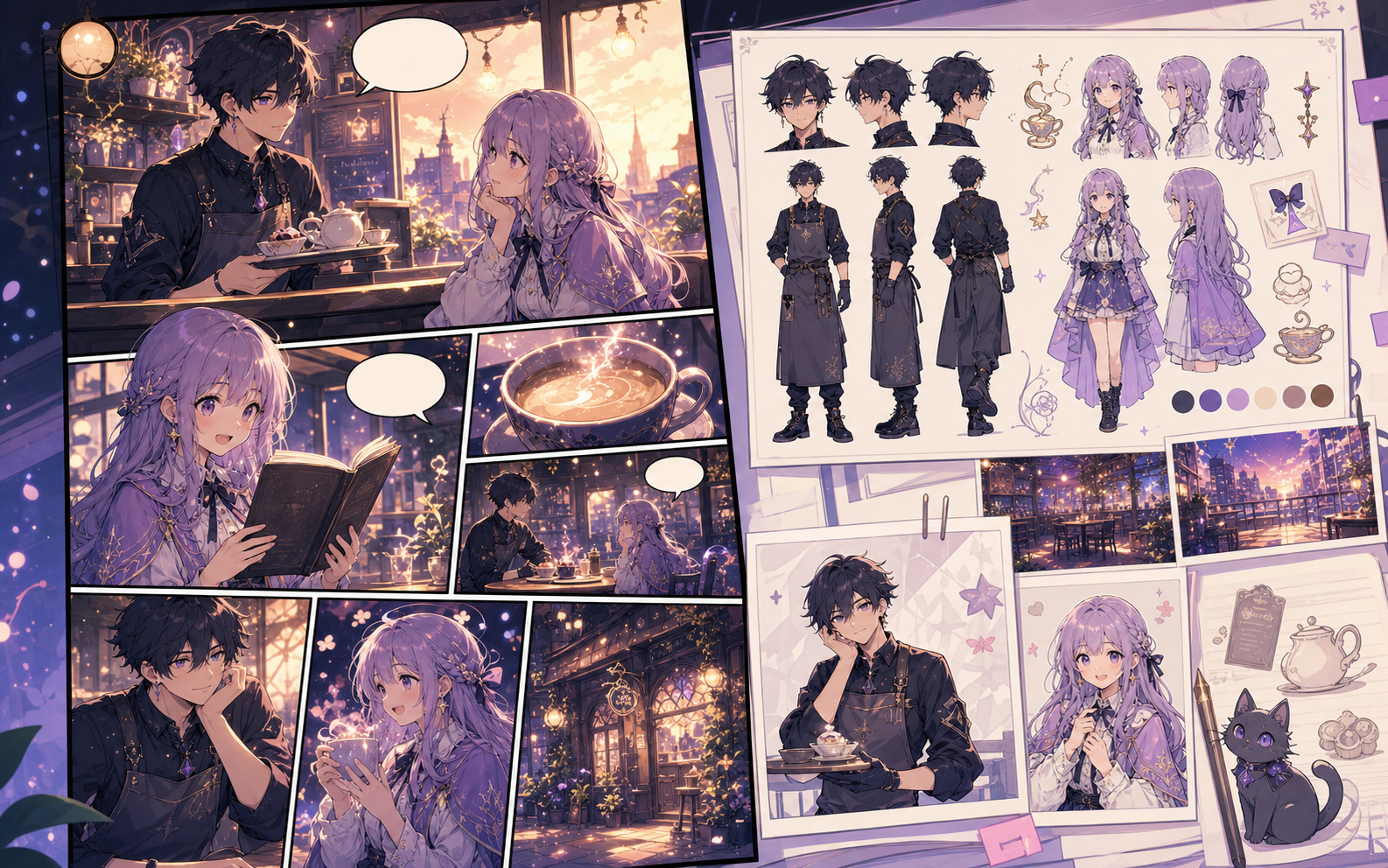
What this draft does not do
- Image generation does not place reliable dialogue. Add and position speech bubbles in Studio after the panels are ready.
- Long plots produce vague pages. Work one scene or page at a time and repeat concrete character details.
Definition
What is graphic novel generator?
A graphic novel generator helps writers turn a long-form story idea into chapter structure, scene beats, character direction, and draft comic pages.
Short answer
When to use this workflow.
Use this workflow when the story needs chapters, continuity, pacing, and pitch-ready samples instead of a single generated image.
Shape a graphic novel before drafting pages.
Start with the premise and main conflict, then create a chapter map that keeps scenes in order before image generation begins.
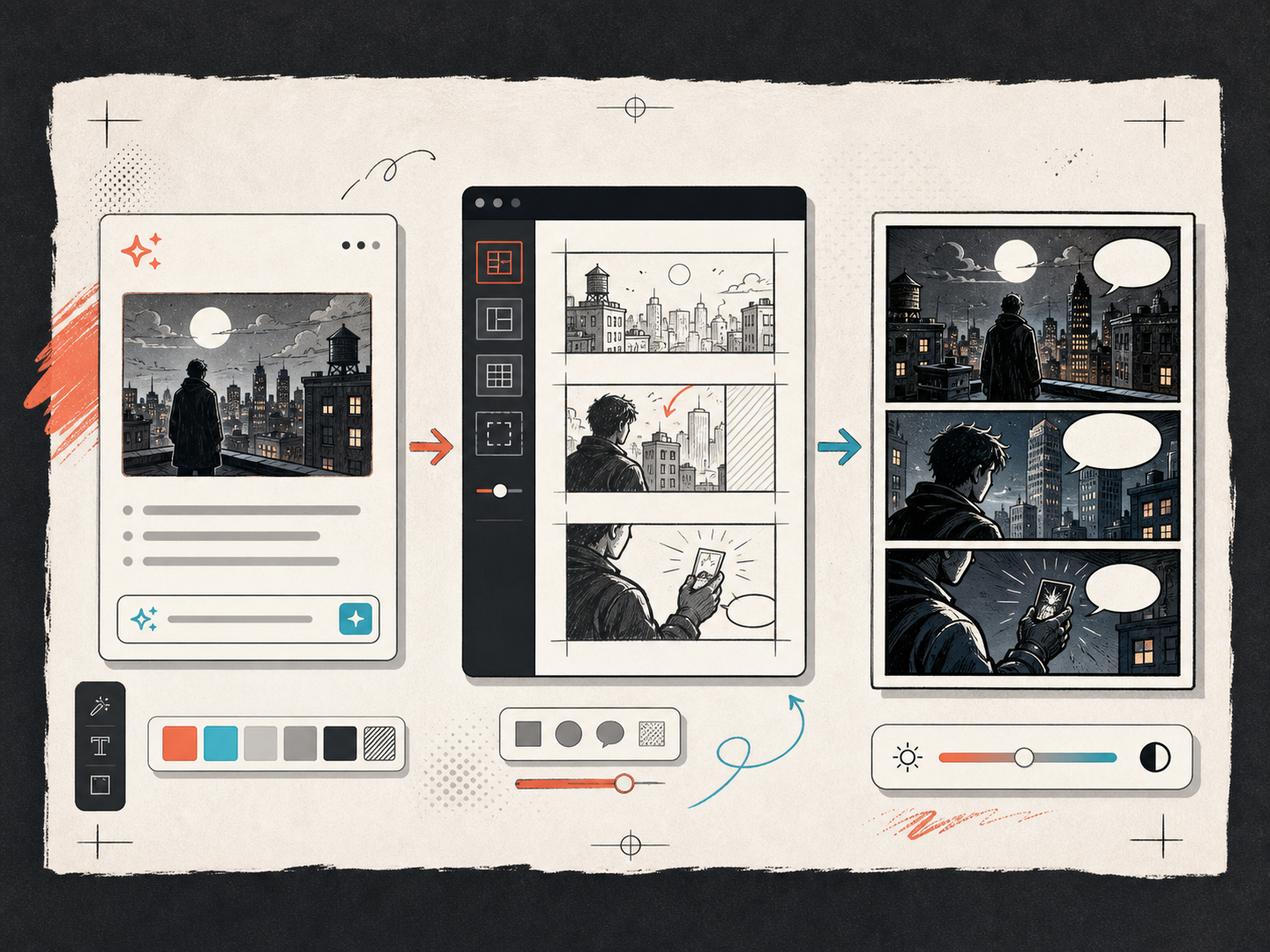
Keep the same world across story scenes.
Save the visual language for characters, locations, tone, and camera framing so each generated page belongs to the same story.
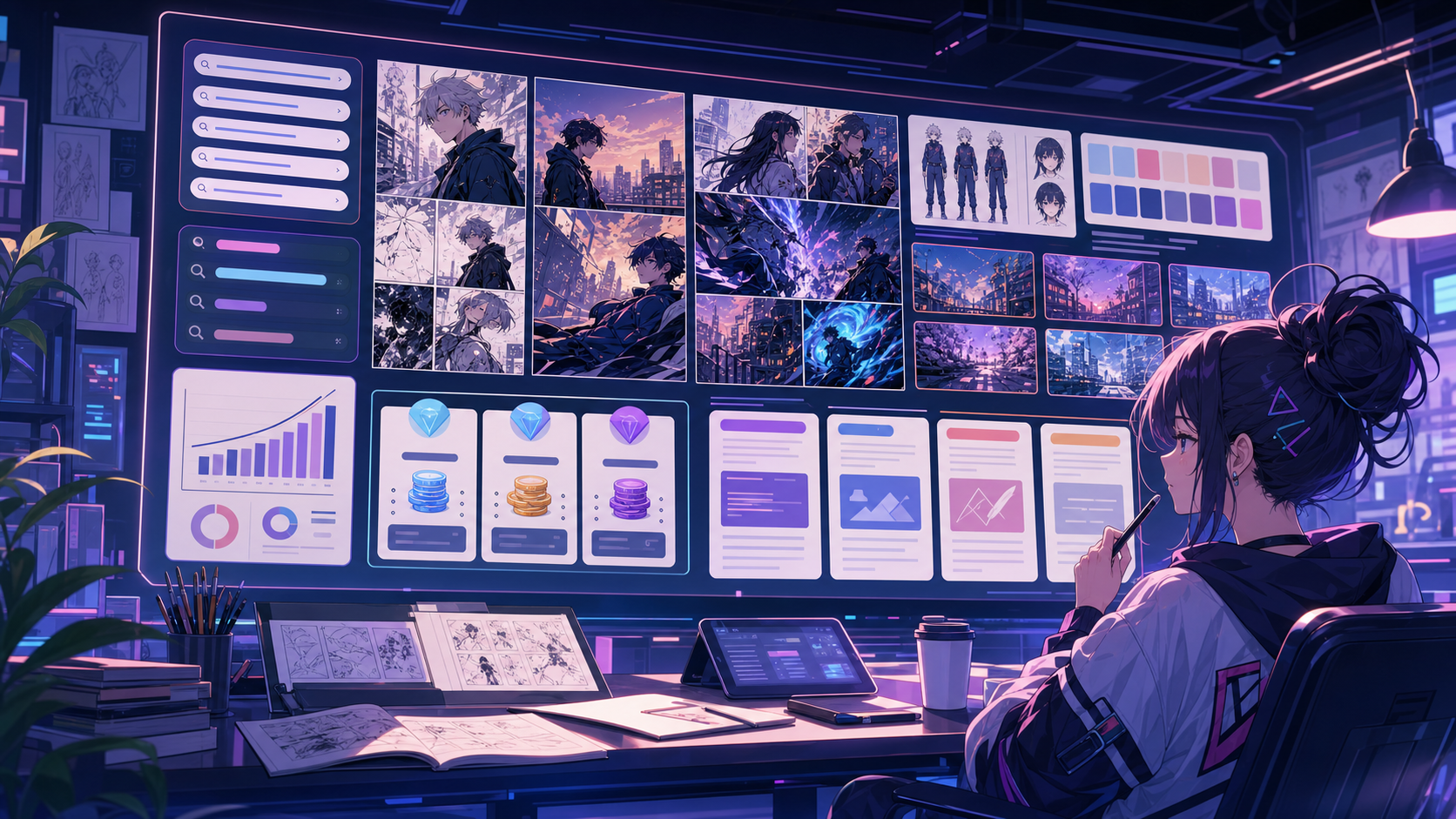
Built around a real comic-making task.
Writers and creators who want a more narrative workflow than a short strip or single comic page can provide.
01
Long-form planning for chapters, page beats, and recurring scenes.
02
Character and setting notes stay attached to the story draft.
03
Useful for pitches, serialized stories, and visual writing tests.
What creators can make here.
Pick the closest project type, then open Studio with a clearer idea of the draft you want to make.
What you can draft.
These are practical starting points for review, sharing, and continued editing.
A short path into Studio.
Start with the smallest useful step, then refine the draft inside the editor.
Start with these graphic novel generator prompts.
Use these as starting points, then swap in your own characters, setting, and tone.
Chapter opener
Create the opening chapter plan for a graphic novel about a courier uncovering a secret route through a flooded city.
Output: Chapter arc, scene beats, and first page draft prompts.
Pitch sample
Draft a 5-page graphic novel pitch sample with a tense opening, a character reveal, and a quiet final panel.
Output: Pitch-ready page plan with visual direction.
Tools that help the draft become usable.
Long-form story structure
Plan scenes, chapters, and page order before making finished-looking artwork.
Consistent characters and styles
Keep the visual direction stable enough for a serialized draft.
Pitch-ready samples
Create small story samples that help collaborators understand the project.
Keep building with the right next tool.
More comic creation pages.
Related workflow
Comic Book Generator for AI Comic Pages
Create structured comic book pages online with an AI comic book generator for chapter beats, character notes, panels, and editable project drafts.
Open page
Related workflow
Comic Bubble Generator for Speech Balloons
Add speech bubbles, captions, tails, and readable comic dialogue with a comic bubble generator built for panel editing.
Open page
Related workflow
Comic Panel Generator for Single-Scene Drafts
Generate individual comic panels online with AI prompts, camera direction, style controls, character notes, and export-ready panel drafts.
Open page
Common graphic novel generator questions.
What is a graphic novel generator?
A graphic novel generator helps turn a long-form story idea into chapter plans, page beats, and draft comic pages. It is built for narrative continuity rather than one-off panels.
How is it different from a comic book generator?
A comic book generator can cover many short book-style projects. A graphic novel generator should focus more on chapters, pacing, tone, and longer story arcs.
Can I use it for a pitch?
Yes. It can help draft a small sample with chapter notes, character direction, and a few pages that explain the story visually.
Can the AI write the full graphic novel?
AI can help create structure, prompts, and draft scenes, but creators should still review story logic, dialogue, visual continuity, and final artwork.
What should I prepare before generating?
Bring a premise, main character notes, genre, tone, and the rough moment you want to show first. The workflow can then expand that into page-level direction.
Start your next comic draft.
Open the Studio, choose a layout, and turn the idea into a working comic draft.
Try this workflow