
पठनीय पैनलों के लिए कॉमिक स्पीच बबल जनरेटर।
कॉमिक पैनल पर भाषण बुलबुले, कैप्शन बॉक्स, पूंछ और संवाद क्षेत्र रखें ताकि कलाकृति उत्पन्न होने के बाद कहानी स्पष्ट रूप से पढ़े।
एक कॉमिक पैनल में स्पीच बबल जोड़ें
PNG, JPG या WebP अपलोड करें। बुलबुले को सीधे पैनल पर खींचें।
पैनल पर किसी तत्व का चयन करें और खींचें। सटीक आकार और पूंछ की दिशा के लिए नियंत्रणों का उपयोग करें।
कॉमिक टेक्स्ट जोड़ें
भाषण बुलबुला
चयनित तत्व संपादित करें.
निर्यात मुफ़्त है और कोई पीढ़ी क्रेडिट का उपयोग नहीं करता है। साइन-इन डाउनलोड कार्रवाई की सुरक्षा करता है; छवि स्वयं आपके ब्राउज़र में रहती है।
आपकी छवि और कॉमिक टेक्स्ट इस ब्राउज़र में रहते हैं। यह संपादक उन्हें अपलोड नहीं करता है।
परिभाषा
कॉमिक स्पीच बबल जनरेटर क्या है?
एक कॉमिक बबल जनरेटर कॉमिक पैनलों पर भाषण बुलबुले, विचार बुलबुले, कथन बक्से और पूंछ के दिशाओं को रखने में मदद करता है।
संक्षिप्त उत्तर
यह प्रक्रिया कब उपयोग करें।
इस वर्कफ़्लो का उपयोग तब करें जब कलाकृति पहले से मौजूद हो और अगला कार्य अक्षर हो: संवाद, कैप्शन, बबल ऑर्डर और स्पीकर टेल।
कार्रवाई को कवर किए बिना भाषण बुलबुले जोड़ें।
बुलबुले को पैनल के सुरक्षित क्षेत्रों में रखें और चरित्र, कार्रवाई और पढ़ने के क्रम को दृश्यमान रखें।
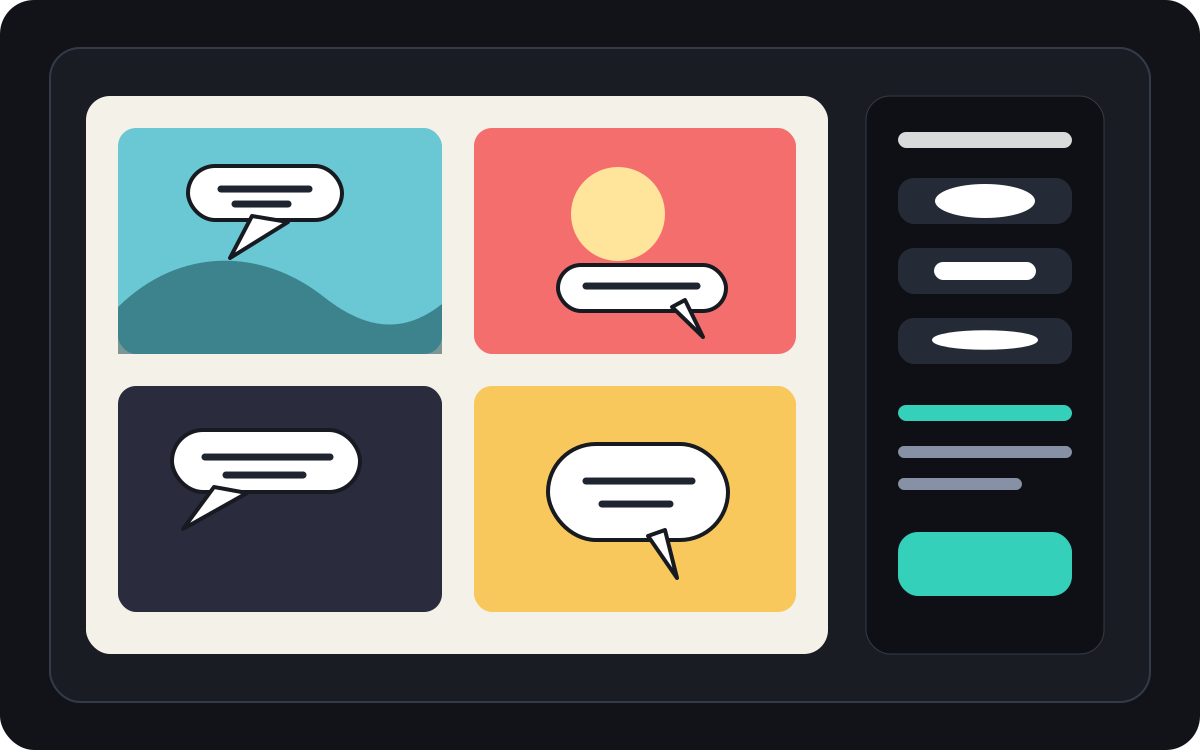
मंगा स्पीच बबल स्पेसिंग और रीडिंग ऑर्डर को संभालें।
मंगा पैनलों को अक्सर सख्त बबल प्लेसमेंट और सावधानीपूर्वक पढ़ने की दिशा की आवश्यकता होती है। अंतिम अक्षर लागू करने से पहले प्रवाह को स्पष्ट रखें।
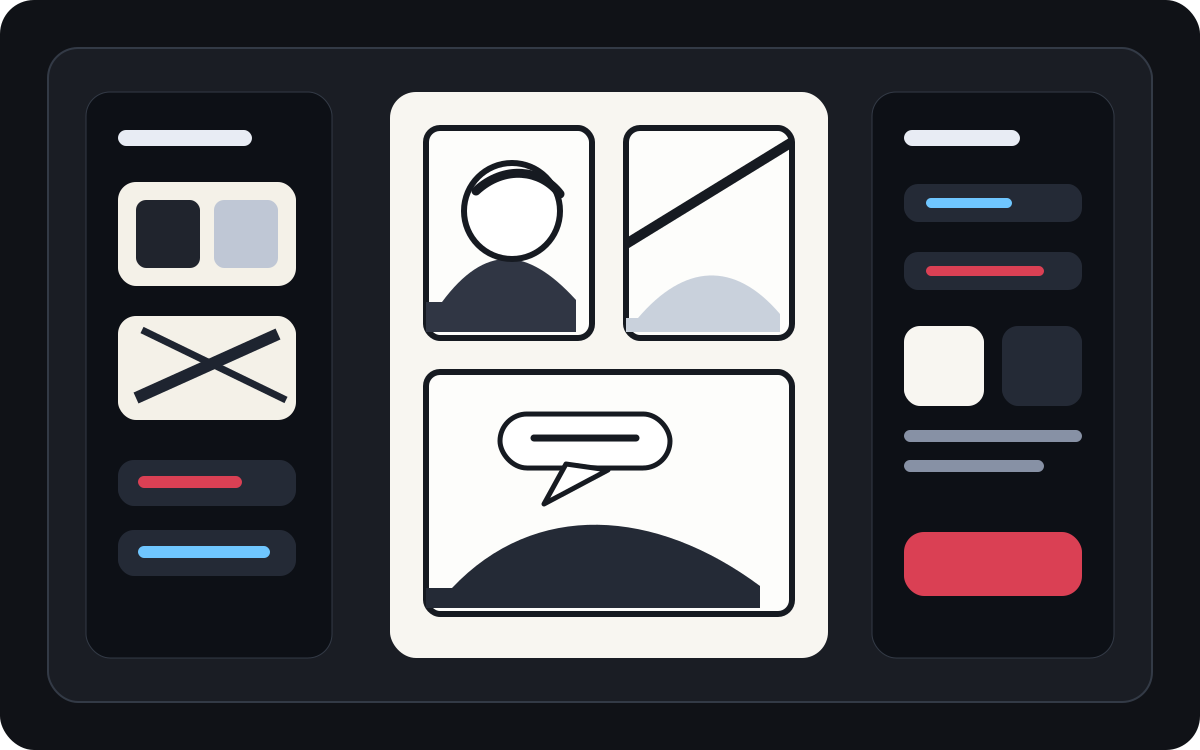
उत्पन्न कला को एक पठनीय कॉमिक पैनल में बदलें।
AI-जनित कला अच्छी लग सकती है लेकिन फिर भी उन्हें अक्षरों की आवश्यकता होती है। छवि मौजूद होने के बाद कथन, संक्षिप्त संवाद और साफ कैप्शन बॉक्स जोड़ें।
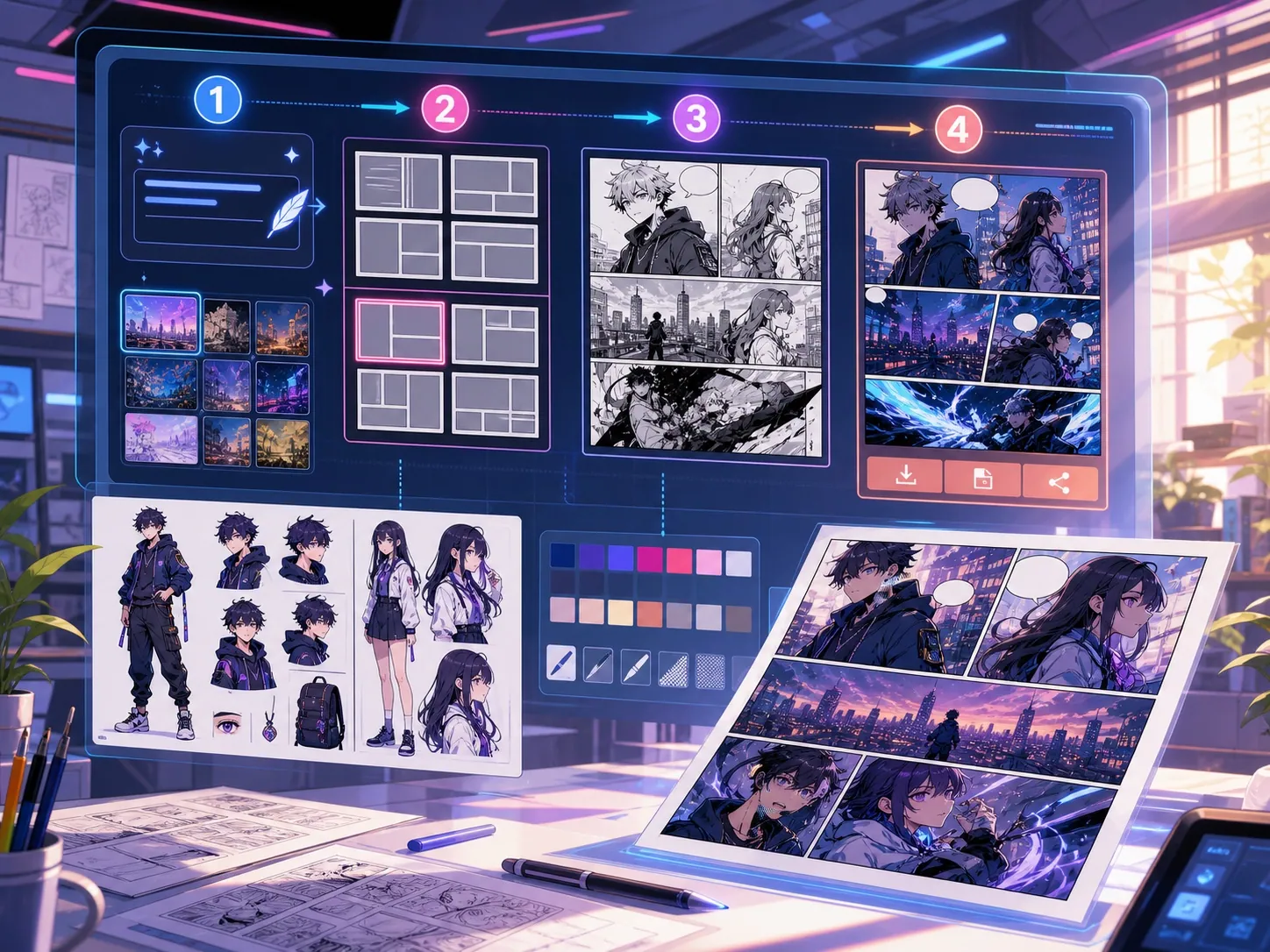
असली कॉमिक बनाने के काम के लिए बनाया गया।
ऐसे निर्माता जिनके पास पहले से ही एक कॉमिक पैनल या जेनरेट किया गया दृश्य है और उन्हें स्वच्छ संवाद प्लेसमेंट, बबल स्टाइल और कैप्शन संरचना की आवश्यकता है।
01
उन रचनाकारों के लिए सर्वश्रेष्ठ जिनके पास पहले से ही कला है और उन्हें साफ-सुथरे पढ़ने के लिए संवाद की आवश्यकता है।
02
एक वास्तविक पोस्ट-जेनरेशन समस्या को हल करता है: पैनलों के अंदर संवाद को पठनीय बनाना।
03
भाषण बुलबुले, कथन बक्से, पूंछ की दिशा और पैनल-सुरक्षित रिक्ति का समर्थन करता है।
रचनाकार यहां क्या बना सकते हैं।
सबसे करीब प्रोजेक्ट प्रकार चुनें, फिर Studio खोलें और मसौदे के लक्ष्य को साफ रखें।
आप क्या draft कर सकते हैं।
ये समीक्षा, साझा करने और आगे संपादन के लिए व्यावहारिक शुरुआती बिंदु हैं।
Studio में जाने का छोटा रास्ता।
सबसे छोटे उपयोगी step से शुरू करें, फिर editor में draft refine करें।
इन कॉमिक स्पीच बबल जनरेटर prompts से शुरू करें।
इन्हें शुरुआती बिंदु की तरह उपयोग करें, फिर किरदार, परिवेश और टोन अपने अनुसार बदलें।
संवाद सफाई
इस पैनल में दो भाषण बुलबुले जोड़ें: बाएं वर्ण पर एक आश्चर्यचकित रेखा और दाईं ओर एक छोटा उत्तर।
आउटपुट: स्वच्छ बुलबुला प्लेसमेंट और पठनीय संवाद क्षेत्रों के साथ पैनल।
कथन बॉक्स
एक छोटा शीर्ष-बाएँ कैप्शन बॉक्स जोड़ें जो मुख्य पात्र को कवर किए बिना दृश्य सेट करता है।
आउटपुट: स्पष्ट दृश्य पदानुक्रम के साथ कैप्शन वाला कॉमिक पैनल।
मंगा बबल लेआउट
एक नाटकीय वार्तालाप दृश्य के लिए पढ़ने के क्रम में तीन खाली मंगा भाषण बुलबुले रखें।
आउटपुट: बबल पोजीशन के साथ मंगा पैनल लेटरिंग के लिए तैयार है।
मसौदे को उपयोगी बनाने में मदद करने वाले टूल।
पठनीय संवाद
भाषण को छोटा रखें, अच्छी तरह से रखें और सही स्पीकर से जुड़े रहें।
बबल स्टाइल विकल्प
भाषण, विचार, चिल्लाना, कानाफूसी, कैप्शन और कथन आकृतियों का उपयोग करें।
पैनल-सुरक्षित रिक्ति
चेहरे, हाथों, प्रॉप्स और दृश्य को ले जाने वाली कार्रवाई को ढकने से बचें।
सही अगले टूल के साथ बनाना जारी रखें।
कॉमिक बनाने के और पेज.
संबंधित प्रक्रिया
कॉमिक पैनल जनरेटर
विषय, जगह, कैमरे की दूरी, भावना और एक दृश्य क्रिया बताकर कॉमिक का एक पैनल बनाएं।
पेज खोलें
संबंधित प्रक्रिया
मंगा अनुवादक: OCR और पेज अनुवाद
AI मंगा इमेज अनुवाद पेज. OCR, स्पीच बबल, संपादन और PNG एक्सपोर्ट के लिए।
पेज खोलें
संबंधित प्रक्रिया
कॉमिक अनुवादक: OCR और पेज अनुवाद
कॉमिक पेज अनुवाद वर्कफ्लो. OCR, स्पीच बबल, संपादन और PNG एक्सपोर्ट के लिए।
पेज खोलें
कॉमिक स्पीच बबल जनरेटर से जुड़े सामान्य प्रश्न.
कॉमिक बबल जनरेटर क्या है?
एक कॉमिक बबल जनरेटर कॉमिक पैनल पर भाषण बुलबुले, विचार बुलबुले, कथन बक्से और कैप्शन रखने में मदद करता है। पैनल खींचने, उत्पन्न करने या अनुवाद करने के बाद यह उपयोगी होता है।
क्या मैं ऑनलाइन कॉमिक स्पीच बबल बना सकता हूँ?
हाँ। जेनरेट किए गए पैनल या अपलोड की गई छवि से शुरू करें, एक बबल शैली चुनें, इसे कैनवास पर रखें और स्पीकर की ओर पूंछ की दिशा समायोजित करें।
क्या यह मंगा भाषण बुलबुले का समर्थन करता है?
हाँ। मंगा स्पीच बबल वर्कफ़्लो को सावधानीपूर्वक रिक्ति, पढ़ने के क्रम और कॉम्पैक्ट लेटरिंग क्षेत्रों की आवश्यकता होती है। इसका उपयोग खाली बुलबुले, अनुवादित पाठ, या अंतिम संवाद प्लेसमेंट की योजना बनाने के लिए करें।
क्या मैं कॉमिक पैनल बनाने के बाद टेक्स्ट जोड़ सकता हूं?
हाँ। छवि बनने के बाद संवाद और कैप्शन जोड़ें ताकि पैनल पठनीय बना रहे और बबल प्लेसमेंट कलाकृति से मेल खाता हो।
स्पीच बबल और कैप्शन बॉक्स में क्या अंतर है?
एक भाषण बुलबुला एक बोलने वाले चरित्र से बंधा होता है। एक कैप्शन बॉक्स में आमतौर पर कथन, समय, स्थान या संदर्भ होता है जो किसी चरित्र द्वारा नहीं बोला जाता है।
क्या मैं खाली बुलबुले का उपयोग कर सकता हूं?
हाँ। खाली बुलबुले लेआउट की योजना बनाने, अनुवाद समीक्षा, या अंतिम पाठ स्वीकृत होने से पहले पैनल को एक लेटरर को सौंपने के लिए उपयोगी होते हैं।
क्या एक कॉमिक बबल जनरेटर एक पूर्ण कॉमिक जनरेटर के समान है?
नहीं। एक पूर्ण कॉमिक जनरेटर कॉमिक इमेज या पैनल ड्राफ्ट बनाता है। एक बबल जनरेटर लेटरिंग, कैप्शन, पूंछ की दिशा और संवाद लेआउट पर केंद्रित है।
बबल लेआउट को पठनीय क्या बनाता है?
अच्छे बबल लेआउट पढ़ने के क्रम का पालन करते हैं, सही स्पीकर पर पूंछ को इंगित करते हैं, महत्वपूर्ण कला से बचते हैं, और प्रत्येक पंक्ति को जल्दी से स्कैन करने के लिए पर्याप्त छोटा रखते हैं।
अपना अगला comic draft शुरू करें।
Studio खोलें, layout चुनें और idea को working comic draft में बदलें।
यह प्रक्रिया आजमाएं