
Generator gelembung bicara komik untuk panel yang mudah dibaca.
Tempatkan gelembung bicara, kotak keterangan, ekor, dan area dialog pada panel komik agar cerita terbaca dengan jelas setelah karya seni dibuat.
Tambahkan gelembung bicara ke satu panel komik
Unggah PNG, JPG, atau WebP. Seret gelembung langsung di panel.
Pilih dan seret elemen di panel. Gunakan kontrol untuk ukuran dan arah ekor yang tepat.
Tambahkan teks komik
Gelembung bicara
Edit elemen yang dipilih.
Ekspor gratis dan tidak menggunakan kredit generasi. Masuk melindungi aksi unduhan; Gambar itu sendiri tetap berada di browser Anda.
Gambar dan teks komik Anda tetap berada di browser ini. Editor ini tidak mengunggahnya.
Definisi
Apa itu generator balon percakapan komik?
Generator gelembung komik membantu menempatkan gelembung bicara, gelembung pikiran, kotak narasi, dan petunjuk ekor pada panel komik.
Jawaban singkat
Kapan memakai alur ini.
Gunakan alur kerja ini ketika karya seni sudah ada dan pekerjaan berikutnya adalah lettering: dialog, keterangan, urutan gelembung, dan ekor pembicara.
Tambahkan gelembung bicara tanpa menutupi aksi.
Tempatkan gelembung di area aman panel dan jaga karakter, aksi, serta urutan membaca tetap terlihat.

Tangani spasi dan urutan membaca balon bicara manga.
Panel manga sering membutuhkan penempatan gelembung yang lebih rapat dan arahan membaca yang hati-hati. Jaga alur tetap jelas sebelum huruf akhir diterapkan.
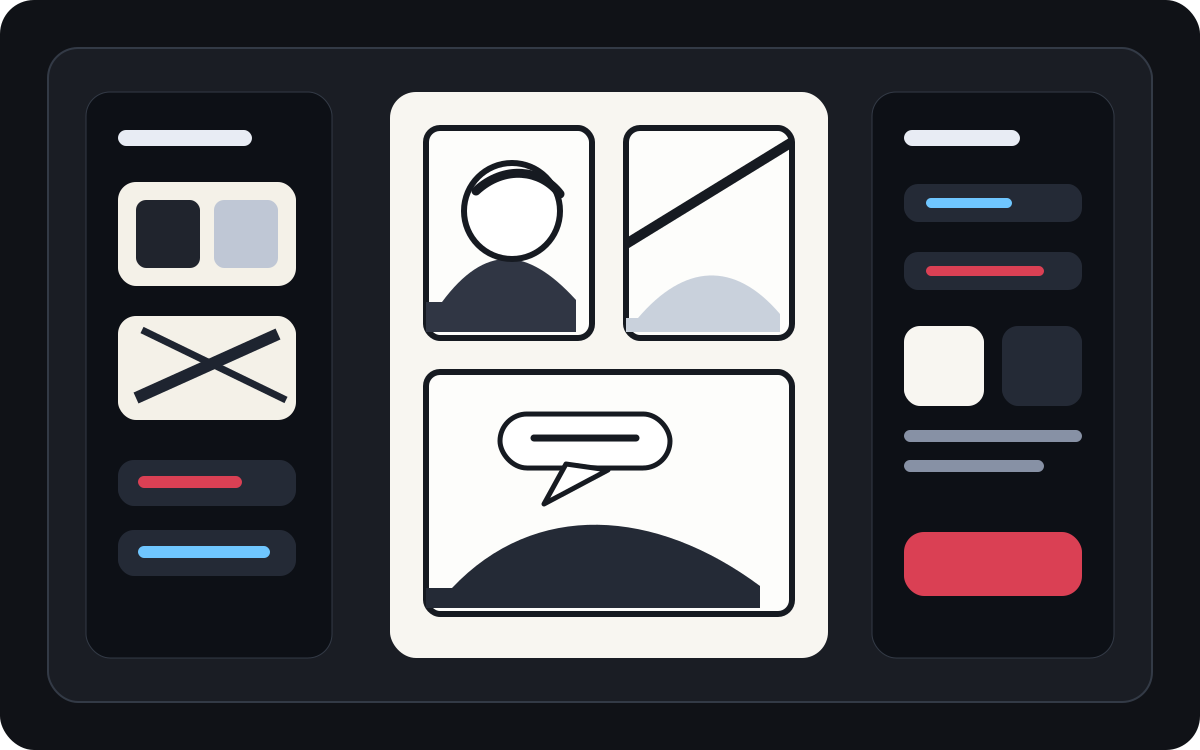
Ubah karya seni yang dihasilkan menjadi panel komik yang mudah dibaca.
Karya seni yang dihasilkan AI mungkin terlihat bagus tapi tetap membutuhkan huruf. Tambahkan narasi, dialog singkat, dan kotak keterangan yang bersih setelah gambar ada.
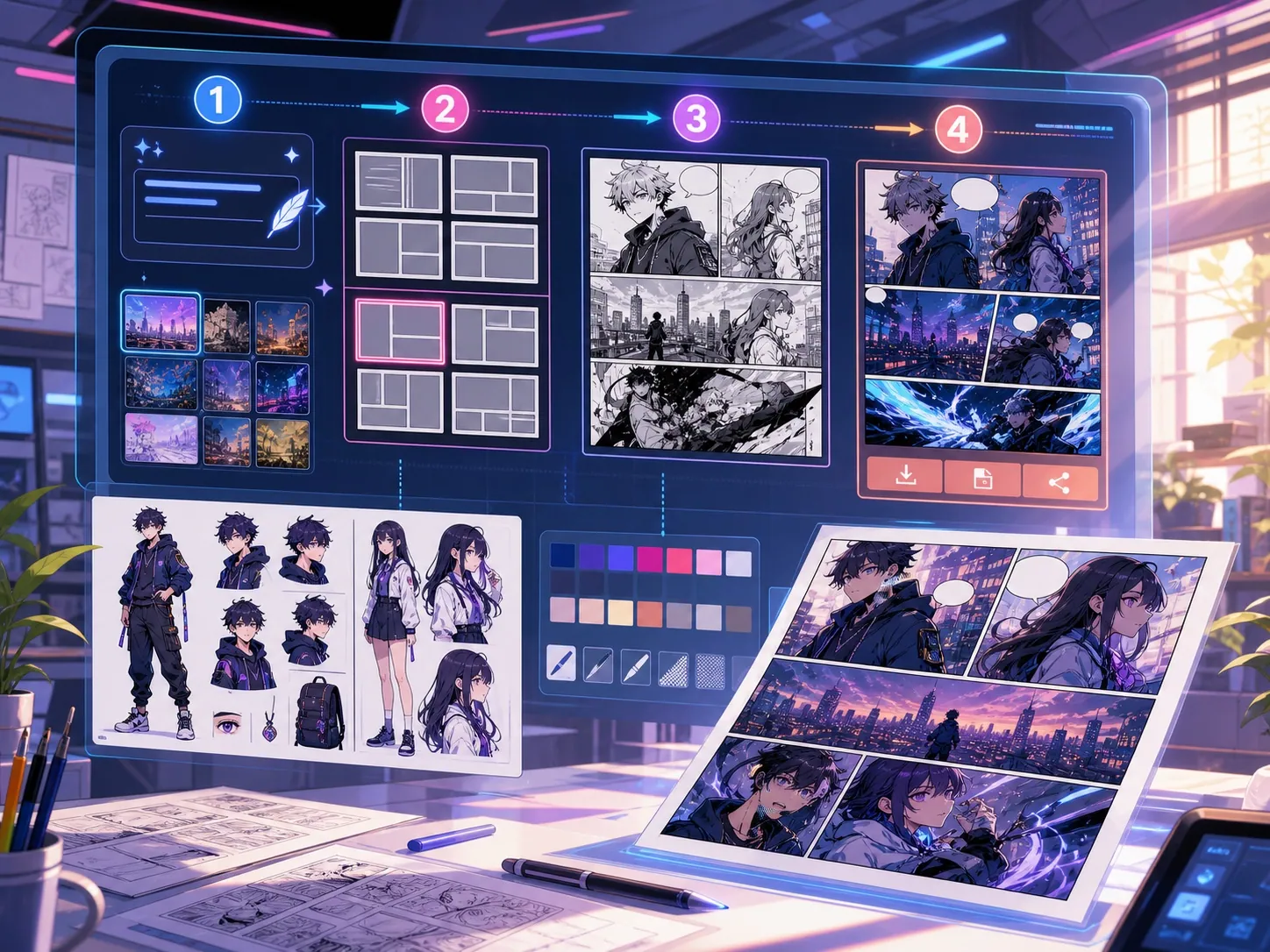
Dibuat untuk tugas pembuatan komik yang nyata.
Kreator yang sudah memiliki panel komik atau adegan yang dihasilkan dan membutuhkan penempatan dialog yang bersih, gaya gelembung, dan struktur keterangan.
01
Terbaik untuk kreator yang sudah memiliki seni dan butuh dialog agar bisa dibaca dengan jelas.
02
Menyelesaikan masalah nyata pasca-generasi: membuat dialog dapat dibaca di dalam panel.
03
Mendukung gelembung bicara, kotak narasi, arah ekor, dan jarak antar panel yang aman.
Apa yang bisa dibuat kreator di sini.
Pilih jenis proyek terdekat, lalu buka Studio dengan gambaran draf yang lebih jelas.
Apa yang bisa Anda draf.
Ini adalah titik awal praktis untuk ditinjau, dibagikan, dan diedit lebih lanjut.
Jalur singkat ke Studio.
Mulai dari langkah kecil yang berguna, lalu sempurnakan draf di editor.
Mulai dengan prompt generator balon percakapan komik ini.
Gunakan sebagai titik awal, lalu ganti karakter, latar, dan nuansa sesuai cerita Anda.
Pembersihan dialog
Tambahkan dua gelembung bicara ke panel ini: satu baris terkejut di karakter kiri dan satu balasan singkat di kanan.
Keluaran: Panel dengan penempatan gelembung yang bersih dan area dialog yang mudah dibaca.
Kotak narasi
Tambahkan kotak keterangan kecil di kiri atas yang mengatur suasana tanpa menutupi karakter utama.
Keluaran: Panel komik berteks dengan hierarki visual yang jelas.
Tata letak bubble manga
Tempatkan tiga gelembung bicara manga kosong sesuai urutan membaca untuk adegan percakapan dramatis.
Keluaran: Panel manga dengan posisi gelembung siap untuk lettering.
Alat yang membantu draf menjadi siap dipakai.
Dialog yang mudah dibaca
Jaga agar ucapan singkat, ditempatkan dengan baik, dan terhubung ke speaker yang tepat.
Pilihan gaya gelembung
Gunakan bentuk ucapan, pikiran, teriak, bisik, keterangan, dan narasi.
Jarak antar panel
Hindari menutupi wajah, tangan, properti, dan aksi yang membawa adegan tersebut.
Lanjutkan dengan alat berikutnya yang tepat.
Generator panel komik
Buat panel terlebih dahulu, lalu tambahkan gelembung dan keterangan.
Buka halaman
Penerjemah Manga
Gunakan alur kerja penerjemah ketika gelembung membutuhkan teks yang ditulis ulang.
Buka halaman
Penerjemah komik
Terjemahkan teks halaman komik sebelum memasang gelembung ucapan akhir.
Buka halaman
Halaman lain untuk membuat komik.
Alur terkait
generator panel komik
Tuliskan subjek, lokasi, jarak kamera, emosi, dan satu tindakan untuk menghasilkan satu panel komik.
Buka halaman
Alur terkait
Penerjemah manga dengan OCR dan terjemahan halaman
Halaman terjemahan gambar manga dengan AI. Mendukung OCR, balon dialog, penyuntingan, dan ekspor PNG.
Buka halaman
Alur terkait
Penerjemah komik dengan OCR dan terjemahan halaman
Alur terjemahan halaman komik. Mendukung OCR, balon dialog, penyuntingan, dan ekspor PNG.
Buka halaman
Pertanyaan umum tentang generator balon percakapan komik.
Apa itu generator gelembung komik?
Generator gelembung komik membantu menempatkan gelembung bicara, gelembung pikiran, kotak narasi, dan keterangan pada panel komik. Tablet ini berguna setelah panel digambar, dibuat, atau diterjemahkan.
Bisakah saya membuat gelembung bicara komik secara online?
Ya. Mulailah dari panel yang dihasilkan atau gambar yang diunggah, pilih gaya gelembung, letakkan di kanvas, dan sesuaikan arah ekor ke arah speaker.
Apakah mendukung balon bicara manga?
Ya. Alur kerja balon suara manga membutuhkan jarak yang cermat, urutan membaca, dan area huruf yang ringkas. Gunakan untuk merencanakan gelembung kosong, teks terjemahan, atau penempatan dialog akhir.
Bisakah saya menambahkan teks setelah membuat panel komik?
Ya. Tambahkan dialog dan keterangan setelah gambar dibuat agar panel tetap dapat dibaca dan penempatan gelembung sesuai dengan karya seni.
Apa perbedaan antara gelembung bicara dan kotak keterangan?
Gelembung bicara terkait dengan karakter yang berbicara. Kotak keterangan biasanya berisi narasi, waktu, tempat, atau konteks yang tidak diucapkan oleh karakter.
Bisakah saya menggunakan gelembung kosong?
Ya. Gelembung kosong berguna untuk merencanakan tata letak, meninjau terjemahan, atau menyerahkan panel kepada letterer sebelum teks final disetujui.
Apakah generator gelembung komik sama dengan generator komik penuh?
Tidak. Generator komik penuh membuat gambar komik atau draf panel. Generator gelembung berfokus pada huruf, keterangan, arah ekor, dan tata letak dialog.
Apa yang membuat tata letak gelembung mudah dibaca?
Tata letak gelembung yang baik mengikuti urutan baca, arahkan ekor ke speaker yang tepat, hindari seni penting, dan jaga setiap baris cukup pendek agar bisa dipindai dengan cepat.
Mulai draf komik berikutnya.
Buka Studio, pilih tata letak, dan ubah ide menjadi draf komik yang siap dikerjakan.
Coba alur ini