



Try Comics Maker free
Comics Maker
Open navigation
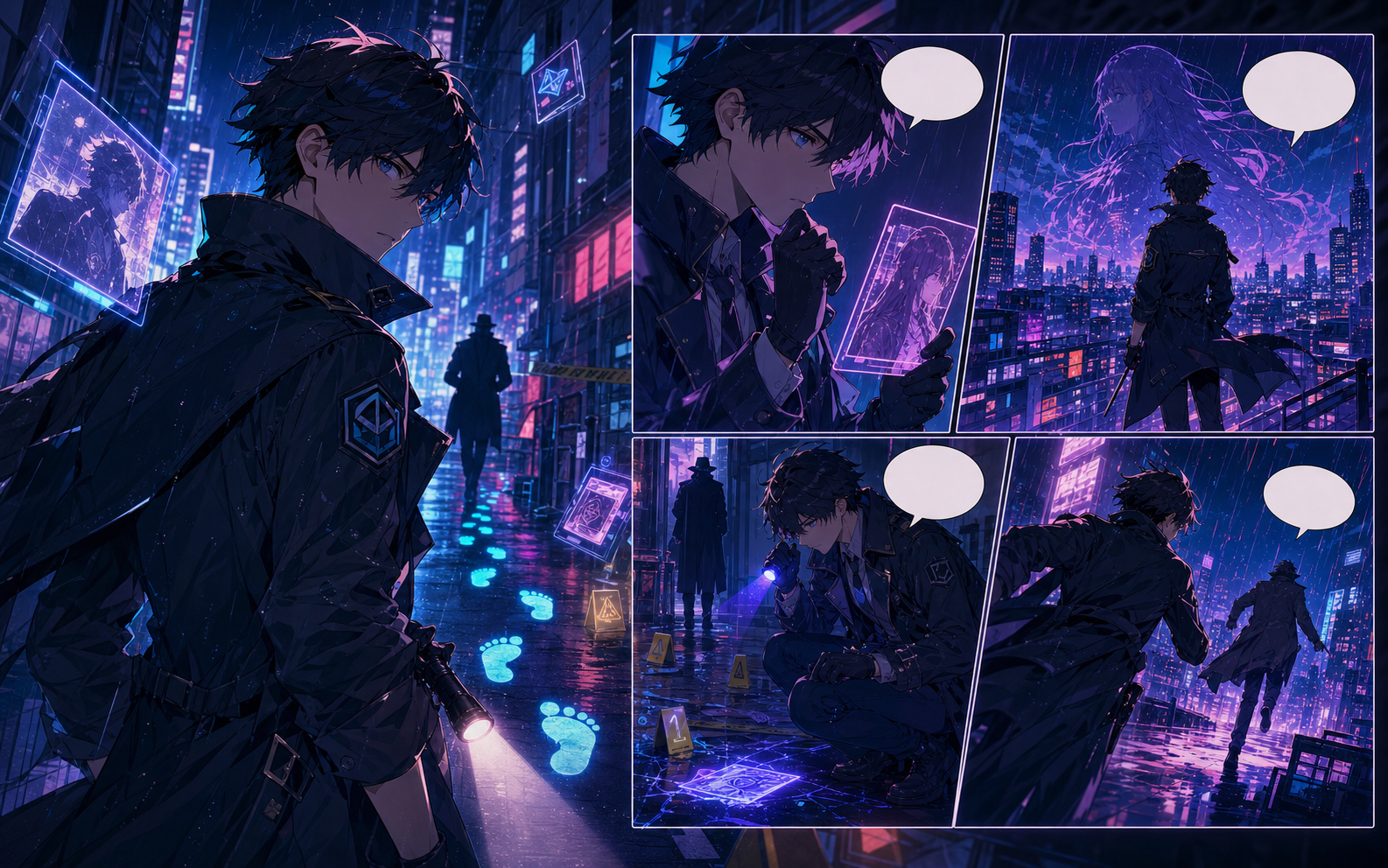
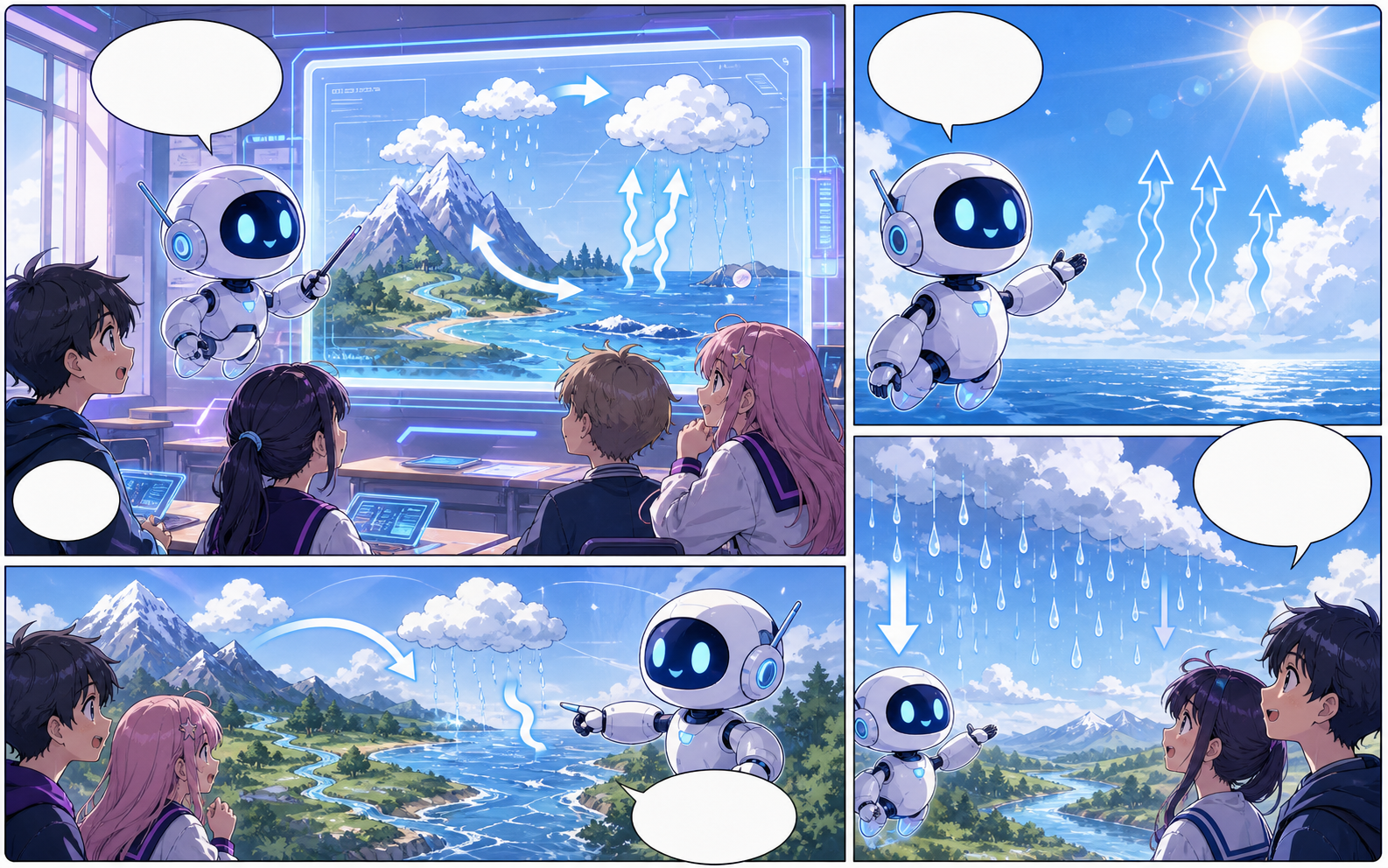
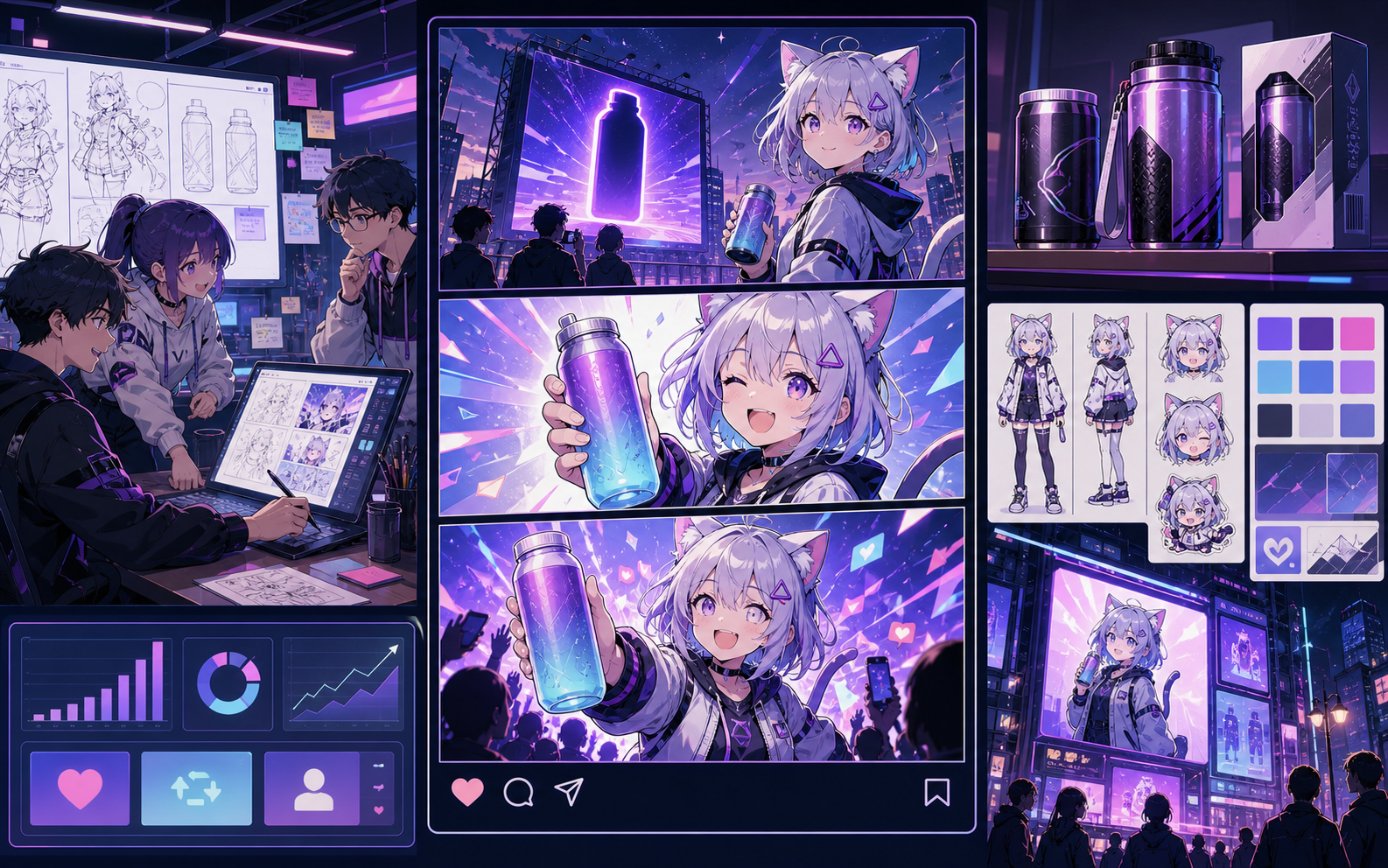
Comic panels used as the Comics Maker homepage background

Make a comic from one scene.

Plan the beats, generate panels, then add dialogue and arrange the page in your browser.

Start with one scene

Name the character, setting, visible action, and change.

0/1600
Shonen2x2 layoutDramatic mood4 panels

See one scene become four readable beats.

A useful draft does more than produce four images. Each panel needs a clear purpose, a visible change, and enough continuity to feel like one story.

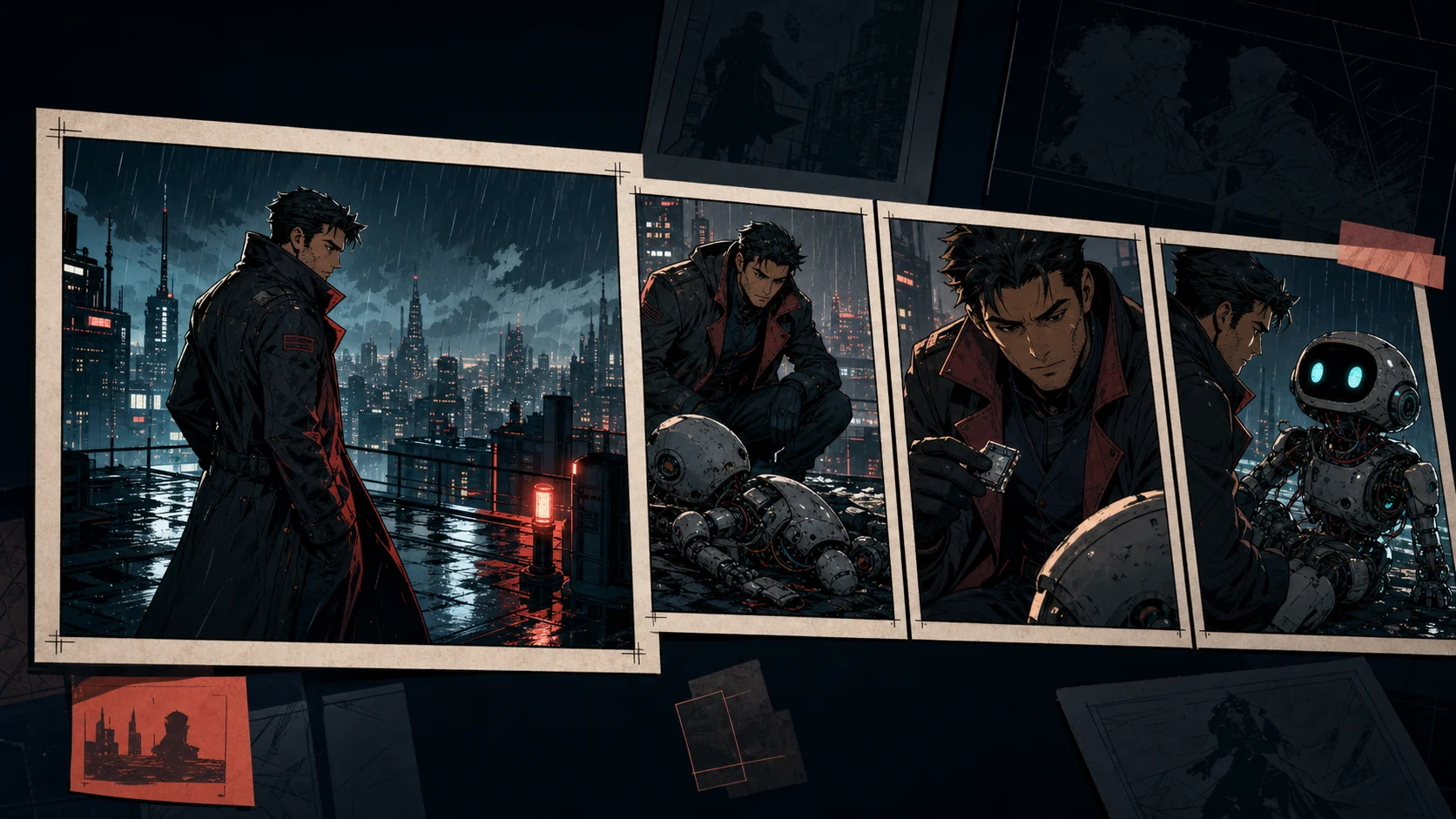
Four-panel cyber detective comic showing a rooftop discovery from scene setup to the robot activating

Scene brief

On a rain-soaked rooftop, a detective finds a damaged service robot carrying evidence from a case that was supposed to be closed.

Panel plan

01

Establish the rooftop and isolate the detective.

02

Reveal the damaged robot as the new story problem.

03

Move closer when the detective finds the hidden clue.

04

End on the robot activating and changing the scene.

Why this draft works

Build your own panel plan
One visible action per panel
Consistent character and environment cues
A final beat that creates the next question

Make the decisions that keep a comic readable.

The editor keeps story structure, layout, visual direction, and review notes close to the panels they affect.

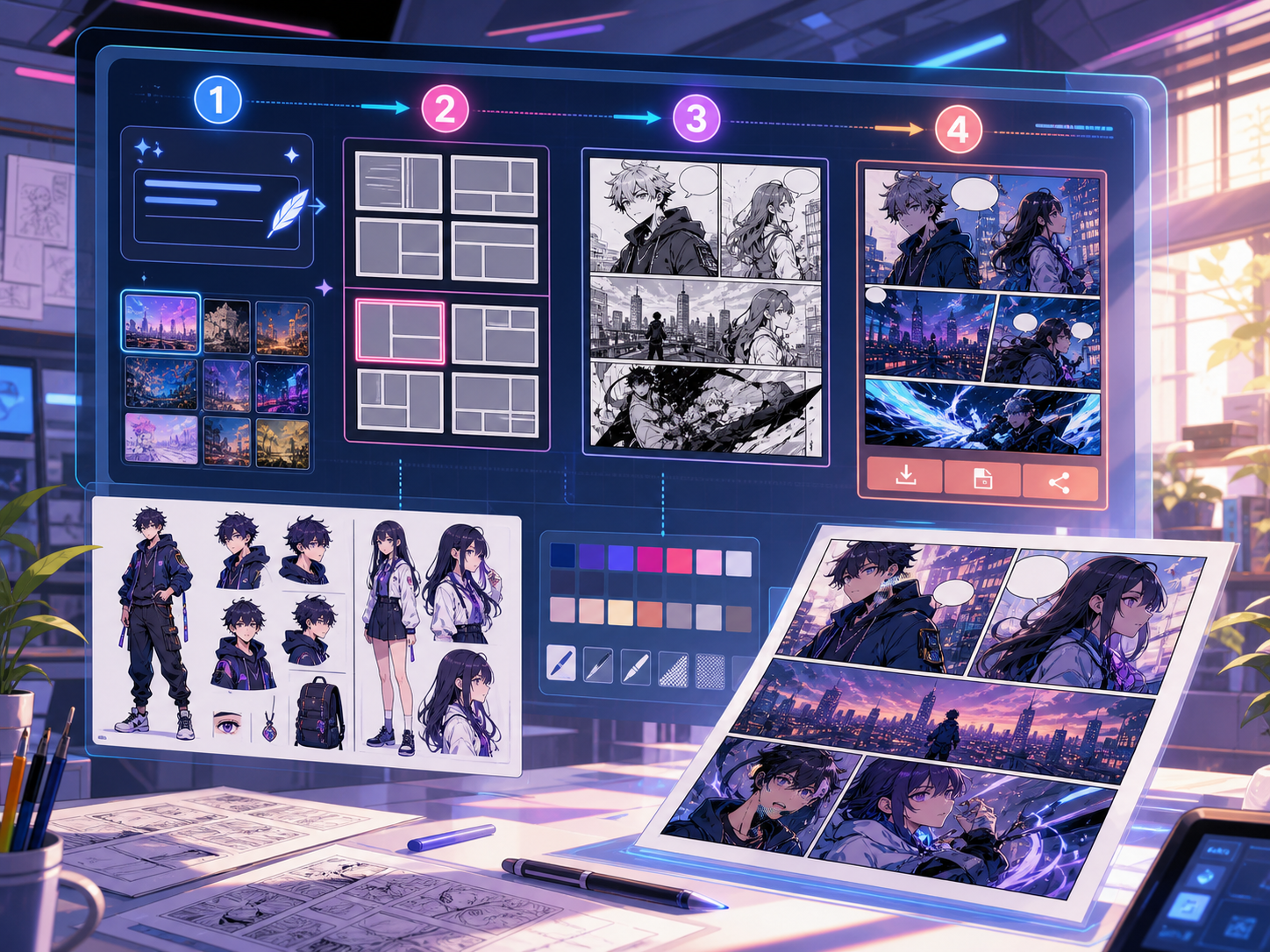
A comics workflow showing a rough idea becoming organized comic panels

Start with the scene, then shape it into panels.

Comics Maker helps turn a raw idea, mood, or line of dialogue into a simple comic structure you can keep working with.

Write the scene in plain languagePick single-panel, three-panel, or 2x2 page formatsKeep captions and dialogue close to the panel plan
Open Comics Maker
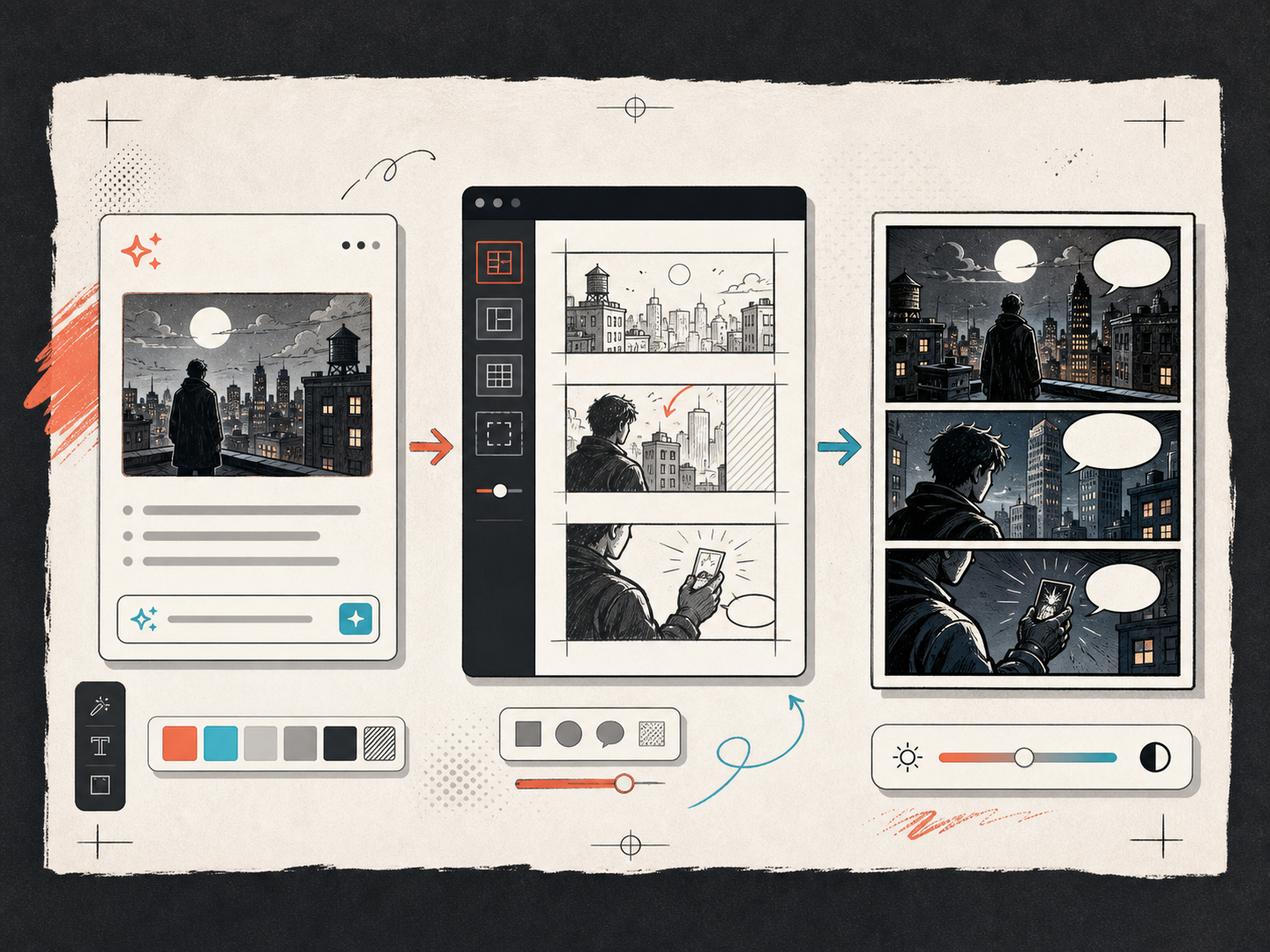
A clean comic maker interface with panels, notes, and layout controls

A clean middle panel for making layout decisions.

The studio keeps panel count, pacing, shot type, and reading order visible before you spend time on polish.

Single panel, 3-panel strip, 2x2 page, and vertical flowSimple controls for size, tone, and production notesAn empty canvas by default, ready for the next idea
A cyber detective comic case study with consistent visual style across panels

Keep the look consistent enough to continue.

Use style notes, character details, and reference language so every panel belongs to the same world.

Lock the visual direction before generatingReuse character and environment notesExport drafts that an artist or teammate can understand
A four-panel comic example used to review visual pacing

Move a scene from rough idea to a reviewable comic page.

Use the draft to check story clarity, panel order, dialogue space, and visual direction before investing in a longer production pass.

Check whether each panel has one clear jobReview pacing before generating more imagesHand off prompts, notes, and panels as project data
See cases

Questions before you start.

Clear answers about what the current workflow creates, what stays editable, and where human review still matters.

What does Comics Maker create?+

It turns a scene brief into a structured comic draft. You can plan story beats, generate panel images, add dialogue, arrange the page, and keep project notes together.

Can I edit the comic after generation?+

Yes. The workflow is built around a draft you can continue refining. You can change the panel plan, dialogue, prompts, layout choices, and production notes instead of treating the first result as final.

Do I need drawing or design skills?+

No drawing skill is required to plan or generate a first draft. Clear scene descriptions still matter, and you should review pacing, anatomy, text placement, and visual continuity before publishing.

How do I keep characters visually consistent?+

Reuse the same character description, style notes, environment details, and reference images. Generated continuity can still vary, so review each panel and regenerate individual images when needed.

What is included in the free plan?+

The free plan includes starter credits so you can test the comic generation workflow. Paid plans add more monthly image-generation credits for ongoing production.

What can I export?+

The current project workflow supports JSON project export so prompts, notes, dialogue, and panel data can move into review or a later production step.

Pricing

Start small, then upgrade when the workflow becomes real.

The free plan includes 10 starter credits for testing image generation. Paid plans mainly increase monthly credits; the current editor and JSON project export follow the same workflow.

Compare plans

Ready

Make the first draft before the idea cools off.

Open the studio and start with one scene. A useful comic draft is often just a few clear panels and the right words.