Comics Maker
Open navigation
manga translator

Translate a manga page, review every line, and export the draft.

The manga translator reads page images with vision OCR, returns the original and translated text in reading order, and keeps every line editable before export.

Image-first OCR for speech bubbles, captions, narration, and meaningful sound effects.

Editable line-by-line translation with original text and confidence shown together.

Download a PNG overlay draft or structured JSON for the next review step.

editable OCR and translation drafttranslated PNG overlaystructured JSON exportoriginal / translated page preview
Working tool

Translate one manga page

Upload a page, detect bubbles, captions, and important sound effects, then edit the draft before exporting a translated PNG overlay.

Drop a manga image, or click to browse

PNG, JPG, or WebP up to 5MB. PDF files need to be split into images first.

Sign in to translate

Your source is served from a sign-in protected URL and sent to the configured AI provider for OCR. Upload only pages you have the right to process.

The configured model cost is charged when the job starts; final failures are refunded automatically.

Before / after translator

Drag the translation curtain

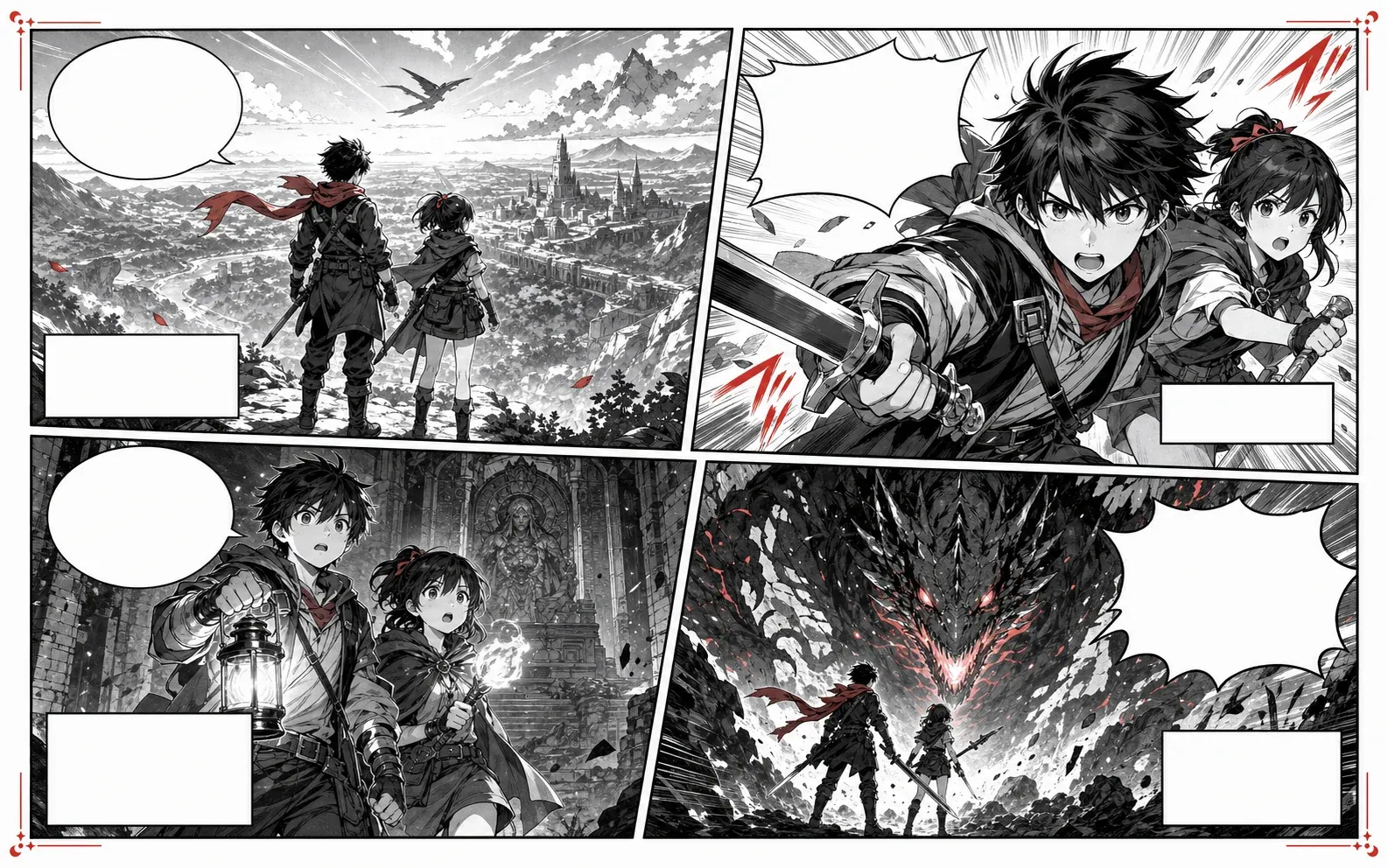
Illustrated example
Manga translator before and after preview with blank manga speech bubbles
Let's go!Look out!Where are we?This is not over.
行こう!危ない!ここは?まだ終わらない
Original manga
Translated manga
Workflow

Manga translation starts with the page, not isolated lines.

Upload a PNG, JPG, or WebP page, choose languages, then review OCR, wording, confidence, and reading order before exporting a draft overlay.

ai manga translator

AI manga translator for reviewable drafts.

Use AI to create the first translation, then check character names, tone, line breaks, and bubble space before exporting.

manga image translator

Manga image translator for page screenshots.

Start from a screenshot or scan and keep bubbles, captions, and tight panel layouts visible while you review the text.

free manga translator

Try the translator before using credits.

Open the editable sample to test the review, text editing, and export flow. Translating your own image uses the configured model credits.

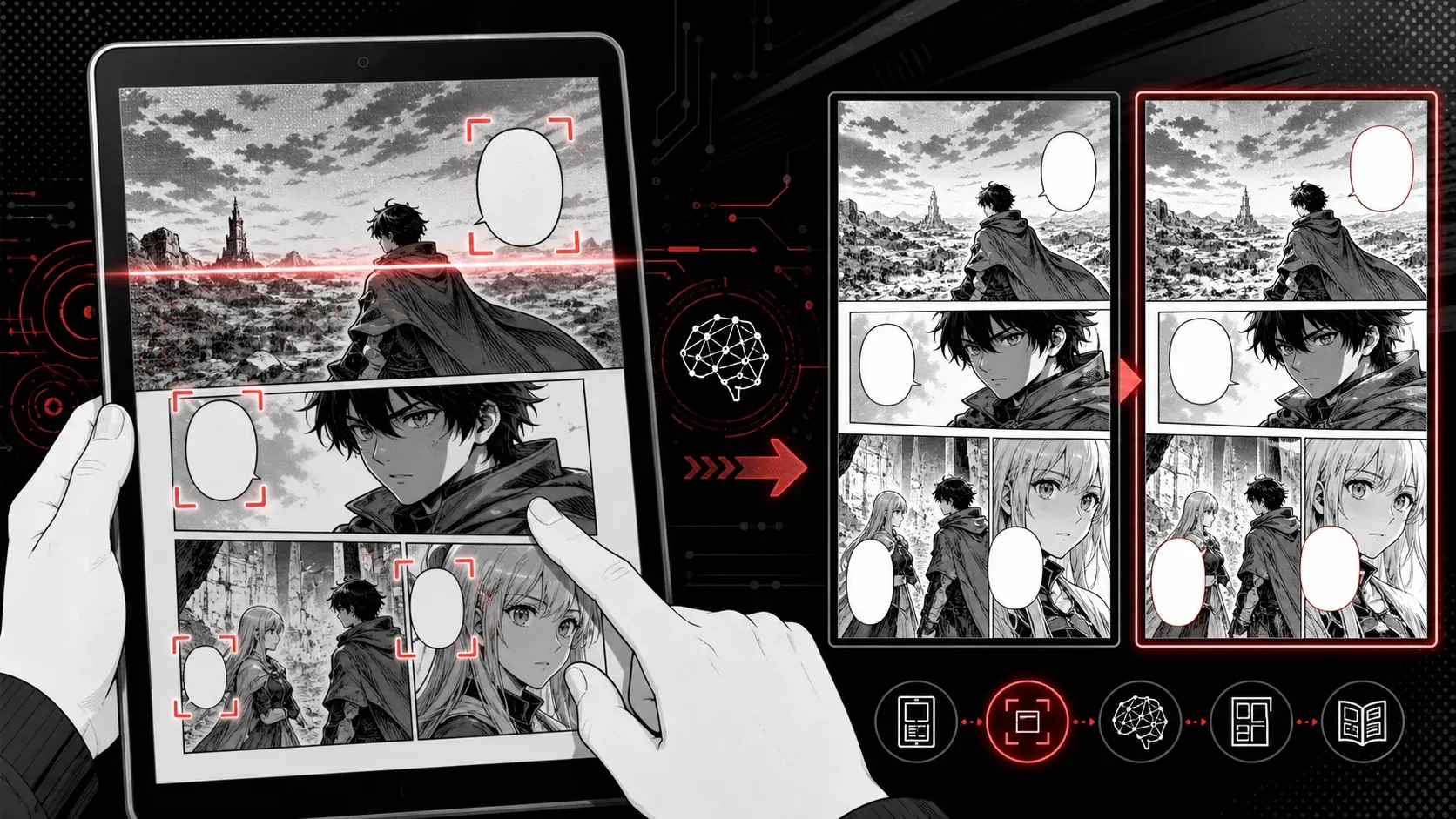
Manga image translator OCR workflow on a tablet
manga image translator

Manga image translator that keeps panel context.

A manga image translator should understand the full page, not just isolated words. Keep surrounding panels visible so dialogue, captions, and reactions stay in context.

Scan speech bubbles, captions, and margin notes.
Preserve reading order for Japanese manga translator work.
Review translated lines before they are placed back on the page.
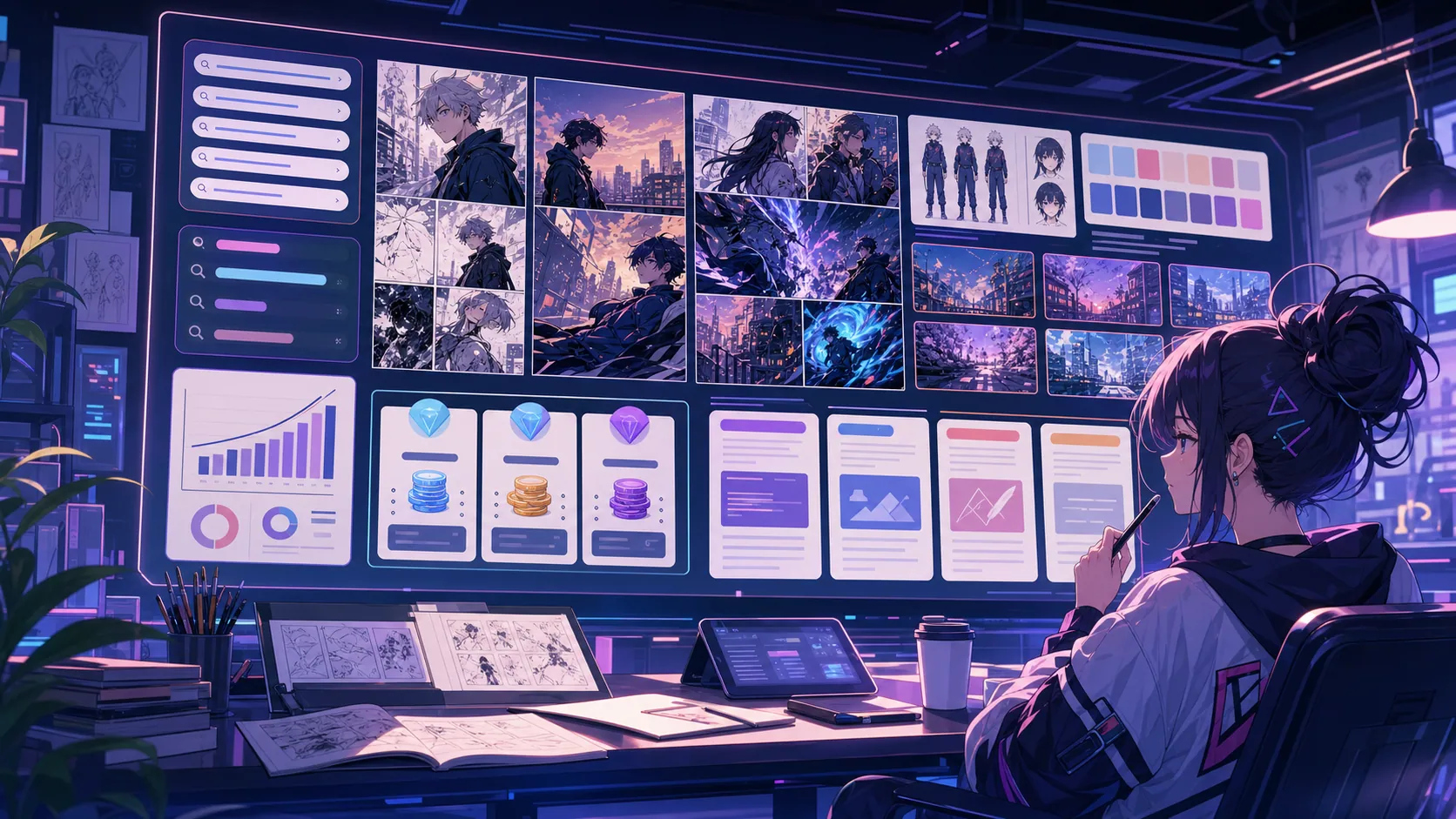
Online manga translation review board
manga translator online

Manga translator online for fast browser review.

Use the browser workflow when you want to test a page quickly without installing an app or setting up a local OCR project.

Translate cropped panels or full pages in the browser.
Compare original and translated speech bubbles with the slider.
Test editing and export with the fixed sample before starting a credited page.
Manga PDF translator page batch workflow
manga pdf translator

Manga PDF translator workflow for page batches.

A manga PDF translator workflow works best when each page becomes an image that can be scanned, translated, checked, and exported in sequence.

Convert PDF pages into image-based translation steps.
Keep page order visible during review.
Export translated pages for reading or educational review.
Workflow

AI manga translator workflow from scan to export.

Translation works best as a reviewable flow, not a black box. Inspect the recognized source, edit each line, check warnings, and save PNG or JSON when the wording is ready.

1

Upload a manga image or page

2

Choose the source and target languages

3

Review OCR and edit each translated line

4

Export a PNG overlay or JSON draft

Use cases

Manga translator use cases.

Readers, creators, scanlation teams, and educators who need a manga image translator that respects panel order and speech bubble space.

Japanese manga page drafts
creator localization review
scanlation handoff files
language-learning page notes
Formats

Manga image translator formats.

Keep the target clear before you translate so OCR, cleanup, and export settings match the comic source.

editable OCR and translation draft
translated PNG overlay
structured JSON export
original / translated page preview
Quality

Manga page translator quality checks.

Check reading order, names, tone, low-confidence OCR, and text length. The PNG is an overlay draft, not professional inpainting or typesetting.

Checks speech bubbles, captions, narration, and meaningful sound effects.
Shows OCR text, translation, region type, and confidence together.
Keeps the source private behind sign-in and refunds final failed jobs.
FAQ

Common manga translator questions.

What is a manga translator?

A manga translator reads text inside manga panels, then rewrites it for another language while keeping the page, panel order, and bubble space understandable.

Can I use it as a manga image translator online?

Yes. Upload a PNG, JPG, or WebP page up to 5MB. The tool detects text regions, produces an editable translation, and exports a PNG overlay or JSON draft.

Is this a free manga translator?

The editable sample is free to try. Translating your own page uses the credit cost configured for the manga translation model; the tool shows your balance after a job starts.

Does a manga PDF translator workflow work here?

PDF pages should be split into images first, then translated page by page so each bubble and caption can be reviewed before export.

How accurate is manga OCR and translation?

Accuracy depends on scan quality, font style, text direction, and whether bubbles overlap artwork. Review names, sound effects, low-confidence lines, and tight bubble copy before using the draft.

Related resources

More comic creation pages.

Translate the next manga page.

Start with one readable page, check names and dialogue tone, then repeat the same review flow for the rest of the chapter.

Back to translator