
Генератор бульбашок комічної мови для читабельних панелей.
Розміщуйте бульбашки для мовлення, підписи, решки та діалогові зони на панелях коміксів, щоб історія була чітко читана після створення малюнка.
Додайте мовні бульбашки до однієї панелі коміксів
Завантажте PNG, JPG або WebP. Перетягніть бульбашки прямо на панель.
Виберіть і перетягніть елемент на панель. Використовуйте керування для точного розміру та напрямку хвоста.
Додати коміксовий текст
Мовна бульбашка
Відредагуйте вибраний елемент.
Експорт безкоштовний і не використовує кредити генерації. Вхід захищає дію завантаження; Саме зображення залишається у вашому браузері.
Ваше зображення та коміксний текст залишаються в цьому браузері. Цей редактор їх не завантажує.
Визначення
Що таке генератор реплік для коміксів?
Генератор бульбашок коміксів допомагає розміщувати бульбашки для мовлення, бульбашки думок, блоки для озвучення та інструкції хвоста на панелях коміксів.
Коротка відповідь
Коли використовувати цей процес.
Використовуйте цей робочий процес, коли оформлення вже існує, а наступна задача — літерування: діалоги, підписи, порядок бульбашок і спікери.
Додавайте мовні бульбашки, не покриваючи саму дію.
Розміщуйте бульбашки у безпечних місцях панелі і тримайте персонажа, дію та порядок читання видимими.

Контролюйте інтервали між бульбашками мовлення манґи та порядком читання.
Панелі манги часто потребують щільнішого розташування бульбашок і ретельного вказівки для читання. Тримайте потік чистим перед остаточним нанесенням літерів.
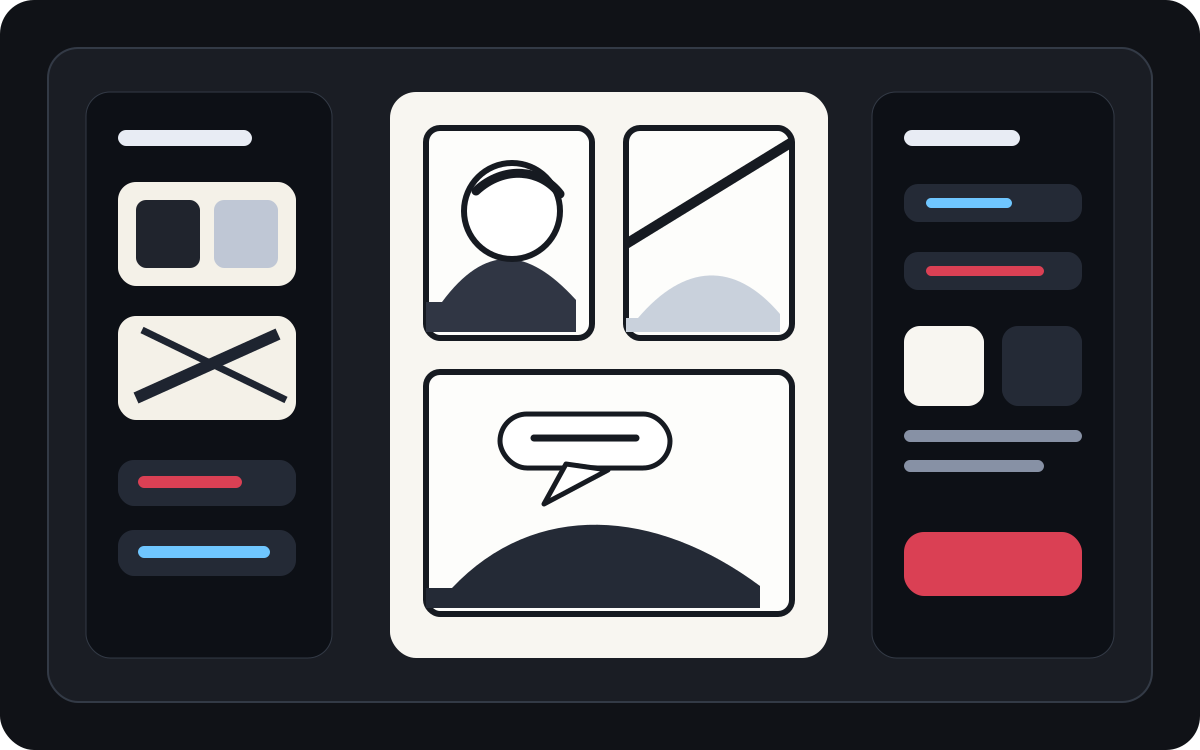
Перетворіть згенероване мистецтво на читабельну панель коміксів.
AI створене мистецтво може виглядати добре, але все одно потребувати літерування. Додайте озвучення, короткі діалоги та чисті підписні вікна після появи зображення.
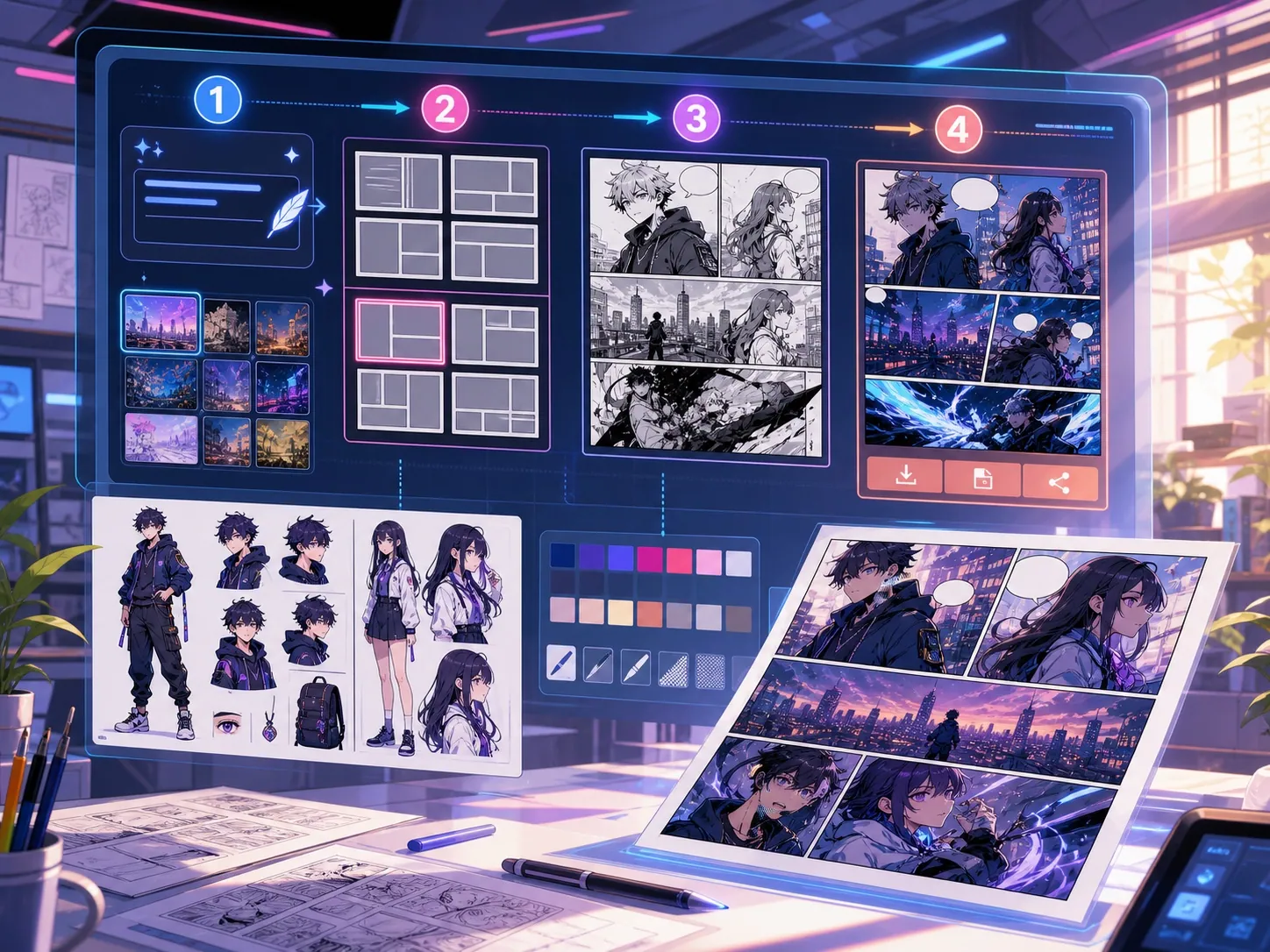
Створено для реального завдання зі створення коміксу.
Творці, які вже мають комікс-панель або згенеровану сцену і потребують чіткого розташування діалогів, стилів бульбашок і структури підписів.
01
Найкраще для творців, які вже мають мистецтво і хочуть чітке читання діалогів.
02
Вирішує справжню проблему постгенерації: зробити діалоги читабельними всередині панелей.
03
Підтримує мовні бульбашки, оповідні блоки, напрямок хвоста та безпечний простір між панелями.
Що автори можуть зробити тут.
Виберіть найближчий тип проєкту й відкрийте Studio з чіткішою метою для чернетки.
Що можна підготувати.
Це практичні стартові точки для перевірки, поширення та подальшого редагування.
Короткий шлях до Studio.
Почніть із найменшого корисного кроку, а потім доопрацюйте чернетку в редакторі.
Почніть із цих промптів для генератор реплік для коміксів.
Використайте їх як основу, а потім замініть персонажів, місце дії та тон на свої.
Очищення діалогів
Додайте до цієї панелі дві бульбашки з мовленням: одну здивовану лінію лівого символу і коротку відповідь справа.
Результат: Панель із чистим розміщенням бульбашок і читабельними діалоговими зонами.
Кадр для озвучення
Додайте невеликий підпис у верхньому лівому куті, який задає сцену, не покриваючи головного героя.
Результат: Панель коміксів із субтитрами та чіткою візуальною ієрархією.
Манґа-бульбашкова верстка
Розмістіть три порожні бульбашки манґи в порядку читання для драматичної сцени розмови.
Результат: Панель манги з бульбашками, готова до написання літерів.
Інструменти, які допомагають зробити чернетку придатною.
Читабельний діалог
Тримайте мову короткою, чітко розташованою і підключеною до правильного динаміка.
Вибір стилю bubble
Використовуйте форми мовлення, думки, крику, шепоту, субтитрів і оповідання.
Безпечна відстань між панелями
Уникайте маскування облич, рук, реквізиту та екшену, які несуть сцену.
Продовжуйте з правильним наступним інструментом.
Генератор комікс-панелей
Спочатку згенеруйте панель, потім додайте бульбашки та підписи.
Відкрити сторінку
Перекладач манги
Використовуйте робочі процеси перекладача, коли бульбашки потребують переписаного тексту.
Відкрити сторінку
Перекладач коміксів
Перекладайте текст сторінки коміксу перед тим, як розміщувати фінальні бульбашки.
Відкрити сторінку
Більше сторінок для створення коміксів.
Пов'язаний процес
генератор панелей коміксу
Укажіть героя, місце, відстань камери, емоцію й одну видиму дію для окремого кадру коміксу.
Відкрити сторінку
Пов'язаний процес
Перекладач манґи: OCR і переклад сторінок
Сторінка перекладу зображень манґи з ШІ. Для OCR, реплік, редагування та експорту PNG.
Відкрити сторінку
Пов'язаний процес
Перекладач коміксів: OCR і переклад сторінок
Процес перекладу сторінок коміксу. Для OCR, реплік, редагування та експорту PNG.
Відкрити сторінку
Поширені запитання про генератор реплік для коміксів.
Що таке генератор бульбашок коміксів?
Генератор бульбашок коміксів допомагає розміщувати бульбашки для мовлення, бульбашки думок, оповідачні рамки та підписи на панелях коміксів. Він стає корисним після того, як панель намальована, згенерована або перекладена.
Чи можу я створювати комічні мовні бульбашки онлайн?
Так. Почніть із згенерованої панелі або завантаженого зображення, виберіть стиль бульбашки, розмістіть її на полотні і відрегулюйте напрямок хвоста до динаміка.
Чи підтримує він бульбашки манґи?
Так. Робочі процеси з бульбашками мовлення манги потребують ретельного розміщення інтервалу, порядку читання та компактних областей літер. Використовуйте його для планування порожніх бульбашок, перекладеного тексту або фінального розміщення діалогів.
Чи можу я додати текст після створення панелі коміксу?
Так. Додавайте діалоги та підписи після створення зображення, щоб панель залишалася читабельною, а розташування бульбашок відповідало малюнку.
У чому різниця між мовною бульбашкою та підписним боксом?
Мовна бульбашка пов'язана з тим, що персонаж говорить. У полі підписів зазвичай зберігається оповідь, час, місце або контекст, які персонаж не вимовляє.
Чи можна використовувати порожні бульбашки?
Так. Порожні бульбашки корисні для планування верстки, перегляду перекладу або передачі панелі літереру до затвердження фінального тексту.
Чи є генератор бульбашок коміксів тим самим, що й повний генератор коміксів?
Ні. Повний генератор коміксів створює комікс-образи або чернетки панелей. Генератор бульбашок зосереджений на літерах, субтитрах, напрямку хвоста та оформленні діалогів.
Що робить бульбашковий макет читабельним?
Хороші бульбашкові макети слідують порядку читання, вказують хвости на правий динамік, уникають важливого мистецтва і роблять кожен рядок коротким для швидкого сканування.
Почніть наступну чернетку коміксу.
Відкрийте Studio, виберіть макет і перетворіть ідею на робочу чернетку коміксу.
Спробувати цей процес