
Comic character maker for repeatable heroes and story casts.
Design a character once, save the traits that matter, and reuse the direction across comic panels, strips, and longer story drafts.
Start on this page
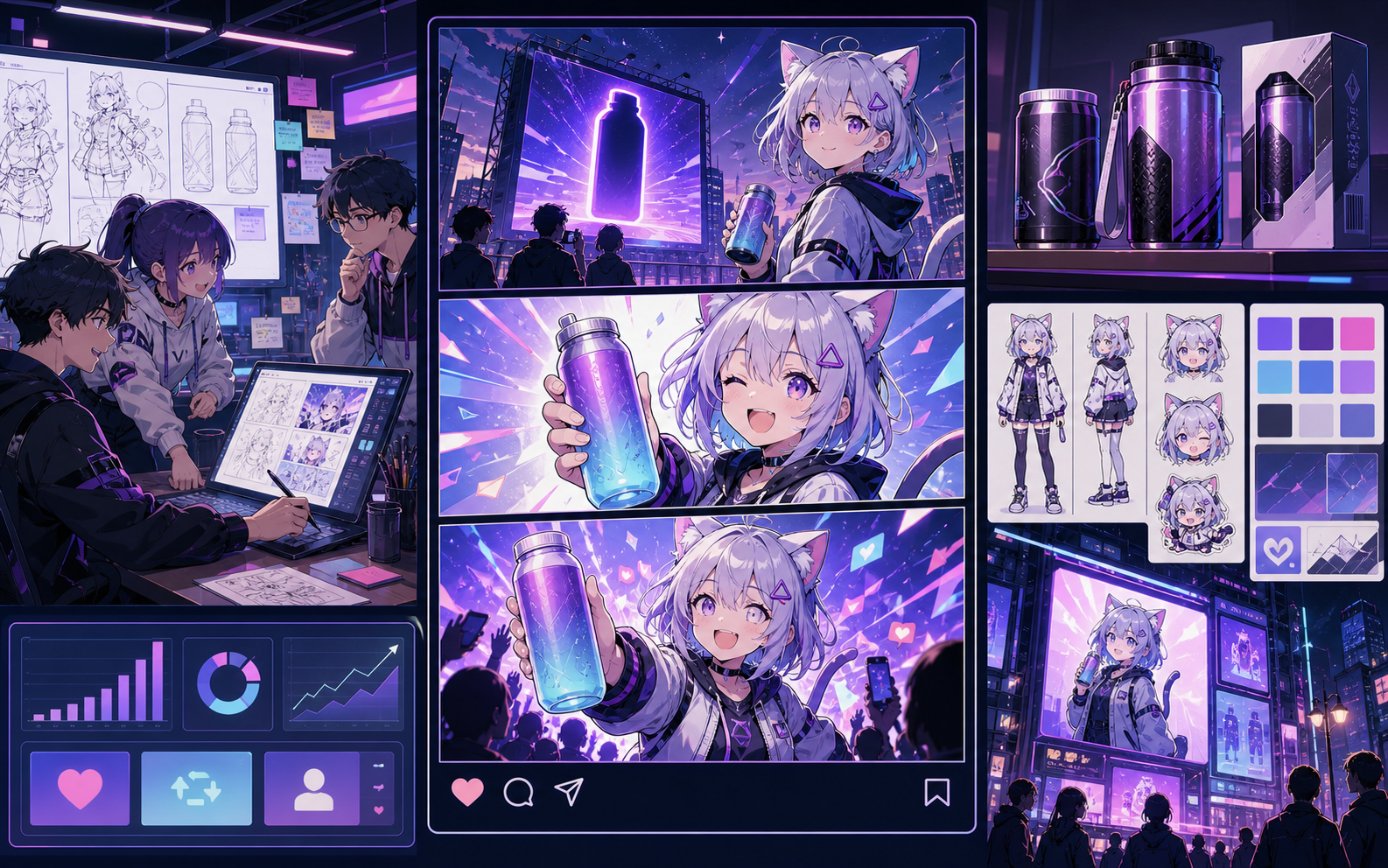
Character brief
Include age range, silhouette, clothing, expression, personality, and one prop worth keeping in later panels.
What this draft does not do
- This creates one visual reference, not a turn-around sheet or rigged character.
- Reuse the same concrete clothing, hair, and prop notes in later prompts.
Definition
What is comic character maker?
A comic character maker creates reusable cast concepts, identity notes, and reference prompts for comic projects.
Short answer
When to use this workflow.
This is a low-volume but high-fit page because recurring characters are a real production problem for AI comic workflows.
Create a comic character with reusable details.
Describe role, personality, silhouette, outfit, colors, and expression style. Keep those choices visible as project notes.
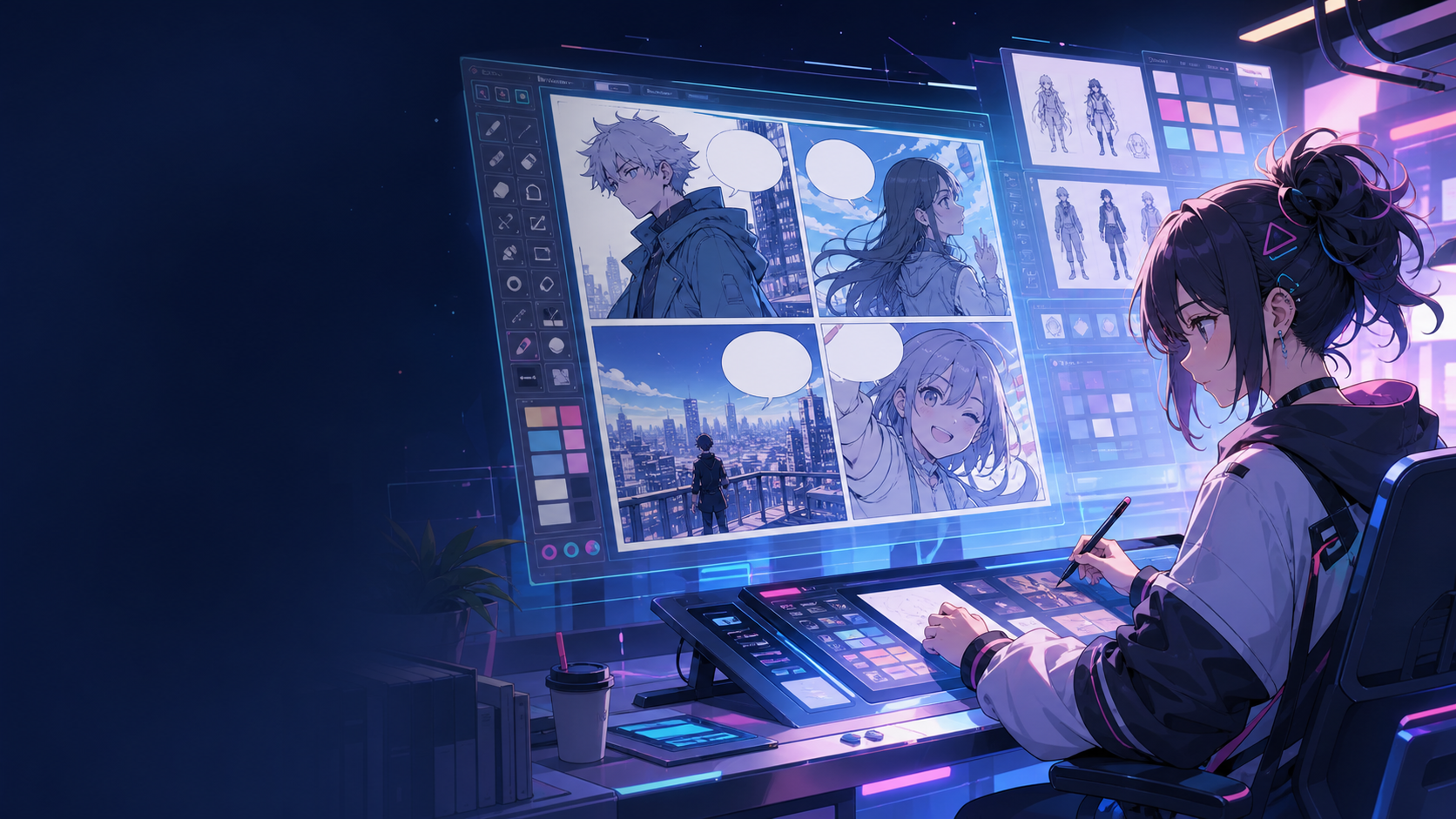
Bring the same character into new comic panels.
Use saved notes and references while drafting new scenes, so recurring panels begin with clear visual direction.
Built around a real comic-making task.
Creators who need recurring characters for a comic series, brand mascot, story cast, or pitch sample.
01
Character-first page for users searching beyond generic comic creation.
02
Supports identity, outfit, role, and visual style notes.
03
Connects character concepts back to panel and book generation.
What creators can make here.
Pick the closest project type, then open Studio with a clearer idea of the draft you want to make.
What you can draft.
These are practical starting points for review, sharing, and continued editing.
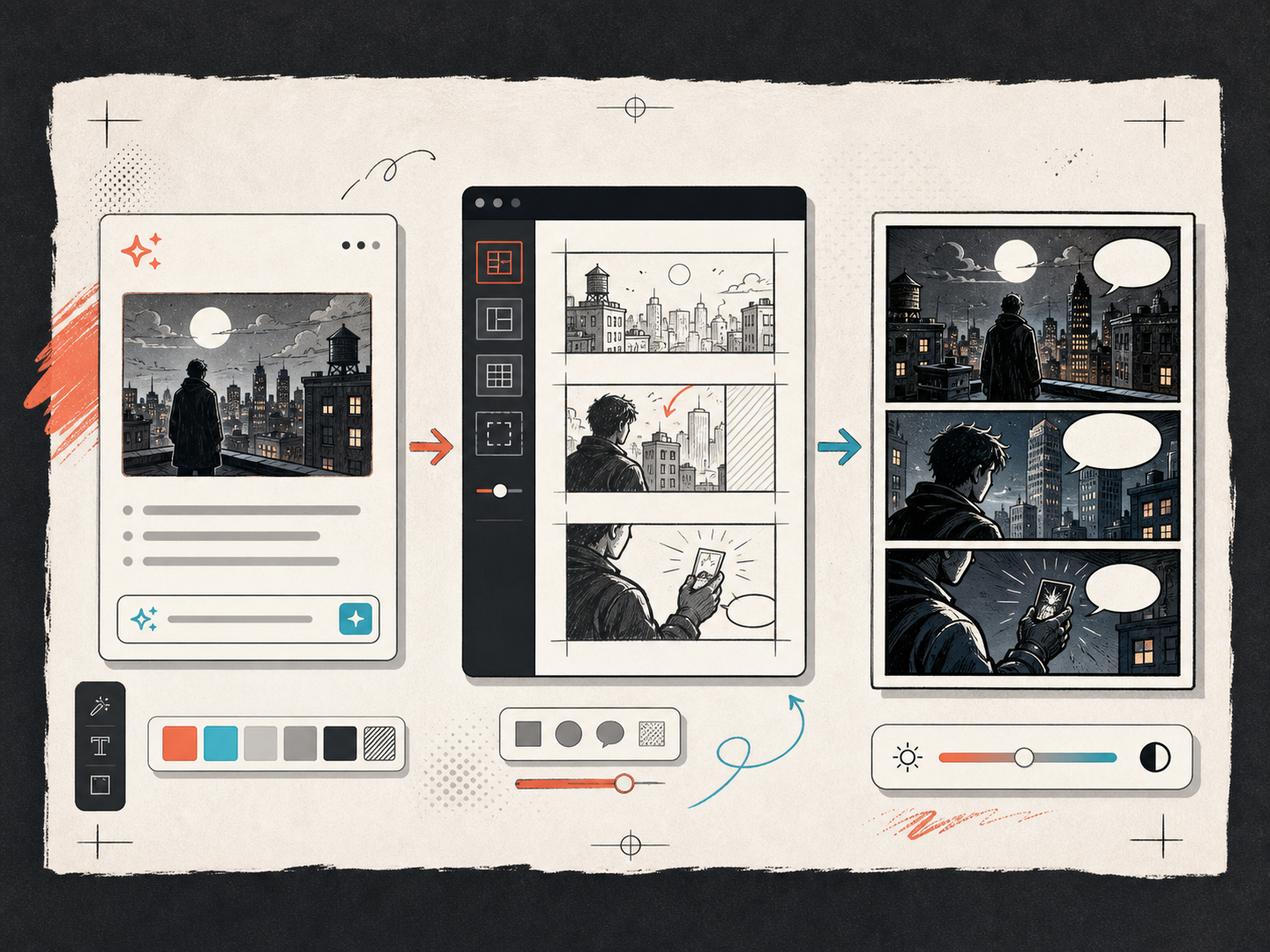
A short path into Studio.
Start with the smallest useful step, then refine the draft inside the editor.
Start with these comic character maker prompts.
Use these as starting points, then swap in your own characters, setting, and tone.
Series lead
Create a comic character concept for a curious city inventor with a bright jacket, practical tools, and a memorable silhouette.
Output: Character card, identity notes, and panel-ready reference language.
Brand guide
Design a friendly product guide character for short FAQ comics, with clear expressions and a simple outfit.
Output: Mascot concept and reusable scene notes.
Tools that help the draft become usable.
Reusable character notes
Save the traits that matter when a character appears again.
Identity details that survive scene changes
Keep the same silhouette, outfit, palette, and prop language when the character returns.
Project-ready references
Connect character concepts to panels, strips, and longer comic pages.
Keep building with the right next tool.
More comic creation pages.
Related workflow
AI Comic Maker for Editable Comic Pages
Use AI to draft comic panels, captions, and character-consistent scenes from one focused comic maker studio.
Open page
Related workflow
Comic Panel Generator for Single-Scene Drafts
Generate individual comic panels online with AI prompts, camera direction, style controls, character notes, and export-ready panel drafts.
Open page
Related workflow
Comic Strip Maker for Fast Story Panels
Build three-panel strips and compact 2x2 story pages with a comic strip maker designed for short, readable sequences.
Open page
Common comic character maker questions.
What is a comic character maker?
A comic character maker helps create character concepts, traits, expression notes, and visual references that can be reused in comic projects.
Can it keep a character consistent?
Saved character notes and references help guide consistency, but each AI output still needs review. The workflow gives you a better starting point for repeat scenes.
Can I use it for a brand mascot?
Yes. You can define a simple guide character, save the visual direction, and reuse it in FAQ comics, product explainers, or campaign panels.
What should I include in the prompt?
Include role, age range, outfit, colors, expression style, personality, and where the character will appear. Clear constraints make the reference easier to reuse.
Start your next comic draft.
Open the Studio, choose a layout, and turn the idea into a working comic draft.
Try this workflow