
読みやすいコマ用の吹き出しコミックジェネレーター。
コミックパネルには吹き出し、キャプションボックス、尾、会話エリアを配置し、アートワーク生成後のストーリーがはっきりと伝わるようにしましょう。
一つのコミックパネルに吹き出しを追加する
PNG、JPG、WebP をアップロードし、パネル上で吹き出しを直接ドラッグできます。
パネル上で要素を選択してドラッグします。正確なサイズと尾の方向はコントロールを使ってください。
コミックテキストを追加
吹き出し
選択した要素を編集してください。
書き出しは無料で、生成クレジットを消費しません。サインインはダウンロード保護のためだけに使われ、画像はブラウザ内に残ります。
画像とコミック内の文字はこのブラウザだけで処理され、エディターからアップロードされることはありません。
定義
コミック吹き出し作成ツールとは?
コミックバブルジェネレーターは、コミックパネルに吹き出し、思考吹き出し、ナレーションボックス、尾の方向を配置するのに役立ちます。
短い答え
このワークフローを使うタイミング。
このワークフローは、すでにアートワークが存在し、次の作業が文字編成(ダイアログ、キャプション、吹き出しの順序、スピーカーの尾)に進むときに使います。
アクションを隠さずに吹き出しを追加しましょう。
パネルの安全な部分に吹き出しを入れ、キャラクター、行動、読書順を見えるように保ちましょう。

マンガの吹き出しの間隔や読む順番を管理してください。
マンガのコマは、より正確なバブル配置や慎重な読書指示が必要なことが多いです。最終的な文字を適用する前に流れを明確に保ちましょう。
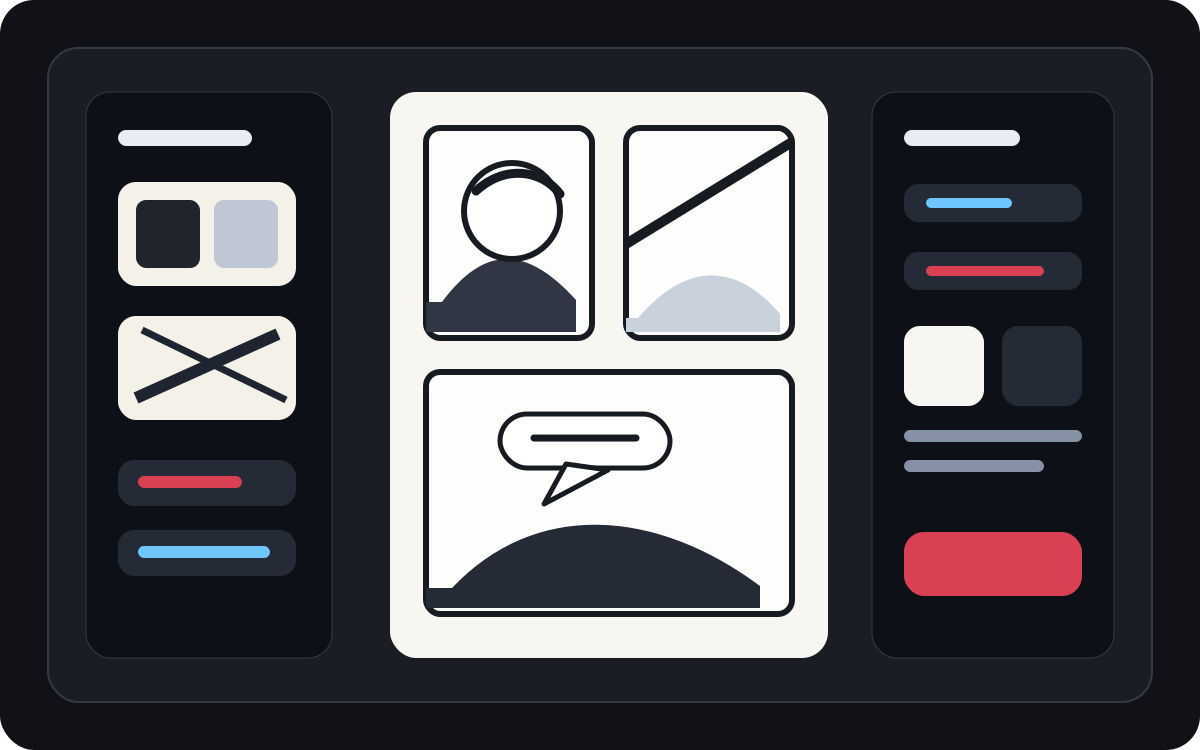
生成されたアートを読みやすいコミックパネルに変えましょう。
AI生成アートは見た目は良くても、文字の入れ方が必要です。画像が存在した後にナレーション、短い会話、クリーンなキャプションボックスを追加しましょう。
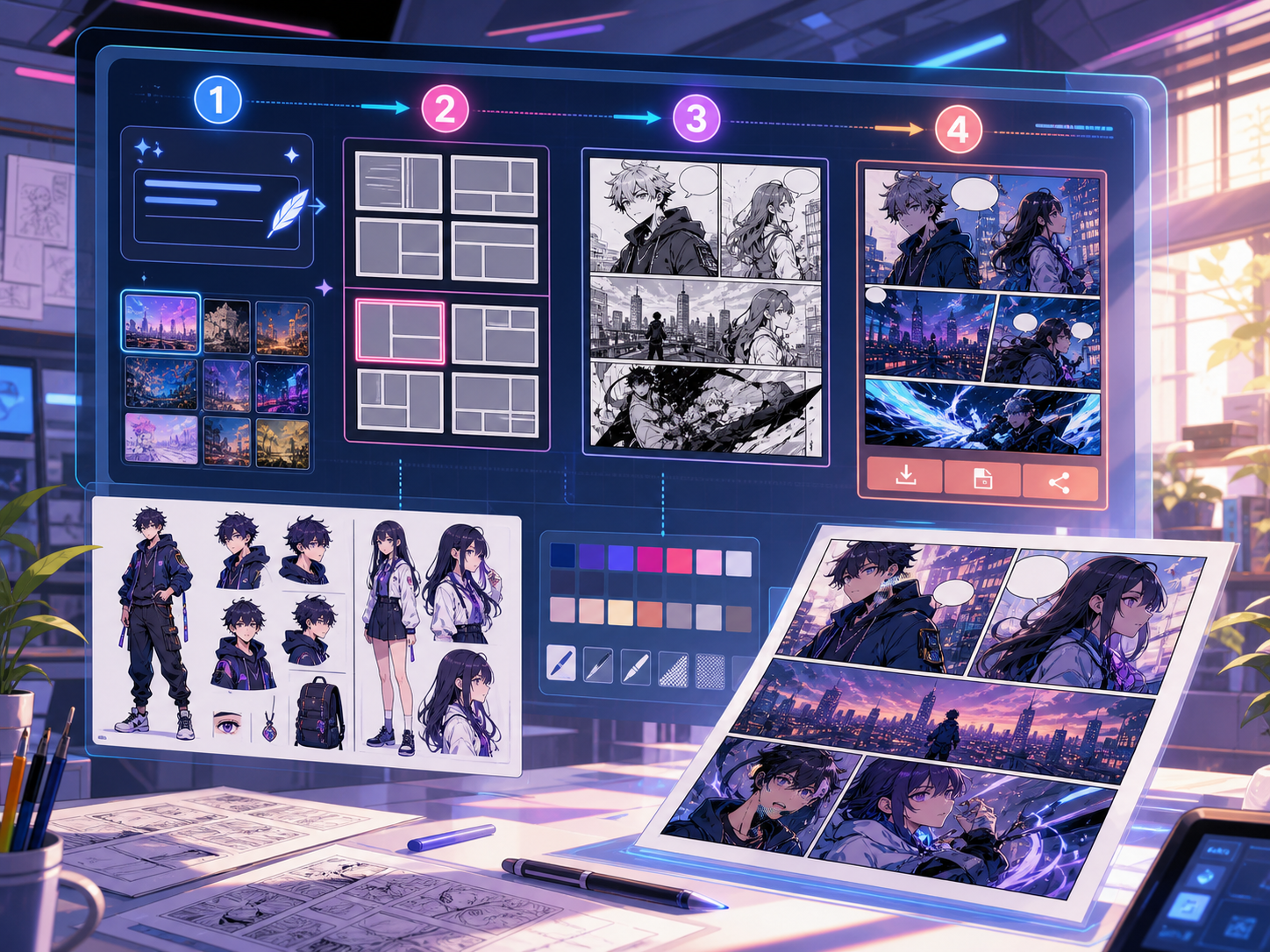
実際の漫画制作タスクに合わせて設計。
すでにコミックパネルや生成されたシーンを持っていて、クリーンなセリフ配置、吹き出しスタイル、キャプション構造が必要なクリエイター。
01
すでにアートを持っていて、セリフがきれいに読みたいクリエイターに最適です。
02
これはポストジェネレーションの問題を解決します。つまり、コマ内の会話を読みやすくすることです。
03
吹き出し、ナレーションボックス、尾の方向、パネルに安全な間隔をサポート。
ここで作れるもの。
近いプロジェクトタイプを選び、作りたい草稿を明確にして Studio を開けます。
下書きできる内容。
確認、共有、継続編集に使いやすい実用的な出発点です。
Studio へ進む短い導線。
最小限の有用なステップから始め、エディター内で草稿を整えます。
コミック吹き出し作成ツールのプロンプト例から始める。
例を出発点にして、キャラクター、舞台、トーンを自分の内容に置き換えてください。
セリフのクリーンアップ
このパネルには吹き出しを2つ追加します:左側の驚いた表情のラインと右側の短い返答です。
出力: バブルの配置がきれいで、会話エリアが読みやすいパネルです。
ナレーションボックス
主人公を隠さずにシーンを設定する小さな左上のキャプションボックスを追加します。
出力: 明確な視覚的階層が特徴的な字幕付きコミックパネル。
マンガの吹き出しレイアウト
ドラマチックな会話シーンのために、読み物順に3つの空白のマンガの吹き出しを配置します。
出力: 文字を書くためのバブル位置のマンガパネル。
草稿を使える状態に近づけるツール。
読みやすい会話
話す内容は短く、適切な配置にし、適切なスピーカーとつなげてください。
バブルスタイルの選択肢
スピーチ、思考、叫び、ささやき、キャプション、ナレーションの形を使いましょう。
パネル安全間隔
シーンを支える顔や手、小道具、アクションを隠さないようにしましょう。
次に合うツールで制作を続ける。
その他のコミック制作ページ。
関連ワークフロー
comic panel generator
comic panel generator: Comics Makerでストーリー、キャラクター、コマ割り、吹き出しを整理し、編集できるコミック草稿を作成します。
ページを開く
関連ワークフロー
Manga Translator:AI マンガページ翻訳ツール
AI manga translator でマンガページをオンライン翻訳。画像 OCR、吹き出し、PDF ページ、確認しやすい翻訳ドラフトに対応します。
ページを開く
関連ワークフロー
Comic Translator:AI コミックページ翻訳ツール
comic translator ワークフローでコミックページをオンライン翻訳。画像、PDF、吹き出し、キャプション、確認用ドラフトに対応します。
ページを開く
コミック吹き出し作成ツール のよくある質問。
コミックバブルジェネレーターとは何ですか?
コミックバブルジェネレーターは、コミックパネルに吹き出し、思考吹き出し、ナレーションボックス、キャプションを配置するのに役立ちます。パネルが描画、生成、翻訳された後に役立ちます。
オンラインでコミックの吹き出しを作ることはできますか?
はい。生成されたパネルやアップロード画像から始め、吹き出しスタイルを選び、キャンバスに置き、スピーカーの方へ尾の向きを調整します。
マンガの吹き出しには対応していますか?
はい。マンガの吹き出しのワークフローには、間隔や読書順、文字の整理が厳密です。空白の吹き出し、翻訳されたテキスト、最終的なセリフの配置を計画するのに使ってください。
コミックパネルを作成した後にテキストを追加できますか?
はい。画像を作成した後にダイアログやキャプションを追加し、パネルが読みやすく、吹き出しの配置がアートワークに合うようにしましょう。
吹き出しとキャプションボックスの違いは何ですか?
吹き出しは話すキャラクターに紐づけられています。キャプションボックスには、キャラクターが話さないナレーション、時間、場所、文脈が入っていることが多いです。
空の泡を使ってもいいですか?
はい。空白の吹き出しはレイアウトの計画、翻訳のレビュー、または最終テキストが承認される前にレタラーにパネルを渡す際に便利です。
コミックのバブルジェネレーターはフルコミックジェネレーターと同じですか?
いいえ。完全なコミックジェネレーターは、コミック画像やコマドラフトを作成します。バブルジェネレーターは文字、キャプション、尾の方向性、ダイアログレイアウトに焦点を当てています。
バブルレイアウトが読みやすいものとは何でしょうか?
良いバブルレイアウトは読書順に従い、適切なスピーカーに尾を向け、重要なアートを避け、各行を素早くスキャンできる短さに保ちます。