
Manga maker for page layouts and editable panel drafts.
Plan manga panels, set black-and-white style direction, keep character notes visible, and generate draft pages you can refine before export.
Start on this page
Manga page idea
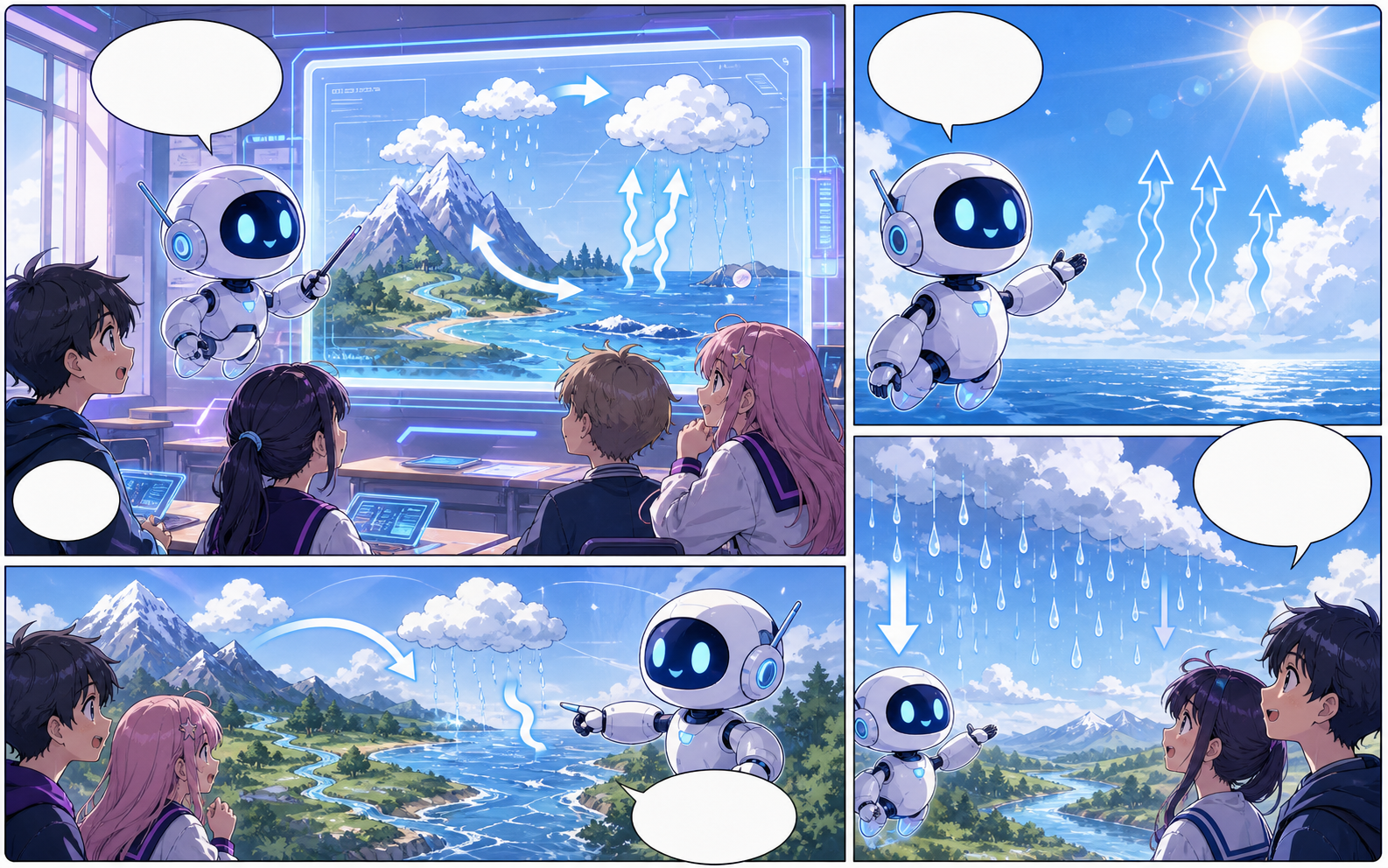
Describe the character entrance, action beat, reaction, and closing image. Put reading-order notes in the prompt when they matter.
What this draft does not do
- Image generation does not place reliable dialogue. Add and position speech bubbles in Studio after the panels are ready.
- Long plots produce vague pages. Work one scene or page at a time and repeat concrete character details.
Definition
What is manga maker?
A manga maker is an online tool for creating manga-style panel layouts, character scenes, dialogue areas, and draft manga pages.
Short answer
When to use this workflow.
Use this workflow when you want to make new manga-style pages with layout, tone, characters, and bubble space planned together.
Create manga panels with clear reading order.
Start with the page format and scene beats so each panel has a role before the artwork is generated.
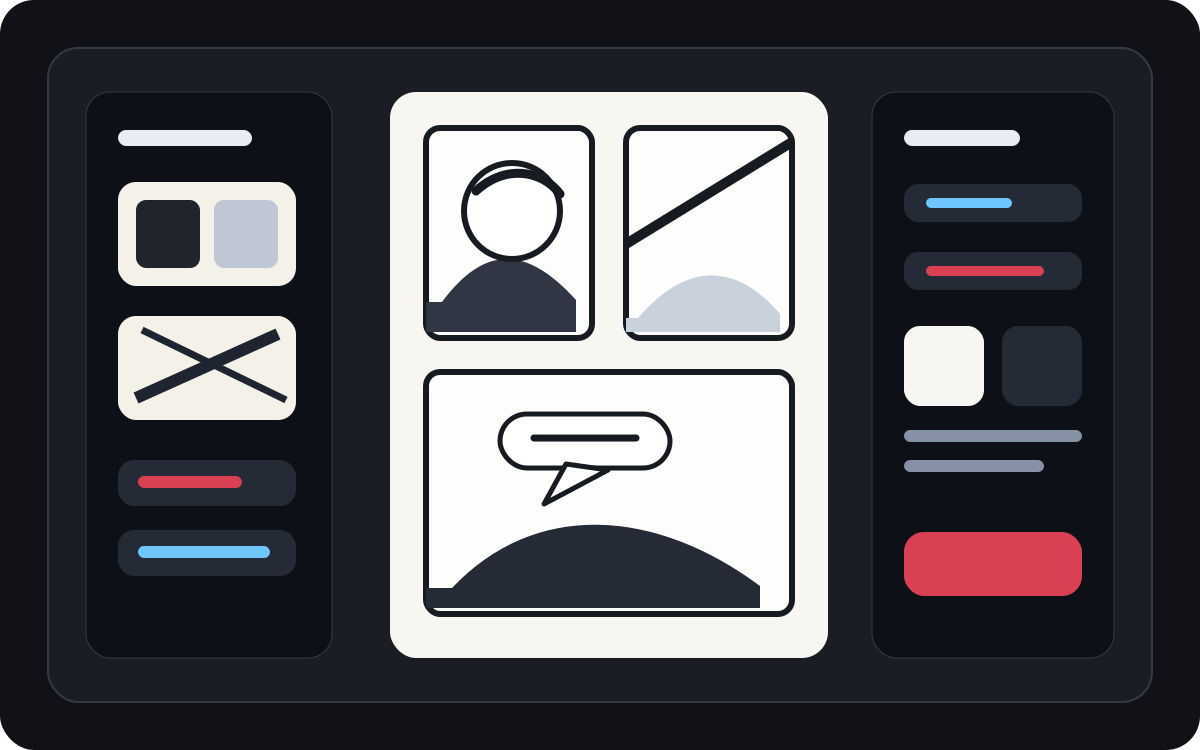
Use black-and-white manga cues instead of generic cartoons.
Manga pages need ink, contrast, tone, pacing, and expressive framing. Keep those notes close to each draft.
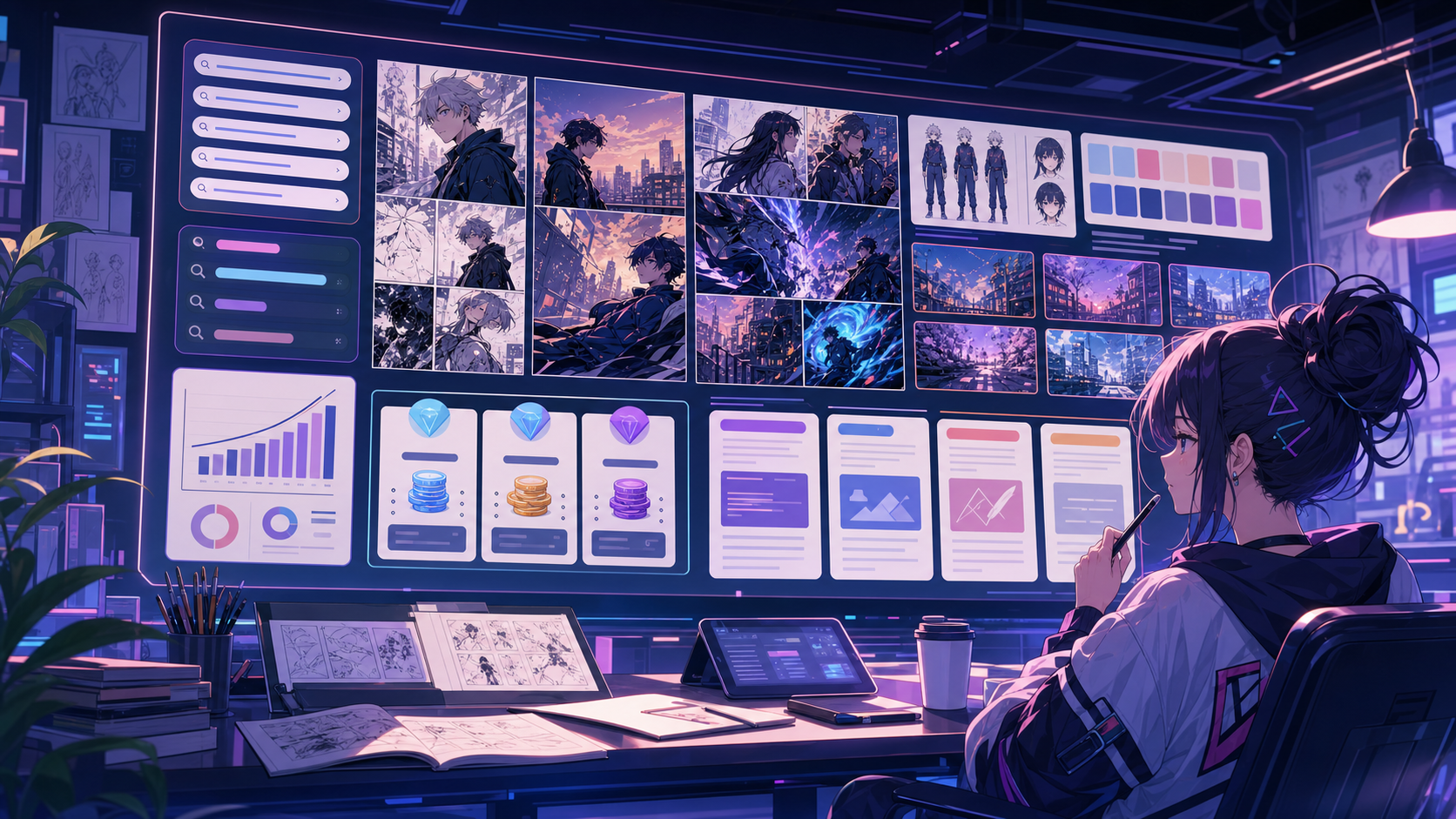
Prepare manga pages for speech bubbles and captions.
A manga maker page should leave space for dialogue. Pair generated panels with bubble placement so the finished page reads clearly.

Built around a real comic-making task.
Creators who want manga-style comic drafts with panel pacing, recurring character context, screentone notes, and dialogue areas.
01
Built for creating new manga-style pages, not translating existing scans.
02
Keeps style and character direction close to the page draft.
03
Supports page planning before final manga-style image generation.
What creators can make here.
Pick the closest project type, then open Studio with a clearer idea of the draft you want to make.
What you can draft.
These are practical starting points for review, sharing, and continued editing.
A short path into Studio.
Start with the smallest useful step, then refine the draft inside the editor.
Start with these manga maker prompts.
Use these as starting points, then swap in your own characters, setting, and tone.
Character intro
Create a 4-panel manga page where a quiet student discovers a strange note inside a library book.
Output: Black-and-white manga page draft with character reaction panels.
Action beat
Make a manga panel sequence showing a skateboarder dodging rain and landing a trick at dusk.
Output: Dynamic manga scene with motion and contrast direction.
Quiet reveal
Create a manga page where a gardener notices one flower glowing after sunset, with sparse captions and a clear final reaction.
Output: Black-and-white manga draft with readable panel order.
Tools that help the draft become usable.
Manga page planning
Move from scene idea to panel order before creating final visuals.
Character continuity
Keep character notes and reference direction attached to the manga project.
Bubble-aware drafts
Leave space for dialogue so the page can be lettered after generation.
Keep building with the right next tool.
More comic creation pages.
Related workflow
Manga Translator for OCR, Editing, and PNG Drafts
Upload a manga page, detect bubbles and captions, edit the translation line by line, and export a reviewable PNG overlay or JSON draft.
Open page
Related workflow
Comic Character Maker for Consistent Story Casts
Create comic character concepts online with AI-assisted identity notes, outfit direction, color cues, and reusable project references.
Open page
Related workflow
Comic Bubble Generator for Speech Balloons
Add speech bubbles, captions, tails, and readable comic dialogue with a comic bubble generator built for panel editing.
Open page
Common manga maker questions.
What is a manga maker?
A manga maker helps create manga-style panels, page layouts, character scenes, and dialogue areas. It is for making new manga drafts, not only translating existing pages.
Can I make manga online without drawing?
Yes. You can describe the scene, choose page direction, and generate a draft. Final pages still need review, lettering, and art direction before serious publication.
Does this only create a single manga image?
No. The manga maker keeps page layout, panel order, character notes, and dialogue space together so the result can continue as an editable page draft.
Can I keep the same manga character across panels?
Use character notes and references to guide repeat scenes. AI output can vary, so review each draft and refine the project context when consistency matters.
Does it support speech bubbles?
The manga maker workflow can reserve bubble space and route bubble-heavy pages into the comic speech bubble generator for cleaner lettering.
How much story should one manga page contain?
Use one focused scene with a clear action, turn, or reaction. Longer plot sections should be divided into separate page briefs before generation.
What manga styles work best?
Clear black-and-white direction, strong contrast, expressive poses, and specific camera framing usually create stronger drafts than vague anime-style prompts.
Can I export manga pages?
Download completed images from the result view. Studio can also export the prompt, layout, panel image URLs, bubbles, and character notes as JSON project data.
Start your next comic draft.
Open the Studio, choose a layout, and turn the idea into a working comic draft.
Try this workflow