
Генератор пузырей для комических речей для читаемых панелей.
Разместите пузырьки для речи, подписи, решки и области диалогов на панелях комиксов, чтобы история была чётко читаема после создания иллюстраций.
Добавьте речевые пузырьки в одну панель комикса
Загрузите PNG, JPG или WebP. Перетаскивайте пузырьки прямо на панель.
Выберите и перетащите элемент на панель. Используйте органы управления для точного размера и направления хвоста.
Добавить текст комикса
Пузырь речи
Отредактировать выбранный элемент.
Экспорт бесплатный и не использует кредиты генерации. Вход защищает действие загрузки; Само изображение остаётся в вашем браузере.
Ваше изображение и текст комикса остаются в этом браузере. Этот редактор их не загружает.
Определение
Что такое генератор реплик для комиксов?
Генератор пузырей комиксов помогает размещать пузырьки речи, пузырьки мыслей, блоки для повествования и указания хвоста на панелях комиксов.
Краткий ответ
Когда использовать этот процесс.
Используйте этот рабочий процесс, когда оформление уже существует, а следующая задача — это написание букв: диалоги, субтитры, порядок пузырей и выступления спикера.
Добавьте речевые пузырьки, не закрывая действие.
Разместите пузырьки в безопасных зонах панели и держите персонажа, действия и порядок чтения видимыми.

Контролировать интервалы между пузырями речи манги и порядок чтения.
Панели манги часто требуют более плотного расположения пузырьков и внимательного чтения. Держите поток свободным перед окончательным нанесением надписей.

Превратите сгенерированное искусство в читаемую панель комикса.
AI сгенерированные арты могут выглядеть хорошо, но всё равно нуждаться в написании. Добавьте повествование, короткие диалоги и чистые подписи после появления изображения.
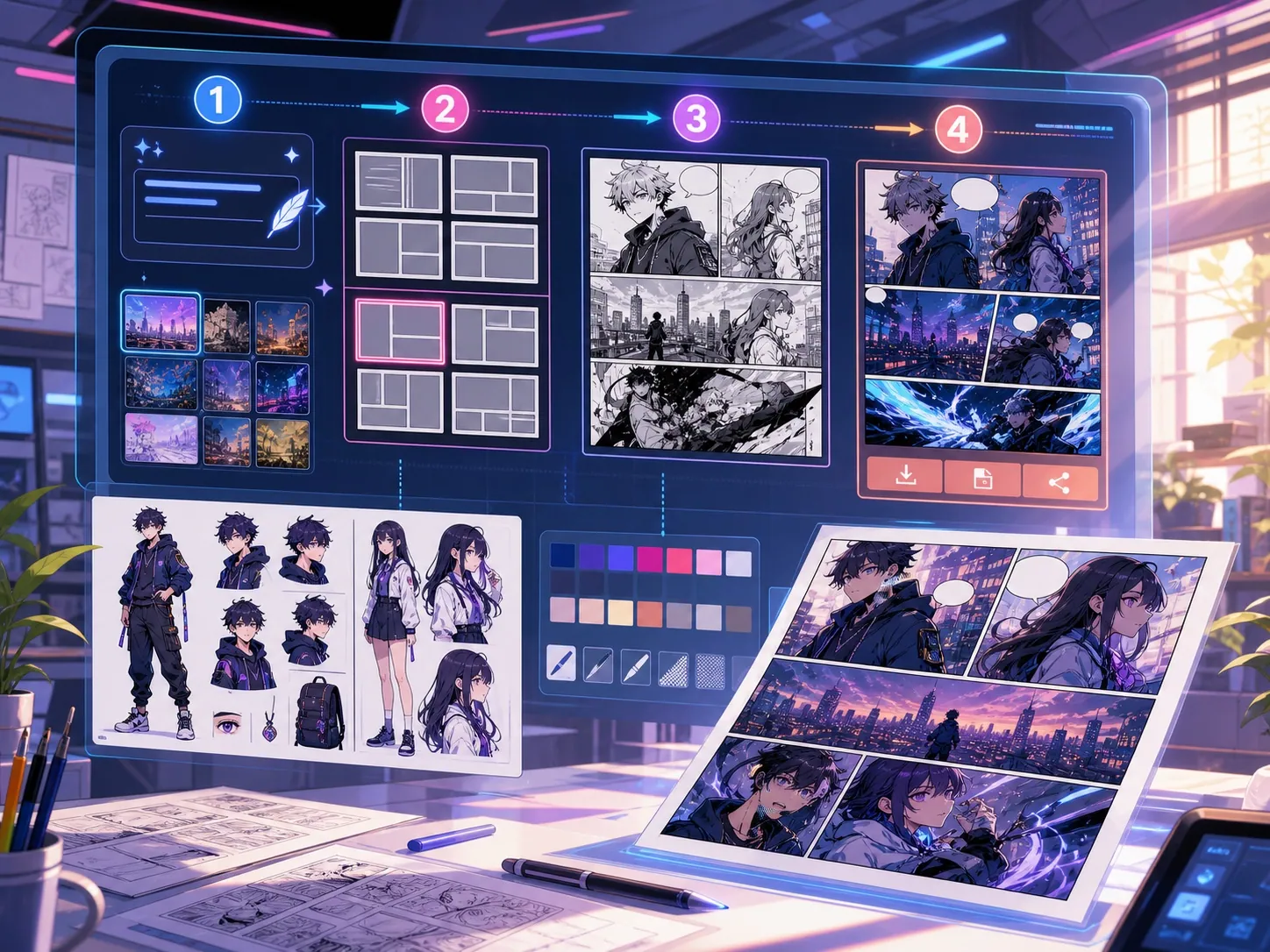
Создано для реальной задачи по созданию комикса.
Создатели, у которых уже есть панель комикса или сгенерированная сцена, которым нужна чистая позиция диалогов, стили пузырей и структура подписей.
01
Лучше всего подходит авторам, у которых уже есть искусство и которым нужны диалоги для чистого чтения.
02
Решает настоящую постгенерационную проблему: делает диалоги читаемыми внутри панелей.
03
Поддерживает пузырьки речи, дикторные блоки, направление хвоста и безопасное расстояние между панелями.
Что авторы могут сделать здесь.
Выберите самый близкий тип проекта и откройте Studio с более понятной целью для черновика.
Что можно подготовить.
Это практичные отправные точки для проверки, публикации и дальнейшего редактирования.
Короткий путь в Studio.
Начните с минимального полезного шага, затем доработайте черновик в редакторе.
Начните с этих промптов для генератор реплик для комиксов.
Используйте их как основу, затем замените персонажей, место действия и тон на свои.
Очистка диалогов
Добавьте в эту панель две речевые пузыри: одну удивлённую строку на левом символе и одну короткую ответную справа.
Результат: Панель с чистым расположением пузырьков и читаемыми диалоговыми зонами.
Озвучивающая коробка
Добавьте небольшой верхний левый блок подписей, который задаёт сцену, не покрывая главного героя.
Результат: Панель комикса с субтитрами и чёткой визуальной иерархией.
Манга-пузырь
Разместите три пустых пузыря речи манги в порядке чтения для драматичной сцены разговора.
Результат: Панель манги с пузырьковыми позициями, готовая к написанию букв.
Инструменты, которые помогают сделать черновик пригодным.
Читаемый диалог
Держите речь короткой, правильно расположенной и подключённой к правильному динамику.
Выбор стиля пузыря
Используйте формы речи, мысли, крика, шёпота, субтитра и повествования.
Безопасное расстояние между панелями
Избегайте маскировки лиц, рук, реквизита и экшена, которые несут сцену.
Продолжайте с подходящим следующим инструментом.
Генератор комикс-панелей
Сначала сгенерируйте панель, затем добавляйте пузырьки и подписи.
Открыть страницу
Переводчик манги
Используйте рабочие процессы переводчика, когда пузырьки требуют переписанного текста.
Открыть страницу
Переводчик комиксов
Переводите текст на странице комикса перед тем, как размещать финальные пузырьки речи.
Открыть страницу
Больше страниц для создания комиксов.
Связанный процесс
генератор панелей комикса
Укажите героя, место, расстояние камеры, эмоцию и одно действие для отдельного кадра комикса.
Открыть страницу
Связанный процесс
Переводчик манги: OCR и перевод страниц
Страница перевода изображений манги с ИИ. Распознавание текста, реплик и экспорт проверенного PNG-черновика.
Открыть страницу
Связанный процесс
Переводчик комиксов: OCR и перевод страниц
Процесс перевода страниц комикса. Распознавание текста, реплик и экспорт проверенного PNG-черновика.
Открыть страницу
Частые вопросы о генератор реплик для комиксов.
Что такое генератор пузыря комиксов?
Генератор пузырей комиксов помогает размещать пузырьки речи, мыслительные пузыри, окна для повествования и подписи на панелях комиксов. Он полезен после того, как панель нарисована, сгенерирована или переведена.
Могу ли я создавать пузыри для комической речи онлайн?
Да. Начните с сгенерированной панели или загруженного изображения, выберите пузырьковый стиль, разместите его на холсте и отрегулируйте направление хвоста к динамику.
Поддерживает ли он пузыри речи манги?
Да. Рабочие процессы с пузырьками речи в манге требуют тщательного расположения, порядка чтения и компактных областей букв. Используйте его для планирования пустых пузырьков, переведённого текста или финального размещения диалогов.
Могу ли я добавить текст после создания панели комикса?
Да. Добавьте диалоги и подписи после создания изображения, чтобы панель оставалась читаемой, а расположение пузырей соответствовало оформлению.
В чём разница между речевой пузырькой и подписным блоком?
Пузырь речи связан с персонажем, говорящим. В окне с подписями обычно хранится повествование, время, место или контекст, который персонаж не произносит.
Можно ли использовать пустые пузыри?
Да. Пустые пузырьки полезны для планирования макета, проверки перевода или передачи панели леттереру до утверждения окончательного текста.
Является ли генератор пузыря комиксов тем же самом, что и полноценный генератор комиксов?
Нет. Полноценный генератор комиксов создаёт изображения комиксов или черновики панелей. Генератор пузырей сосредоточен на написании букв, подписях, направлении хвоста и оформлении диалогов.
Что делает макет-пузырь читаемым?
Хорошие пузырчатые раскладки следуют порядку чтения, указывают на правый динамик, избегают важного рисунка и делают каждую строку достаточно короткой для быстрого сканирования.
Начните следующий черновик комикса.
Откройте Studio, выберите макет и превратите идею в рабочий черновик комикса.
Попробовать этот процесс