
Make photo to cartoon images online from real photos.
Use this workflow to make photo to cartoon drafts from portraits, family photos, pets, or product shots. Test a style, compare the before and after result, then export it or send it into a comic project.
Try the photo to cartoon converter.
Upload one clear photo, choose a cartoon direction, and generate a draft with the same backend used for saved Comics Maker projects.
Style
Use case
Source photo
Upload a photo to preview it here.
Cartoon result
Your generated cartoon will appear here.
Clean avatar
Result costs 2 credits. Failed jobs are refunded automatically.
What is photo to cartoon?
Photo to cartoon is an AI image workflow that turns an uploaded photo into a cartoon-style draft while keeping the original picture useful for pose, face, subject, and scene reference.
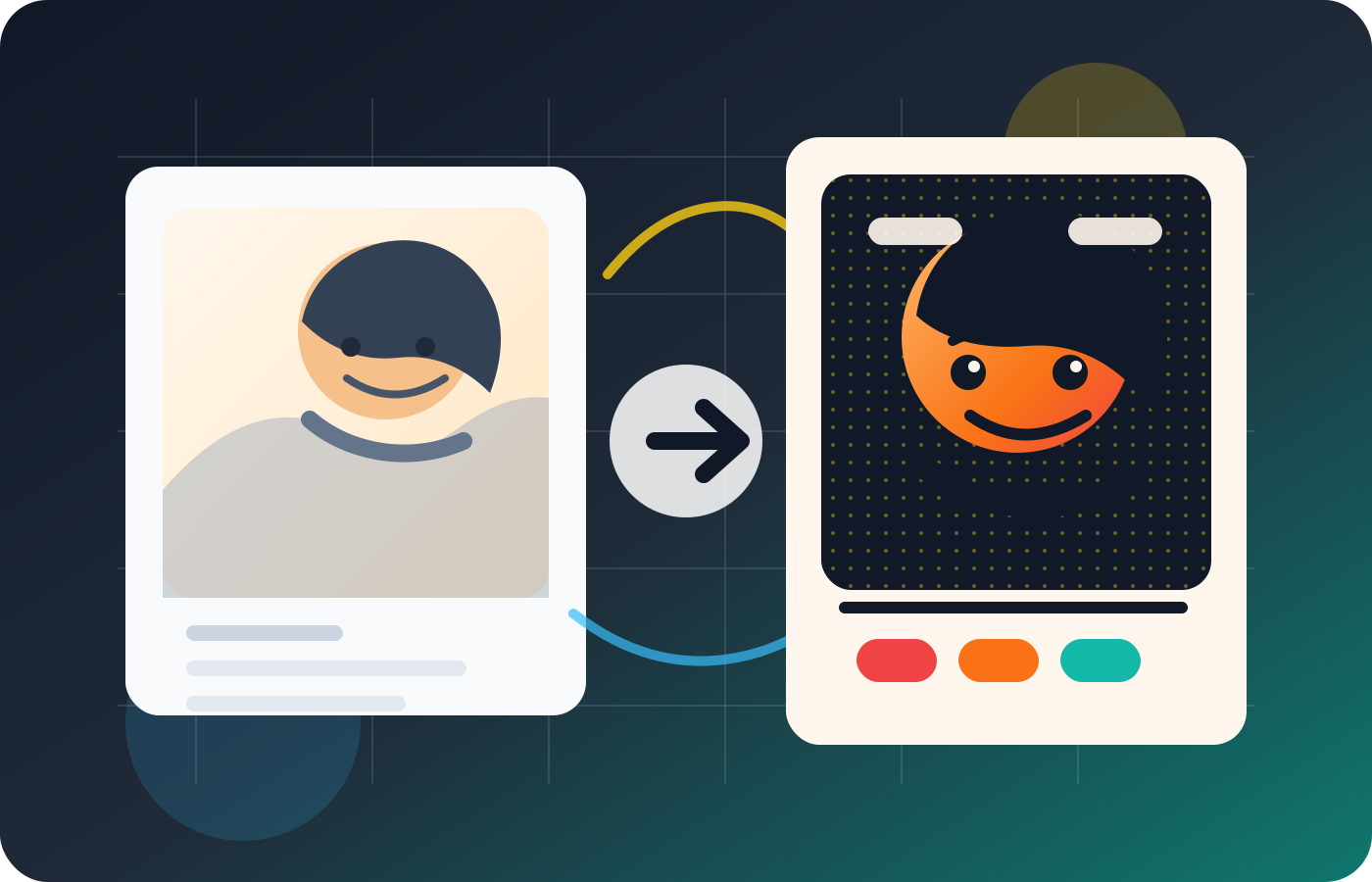
When to use this workflow.
Use this workflow when you already have a clear photo and want a fast cartoon version for an avatar, family portrait, pet image, social post, or comic reference without doing manual Photoshop edits.
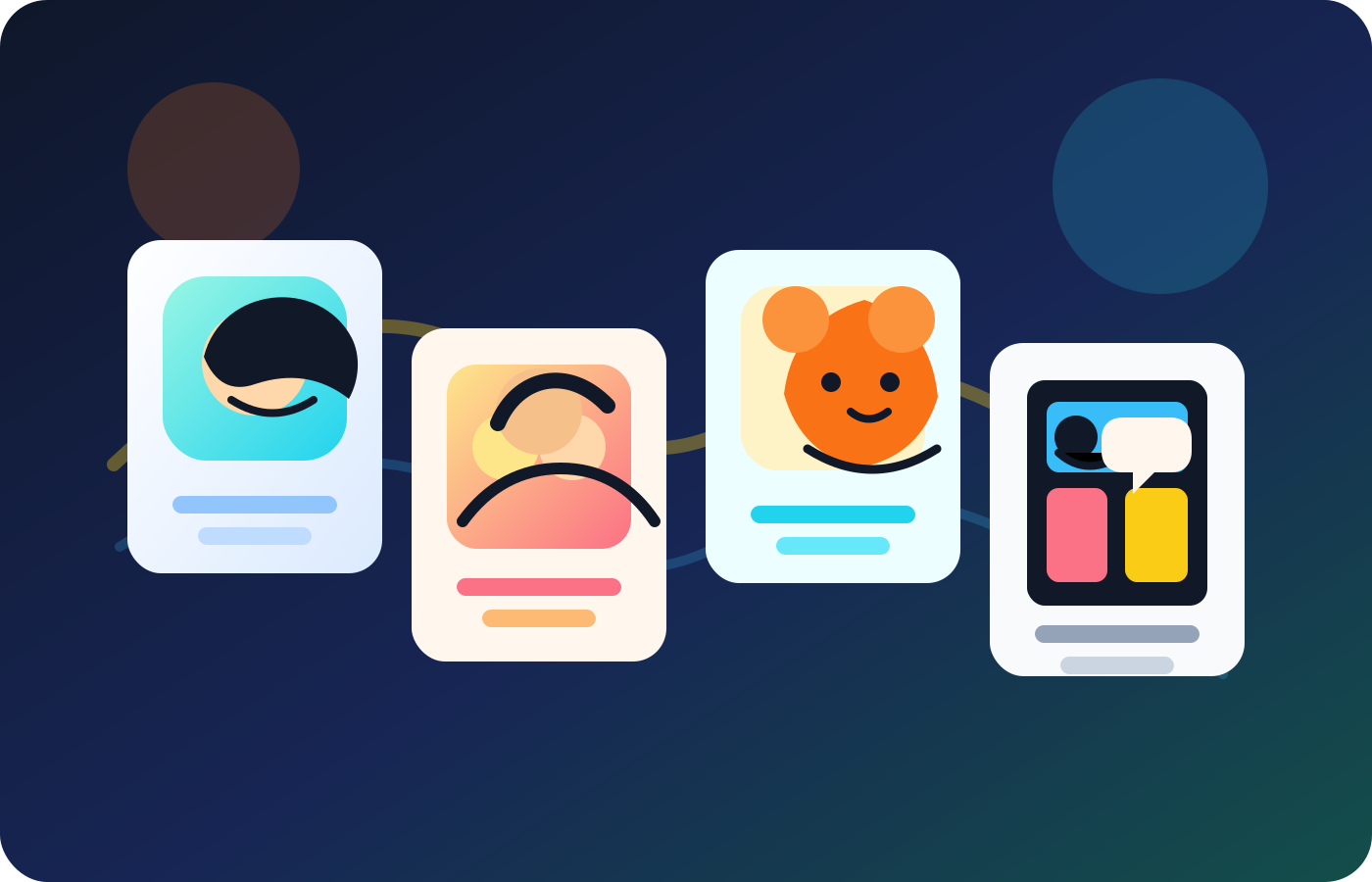
Convert a clear photo into a cartoon portrait.
Start with a portrait, pet photo, travel shot, product picture, or family photo. The converter uses the uploaded image as visual context, then creates a cartoon-style draft you can inspect before using it.
Make photo to cartoon outputs that fit the use case.
A profile avatar, a family card, and a comic character reference need different treatment. Use style direction to keep the result friendly, readable, and appropriate for where it will be shared.
Use a starter test to judge the face, style, and small details.
New accounts receive 10 starter credits. The current photo-to-cartoon job uses 2 credits and returns a downloadable image when it completes. Inspect identity, hands, logos, and product shapes before publishing or handing the image to a client.
Use the cartoon result in a comic project.
A cartoonized photo is often just the first step. Turn the result into a reusable character reference, a captioned panel, or a visual starting point for a short comic scene inside Comics Maker.
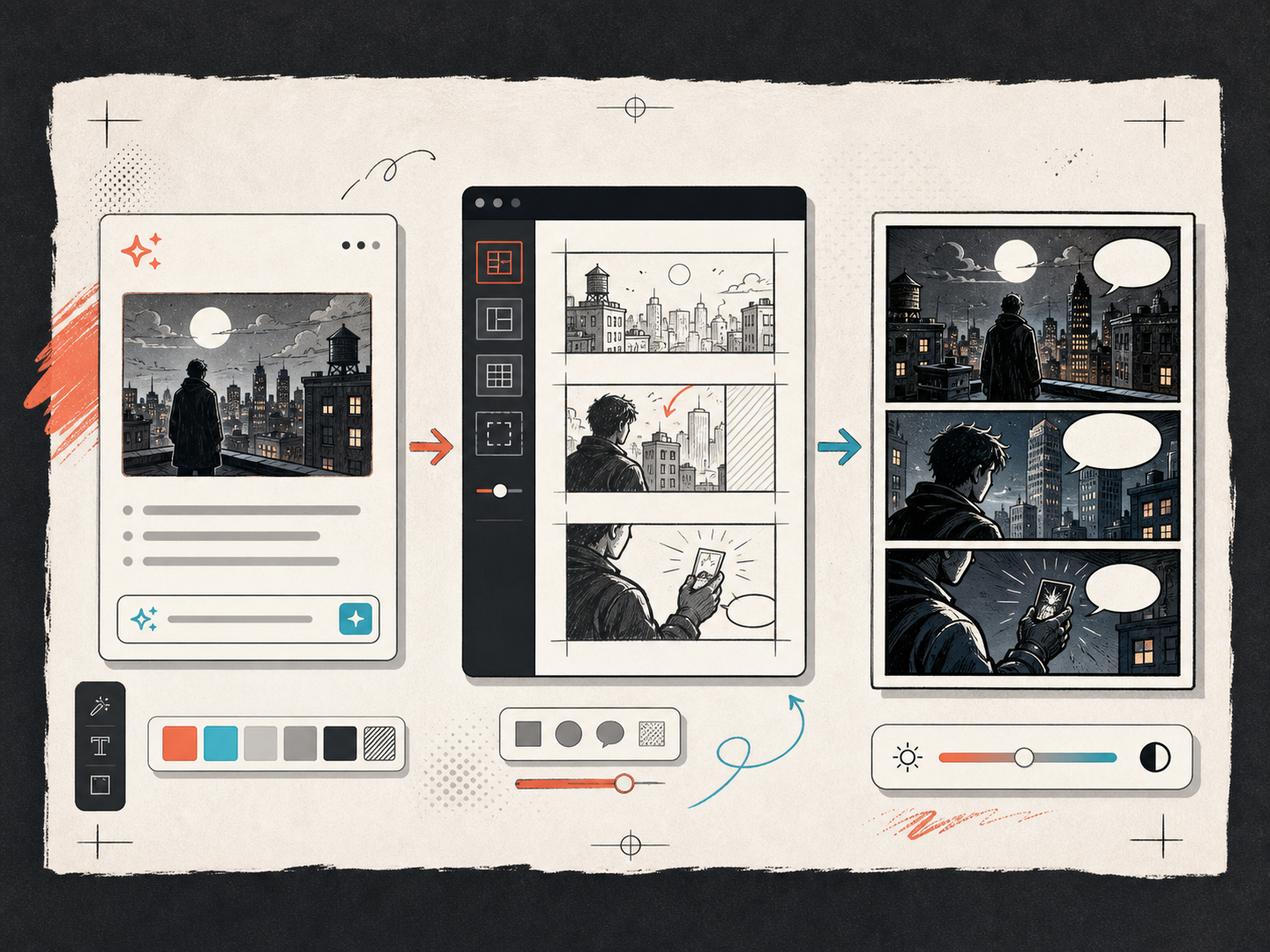
Keep building with the right next tool.
Related workflows
Turn picture into comic
Use this page when the photo should become a comic panel or short visual story.
Open page
Comic character maker
Build a reusable character after the cartoon portrait direction is clear.
Open page
Free comics maker
Check free creation options before starting a larger project.
Open page
Common make photo to cartoon questions.
FAQ
How do I convert a photo to cartoon online?
Upload a clear photo, choose a cartoon style, generate the first draft, and review the before-and-after result. For the best output, start with one main subject, good lighting, and a simple background. You can keep editing the draft or use it as a comic reference.
Is photo to cartoon free?
New accounts receive 10 starter credits, and the current photo-to-cartoon job uses 2 credits. Use the first result to check whether the style fits the source. Always inspect the downloaded image before posting or sending it to someone else.
Can I use photo to cartoon online free without watermark?
The current tool returns a downloadable generated image and does not add a product-plan watermark in the application code. The image model can still alter small details, so inspect the file and confirm you have the rights to use the source photo before publishing.
What photos work best for a cartoon converter?
Clear photos with one main subject, good lighting, and simple backgrounds usually work better. Blurry group shots, tiny faces, heavy shadows, and text-heavy images are harder for AI to convert cleanly because the model has less reliable visual context.
Can I turn a family photo to cartoon?
Yes. Family photos can become warm cartoon portraits, cards, or keepsake-style images. Use a clear group photo and check each face after generation because AI can simplify or change small details.
Can I make a photo to cute cartoon style?
Yes. Ask for a cute cartoon style with soft shapes, simple background, warm colors, and expressive eyes. Keep the prompt specific so the result does not become too generic.
Is this different from photo to cartoon Photoshop editing?
Yes. Photoshop gives detailed manual control but takes more time and editing skill. An AI converter is better for quick drafts, style tests, avatars, and creative references. Use Photoshop or manual editing when you need exact masking, retouching, or brand-level precision.
Is there a convert photo to cartoon app free option?
Comics Maker runs in the browser, so you can test the workflow online without installing a separate app. A phone app may be easier for quick camera-roll edits, but browser projects are better when you want saved drafts, captions, comic references, and organized exports.
Will AI preserve every face and detail?
No. Treat the output as a cartoon interpretation, not an exact copy. Review faces, hands, logos, product shapes, and any important detail before you publish or export the result.
Can I use the cartoon result in a comic?
Yes. The cartoonized photo can become a character reference, a single panel, or the start of a short comic sequence. Add captions or speech bubbles when the image needs to tell a clearer story.
Related workflow
Free Comic Maker to Try Comic Ideas Online
Start with a free comic maker for a small comic draft, layout test, and downloadable project data before buying more generation credits.
Open page
Related workflow
Comic Character Maker for Consistent Story Casts
Create comic character concepts online with AI-assisted identity notes, outfit direction, color cues, and reusable project references.
Open page
Related workflow
Turn Picture Into Comic Online
Turn a picture into comic-style panels with an AI workflow for uploads, style direction, before-and-after review, and editable comic drafts.
Open page
Start your next comic draft.
Open the Studio, choose a layout, and turn the idea into a working comic draft.
Try this workflow