
Text to comic generator for turning ideas into panels.
Paste a paragraph, scene, or short script. Comics Maker turns it into panel beats, captions, prompts, and draft comic visuals you can refine.
Start on this page
Source text
Paste a short paragraph with one main event. The planner will split it into visible beats before image generation.
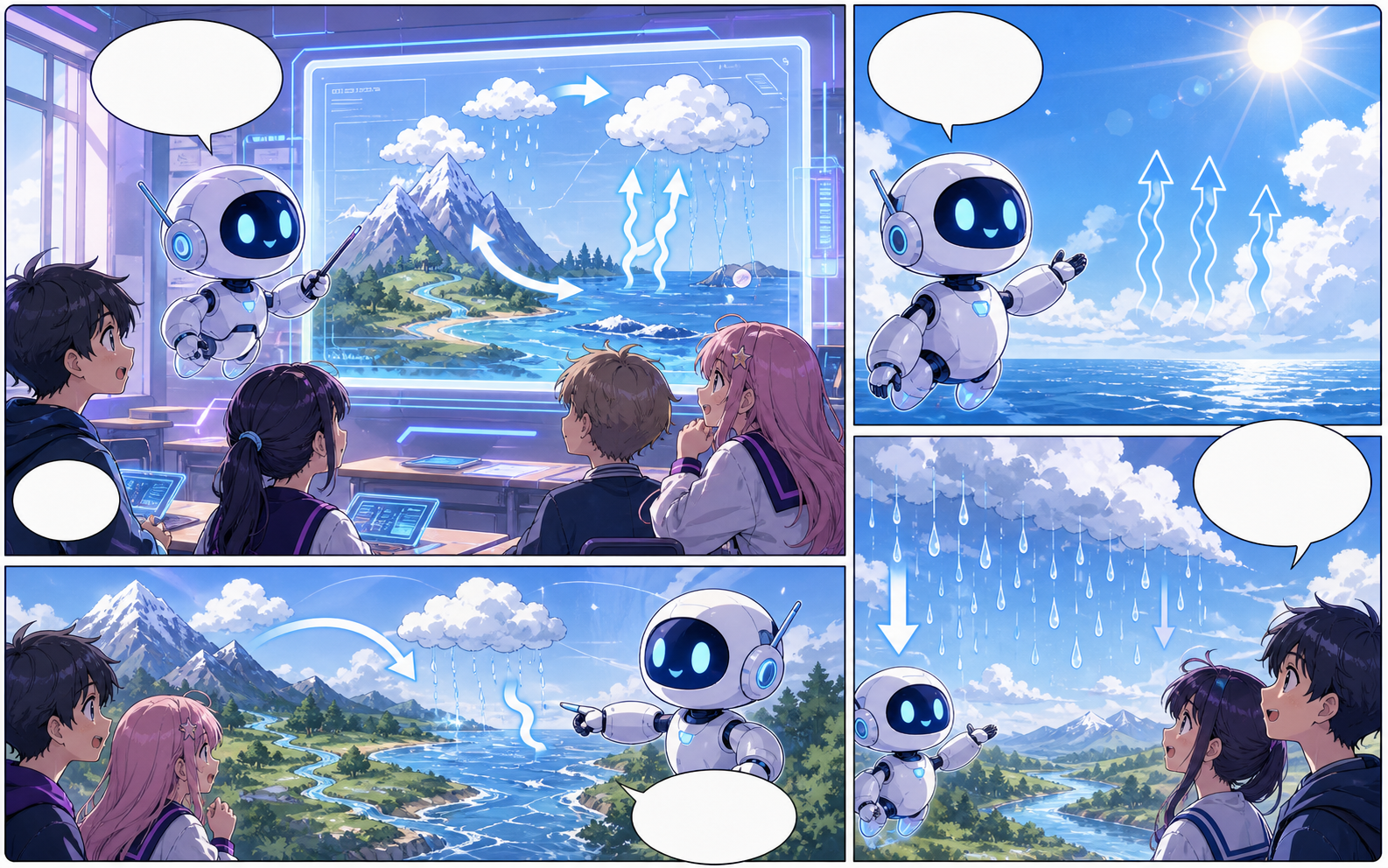
What this draft does not do
- Image generation does not place reliable dialogue. Add and position speech bubbles in Studio after the panels are ready.
- Long plots produce vague pages. Work one scene or page at a time and repeat concrete character details.
Definition
What is text to comic?
A text to comic generator converts written text into comic structure, panel prompts, captions, and draft visuals.
Short answer
When to use this workflow.
Use this workflow when the creator already has a paragraph, scene outline, or short script and wants it turned into comic panels.
Turn a paragraph into comic panel beats.
Paste the rough text and let the workflow identify what should become panel action, dialogue, caption, or visual direction.
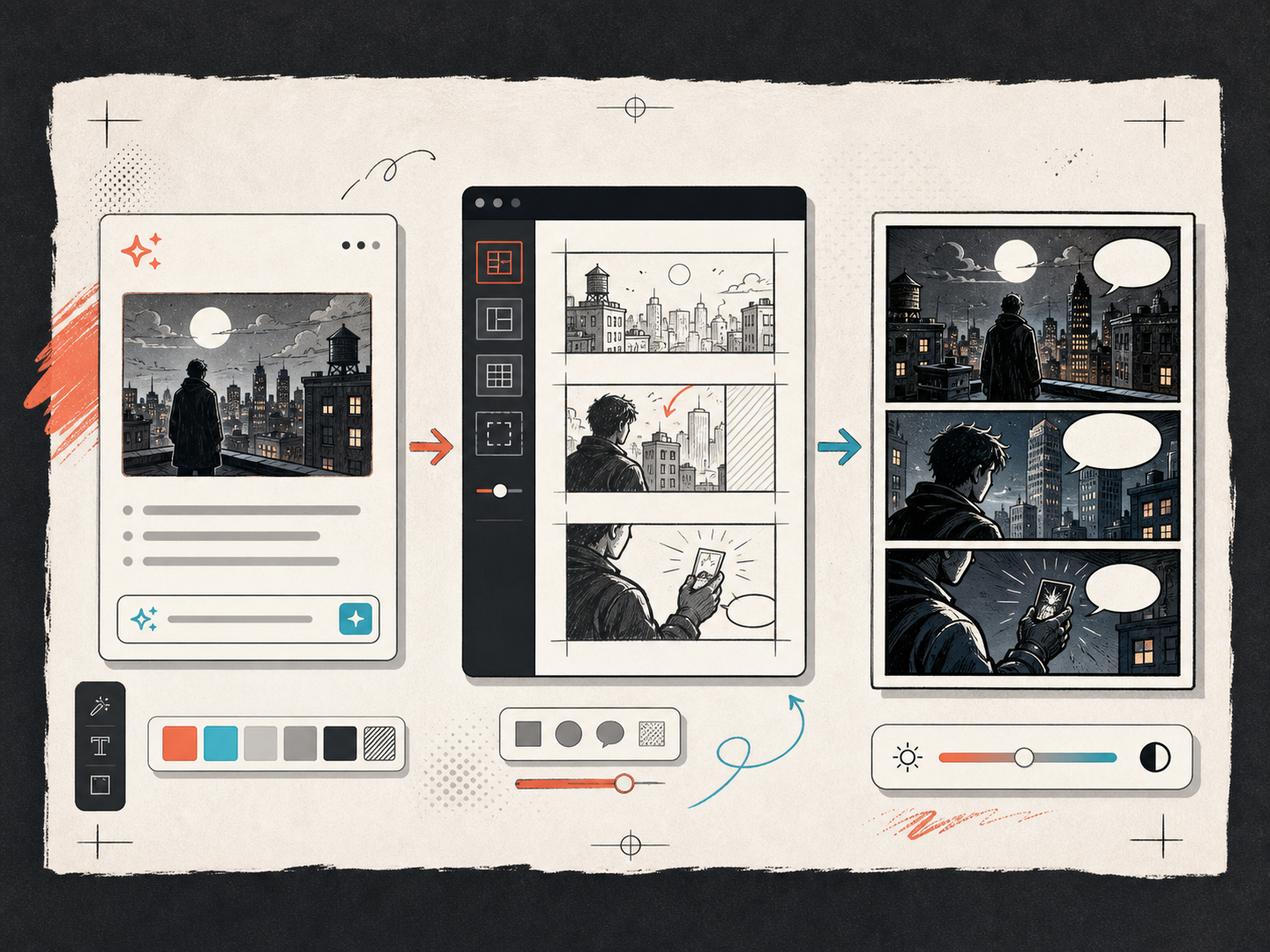
Generate a visual draft from the beat plan.
Once the text is structured, generate panels and revise the words until the page reads clearly.
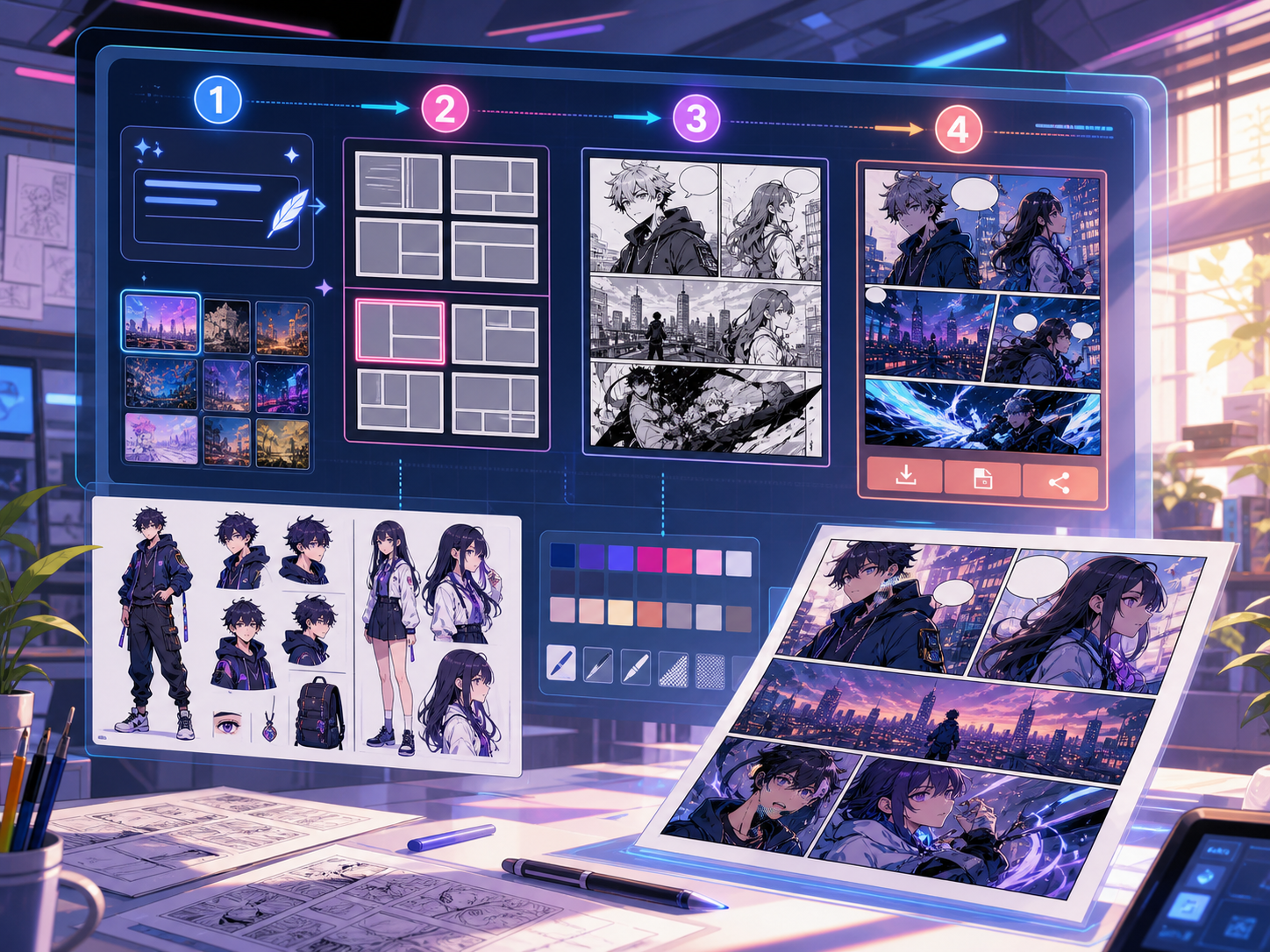
Built around a real comic-making task.
Writers and creators who already have source text and need a visual comic draft without restructuring every panel by hand.
01
Turns plain text into structured panel beats.
02
Keeps captions and visual prompts connected.
03
Works best for short scenes, narrative summaries, and focused scripts.
What creators can make here.
Pick the closest project type, then open Studio with a clearer idea of the draft you want to make.
What you can draft.
These are practical starting points for review, sharing, and continued editing.
A short path into Studio.
Start with the smallest useful step, then refine the draft inside the editor.
Start with these text to comic prompts.
Use these as starting points, then swap in your own characters, setting, and tone.
Mystery paragraph
Turn this paragraph about a courier finding an unmarked package into a 4-panel comic with captions and visible story beats.
Output: 2x2 narrative comic plan and generated draft.
Character decision
Convert this short scene into a three-panel comic where a musician decides whether to open a mysterious door.
Output: Three-panel sequence with a clear decision beat.
Tools that help the draft become usable.
Plain text input
Start from paragraphs, scene outlines, dialogue drafts, or short scripts.
Panel beat extraction
Turn words into actions, captions, and visual prompts.
Editable captions
Revise the generated copy so the page reads naturally.
Keep building with the right next tool.
More comic creation pages.
Related workflow
Comic Panel Generator for Single-Scene Drafts
Generate individual comic panels online with AI prompts, camera direction, style controls, character notes, and export-ready panel drafts.
Open page
Related workflow
Comic Strip Maker for Fast Story Panels
Build three-panel strips and compact 2x2 story pages with a comic strip maker designed for short, readable sequences.
Open page
Related workflow
Comic Script Maker for Panel-by-Panel Scripts
Use a free comic script maker to turn a story premise into editable pages, panels, visual descriptions, dialogue cues, captions, SFX, and art prompts.
Open page
Common text to comic questions.
What is a text to comic generator?
A text to comic generator turns written text into comic panel structure, captions, prompts, and draft visuals. It helps writers move from words to a visual sequence.
What kind of text can I paste?
Use a story paragraph, scene outline, dialogue draft, or rough script. Short, specific text usually creates clearer panels than a long unfocused draft.
Can it write the captions too?
Yes. The workflow can turn narration into captions and dialogue suggestions, but you should review tone, clarity, and reading order before exporting.
How long should the source text be?
Use one focused event or scene. Long chapters should be split into smaller passages so each panel can show one visible action or change.
Start your next comic draft.
Open the Studio, choose a layout, and turn the idea into a working comic draft.
Try this workflow