
Okunabilir paneller için çizgi roman konuşma balonu oluşturucu.
Çizgi roman panellerine konuşma baloncukları, başlık kutuları, kuyruk ve diyalog alanları yerleştirin, böylece sanat eseri oluşturulduktan sonra hikaye net okunur.
Bir çizgi roman paneline konuşma baloncukları ekleyin
Yükleyin PNG, JPG veya WebP. Kabarcıkları doğrudan panele sürükleyin.
Panelde bir elemanı seçip sürükleyin. Tam boyut ve kuyruk yönü için kontrolleri kullanın.
Çizgi roman metni ekle
Konuşma balonu
Seçilen öğeyi düzenleyin.
İhracat ücretsizdir ve üretim kredisi kullanılmaz. Giriş işlemi indirme işlemini korur; Görüntünün kendisi tarayıcınızda kalır.
Görseliniz ve çizgi roman metniniz bu tarayıcıda kalır. Bu editör onları yüklemez.
Tanım
çizgi roman konuşma balonu oluşturucu nedir?
Bir çizgi roman balonu oluşturucu, konuşma balonlarını, düşünce balonlarını, anlatım kutularını ve kuyruk yönlerini çizgi roman panellerine yerleştirmeye yardımcı olur.
Kısa cevap
Bu iş akışı ne zaman kullanılır.
Bu iş akışını, sanat eseri zaten var olduğunda ve bir sonraki iş harf yapmak olduğunda kullanın: diyalog, altyazılar, bubble sırası ve hoparlör kuyrukları.
Eylemi kapatmadan konuşma baloncukları ekleyin.
Panelin güvenli alanlarına baloncuklar yerleştirin ve karakter, aksiyon ve okuma sırasını görünür tutun.
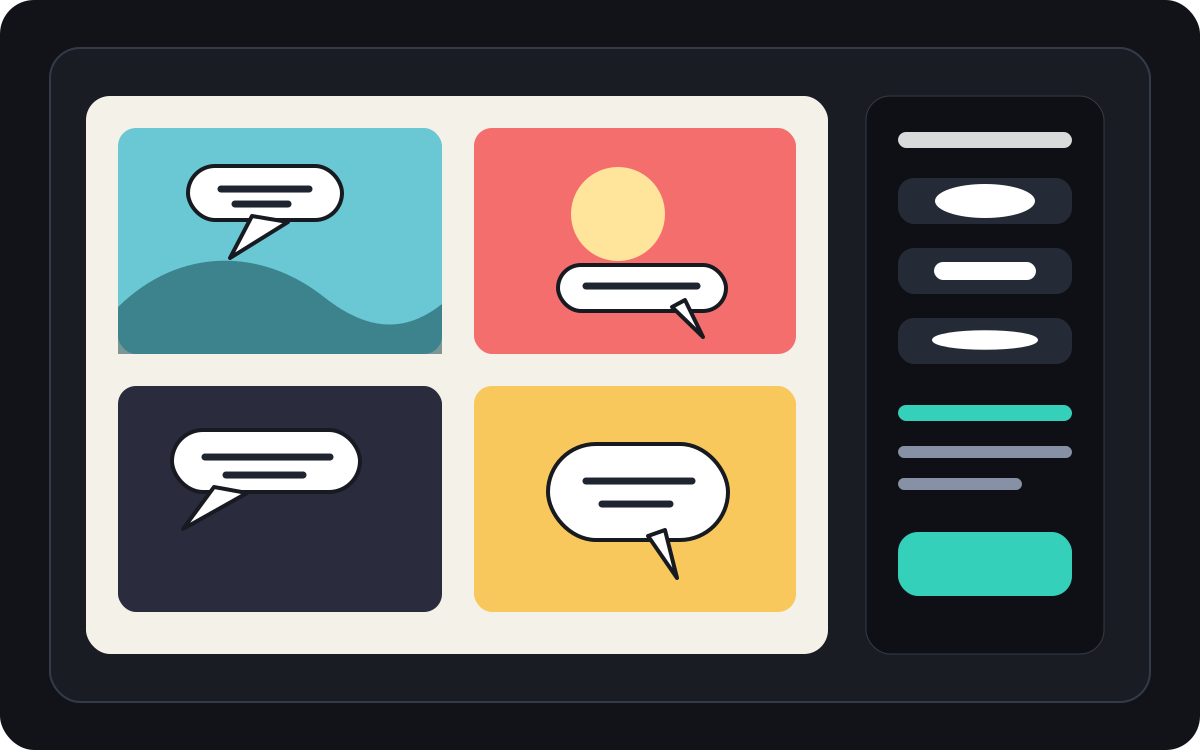
Manga, konuşma balonu aralığı ve okuma sırasını yönetin.
Manga panelleri genellikle daha sıkı bir baloncuk yerleşimi ve dikkatli okuma yönlendirmesi gerektirir. Son yazı uygulanmadan önce akışı açık tutun.
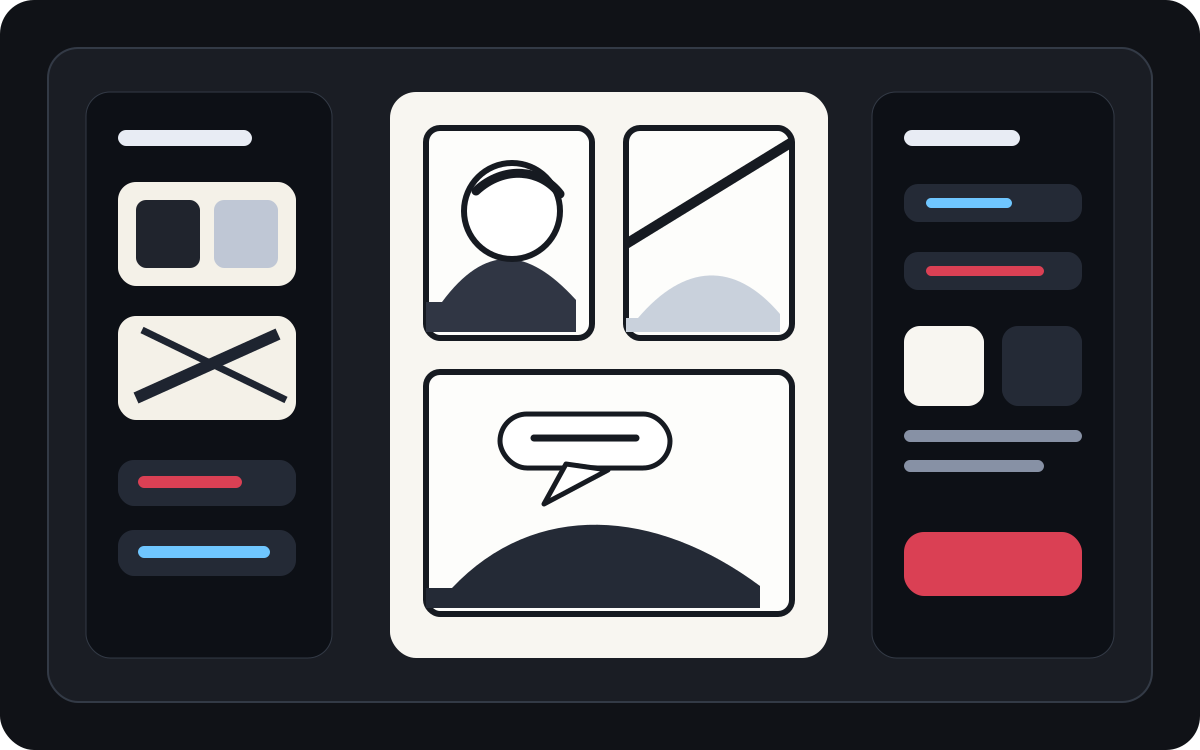
Oluşturulan sanatı okunabilir bir çizgi roman paneline dönüştür.
AI üretilen sanat iyi görünebilir ama yine de yazı gerektirebilir. Görsel ortaya çıktıktan sonra anlatım, kısa diyalog ve temiz başlık kutuları ekleyin.
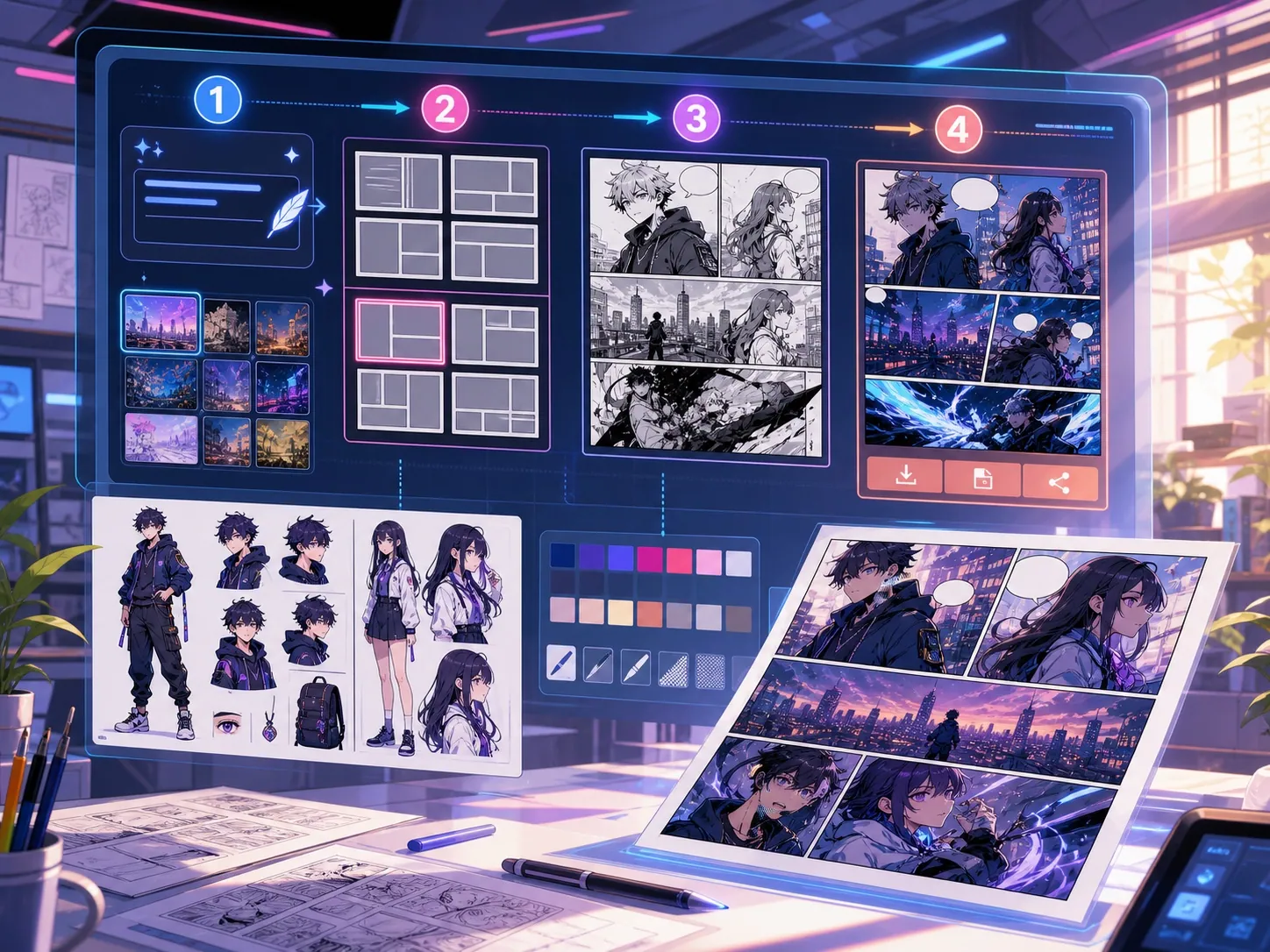
Gerçek bir çizgi roman üretim görevi için tasarlandı.
Zaten çizgi roman paneli veya oluşturulmuş bir sahneye sahip olan ve temiz diyalog yerleşimi, balon stilleri ve başlık yapısı ihtiyacı olan yaratıcılar.
01
Zaten sanatı olan ve diyalogların temiz okunması için ihtiyacı olan yaratıcılar için en iyisi.
02
Gerçek bir nesil sonrası sorunu çözüyor: Paneller içinde diyalogları okunabilir hale getirmek.
03
Konuşma baloncuklarını, anlatım kutularını, kuyruk yönünü ve panel güvenli aralıkları destekler.
Yaratıcılar burada ne üretebilir.
En yakın proje türünü seçin, ardından oluşturmak istediğiniz taslağı netleştirerek Studio'yu açın.
Nelerin taslağını çıkarabilirsiniz.
Bunlar inceleme, paylaşım ve düzenlemeye devam etmek için pratik başlangıç noktalarıdır.
Studio'ya giden kısa yol.
En küçük işe yarar adımla başlayın, ardından taslağı editörde geliştirin.
Bu çizgi roman konuşma balonu oluşturucu promptlarıyla başlayın.
Bunları başlangıç noktası olarak kullanın; karakterleri, ortamı ve tonu kendi hikayenizle değiştirin.
Diyalog temizliği
Bu panele iki konuşma balonu ekleyin: sol karakterde bir şaşırmış satır, sağda ise kısa bir cevap.
Çıktı: Temiz baloncuk yerleştirmesi ve okunabilir diyalog alanları olan panel.
Anlatım kutusu
Ana karakteri kaplamadan sahneyi ayarlayan küçük bir sol üst altyazı kutusu ekleyin.
Çıktı: Açık görsel hiyerarşiye sahip altyazılı çizgi roman paneli.
Manga baloncuk düzeni
Dramatik bir konuşma sahnesi için üç boş manga konuşma balonunu okuma sırasına yerleştirin.
Çıktı: Yazı için hazır baloncuk pozisyonları olan manga paneli.
Taslağı kullanılabilir hale getiren araçlar.
Okunabilir diyaloglar
Konuşmayı kısa, iyi yerleştirilmiş ve sağ hoparlörle bağlı tutun.
Balon tarzı seçimleri
Konuşma, düşünce, bağırma, fısıltı, başlık ve anlatım şekilleri kullanın.
Panel güvenli aralık
Sahneyi taşıyan yüzleri, elleri, aksesuarları ve aksiyonu örtmekten kaçının.
Doğru sonraki araçla üretmeye devam edin.
Çizgi roman paneli oluşturucu
Önce paneli oluşturun, sonra baloncuklar ve başlıklar ekleyin.
Sayfayı aç
Manga çevirici
Baloncuklar metin yeniden yazılması gerektiğinde çevirmen iş akışlarını kullanın.
Sayfayı aç
Çizgi roman çevirmeni
Son konuşma baloncuklarını yerleştirmeden önce çizgi roman metnini çevirin.
Sayfayı aç
Daha fazla çizgi roman oluşturma sayfası.
İlgili iş akışı
çizgi roman paneli oluşturucu
Tek çizgi roman paneli için özneyi, yeri, kamera uzaklığını, duyguyu ve görünen bir eylemi yazın.
Sayfayı aç
İlgili iş akışı
Manga çevirici ile OCR ve sayfa çevirisi
AI manga görsel çeviri sayfası. OCR, konuşma balonları, düzenleme ve PNG dışa aktarmayı destekler.
Sayfayı aç
İlgili iş akışı
Çizgi roman çevirici ile OCR ve sayfa çevirisi
Çizgi roman sayfası çeviri akışı. OCR, konuşma balonları, düzenleme ve PNG dışa aktarmayı destekler.
Sayfayı aç
çizgi roman konuşma balonu oluşturucu hakkında sık sorulan sorular.
Çizgi roman balonu üreticisi nedir?
Bir çizgi roman balonu oluşturucu, konuşma baloncuklarını, düşünce baloncuklarını, anlatım kutularını ve başlıkları çizgi roman panellerine yerleştirmeye yardımcı olur. Bir panel çizildiğinden, oluşturulduğundan veya çevrildikten sonra da faydalıdır.
Çevrimiçi komik konuşma baloncukları yapabilir miyim?
Evet. Oluşturulmuş bir panelden veya yüklenen görselden başlayın, bir baloncuk stili seçin, tuvale yerleştirin ve kuyruk yönünü hoparlöre doğru ayarlayın.
Manga konuşma baloncuklarını destekliyor mu?
Evet. Manga konuşma balonu iş akışları dikkatli aralık, okuma sırası ve kompakt harf alanları gerektirir. Boş baloncukları, çevirilmiş metin veya nihai diyalog yerleştirmesini planlamak için kullanın.
Bir çizgi roman paneli oluşturduktan sonra metin ekleyebilir miyim?
Evet. Görsel oluşturulduktan sonra diyalog ve altyazı ekleyin, böylece panel okunabilir kalır ve balon yerleşimi çizimle eşleşir.
Konuşma balonu ile başlık kutusu arasındaki fark nedir?
Konuşma balonu, bir karakterin konuşmasına bağlıdır. Bir başlık kutusu genellikle bir karakterin konuşmadığı anlatım, zaman, yer veya bağlamı içerir.
Boş baloncukları kullanabilir miyim?
Evet. Boş baloncuklar, düzen planlama, çeviri incelemesi veya nihai metin onaylanmadan önce paneli bir harf yazıcısına teslim etmek için faydalıdır.
Bir çizgi roman balonu üreteci, tam bir çizgi roman üreticisi ile aynı şey mi?
Hayır. Tam kapsamlı bir çizgi roman oluşturucu, çizgi roman görselleri veya panel taslakları oluşturur. Bir bubble oluşturucu, harfler, altyazılar, kuyruk yönü ve diyalog düzenine odaklanır.
Balon düzenini okunabilir kılan nedir?
İyi baloncuk düzenleri okuma sırasını takip eder, kuyruk işaretlerini doğru hoparlöre işaretler, önemli sanat eserlerinden kaçınır ve her satırı hızlıca taramak için yeterince kısa tutarlar.
Sonraki çizgi roman taslağınızı başlatın.
Studio'yu açın, bir düzen seçin ve fikri çalışılabilir bir çizgi roman taslağına dönüştürün.
Bu iş akışını dene