
AI comic book generator for chapters and multi-page comic drafts.
Turn a story idea into a structured comic book draft with page planning, character direction, panel prompts, and visual previews in one browser workflow.
Start on this page
Story premise
Name the lead, the immediate problem, the setting, and what changes by the end of this page.
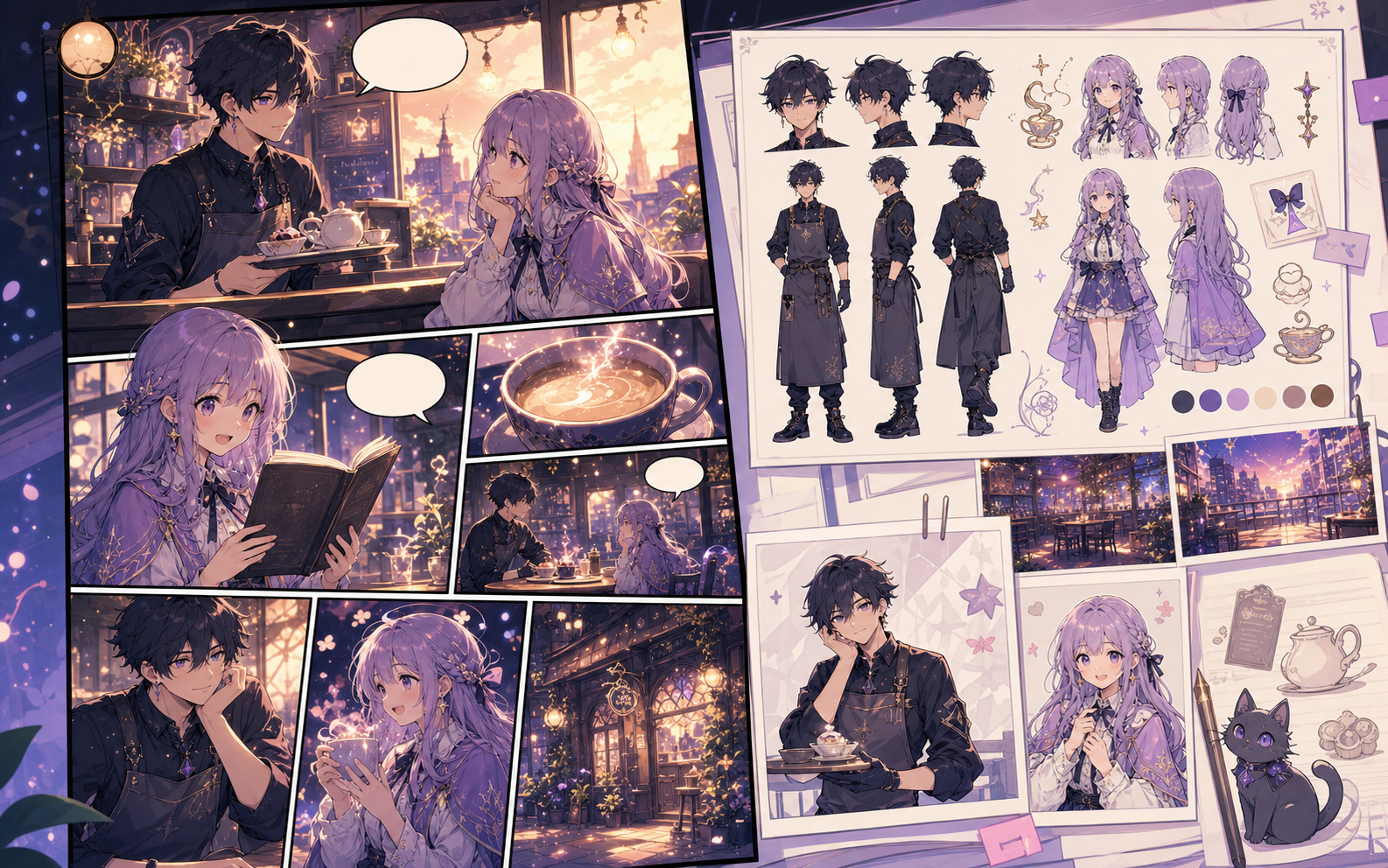
What this draft does not do
- Image generation does not place reliable dialogue. Add and position speech bubbles in Studio after the panels are ready.
- Long plots produce vague pages. Work one scene or page at a time and repeat concrete character details.
Definition
What is comic book generator?
A comic book generator is an online tool that turns a story prompt into comic book structure, page beats, character direction, and draft panel artwork.
Short answer
When to use this workflow.
Use this workflow when the project needs repeatable characters, page order, and a multi-page draft the creator can keep editing.
Create comic book pages from a simple story prompt.
Start with a premise, character notes, and tone. The generator turns that raw idea into page beats that are easier to review before you create final panels.
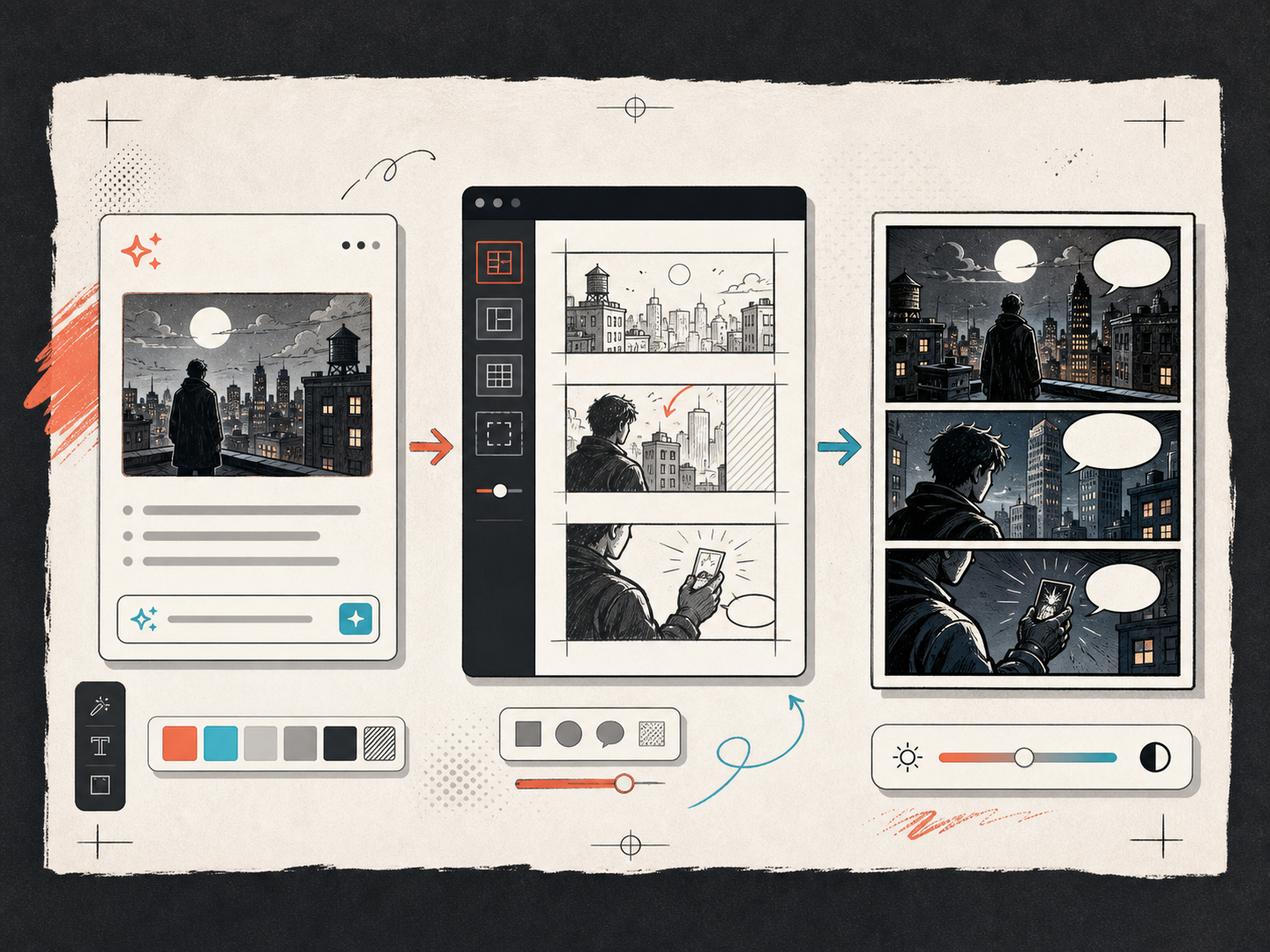
Keep characters and settings consistent across pages.
Comic books need repeatable context. Save names, outfits, palettes, locations, and camera language so every new page starts with the same direction.
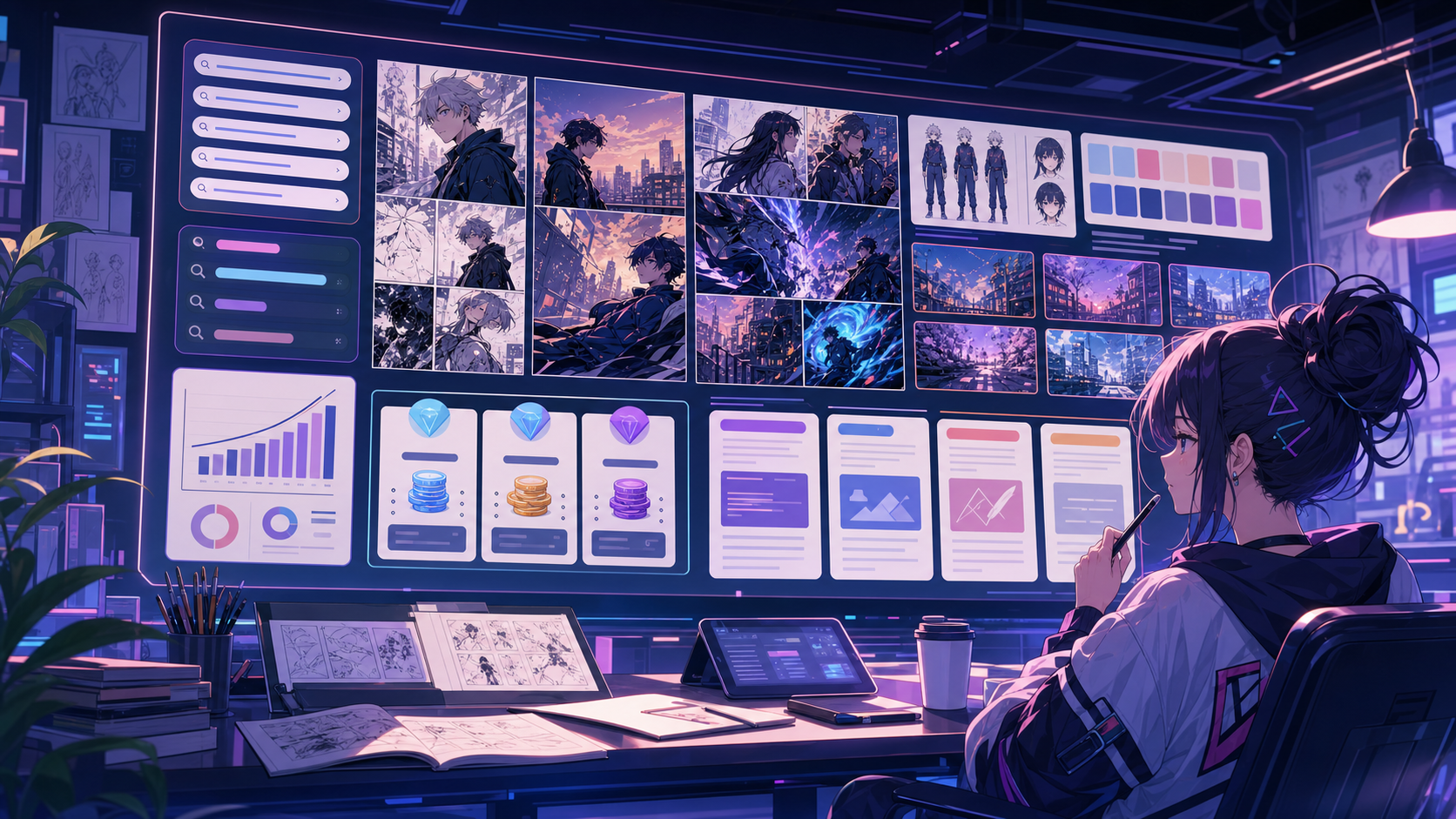
Built around a real comic-making task.
Creators who want to make a comic book from a rough idea without losing control of scenes, characters, layout, or page order.
01
Plan chapter beats and page order before generating art.
02
Keep character and setting notes attached to the comic book project.
03
Move from rough story text to editable comic pages and export drafts.
What creators can make here.
Pick the closest project type, then open Studio with a clearer idea of the draft you want to make.
What you can draft.
These are practical starting points for review, sharing, and continued editing.
A short path into Studio.
Start with the smallest useful step, then refine the draft inside the editor.
Start with these comic book generator prompts.
Use these as starting points, then swap in your own characters, setting, and tone.
Adventure opening
Create a 6-page comic book opening about a young inventor finding a glowing map beneath an old train station.
Output: Opening-page concept, page beats, and 2x2 draft pages.
Serialized mystery
Turn a missing-key mystery into a short comic book with a clear opening, clue, reversal, and closing page.
Output: Multi-page mystery outline with readable scene progression.
Brand story
Draft a comic book about a product mascot solving a customer problem in four scenes.
Output: Campaign-ready page plan with character notes.
Tools that help the draft become usable.
Chapter and page planning
Plan opening beats and inside pages together so the draft reads like one comic book.
Editable story structure
Revise page beats before spending credits on final panel generation.
Export-ready project notes
Keep prompts, captions, references, and layout choices in a draft an artist or teammate can understand.
Keep building with the right next tool.
More comic creation pages.
Related workflow
Comic Strip Maker for Fast Story Panels
Build three-panel strips and compact 2x2 story pages with a comic strip maker designed for short, readable sequences.
Open page
Related workflow
AI Comic Maker for Editable Comic Pages
Use AI to draft comic panels, captions, and character-consistent scenes from one focused comic maker studio.
Open page
Related workflow
Comic Bubble Generator for Speech Balloons
Add speech bubbles, captions, tails, and readable comic dialogue with a comic bubble generator built for panel editing.
Open page
Common comic book generator questions.
What is a comic book generator?
A comic book generator turns a story idea into comic book structure, page beats, panel prompts, and draft visuals. It is useful when you want more than a single image and need the pages to connect.
Can I design my own comic book here?
Yes. Start with the story, choose the page format, add character direction, and revise the draft before exporting. You can keep the workflow lightweight for tests or expand it into a longer project.
Is this different from a comic strip generator?
Yes. A comic strip generator focuses on a short sequence, often three panels. A comic book generator supports covers, page order, recurring characters, and longer story arcs.
Can I make a comic book without drawing?
You can use AI to draft the structure and panels without drawing from scratch. Final publication-quality pages may still need editing, art direction, or manual polish.
What can I export?
Export JSON saves prompts, layout notes, panel image URLs, bubble text, and character notes. Download generated images separately when you need flat image files.
Start your next comic draft.
Open the Studio, choose a layout, and turn the idea into a working comic draft.
Try this workflow