Comics Maker
Open navigation
Resources
Anime character creatorCreate an original anime character from text or a reference image.Manga translatorAI manga image translator pageComic translatorComic page translator workflowComic Script MakerPlan pages, panels, dialogue cues, captions, SFX, and art prompts.Manhwa CropperSplit a long manhwa or webtoon image into reviewed PNG or JPG slices and download an ordered ZIP.AI storyboard generatorBreak a scene into purposeful shots, revise camera and continuity notes, generate selected frame drafts with the project’s live image pipeline, then export the working board.Plot generatorDefine the protagonist, central conflict, audience, length, tone, and ending. Generate a structured premise, major beats, turning points, and scene-by-scene outline on this page.AI character creatorTurn scattered character ideas into an editable design specification for games, animation, illustration, brand concepts, and story pitches. Approve the identity, wardrobe, palette, and pose first; generate one concept image second.Storybook makerPlan a children's story, teaching story, or family memory as a sequence of readable pages. Edit the text and art direction, then generate and download individual page illustrations.AI character designBuild a reviewable character design brief, turn it into an editable specification, and generate one concept image to check the silhouette, outfit, palette, and pose.AI character sheet generatorDefine identity anchors, outfit construction, palette, props, and requested views, then generate one clearly labeled concept character sheet for visual development.AI character pose generatorPlan line of action, balance, camera view, hand visibility, and framing, then generate one reviewable character pose concept as a downloadable PNG.Character expression sheet generatorPlan a character expression sheet from identity anchors, emotion beats, intensity, head angles, style, and grid requirements, then generate one downloadable raster concept sheet.AI background generatorTurn a structured location, weather, perspective, depth, staging-space, style, and aspect brief into one downloadable comic or anime background image.
AI comic maker

An AI comic maker workflow for creators who want control.

Use prompt guidance, reusable character notes, reference images, and palette controls to keep generated pages coherent.

AI comic panelcharacter reference2x2 comic pageeditable comic page draft

Start on this page

Comic scene

State who is present, what they want, what blocks them, and the visual tone. Concrete details are easier to keep consistent.

2x2 layoutShonen styleDramatic mood4 images per draft
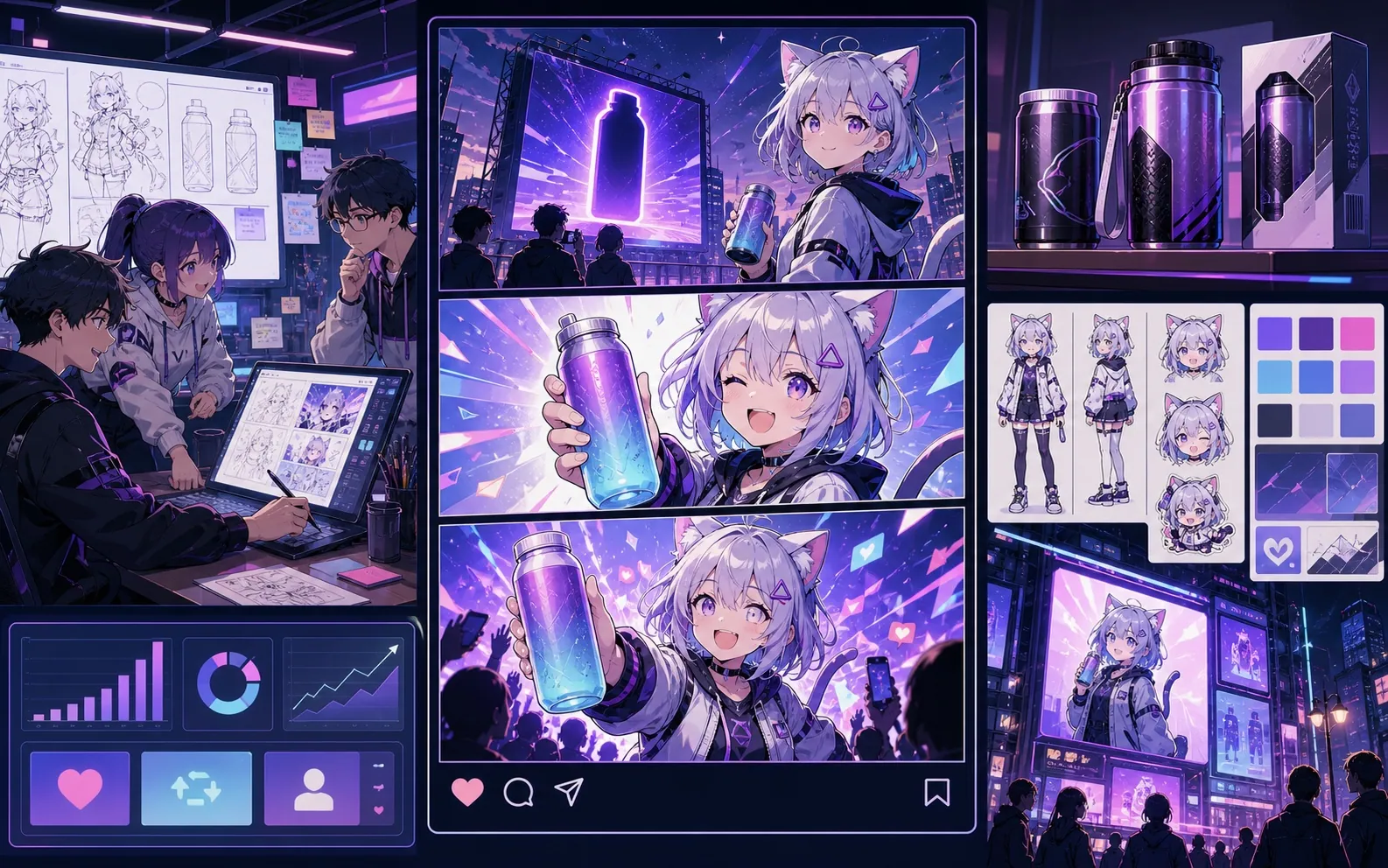
Built-in Comics Maker workflow sample used to test panel placement
Built-in workflow sample. This image belongs to the server's mock-provider sample set and is used to verify result placement and editor behavior; it is not a quality claim for the currently configured live image model.

What this draft does not do

  • Image generation does not place reliable dialogue. Add and position speech bubbles in Studio after the panels are ready.
  • Long plots produce vague pages. Work one scene or page at a time and repeat concrete character details.
Best fit

Built around a real comic-making task.

Creators who want AI help with a comic page while keeping control of prompts, references, panel structure, and revisions.

01

Turn one scene into panel prompts and visual direction.

02

Keep recurring character notes attached to the project.

03

Generate individual panels or queue a small comic page.

Use cases

What creators can make here.

Pick the closest project type, then open Studio with a clearer idea of the draft you want to make.

AI comic generator drafts
creator pitch pages
repeat character scenes
editable comic projects
Formats

What you can draft.

These are practical starting points for review, sharing, and continued editing.

AI comic panel
character reference
2x2 comic page
editable comic page draft
Workflow

A short path into Studio.

Start with the smallest useful step, then refine the draft inside the editor.

1Pick an AI model
2Write the story moment
3Tune references
4Generate and revise
Related resources

More comic creation pages.

FAQ

Common AI comic maker questions.

Does the AI create a full comic automatically?

The studio is built around draftable panels and small page layouts, so creators can guide the result instead of accepting a black-box comic.

Can I reuse a character?

Yes. Add a character reference or generate a character image, then reuse that context while drafting new panels.

Start your next comic draft.

Open the Studio, choose a layout, and turn the idea into a working comic draft.

Try this workflow