
Generador de globos de diálogo de cómic para viñetas legibles.
Coloca globos de diálogo, cajas de subtítulos, colas y áreas de diálogo en viñetas de cómic para que la historia se lea claramente después de generar el arte.
Añade globos de diálogo a una viñeta de cómic
Sube PNG, JPG o WebP. Arrastra las burbujas directamente sobre el panel.
Selecciona y arrastra un elemento en el panel. Usa los controles para determinar el tamaño exacto y la dirección de la cola.
Añadir texto de cómic
Burbuja de diálogo
Edita el elemento seleccionado.
La exportación es gratuita y no utiliza créditos de generación. El inicio de sesión protege la acción de descarga; La imagen en sí permanece en tu navegador.
Tu imagen y el texto del cómic permanecen en este navegador. Este editor no los sube.
Definición
¿Qué es generador de bocadillos para cómics?
Un generador de burbujas de cómic ayuda a colocar globos de diálogo, globos de pensamiento, cajas de narración e instrucciones de cola en viñetas de cómic.
Respuesta breve
Cuándo usar este flujo.
Utiliza este flujo de trabajo cuando la obra ya existe y el siguiente trabajo es rotular: diálogos, subtítulos, orden de burbujas y colas de altavoz.
Añade globos de diálogo sin cubrir la acción.
Coloca burbujas en zonas seguras del panel y mantén visibles el personaje, la acción y el orden de lectura.
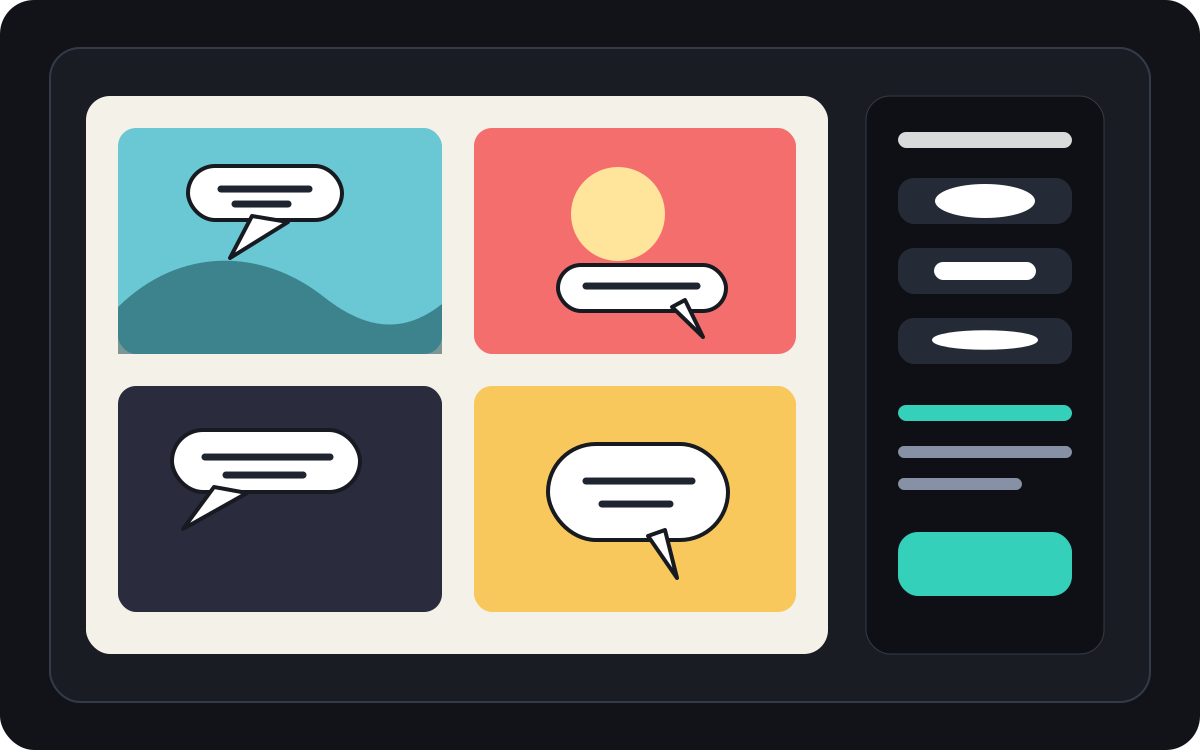
Maneja el espaciado de los globos de diálogo del manga y el orden de lectura.
Los paneles de manga suelen necesitar una colocación de burbujas más ajustada y una dirección de lectura cuidadosa. Mantén el flujo libre antes de aplicar la letra final.
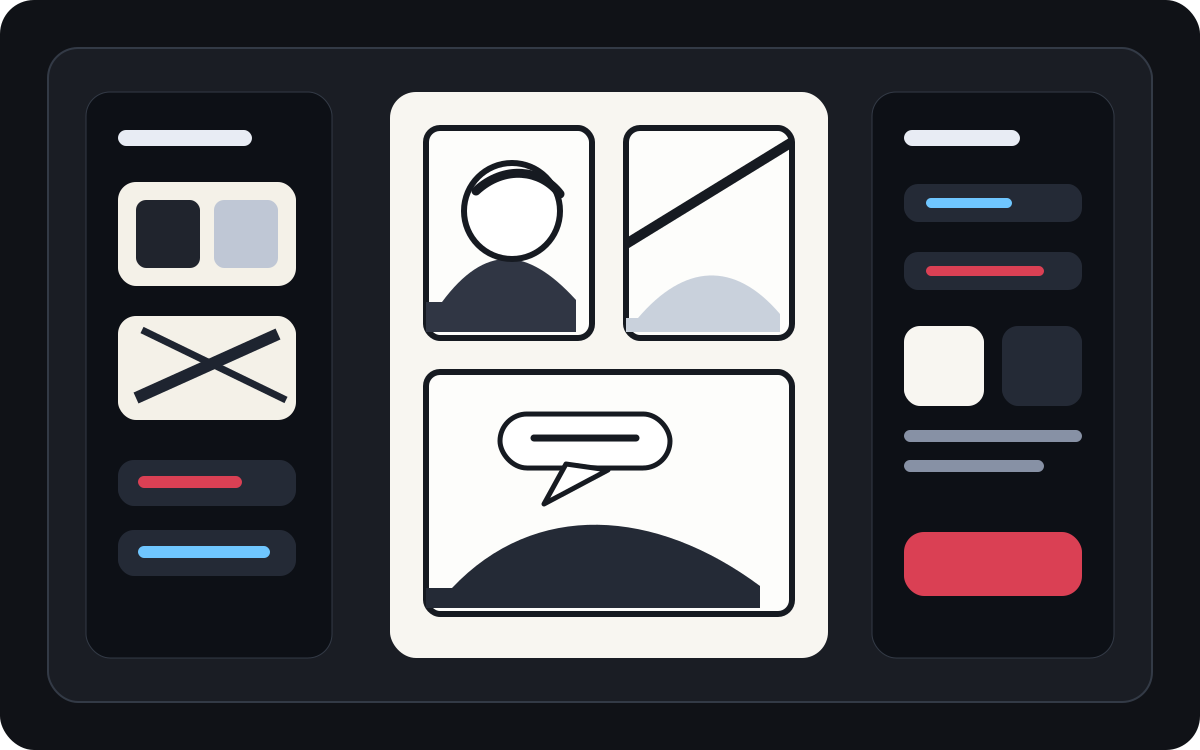
Convierte el arte generado en una viñeta de cómic legible.
El arte generado por AI puede quedar bien pero aún así necesitar letras. Añade narración, diálogos cortos y cajas de subtítulos limpias después de que la imagen exista.
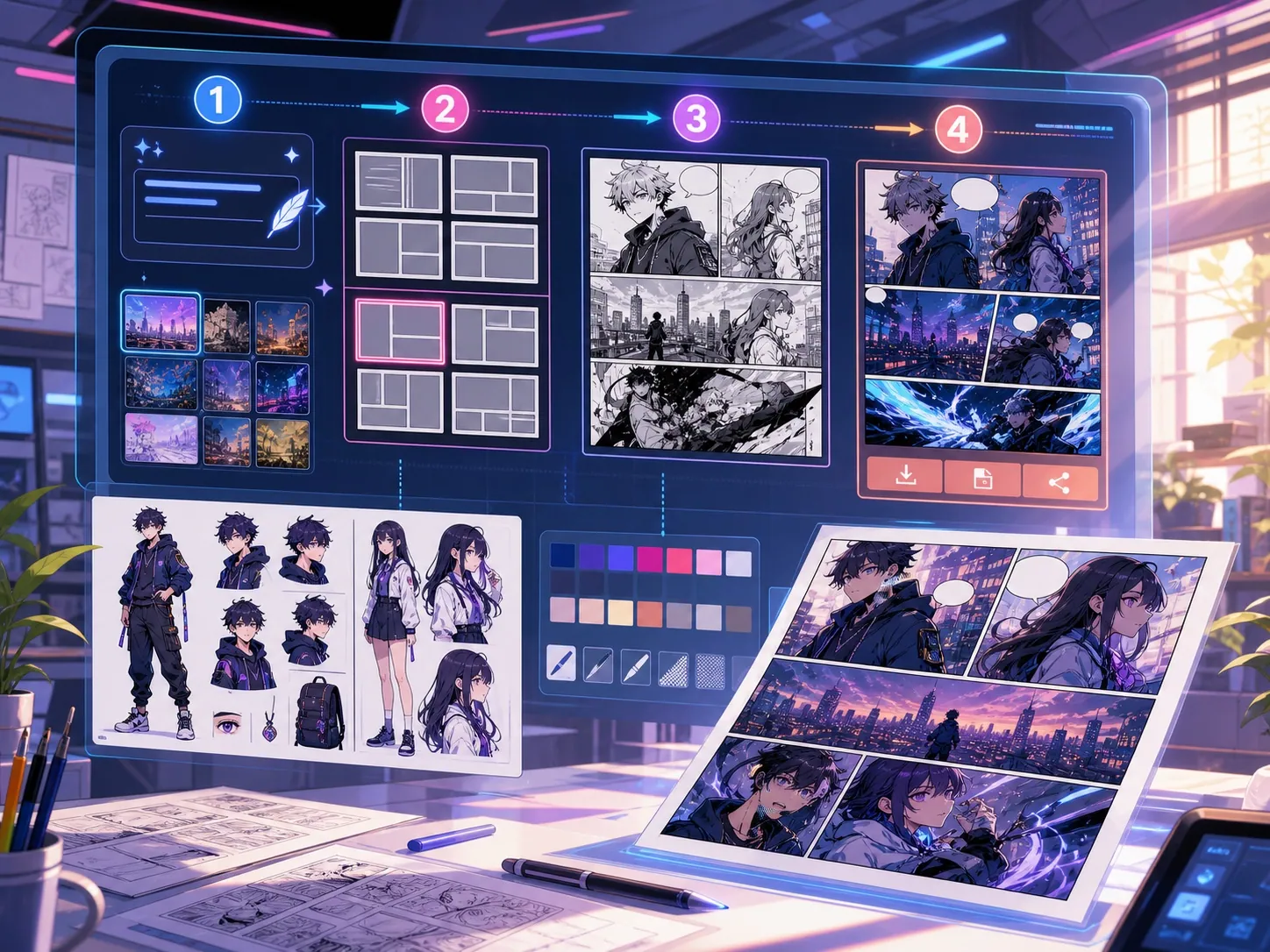
Pensado para una tarea real de creación de cómics.
Creadores que ya tienen una viñeta de cómic o una escena generada y necesitan una colocación limpia de diálogos, estilos de burbujas y estructura de subtítulos.
01
Lo ideal para creadores que ya tienen arte y necesitan que los diálogos se lean limpio.
02
Resuelve un problema real de posgeneración: hacer que los diálogos sean legibles dentro de los paneles.
03
Soporta globos de diálogo, cajas de narración, dirección de cola y espacio seguro para viñetas.
Qué pueden crear los autores aquí.
Elige el tipo de proyecto más cercano y abre Studio con una idea más clara del borrador que quieres crear.
Qué puedes bocetar.
Son puntos de partida prácticos para revisar, compartir y seguir editando.
Un camino corto hacia Studio.
Empieza con el paso útil más pequeño y luego perfecciona el borrador en el editor.
Empieza con estos prompts de generador de bocadillos para cómics.
Úsalos como punto de partida y cambia personajes, escenario y tono por los tuyos.
Limpieza de diálogos
Añade dos globos de diálogo a este panel: una línea sorpresa en el carácter izquierdo y una respuesta corta en la derecha.
Resultado: Panel con una colocación limpia de burbujas y áreas de diálogo legibles.
Cuadro de narración
Añade un pequeño cuadro de leyenda en la parte superior izquierda que ambiente la escena sin cubrir al personaje principal.
Resultado: Viñeta de cómic con subtítulos y una jerarquía visual clara.
Diseño de burbujas de manga
Coloca tres globos de diálogo en blanco del manga en orden de lectura para una escena de conversación dramática.
Resultado: Panel de manga con posiciones de burbujas listo para rotular.
Herramientas que ayudan a que el borrador sea utilizable.
Diálogos legibles
Mantén el discurso corto, bien colocado y conectado al altavoz adecuado.
Elecciones de estilo burbuja
Usa formas de habla, pensamiento, grito, susurro, pie de foto y narración.
Espaciamiento seguro para paneles
Evita cubrir rostros, manos, objetos y elementos que lleven la escena.
Sigue creando con la herramienta adecuada.
Generador de viñetas de cómic
Genera primero el panel, luego añade burbujas y subtítulos.
Abrir página
Traductor de manga
Utiliza flujos de trabajo con traductores cuando las burbujas necesiten texto reescrito.
Abrir página
Traductor de cómics
Traduce el texto de la página del cómic antes de colocar los globos de diálogo finales.
Abrir página
Más páginas para crear cómics.
Flujo relacionado
generador de viñetas de cómic
Indica sujeto, lugar, distancia de cámara, emoción y una acción visible para generar una sola viñeta.
Abrir página
Flujo relacionado
Traductor de manga con IA: traduce páginas y bocadillos
Traduce páginas manga online con AI traductor de manga para OCR de imágenes, bocadillos, PDF y borradores revisables.
Abrir página
Flujo relacionado
Traductor de cómics con IA: traduce páginas y bocadillos
Traduce páginas de cómic online con un flujo de traductor de cómics para imágenes, PDF, bocadillos, rótulos y borradores revisables.
Abrir página
Preguntas frecuentes sobre generador de bocadillos para cómics.
¿Qué es un generador de burbujas cómicas?
Un generador de burbujas de cómic ayuda a colocar globos de diálogo, burbujas de pensamiento, cajas de narración y pies de foto en viñetas de cómic. Es útil después de que un panel esté dibujado, generado o traducido.
¿Puedo hacer globos de diálogo de cómic en línea?
Sí. Empieza desde un panel generado o una imagen subida, elige un estilo de burbuja, colócalo sobre el lienzo y ajusta la dirección de la cola hacia el altavoz.
¿Soporta globos de diálogo de manga?
Sí. Los flujos de trabajo de los globos de diálogo del manga requieren un espaciado cuidadoso, un orden de lectura y áreas de letras compactas. Úsalo para planificar burbujas en blanco, texto traducido o la colocación final de diálogos.
¿Puedo añadir texto después de generar una viñeta de cómic?
Sí. Añade diálogos y pies de foto después de crear la imagen para que el panel siga siendo legible y la colocación de las burbujas coincida con el arte.
¿Cuál es la diferencia entre un globo de diálogo y un recuadro de subtítulos?
Un globo de diálogo está ligado a un personaje hablando. Un cuadro de subtítulos suele contener narración, tiempo, lugar o contexto que no es pronunciado por un personaje.
¿Puedo usar burbujas en blanco?
Sí. Las burbujas en blanco son útiles para planificar el diseño, revisar la traducción o entregar el panel a un rotulador antes de que se apruebe el texto final.
¿Es un generador de burbujas de cómics lo mismo que un generador de cómics completo?
No. Un generador completo de cómics crea imágenes o borradores de viñetas. Un generador de burbujas se centra en la rotulación, los pies de foto, la dirección de la cola y la disposición de los diálogos.
¿Qué hace que una disposición de burbujas sea legible?
Los buenos diseños de burbujas siguen el orden de lectura, apuntan con cola al altavoz derecho, evitan arte importante y mantienen cada línea lo suficientemente corta para escanear rápidamente.
Empieza tu próximo borrador de cómic.
Abre Studio, elige un diseño y convierte la idea en un borrador de cómic funcional.
Probar este flujo