
Describe the disturbance
Name your character, location, first clue, and final reveal. Keep it to one scene; repeat clothing and props to help keep the images consistent.
A LITTLE DREAD. A STORY WORTH TELLING.
Turn the story that keeps you up at night into comic panels. Describe your scene, build the suspense, and let the last frame do the haunting.
Noir · 2x2
Estimated cost: 8 credits
Plan up to 4 panel beats. Image generation uses account credits. Add dialogue and arrange your finished page in Studio.
01 / WHAT IT IS
An AI horror comic generator turns a written scene into illustrated panel drafts. Start with a character, an eerie place, and one detail that should not be there. Use the result as a short scare, a storyboard, or the opening of a longer comic.
This tool plans four beats and generates individual images with a Noir style and Scary mood. You choose how many panels to generate, then review and download them on this page.
Need a script first? Try Comic Script MakerAn ordinary place. A familiar face.
One detail that does not belong.
Something is getting closer.
A last image that changes everything.
02 / HOW IT WORKS
Name your character, location, first clue, and final reveal. Keep it to one scene; repeat clothing and props to help keep the images consistent.
Open Panel settings & plan, choose 1–4 panels, and select Plan beats. Review the plan, sign in, check the credit estimate, and generate your draft.
Download completed panels, or revise the brief and generate again. Take the images into Studio to arrange the page and add dialogue.
03 / WHY USE IT
Horror depends on what the reader notices, and when. Explore a visual version of your scene before committing to a longer comic.
Treat the images as drafts: character details can drift, lettering needs a separate pass, and panels still need to be arranged into a finished page.
04 / COMIC EXAMPLES
Start with a setting. Add a clue. Save the twist for the last frame.
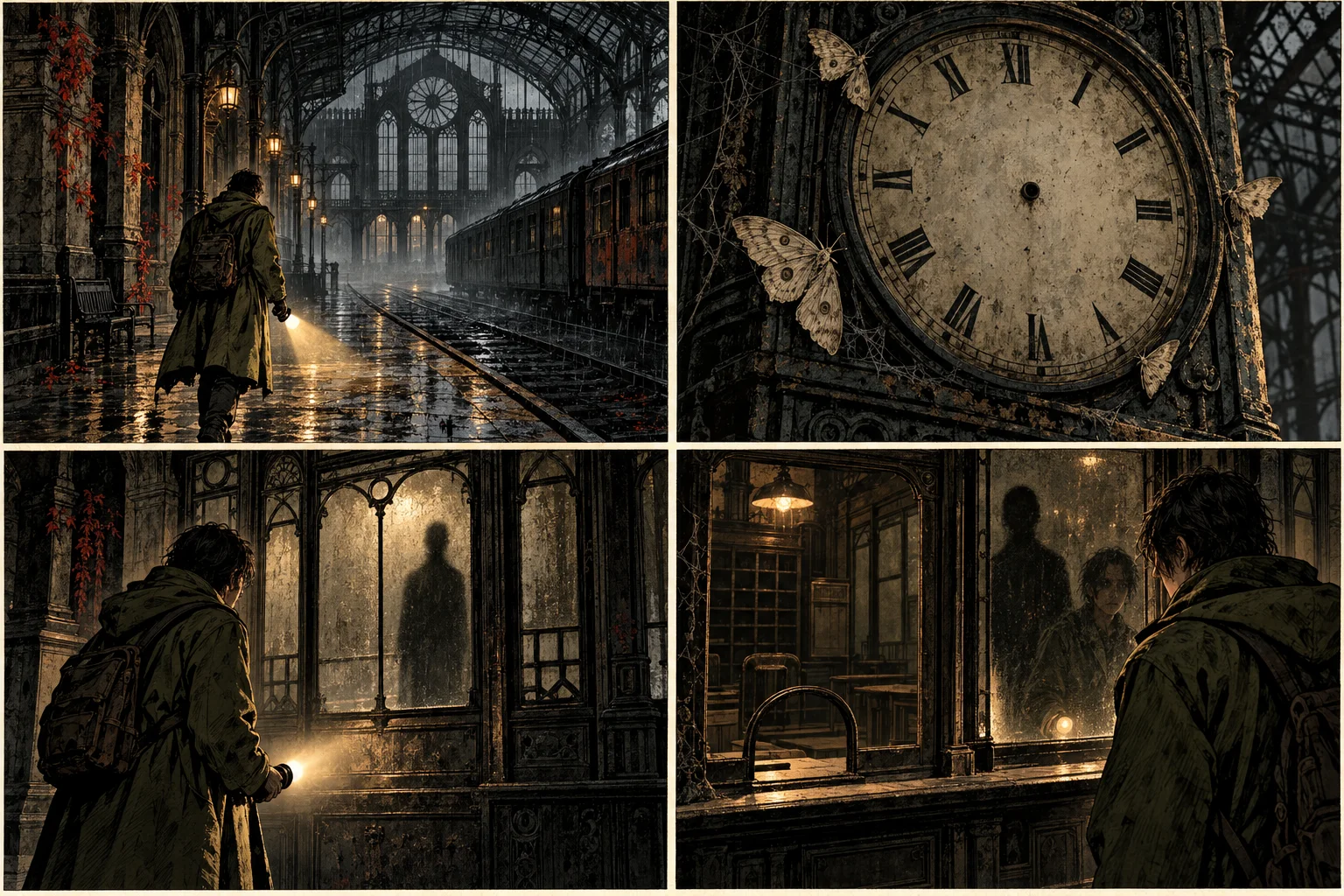
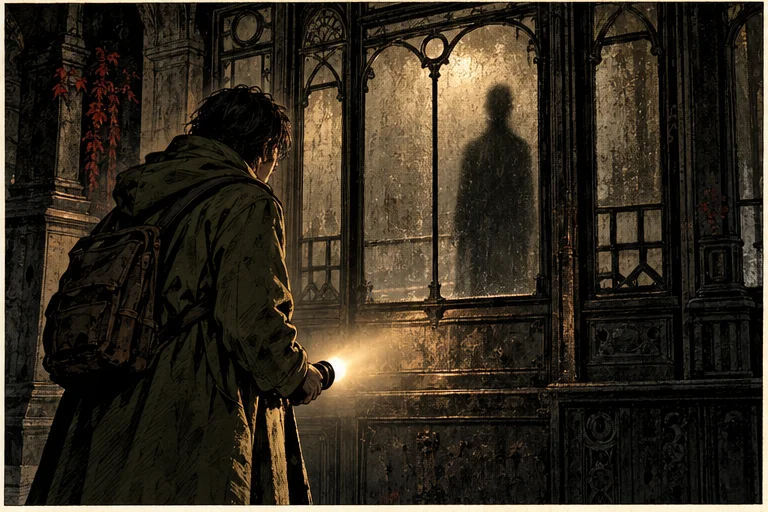
A night caretaker in an olive raincoat enters an abandoned railway station. Rain taps the roof. A clock has no hands. A tall shadow waits behind the ticket-office glass. In the final panel, the booth is empty, but the shadow stands beside the caretaker's reflection. Four beats, Noir ink, quiet dread, no gore.
Prompt tip: Keep the raincoat and flashlight in every panel to anchor the character.
Use this prompt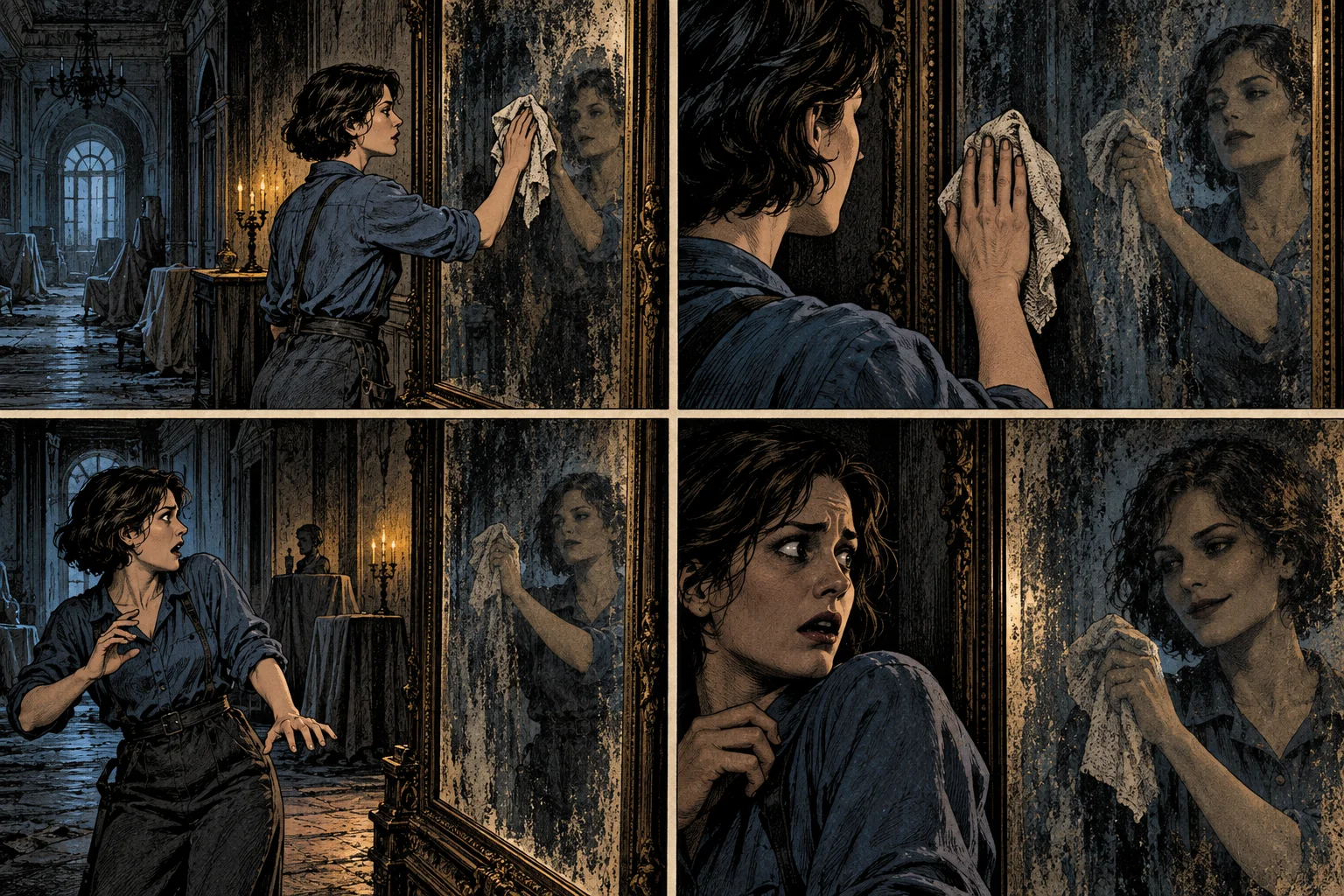
An adult restorer in a blue work shirt cleans a tall mirror in an empty mansion. Her reflection keeps polishing after she stops. She steps back. In the last panel, only the reflection is smiling. Four beats, close camera angles, hard shadows, no gore.
Prompt tip: Describe the difference between the person and the reflection explicitly.
Use this prompt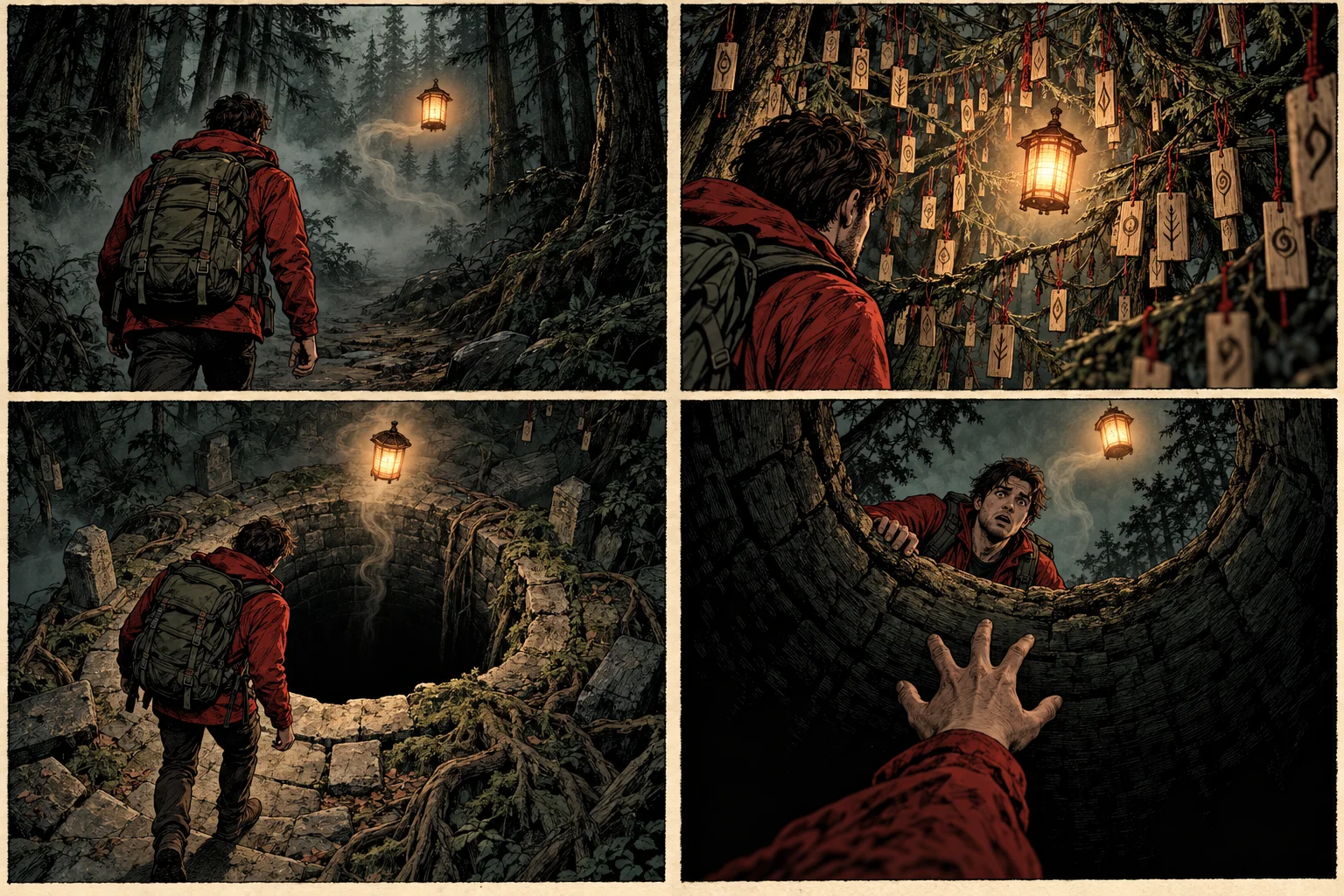
An adult hiker in a red jacket follows a lantern through a foggy pine forest. Its light reveals tiny wooden charms hanging from every branch. The lantern stops over an empty well. In the last panel, the hiker's own red sleeve reaches out from the darkness below. Four beats, textured ink, eerie atmosphere, no gore.
Prompt tip: Use one repeated object, then change its meaning in the final reveal.
Use this prompt05 / FAQ
A few things to know before you create your first horror comic.
View plans & creditsIt turns a written horror scene into illustrated comic panel drafts. This tool uses a Noir visual style and Scary mood, with a four-beat plan for the setup, clue, escalation, and reveal.
Describe one scene, including the character, setting, unsettling clue, and ending. Open Panel settings & plan, choose one to four panels, and select Plan beats. Review the plan, sign in, and generate your draft here.
You can write a brief and plan beats without signing in. Image generation requires an account and available credits. The tool shows the estimated credit cost before generation; check Pricing for current plans.
Try ghost stories, haunted houses, folk horror, psychological suspense, or mysterious creatures. Describe lighting, framing, and visible details in your prompt. This page uses the same Noir style and Scary mood across these subjects.
You can revise the brief and generate another draft on this page. Download the panel images and use Studio for page composition and speech bubbles. This page does not edit individual objects inside a generated image.
Image generation does not produce reliable dialogue or precise lettering. Keep prompts focused on visible action, then add and position speech bubbles in Studio after generating the art.
Consistency is not guaranteed between separately generated panels. Repeat concrete details such as hairstyle, clothing, and props in the brief. Inspect every image and regenerate panels that drift.
You can download each completed panel image separately. The tool does not assemble a finished comic book or a print-ready PDF on this page. Arrange the images in Studio or your preferred layout editor.
Review the Terms of Service before publishing or selling your work. Use original characters and material you have permission to use, and check outputs for recognizable protected elements. Generation alone does not establish exclusive rights. Read the Terms of Service.
The tool shows a failure message and lets you retry. Failed jobs are refunded by the server. If your balance is too low, reduce the panel count in settings or visit Pricing before trying again.