
text to comic untuk draf komik yang bisa diedit.
Ubah ide menjadi beat cerita, arahan karakter, panel, caption, dan pengaturan ekspor dalam satu alur kerja.
Start on this page
Source text
Paste a short paragraph with one main event. The planner will split it into visible beats before image generation.
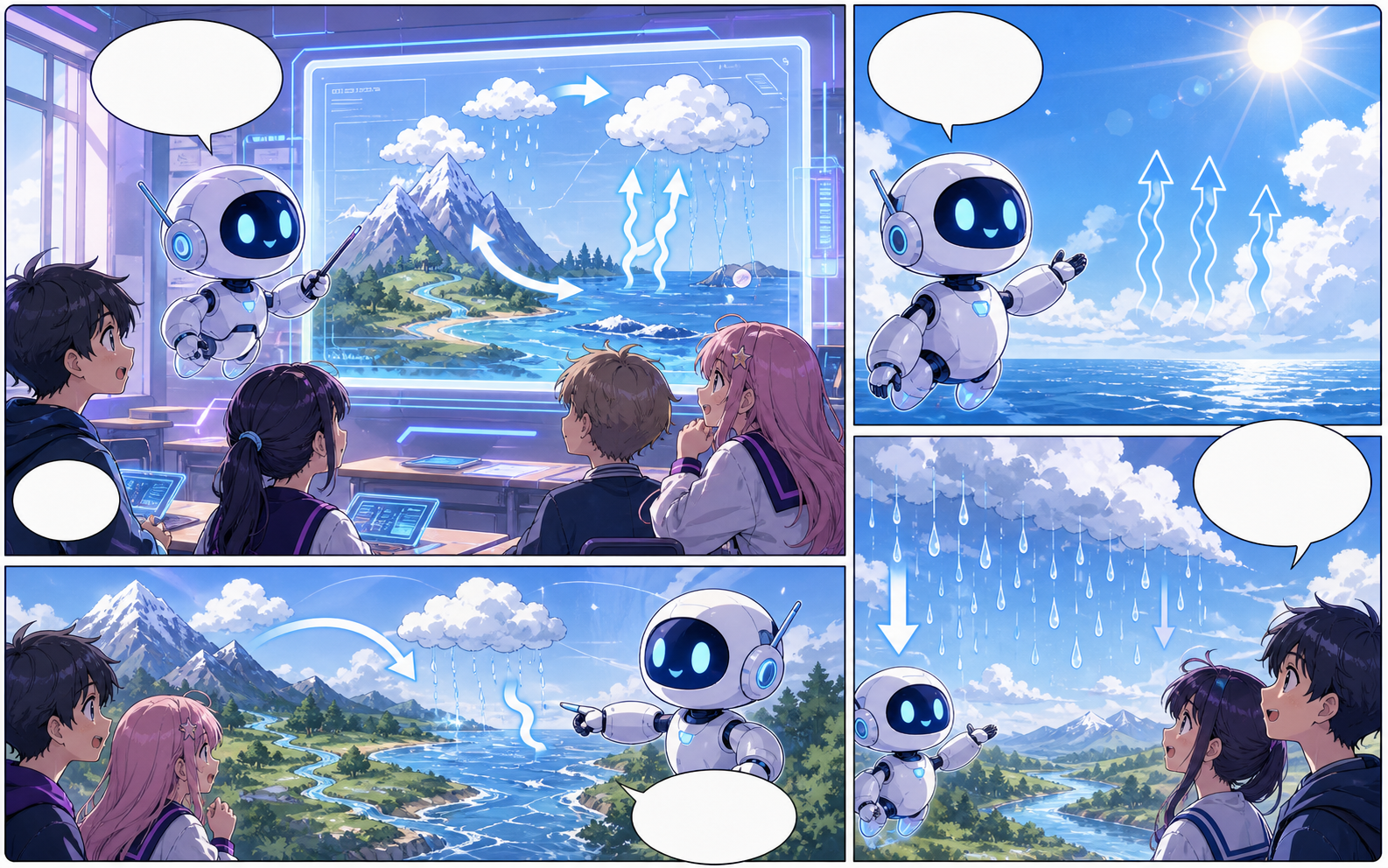
What this draft does not do
- Image generation does not place reliable dialogue. Add and position speech bubbles in Studio after the panels are ready.
- Long plots produce vague pages. Work one scene or page at a time and repeat concrete character details.
Definisi
Apa itu text to comic?
text to comic adalah alur kerja Comics Maker untuk mengubah ide cerita menjadi karakter, panel, caption, dan draf komik yang bisa diedit.
Jawaban singkat
Kapan memakai alur ini.
Gunakan text to comic saat Anda butuh draf komik cepat yang bisa ditinjau dan diedit.
Plan a draft with text to comic.
Start with a story goal, character notes, and a visual direction before generating panels.
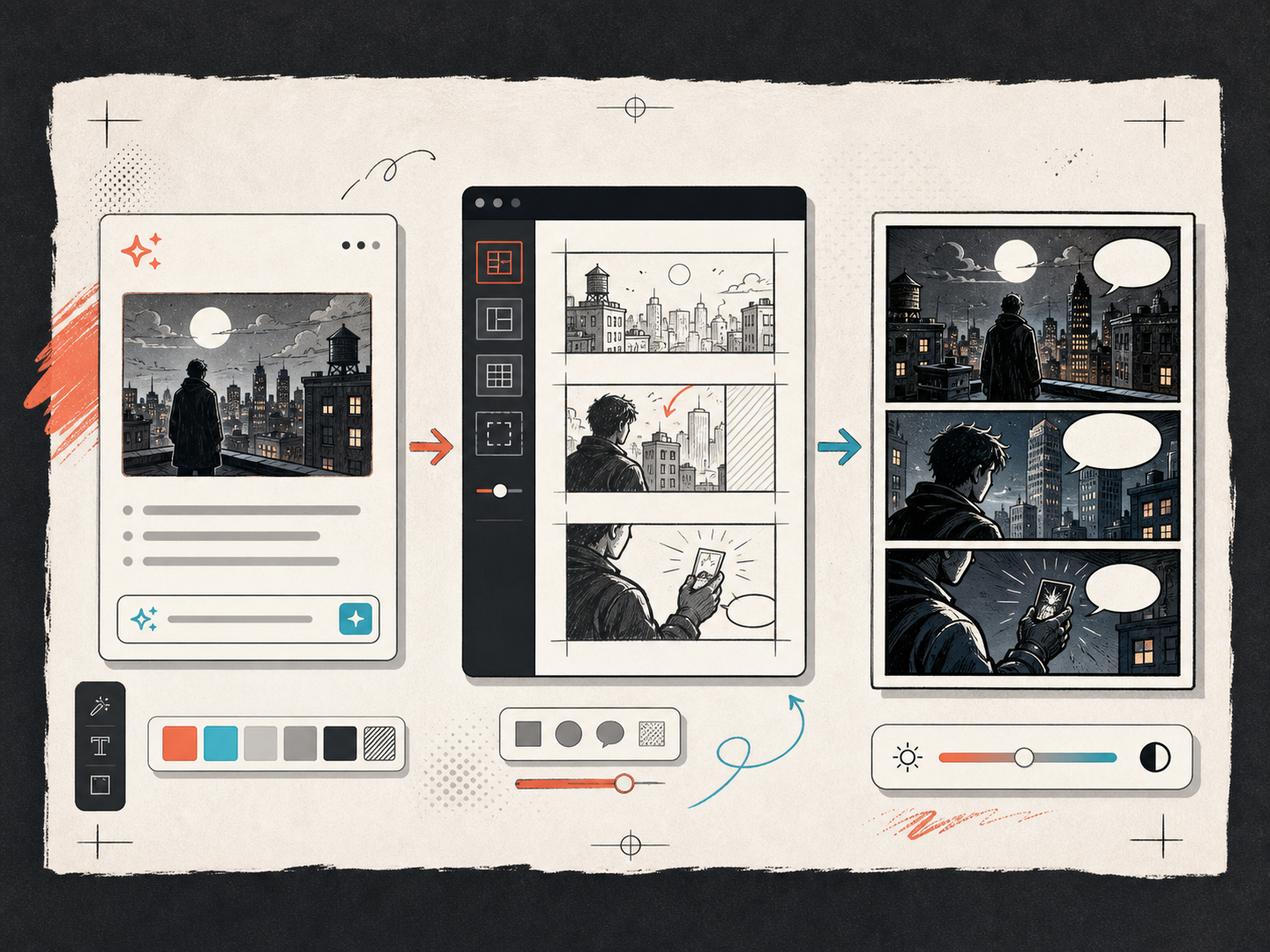
Keep the comic direction consistent.
Keep recurring context visible so characters, settings, captions, and style choices stay coherent.
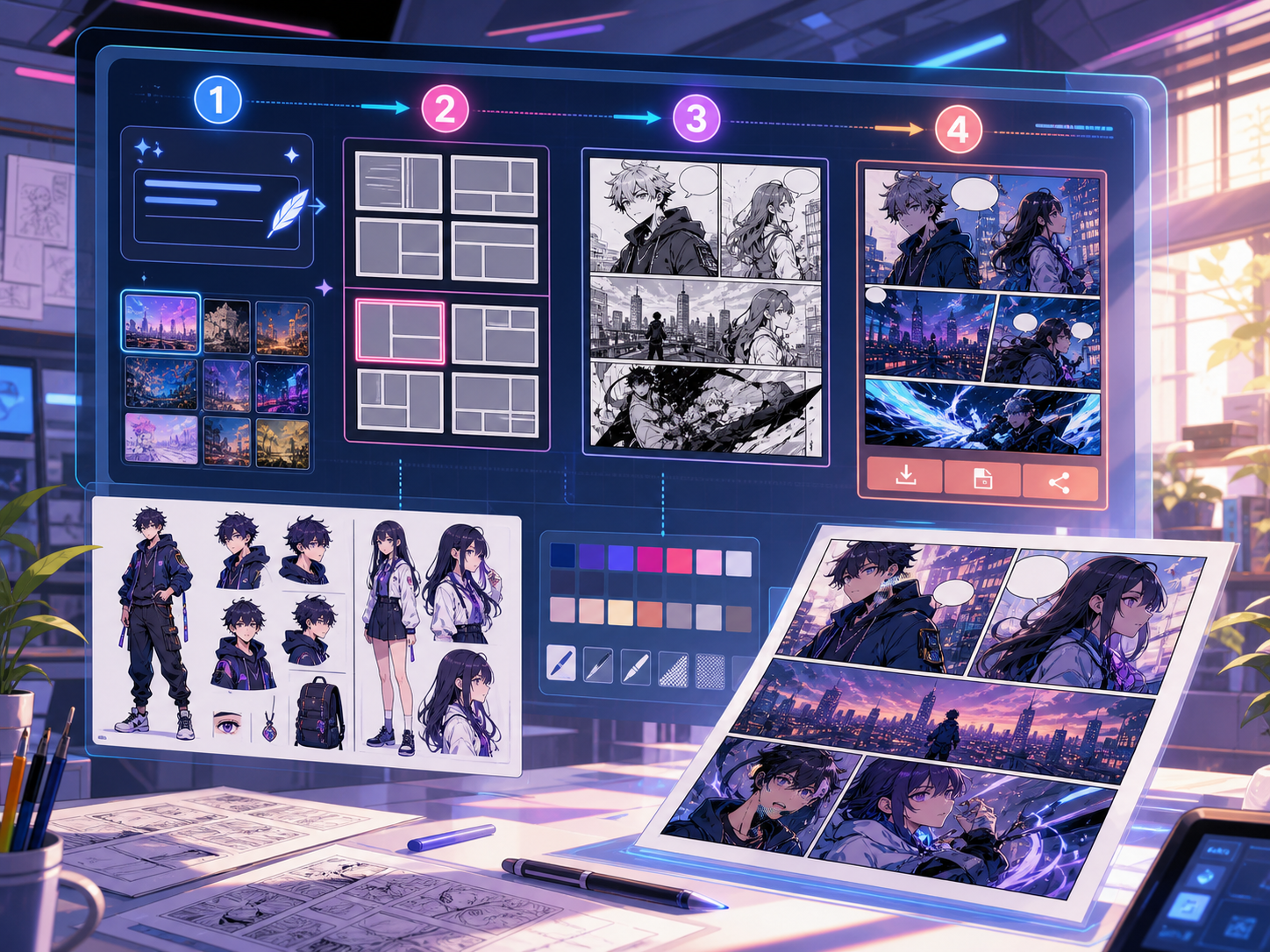
Dibuat untuk tugas pembuatan komik yang nyata.
Cocok untuk kreator, pengajar, dan tim yang perlu meninjau draf komik sebelum final.
01
Use text to comic to plan the story before generating final panels.
02
Keep character notes, scene direction, captions, and layout choices together.
03
Continue editing the draft after generation so the page stays useful for review.
Apa yang bisa dibuat kreator di sini.
Pilih jenis proyek terdekat, lalu buka Studio dengan gambaran draf yang lebih jelas.
Apa yang bisa Anda draf.
Ini adalah titik awal praktis untuk ditinjau, dibagikan, dan diedit lebih lanjut.
Jalur singkat ke Studio.
Mulai dari langkah kecil yang berguna, lalu sempurnakan draf di editor.
Mulai dengan prompt text to comic ini.
Gunakan sebagai titik awal, lalu ganti karakter, latar, dan nuansa sesuai cerita Anda.
Mystery paragraph
text to comic: create a short comic scenes with clear characters, readable panels, concise captions, and a polished comic layout.
Keluaran: Draft output: text-to-panel draft
Character decision
text to comic: create a social comic posts with clear characters, readable panels, concise captions, and a polished comic layout.
Keluaran: Draft output: panel beat plan
Alat yang membantu draf menjadi siap dipakai.
Story structure
Use text to comic to plan the story before generating final panels.
Editable panels
Keep character notes, scene direction, captions, and layout choices together.
Project continuity
Continue editing the draft after generation so the page stays useful for review.
Lanjutkan dengan alat berikutnya yang tepat.
Halaman lain untuk membuat komik.
Alur terkait
comic panel generator
comic panel generator: buat draf komik di Comics Maker dengan alur cerita, catatan karakter, panel, balon dialog, dan ekspor yang bisa diedit.
Buka halaman
Alur terkait
comic strip maker
comic strip maker: buat draf komik di Comics Maker dengan alur cerita, catatan karakter, panel, balon dialog, dan ekspor yang bisa diedit.
Buka halaman
Alur terkait
Pembuat Naskah Komik per Panel
Ubah premis cerita menjadi halaman dan panel yang dapat diedit, lengkap dengan deskripsi visual, petunjuk dialog, caption, efek suara, dan prompt gambar.
Buka halaman
Pertanyaan umum tentang text to comic.
What can text to comic create?
It can create comic draft structure, panel ideas, character direction, captions, and editable layouts.
Do I need drawing skills to use text to comic?
No. You can start with text, then refine the comic draft in the editor.
Can I edit the result?
Yes. You can keep adjusting prompts, captions, bubbles, layout, and export settings after the first draft.
Mulai draf komik berikutnya.
Buka Studio, pilih tata letak, dan ubah ide menjadi draf komik yang siap dikerjakan.
Coba alur ini