
text to comic do edytowalnych szkiców komiksu.
Zamień pomysł w rytm historii, kierunek postaci, kadry, teksty i opcje eksportu.
Start on this page
Source text
Paste a short paragraph with one main event. The planner will split it into visible beats before image generation.
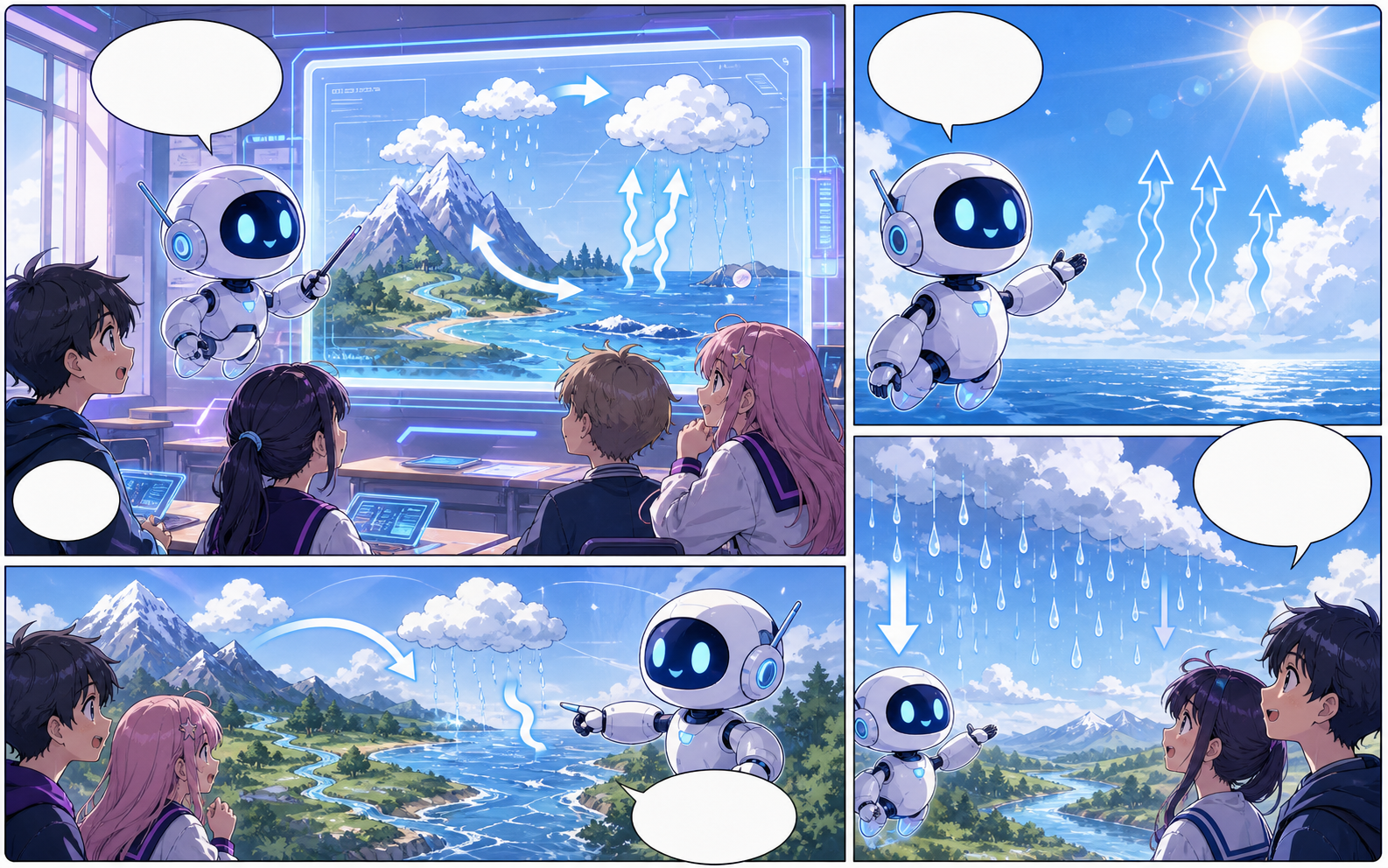
What this draft does not do
- Image generation does not place reliable dialogue. Add and position speech bubbles in Studio after the panels are ready.
- Long plots produce vague pages. Work one scene or page at a time and repeat concrete character details.
Definicja
Czym jest text to comic?
text to comic to proces Comics Maker, który zamienia pomysł w postacie, kadry, tekst i edytowalny szkic.
Krótka odpowiedź
Kiedy użyć tego procesu.
Użyj text to comic, gdy potrzebujesz szybkiego, edytowalnego szkicu komiksu do oceny.
Plan a draft with text to comic.
Start with a story goal, character notes, and a visual direction before generating panels.
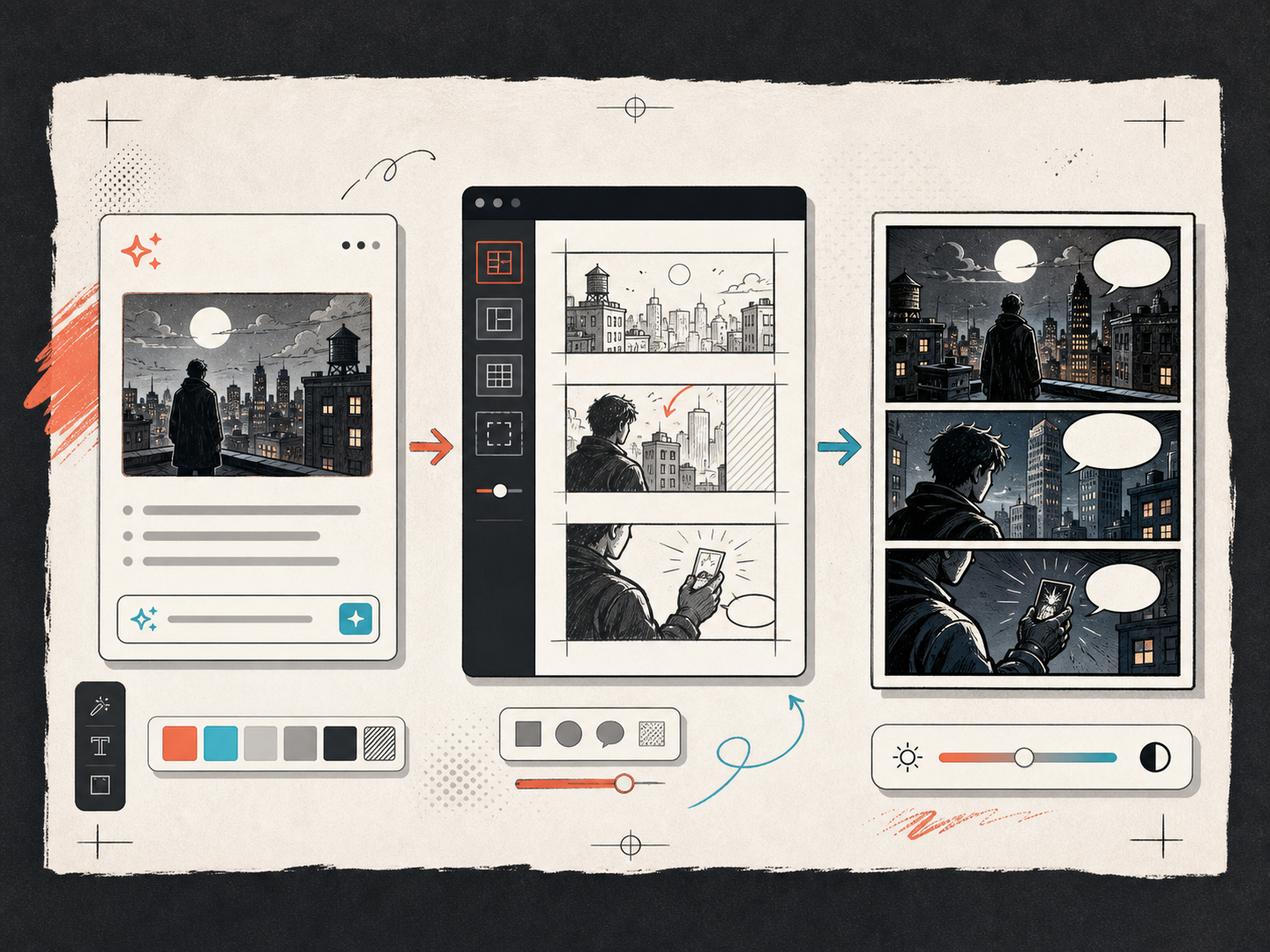
Keep the comic direction consistent.
Keep recurring context visible so characters, settings, captions, and style choices stay coherent.
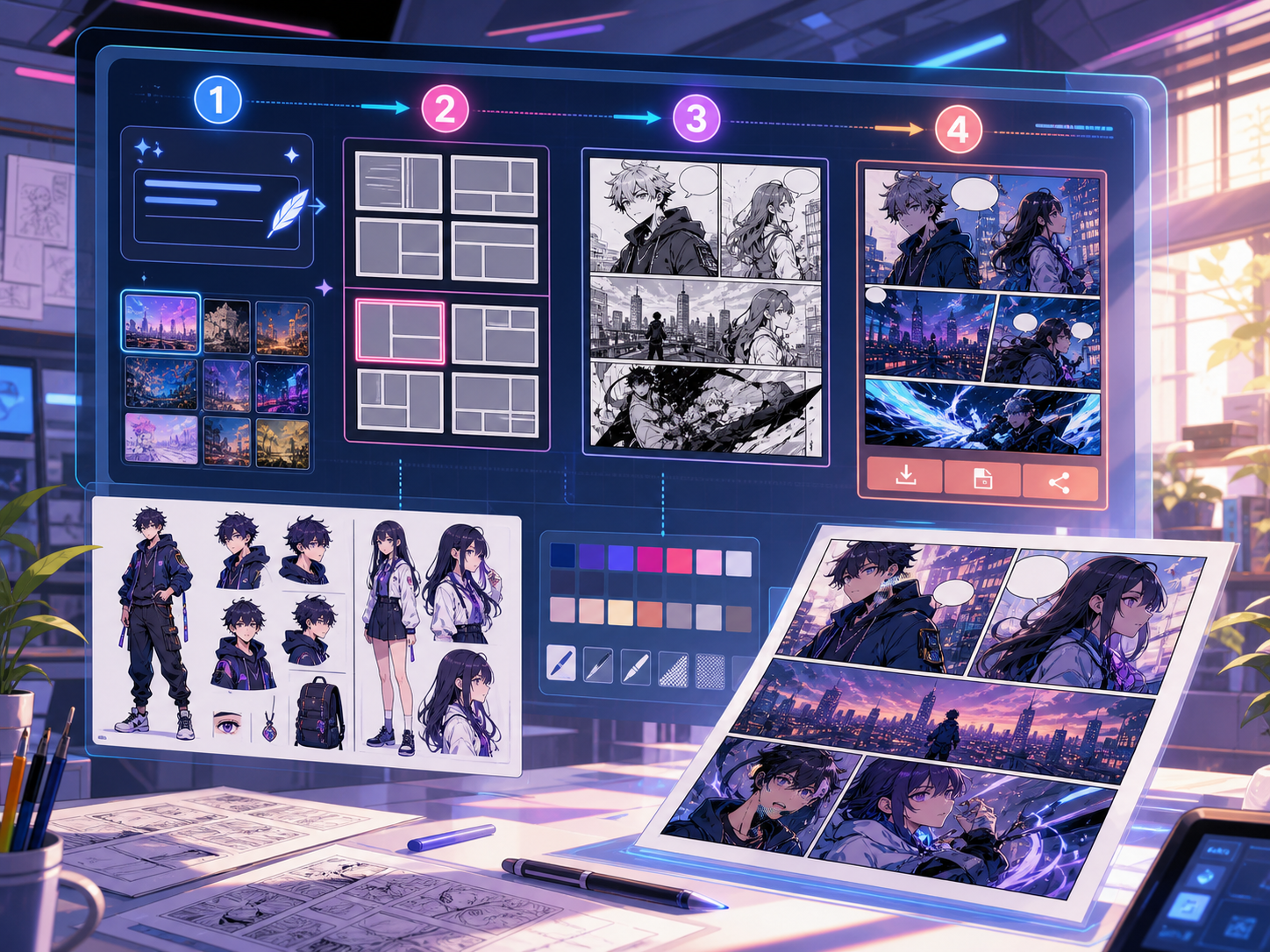
Zbudowane wokół realnego zadania tworzenia komiksu.
Dla twórców, nauczycieli i zespołów, które chcą sprawdzić szkic komiksu przed finalną grafiką.
01
Use text to comic to plan the story before generating final panels.
02
Keep character notes, scene direction, captions, and layout choices together.
03
Continue editing the draft after generation so the page stays useful for review.
Co twórcy mogą tu zrobić.
Wybierz najbliższy typ projektu, a potem otwórz Studio z jaśniejszym celem szkicu.
Co możesz naszkicować.
To praktyczne punkty startowe do oceny, udostępnienia i dalszej edycji.
Krótka droga do Studio.
Zacznij od najmniejszego użytecznego kroku, a potem dopracuj szkic w edytorze.
Zacznij od tych promptów dla text to comic.
Użyj ich jako punktu startowego, a następnie podmień postacie, miejsce i ton.
Mystery paragraph
text to comic: create a short comic scenes with clear characters, readable panels, concise captions, and a polished comic layout.
Wynik: Draft output: text-to-panel draft
Character decision
text to comic: create a social comic posts with clear characters, readable panels, concise captions, and a polished comic layout.
Wynik: Draft output: panel beat plan
Narzędzia, które pomagają zamienić szkic w użyteczny materiał.
Story structure
Use text to comic to plan the story before generating final panels.
Editable panels
Keep character notes, scene direction, captions, and layout choices together.
Project continuity
Continue editing the draft after generation so the page stays useful for review.
Kontynuuj z odpowiednim kolejnym narzędziem.
Więcej stron do tworzenia komiksów.
Powiązany proces
comic panel generator
comic panel generator: twórz szkice komiksów w Comics Maker z historią, postaciami, kadrami, dymkami i edycją gotową do eksportu.
Otwórz stronę
Powiązany proces
comic strip maker
comic strip maker: twórz szkice komiksów w Comics Maker z historią, postaciami, kadrami, dymkami i edycją gotową do eksportu.
Otwórz stronę
Powiązany proces
Generator scenariuszy komiksowych kadr po kadrze
Zmień pomysł w edytowalny podział na strony i kadry z opisami obrazu, wskazówkami dialogowymi, podpisami, efektami dźwiękowymi i promptami do ilustracji.
Otwórz stronę
Najczęstsze pytania o text to comic.
What can text to comic create?
It can create comic draft structure, panel ideas, character direction, captions, and editable layouts.
Do I need drawing skills to use text to comic?
No. You can start with text, then refine the comic draft in the editor.
Can I edit the result?
Yes. You can keep adjusting prompts, captions, bubbles, layout, and export settings after the first draft.
Zacznij kolejny szkic komiksu.
Otwórz Studio, wybierz układ i zmień pomysł w roboczy szkic komiksu.
Wypróbuj ten proces