
text to comic ile düzenlenebilir çizgi roman taslakları.
Fikri hikaye akışına, karakter yönlendirmesine, panel üretimine, yazılara ve dışa aktarma adımlarına dönüştürür.
Start on this page
Source text
Paste a short paragraph with one main event. The planner will split it into visible beats before image generation.
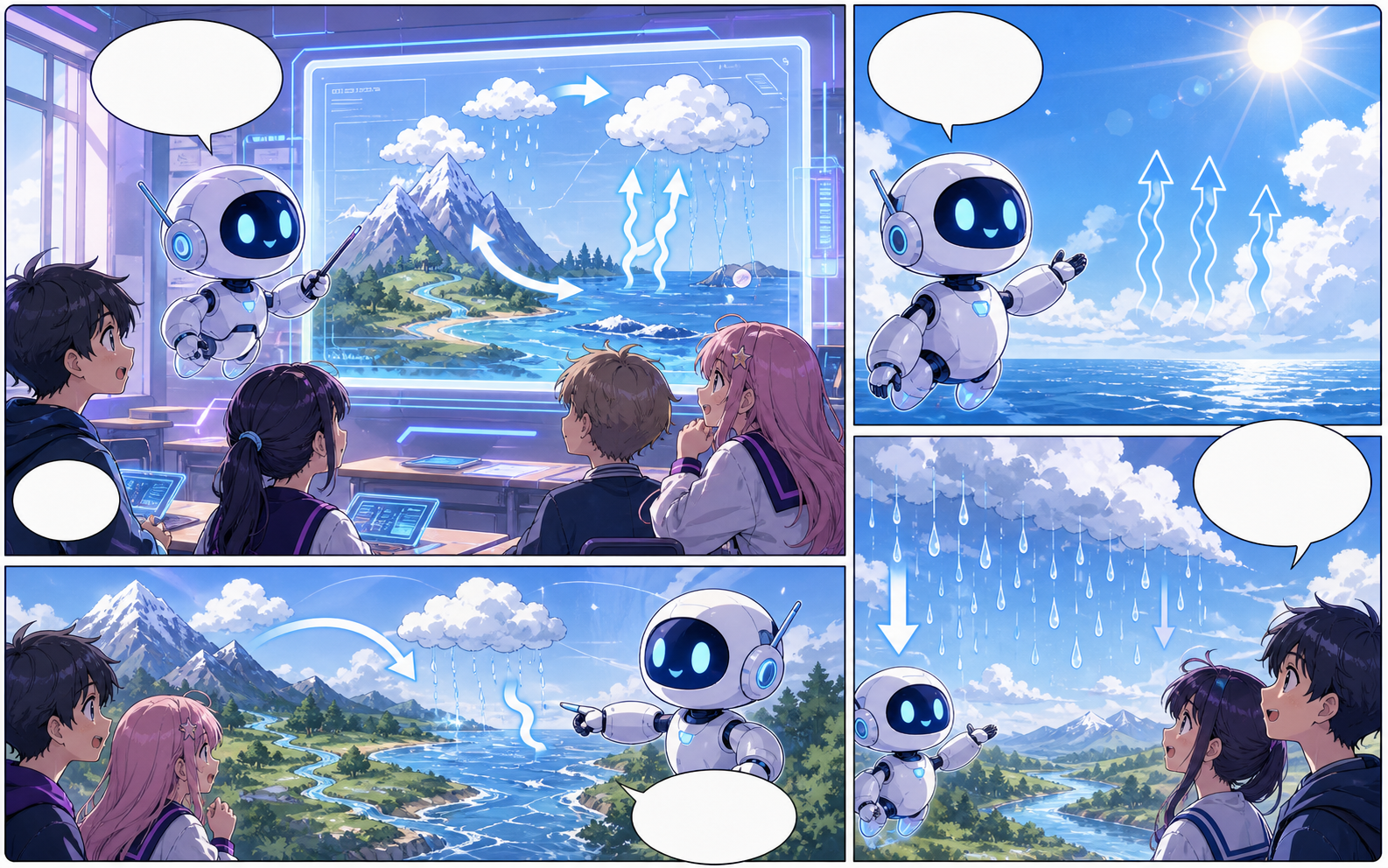
What this draft does not do
- Image generation does not place reliable dialogue. Add and position speech bubbles in Studio after the panels are ready.
- Long plots produce vague pages. Work one scene or page at a time and repeat concrete character details.
Tanım
text to comic nedir?
text to comic, bir hikaye fikrini düzenlenebilir çizgi roman panel taslağına dönüştüren Comics Maker iş akışıdır.
Kısa cevap
Bu iş akışı ne zaman kullanılır.
text to comic, hızlıca incelenebilir ve düzenlenebilir bir çizgi roman taslağı gerektiğinde kullanılır.
Plan a draft with text to comic.
Start with a story goal, character notes, and a visual direction before generating panels.
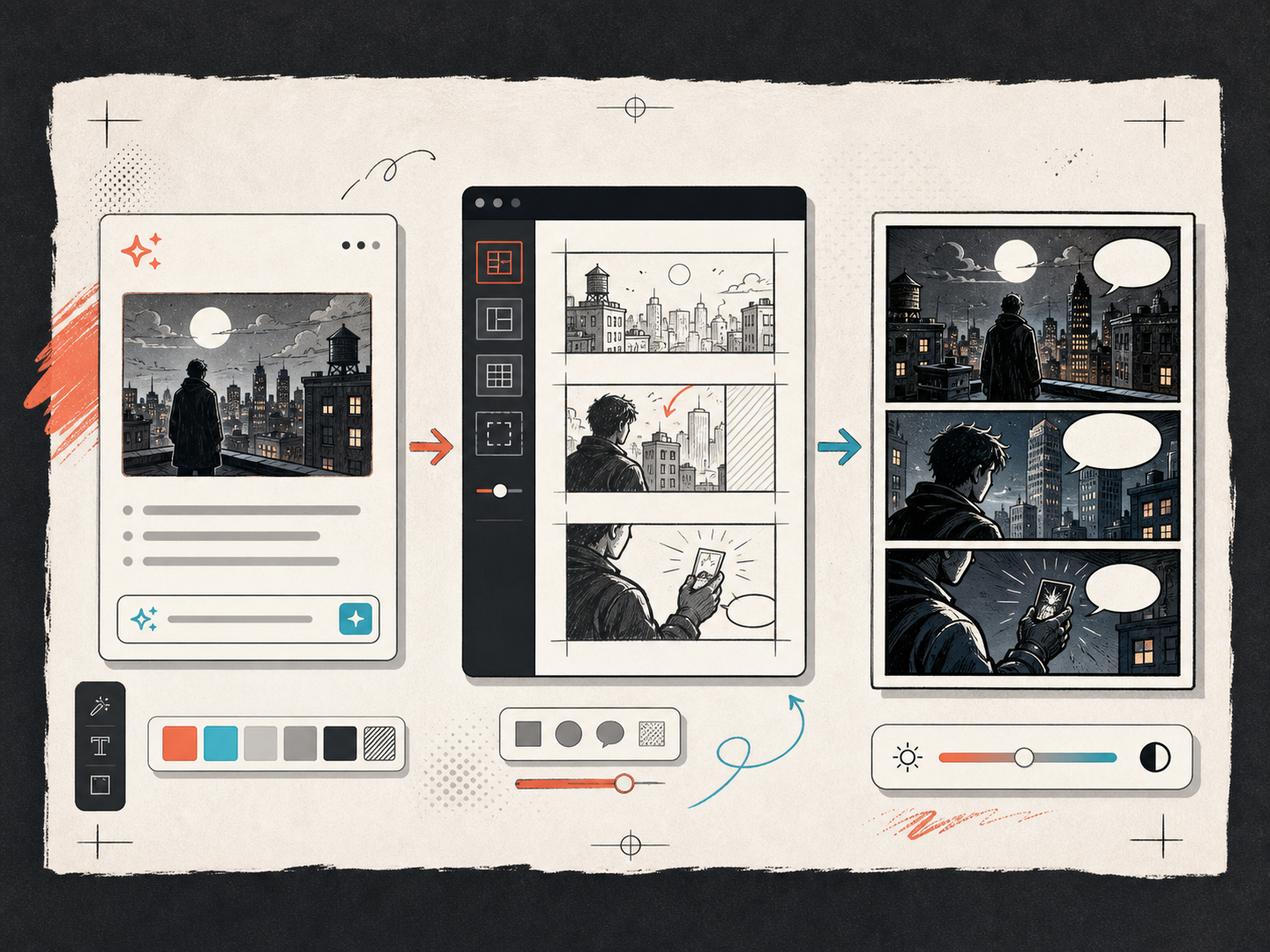
Keep the comic direction consistent.
Keep recurring context visible so characters, settings, captions, and style choices stay coherent.
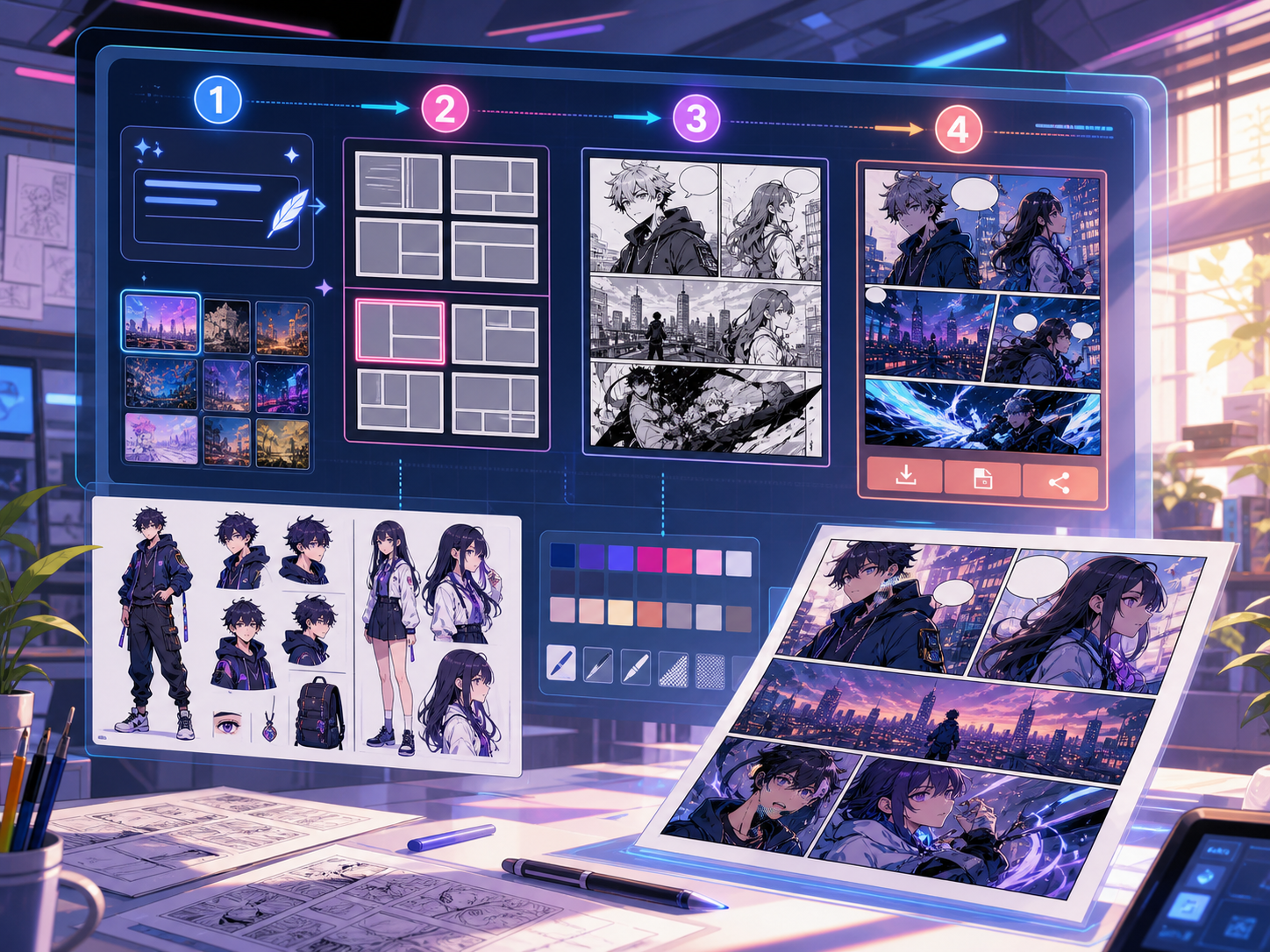
Gerçek bir çizgi roman üretim görevi için tasarlandı.
Final görselden önce çizgi roman ritmini, diyalogları ve sayfa yönünü görmek isteyen ekipler için uygundur.
01
Use text to comic to plan the story before generating final panels.
02
Keep character notes, scene direction, captions, and layout choices together.
03
Continue editing the draft after generation so the page stays useful for review.
Yaratıcılar burada ne üretebilir.
En yakın proje türünü seçin, ardından oluşturmak istediğiniz taslağı netleştirerek Studio'yu açın.
Nelerin taslağını çıkarabilirsiniz.
Bunlar inceleme, paylaşım ve düzenlemeye devam etmek için pratik başlangıç noktalarıdır.
Studio'ya giden kısa yol.
En küçük işe yarar adımla başlayın, ardından taslağı editörde geliştirin.
Bu text to comic promptlarıyla başlayın.
Bunları başlangıç noktası olarak kullanın; karakterleri, ortamı ve tonu kendi hikayenizle değiştirin.
Mystery paragraph
text to comic: create a short comic scenes with clear characters, readable panels, concise captions, and a polished comic layout.
Çıktı: Draft output: text-to-panel draft
Character decision
text to comic: create a social comic posts with clear characters, readable panels, concise captions, and a polished comic layout.
Çıktı: Draft output: panel beat plan
Taslağı kullanılabilir hale getiren araçlar.
Story structure
Use text to comic to plan the story before generating final panels.
Editable panels
Keep character notes, scene direction, captions, and layout choices together.
Project continuity
Continue editing the draft after generation so the page stays useful for review.
Doğru sonraki araçla üretmeye devam edin.
Daha fazla çizgi roman oluşturma sayfası.
İlgili iş akışı
comic panel generator
comic panel generator: Comics Maker ile hikaye, karakter notları, panel düzeni, konuşma balonları ve dışa aktarmaya hazır çizgi roman taslakları oluşturun.
Sayfayı aç
İlgili iş akışı
comic strip maker
comic strip maker: Comics Maker ile hikaye, karakter notları, panel düzeni, konuşma balonları ve dışa aktarmaya hazır çizgi roman taslakları oluşturun.
Sayfayı aç
İlgili iş akışı
Kare Kare Çizgi Roman Senaryosu Oluşturucu
Hikâye fikrinizi düzenlenebilir sayfalara, karelere, görsel anlatımlara, diyalog notlarına, açıklama kutularına, ses efektlerine ve çizim promptlarına dönüştürün.
Sayfayı aç
text to comic hakkında sık sorulan sorular.
What can text to comic create?
It can create comic draft structure, panel ideas, character direction, captions, and editable layouts.
Do I need drawing skills to use text to comic?
No. You can start with text, then refine the comic draft in the editor.
Can I edit the result?
Yes. You can keep adjusting prompts, captions, bubbles, layout, and export settings after the first draft.
Sonraki çizgi roman taslağınızı başlatın.
Studio'yu açın, bir düzen seçin ve fikri çalışılabilir bir çizgi roman taslağına dönüştürün.
Bu iş akışını dene