
text to comic para rascunhos de quadrinhos editáveis.
Transforme uma ideia em ritmo narrativo, direção de personagens, painéis, legendas e opções de exportação.
Start on this page
Source text
Paste a short paragraph with one main event. The planner will split it into visible beats before image generation.
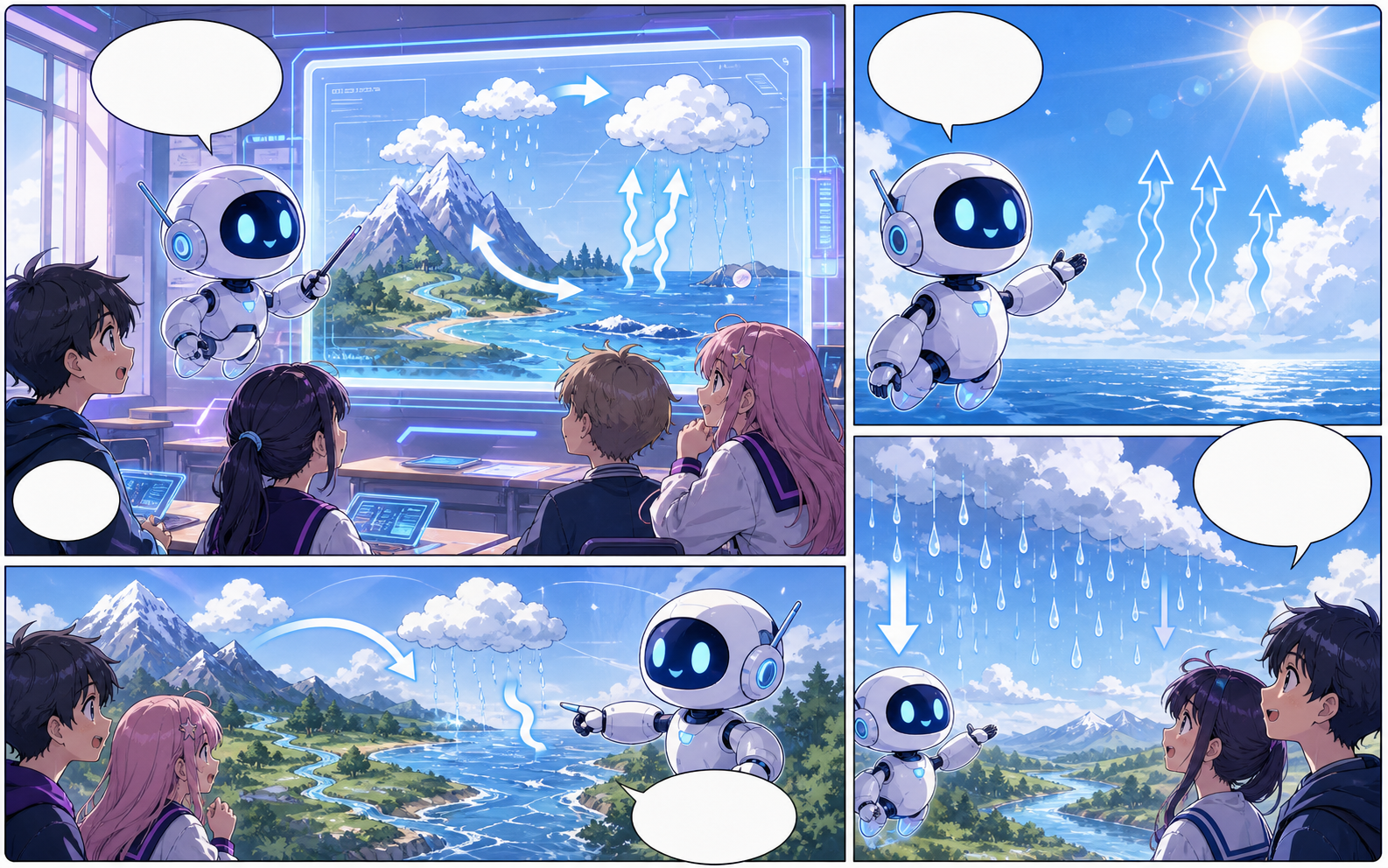
What this draft does not do
- Image generation does not place reliable dialogue. Add and position speech bubbles in Studio after the panels are ready.
- Long plots produce vague pages. Work one scene or page at a time and repeat concrete character details.
Definição
O que é text to comic?
text to comic é um fluxo do Comics Maker para transformar uma ideia em estrutura, painéis, textos e um rascunho editável.
Resposta curta
Quando usar este fluxo.
Use text to comic quando precisar de um rascunho de quadrinho rápido, revisável e editável.
Plan a draft with text to comic.
Start with a story goal, character notes, and a visual direction before generating panels.
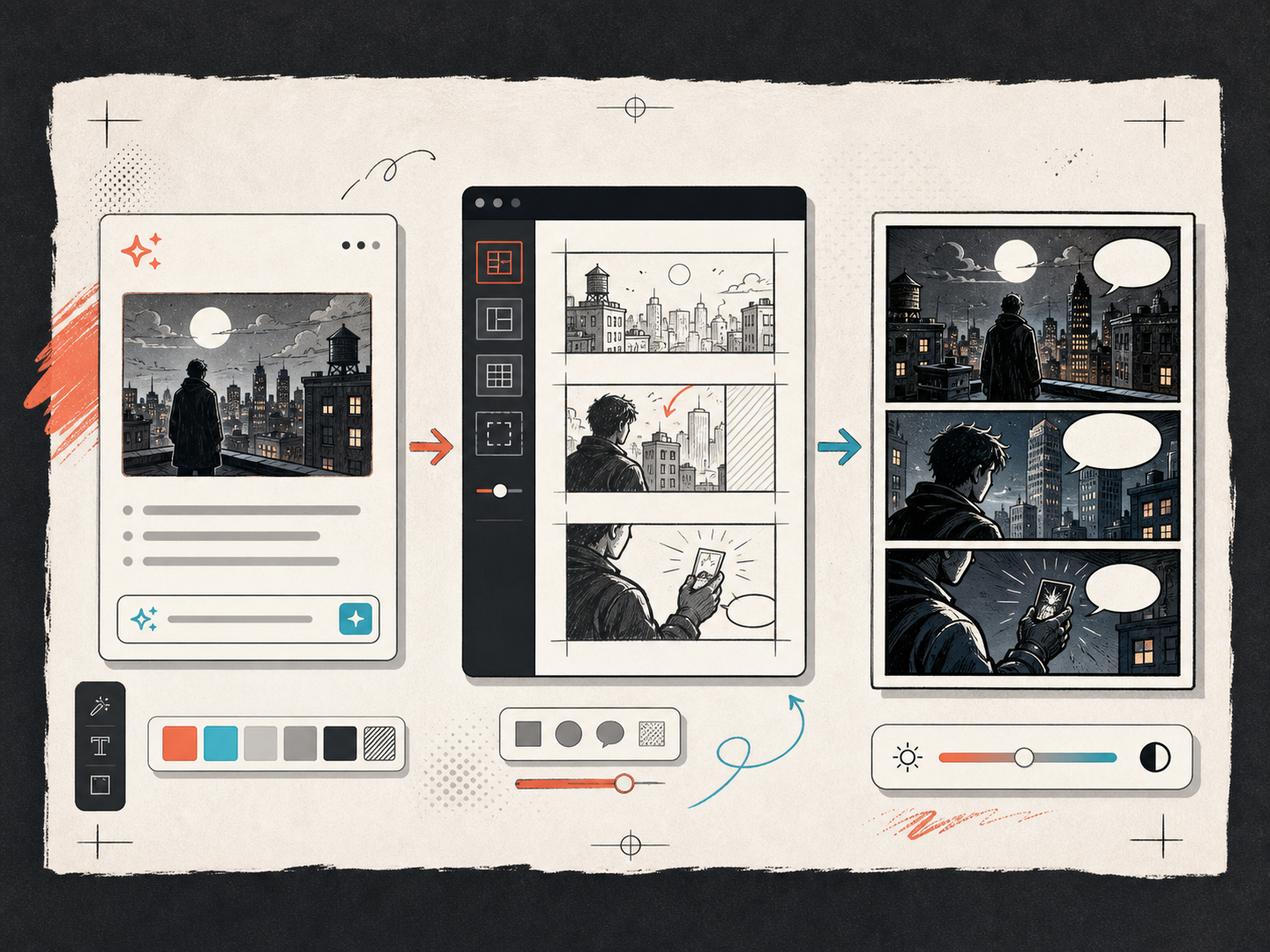
Keep the comic direction consistent.
Keep recurring context visible so characters, settings, captions, and style choices stay coherent.
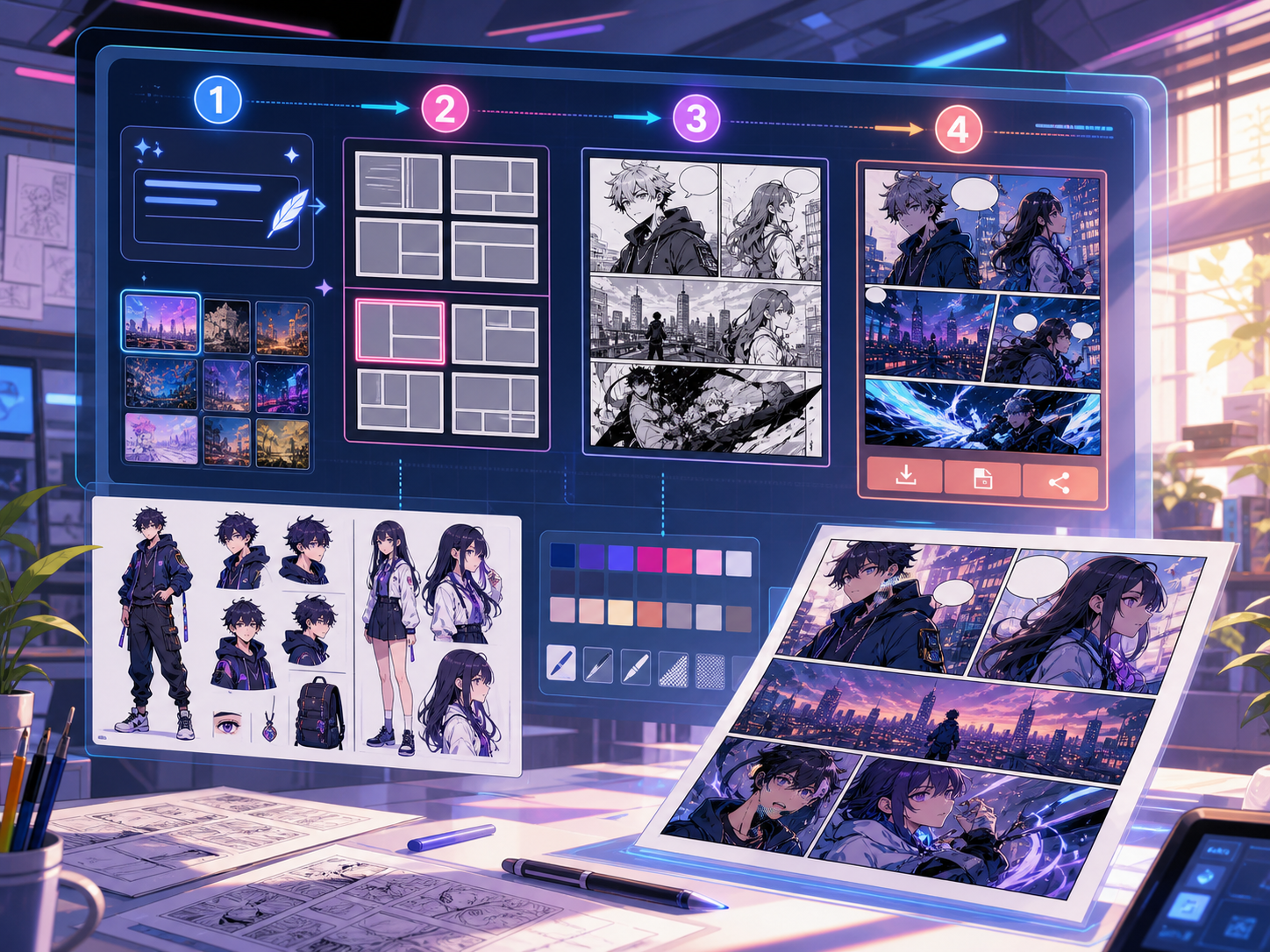
Criado para uma tarefa real de criação de quadrinhos.
Para criadores, professores e equipes que precisam revisar um rascunho de quadrinho antes da arte final.
01
Use text to comic to plan the story before generating final panels.
02
Keep character notes, scene direction, captions, and layout choices together.
03
Continue editing the draft after generation so the page stays useful for review.
O que criadores podem fazer aqui.
Escolha o tipo de projeto mais próximo e abra o Studio com uma ideia mais clara do rascunho que deseja criar.
O que você pode rascunhar.
São pontos de partida práticos para revisar, compartilhar e continuar editando.
Um caminho curto até o Studio.
Comece pelo menor passo útil e depois refine o rascunho no editor.
Comece com estes prompts de text to comic.
Use como ponto de partida e troque personagens, cenário e tom pelos seus.
Mystery paragraph
text to comic: create a short comic scenes with clear characters, readable panels, concise captions, and a polished comic layout.
Resultado: Draft output: text-to-panel draft
Character decision
text to comic: create a social comic posts with clear characters, readable panels, concise captions, and a polished comic layout.
Resultado: Draft output: panel beat plan
Ferramentas que ajudam o rascunho a ficar utilizável.
Story structure
Use text to comic to plan the story before generating final panels.
Editable panels
Keep character notes, scene direction, captions, and layout choices together.
Project continuity
Continue editing the draft after generation so the page stays useful for review.
Continue criando com a próxima ferramenta certa.
Mais páginas para criar quadrinhos.
Fluxo relacionado
comic panel generator
comic panel generator: crie rascunhos de quadrinhos no Comics Maker com história, personagens, painéis, balões de fala e edição pronta para exportar.
Abrir página
Fluxo relacionado
comic strip maker
comic strip maker: crie rascunhos de quadrinhos no Comics Maker com história, personagens, painéis, balões de fala e edição pronta para exportar.
Abrir página
Fluxo relacionado
Criador de roteiro de quadrinhos quadro a quadro
Transforme uma premissa em páginas e quadros editáveis, com descrições visuais, indicações de diálogo, recordatórios, efeitos sonoros e prompts de arte.
Abrir página
Perguntas frequentes sobre text to comic.
What can text to comic create?
It can create comic draft structure, panel ideas, character direction, captions, and editable layouts.
Do I need drawing skills to use text to comic?
No. You can start with text, then refine the comic draft in the editor.
Can I edit the result?
Yes. You can keep adjusting prompts, captions, bubbles, layout, and export settings after the first draft.
Comece seu próximo rascunho de quadrinho.
Abra o Studio, escolha um layout e transforme a ideia em um rascunho de quadrinho funcional.
Testar este fluxo