
text to comic로 편집 가능한 만화 초안을 만드세요.
아이디어를 스토리 비트, 캐릭터 방향, 패널 생성, 캡션, 내보내기까지 이어지는 제작 흐름으로 정리합니다.
Start on this page
Source text
Paste a short paragraph with one main event. The planner will split it into visible beats before image generation.
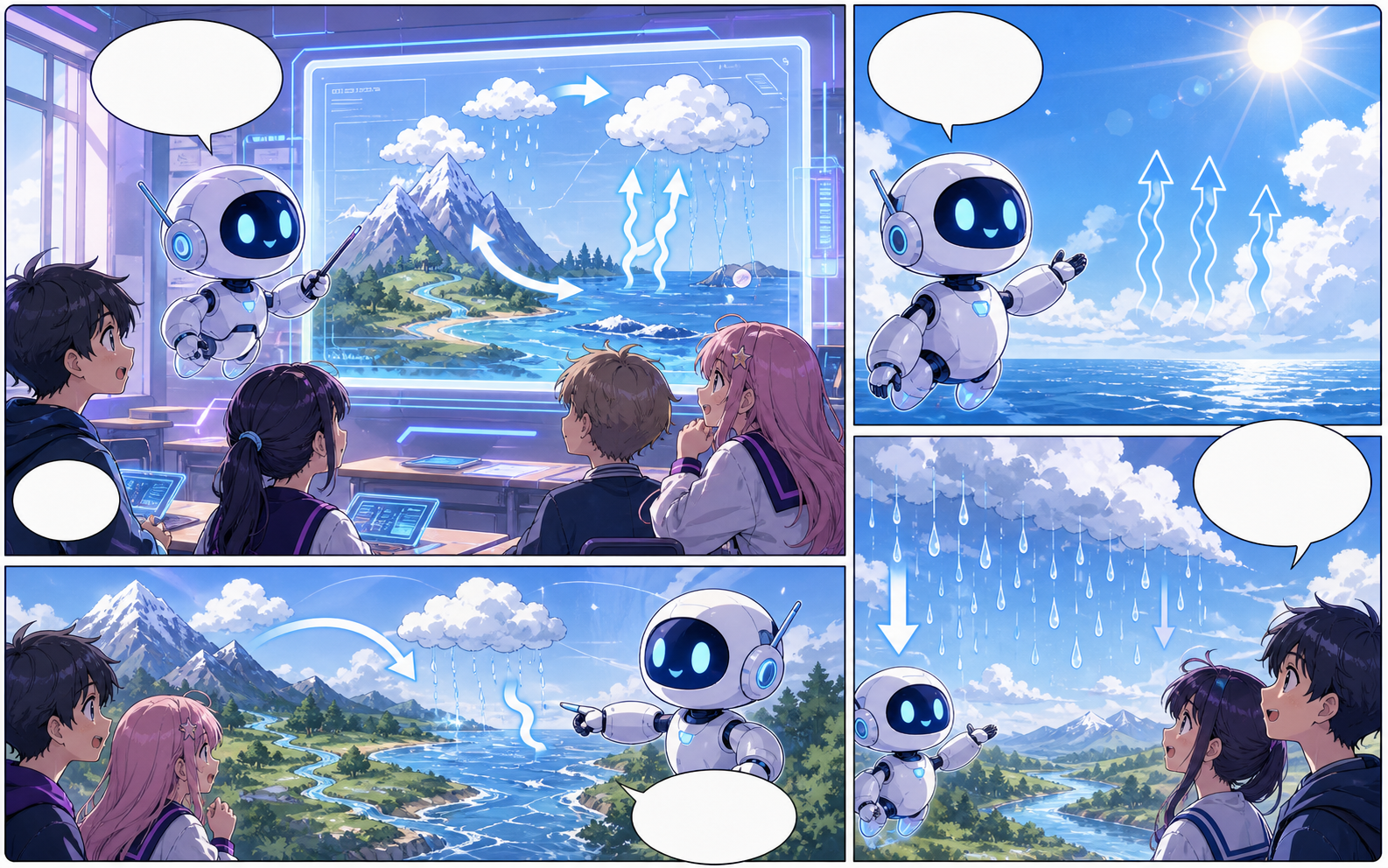
What this draft does not do
- Image generation does not place reliable dialogue. Add and position speech bubbles in Studio after the panels are ready.
- Long plots produce vague pages. Work one scene or page at a time and repeat concrete character details.
정의
text to comic란 무엇인가요?
text to comic는 스토리 아이디어를 캐릭터 방향, 패널 구조, 캡션, 편집 가능한 만화 초안으로 바꾸는 Comics Maker 워크플로입니다.
짧은 답변
이 워크플로를 사용할 때.
text to comic는 빠르게 검토 가능한 만화 초안을 만들고 계속 수정해야 할 때 적합합니다.
Plan a draft with text to comic.
Start with a story goal, character notes, and a visual direction before generating panels.
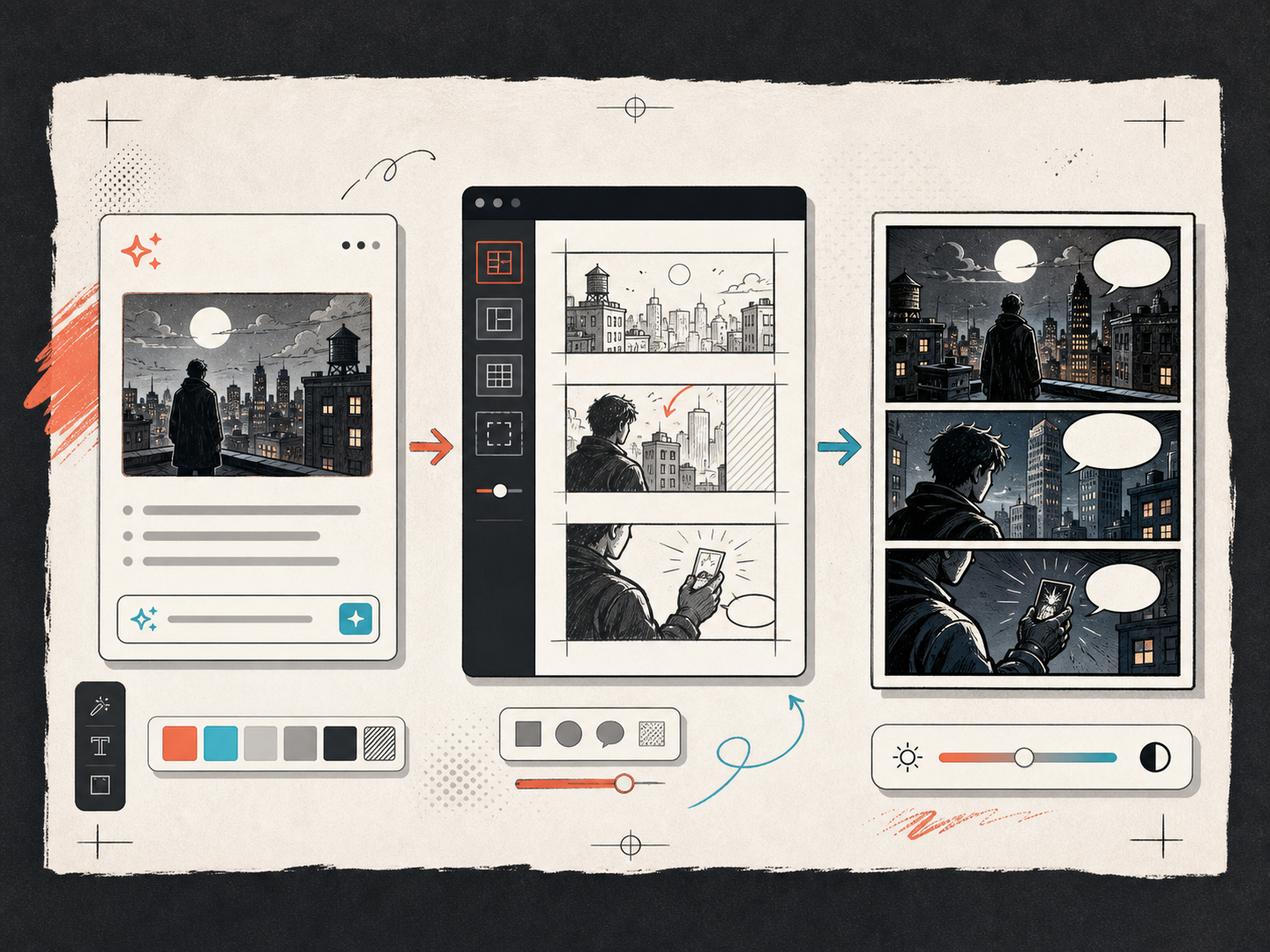
Keep the comic direction consistent.
Keep recurring context visible so characters, settings, captions, and style choices stay coherent.
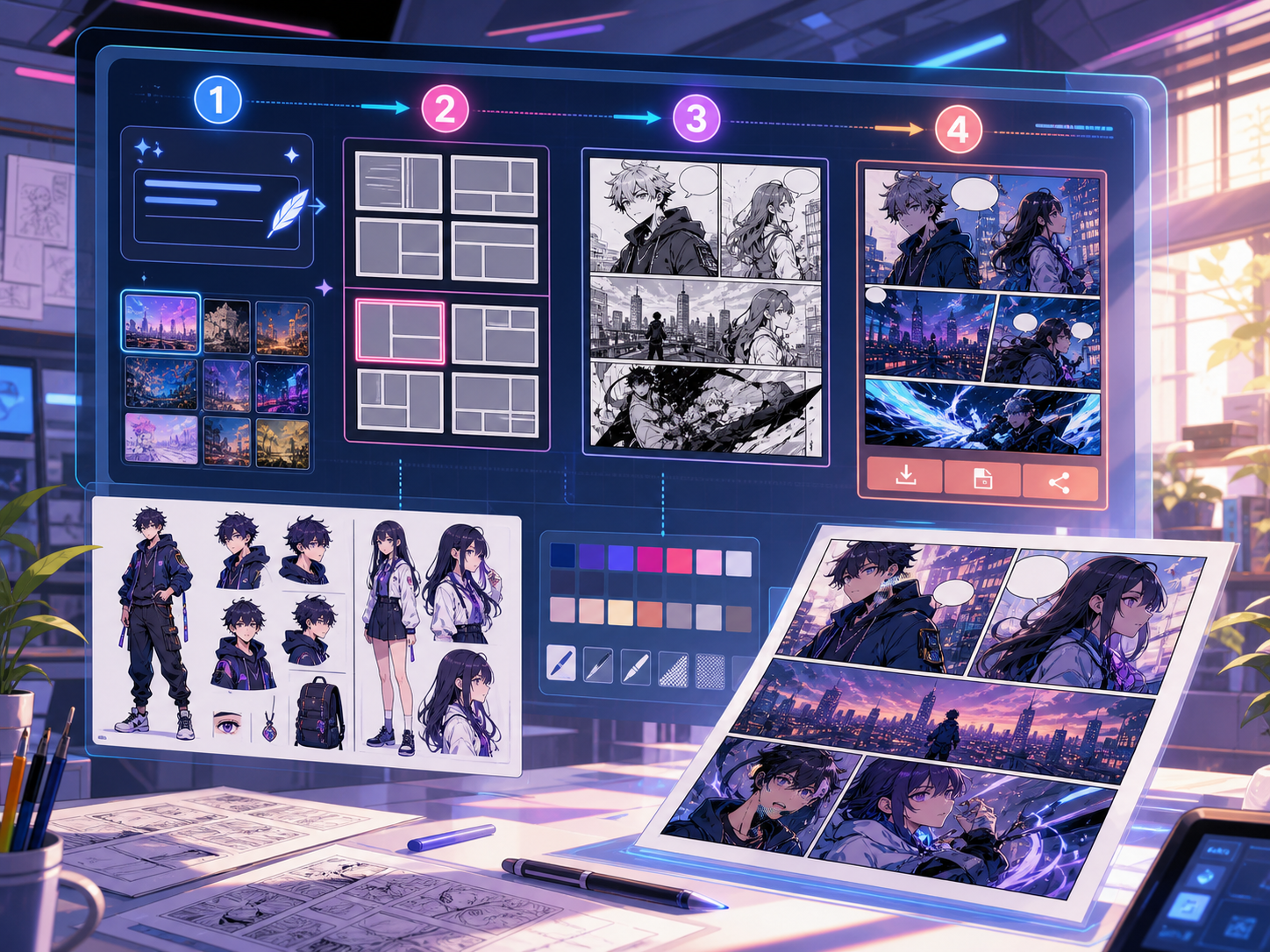
실제 만화 제작 작업에 맞춰 설계되었습니다.
최종 작업 전에 이야기 흐름, 대사, 패널 구성을 검토해야 하는 크리에이터, 교육자, 마케팅 팀에 적합합니다.
01
Use text to comic to plan the story before generating final panels.
02
Keep character notes, scene direction, captions, and layout choices together.
03
Continue editing the draft after generation so the page stays useful for review.
여기서 만들 수 있는 것.
가장 가까운 프로젝트 유형을 고른 뒤, 원하는 초안을 더 명확히 하고 Studio를 여세요.
초안으로 만들 수 있는 것.
검토, 공유, 이어서 편집하기 좋은 실용적인 시작점입니다.
Studio로 들어가는 짧은 경로.
가장 작은 유용한 단계부터 시작한 뒤 편집기에서 초안을 다듬습니다.
text to comic 프롬프트로 시작하세요.
예시를 시작점으로 삼고 캐릭터, 배경, 톤을 자신의 이야기로 바꾸세요.
Mystery paragraph
text to comic: create a short comic scenes with clear characters, readable panels, concise captions, and a polished comic layout.
출력: Draft output: text-to-panel draft
Character decision
text to comic: create a social comic posts with clear characters, readable panels, concise captions, and a polished comic layout.
출력: Draft output: panel beat plan
초안을 실제로 쓸 수 있게 돕는 도구.
Story structure
Use text to comic to plan the story before generating final panels.
Editable panels
Keep character notes, scene direction, captions, and layout choices together.
Project continuity
Continue editing the draft after generation so the page stays useful for review.
다음에 맞는 도구로 계속 제작하세요.
더 많은 코믹 제작 페이지.
관련 워크플로
comic panel generator
comic panel generator: Comics Maker에서 스토리, 캐릭터 노트, 패널 구성, 말풍선, 내보내기용 편집 초안을 만들 수 있습니다.
페이지 열기
관련 워크플로
comic strip maker
comic strip maker: Comics Maker에서 스토리, 캐릭터 노트, 패널 구성, 말풍선, 내보내기용 편집 초안을 만들 수 있습니다.
페이지 열기
관련 워크플로
컷별 만화 대본 제작 도구
무료 만화 대본 제작 도구로 이야기 설정을 편집 가능한 페이지 구성, 컷, 장면 설명, 대사 지시, 캡션, 효과음, 이미지 프롬프트로 정리하세요.
페이지 열기
text to comic 자주 묻는 질문.
What can text to comic create?
It can create comic draft structure, panel ideas, character direction, captions, and editable layouts.
Do I need drawing skills to use text to comic?
No. You can start with text, then refine the comic draft in the editor.
Can I edit the result?
Yes. You can keep adjusting prompts, captions, bubbles, layout, and export settings after the first draft.