
generatore da testo a fumetto
Incolla un breve paragrafo su un evento. Controlla i quattro momenti visivi prima di generare le immagini.
Inizia da una scena
generatore da testo a fumetto
Incolla un breve paragrafo su un evento. Controlla i quattro momenti visivi prima di generare le immagini.
Costo stimato: 8 crediti
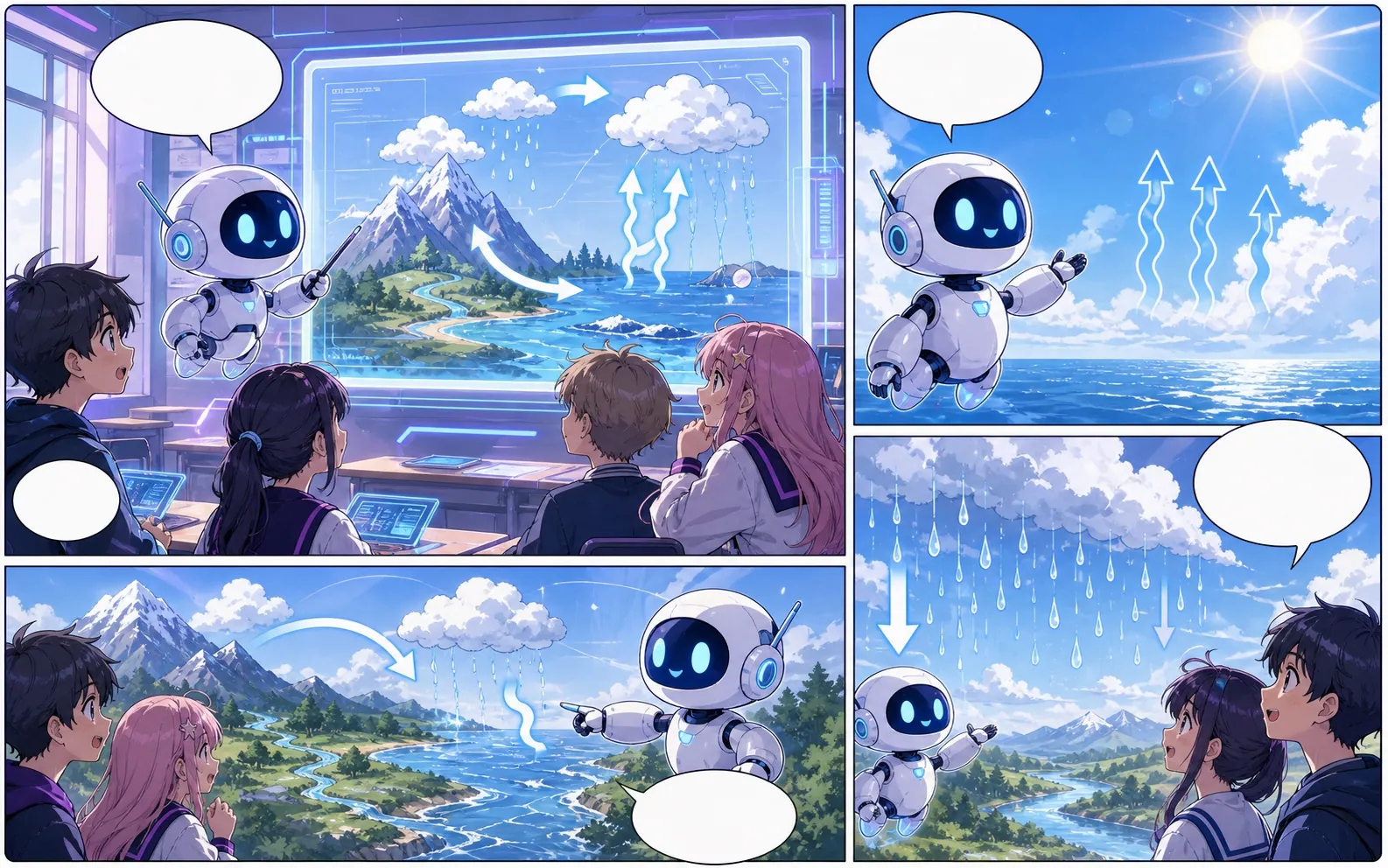
Limiti di questa bozza
- Un lungo capitolo non diventa automaticamente un fumetto completo. Dividilo in scene con azioni visibili.
Esempio di pianificazione
Trasforma la prosa in azioni che il lettore può vedere
Suggerimenti per le foto editoriali, non un risultato di immagine generata. Prova il brief nello strumento sopra; rivedi le indicazioni del planner prima di spendere crediti per le immagini.
Esempio di scena breve
All'ora di chiusura, un fornaio trova una piccola barca di carta fuori dal negozio. Segue una scia di farina fino alla cucina, scopre suo figlio che sta testando un canale giocattolo e mette l'ultimo dolce sulla barca come carico.
- Mostra la barca di carta all'ingresso del negozio invece di spiegare i pensieri del fornaio.
- Usa il sentiero della farina per collegare l'ingresso alla scoperta della cucina.
- Concludi con la pasta in barca così si vede il cambiamento finale.
Cosa controllare e rivedere
Il planner del browser crea prompt di direzione, non un adattamento completo di ogni frase. Rivedi tutti e quattro i beat e mantieni nomi e oggetti coerenti prima di generare. Se la prosa descrive ricordi o pensieri, sostituiscili con un gesto, un oggetto o un'azione osservabile.
Pensato per un vero compito di creazione fumetto.
Trasforma la prosa in una sequenza di vignette e modifica separatamente i dialoghi.
01
Un lungo capitolo non diventa automaticamente un fumetto completo. Dividilo in scene con azioni visibili.
Continua con lo strumento successivo più adatto.
Altre pagine per creare fumetti.
Flusso correlato
generatore di vignette per fumetti
Indica soggetto, luogo, distanza della camera, emozione e un'azione visibile per generare una singola vignetta.
Apri pagina
Flusso correlato
creatore di strisce a fumetti
Descrivi una situazione e un cambiamento o una battuta finale. Pianifica tre vignette con inizio, sviluppo e conclusione.
Apri pagina
Flusso correlato
Generatore di sceneggiature a vignette
Trasforma gratuitamente un’idea in pagine e vignette modificabili, con descrizioni visive, indicazioni di dialogo, didascalie, effetti sonori e prompt per le immagini.
Apri pagina
Domande frequenti su generatore da testo a fumetto.
Quanto testo dovrei adattare in una volta?
Usa una breve scena con un evento e un finale chiari. Dividi prima un capitolo in scene. Il piano a quattro momenti è una struttura iniziale: verifica che ogni direzione mostri qualcosa di disegnabile, poi genera e rivedi le singole vignette.
Cosa posso creare qui?
Trasforma la prosa in una sequenza di vignette e modifica separatamente i dialoghi.
Quali sono i limiti?
Un lungo capitolo non diventa automaticamente un fumetto completo. Dividilo in scene con azioni visibili.
Inizia la prossima bozza di fumetto.
Apri Studio, scegli un layout e trasforma l'idea in una bozza di fumetto lavorabile.
Prova questo flusso