
Documentation for building comic drafts inside Studio.
These docs explain the creation flow, page formats, prompt controls, export behavior, credits, and where image generation fits in the product flow.
Open Comics MakerProduct docs
Studio manual board
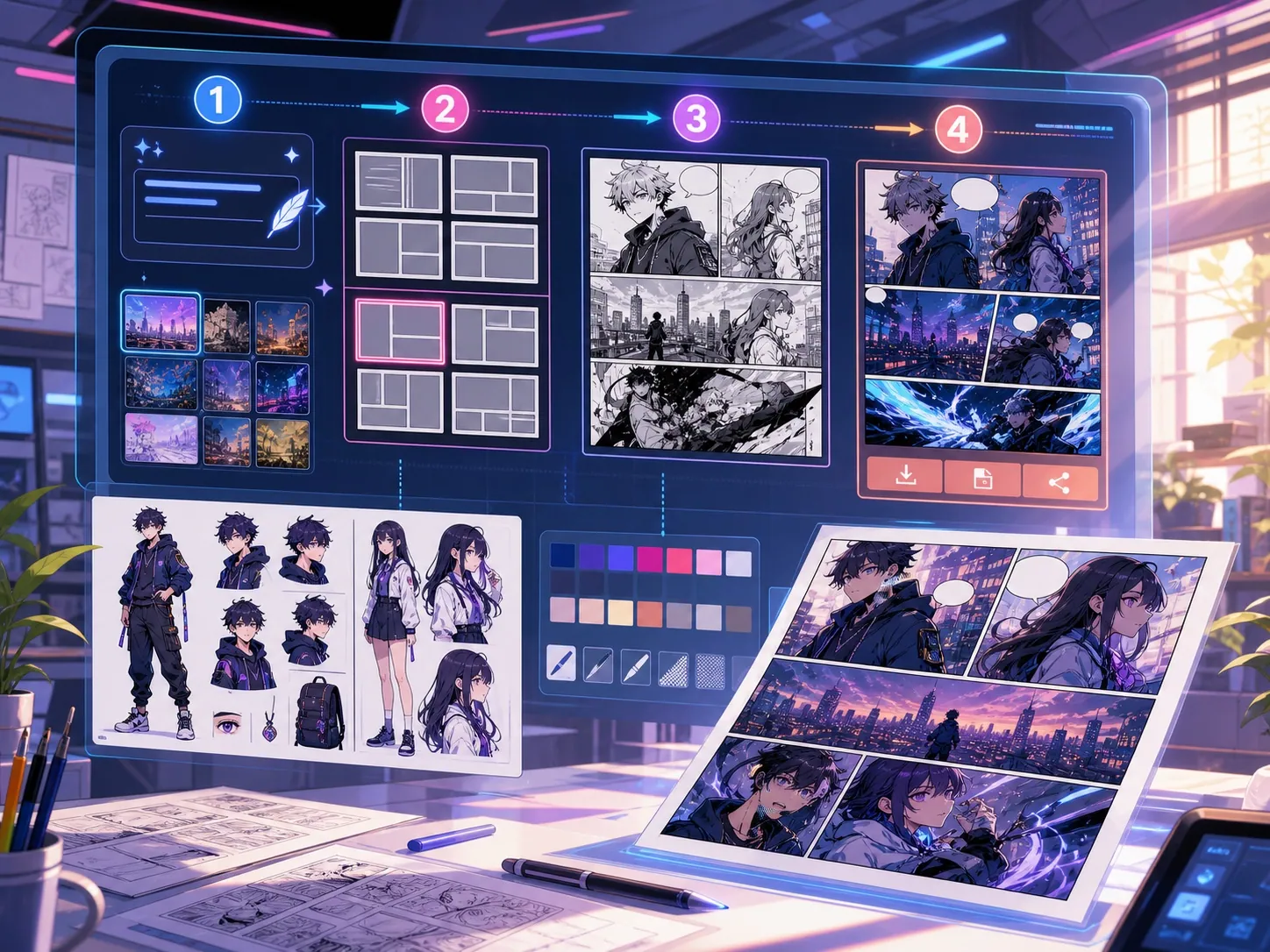
How the current Studio works
Plan a scene without spending credits. Generate creates the selected panel; Build creates every panel in the layout.
Studio workflow
Write one scene, choose style and mood, pick a layout, then plan the visible beats before queueing any image jobs.
- Plan runs locally and does not start image generation
- Generate queues the selected panel
- Build queues every slot in the active layout
Panel layouts
Choose 2x2, 3-panel, single, webtoon, or diagonal. The active layout controls both the canvas slots and how many jobs Build queues.
- 2x2 uses four editable regions
- 3-panel divider positions can be dragged
- Webtoon creates six vertical slots
Prompt structure
Describe one visible action per panel. Include the subject, setting, camera distance, mood, and the change that happens in that beat.
- Repeat clothing and prop details when continuity matters
- Add dialogue with the bubble editor after generation
- Avoid asking one page to summarize an entire plot
Credits, retries, and export
Image jobs use the active model's credit cost. Failed jobs retry up to two attempts and receive a ledger refund after the final failure.
- Output keeps queued, running, completed, and failed states visible
- Completed images can be applied to a selected panel
- Export JSON saves project data, not a flattened PNG or PDF