
comic strip maker voor bewerkbare stripconcepten.
Zet een idee om in verhaalbeats, personagerichting, panelen, teksten en exportopties.
Start on this page
Strip scene
Write one sentence for the situation and one for the change or punchline. Dialogue can be added later in Studio.
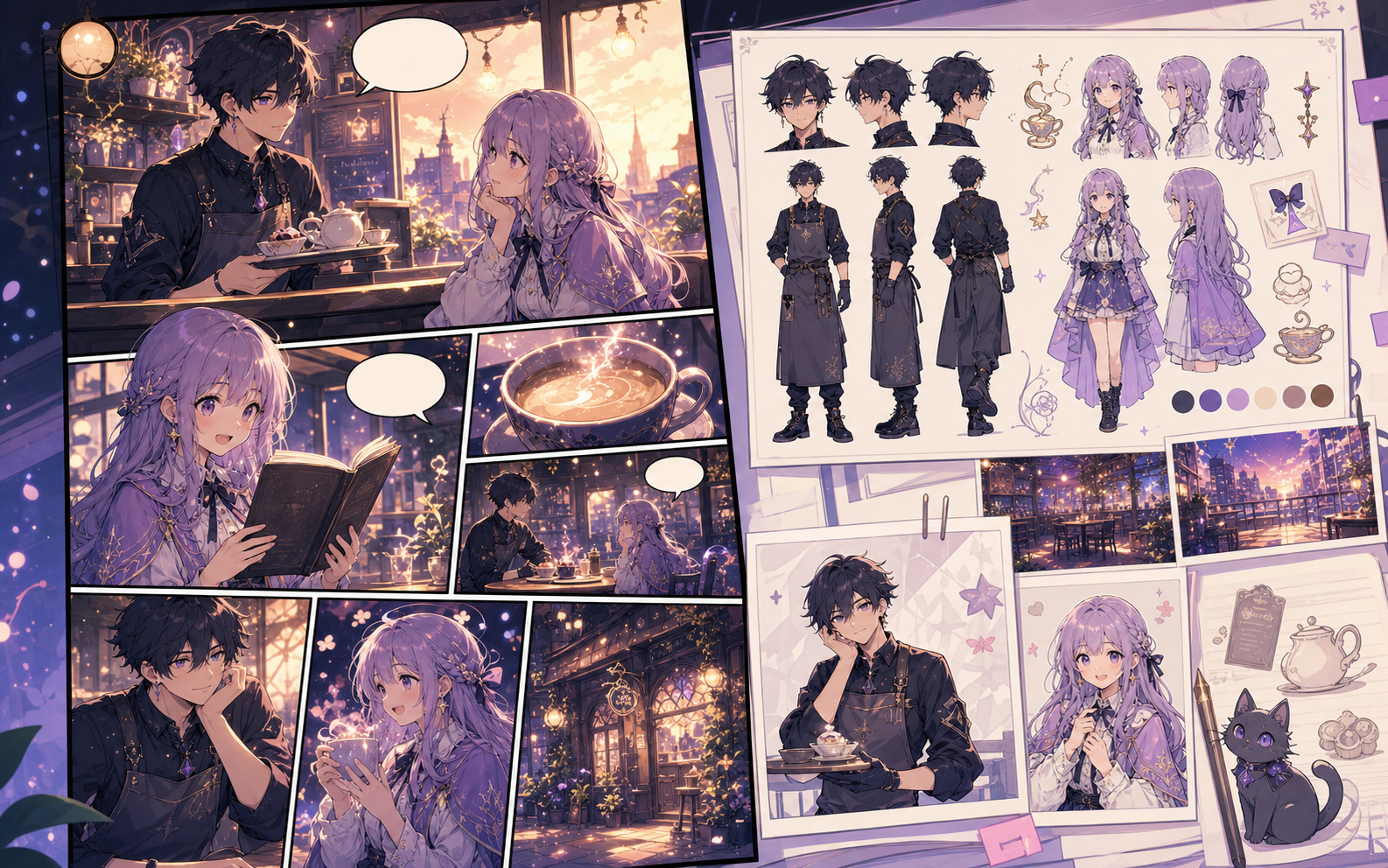
What this draft does not do
- Image generation does not place reliable dialogue. Add and position speech bubbles in Studio after the panels are ready.
- Long plots produce vague pages. Work one scene or page at a time and repeat concrete character details.
Definitie
Wat is comic strip maker?
comic strip maker is een Comics Maker werkstroom die een idee omzet in personages, panelen, tekst en een bewerkbaar concept.
Kort antwoord
Wanneer je deze werkstroom gebruikt.
Gebruik comic strip maker als je snel een controleerbaar en bewerkbaar stripconcept nodig hebt.
Gebouwd rond een echte taak voor stripcreatie.
Voor makers, docenten en teams die een stripconcept willen beoordelen voor de finale uitwerking.
01
Use comic strip maker to plan the story before generating final panels.
02
Keep character notes, scene direction, captions, and layout choices together.
03
Continue editing the draft after generation so the page stays useful for review.
Wat makers hier kunnen maken.
Kies het dichtstbijzijnde projecttype en open Studio met een duidelijker beeld van het concept dat je wilt maken.
Wat je kunt uitwerken.
Dit zijn praktische startpunten voor beoordeling, delen en verdere bewerking.
Een korte route naar Studio.
Begin met de kleinste nuttige stap en verfijn het concept daarna in de editor.
Meer pagina's voor het maken van strips.
Gerelateerde werkstroom
comic character maker
comic character maker: maak stripconcepten in Comics Maker met verhaal, personages, panelen, tekstballonnen en bewerkbare export.
Pagina openen
Gerelateerde werkstroom
Stripscenariomaker per kader
Zet een verhaalidee om in bewerkbare pagina’s en kaders met beeldbeschrijvingen, dialoogaanwijzingen, captions, geluidseffecten en beeldprompts.
Pagina openen
Gerelateerde werkstroom
comic book generator
comic book generator: maak stripconcepten in Comics Maker met verhaal, personages, panelen, tekstballonnen en bewerkbare export.
Pagina openen
Veelgestelde vragen over comic strip maker.
What can comic strip maker create?
It can create comic draft structure, panel ideas, character direction, captions, and editable layouts.
Do I need drawing skills to use comic strip maker?
No. You can start with text, then refine the comic draft in the editor.
Can I edit the result?
Yes. You can keep adjusting prompts, captions, bubbles, layout, and export settings after the first draft.
Start je volgende stripconcept.
Open Studio, kies een lay-out en verander het idee in een bruikbaar stripconcept.
Deze werkstroom proberen