
manga maker для редагованих чернеток коміксів.
Перетворіть ідею на сюжетні кроки, напрям персонажів, панелі, підписи та налаштування експорту.
Start on this page
Manga page idea
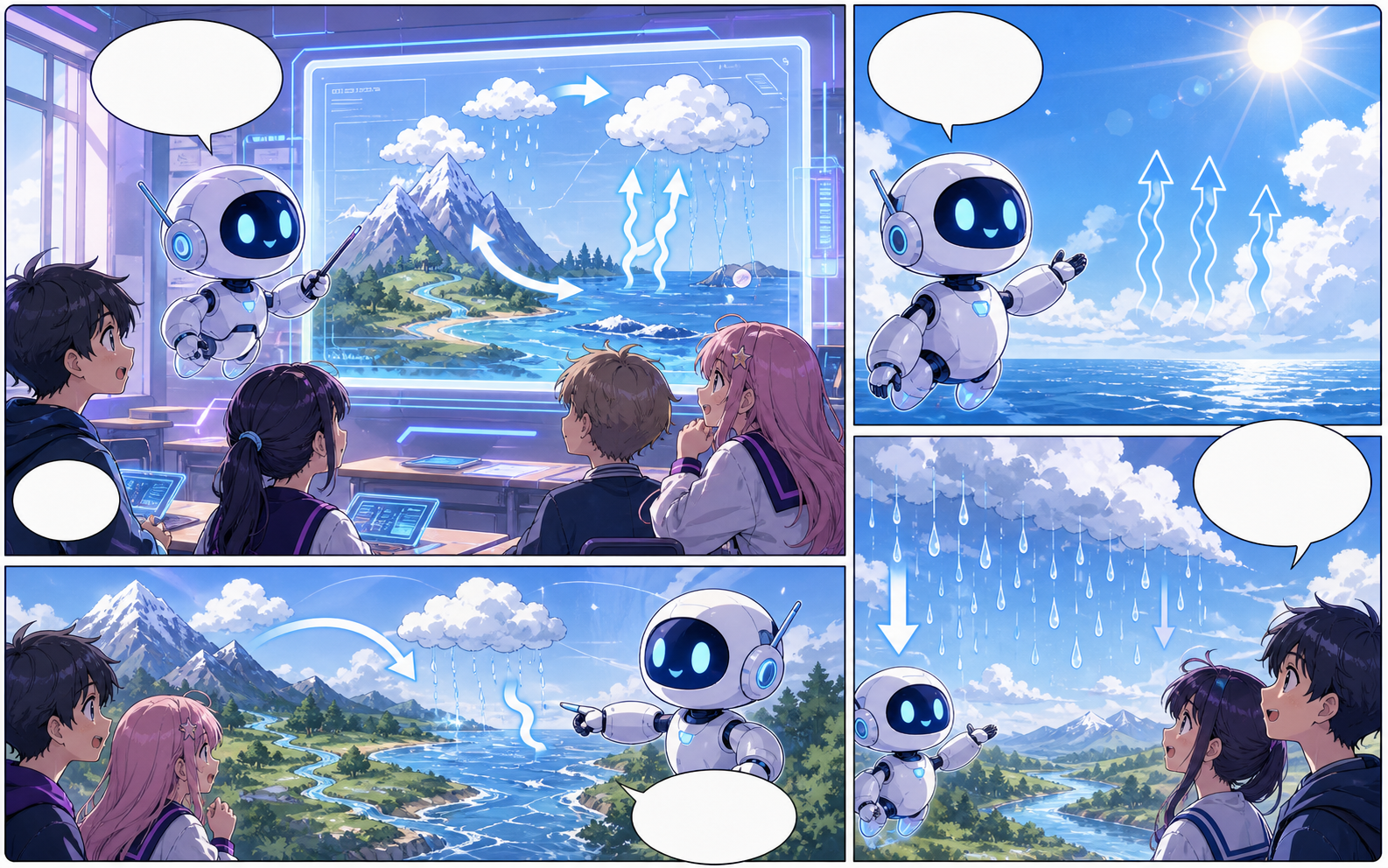
Describe the character entrance, action beat, reaction, and closing image. Put reading-order notes in the prompt when they matter.
What this draft does not do
- Image generation does not place reliable dialogue. Add and position speech bubbles in Studio after the panels are ready.
- Long plots produce vague pages. Work one scene or page at a time and repeat concrete character details.
Визначення
Що таке manga maker?
manga maker — це процес Comics Maker, який перетворює ідею на персонажів, панелі, текст і редаговану чернетку.
Коротка відповідь
Коли використовувати цей процес.
Використовуйте manga maker, коли потрібна швидка редагована чернетка коміксу для перевірки.
Plan a draft with manga maker.
Start with a story goal, character notes, and a visual direction before generating panels.
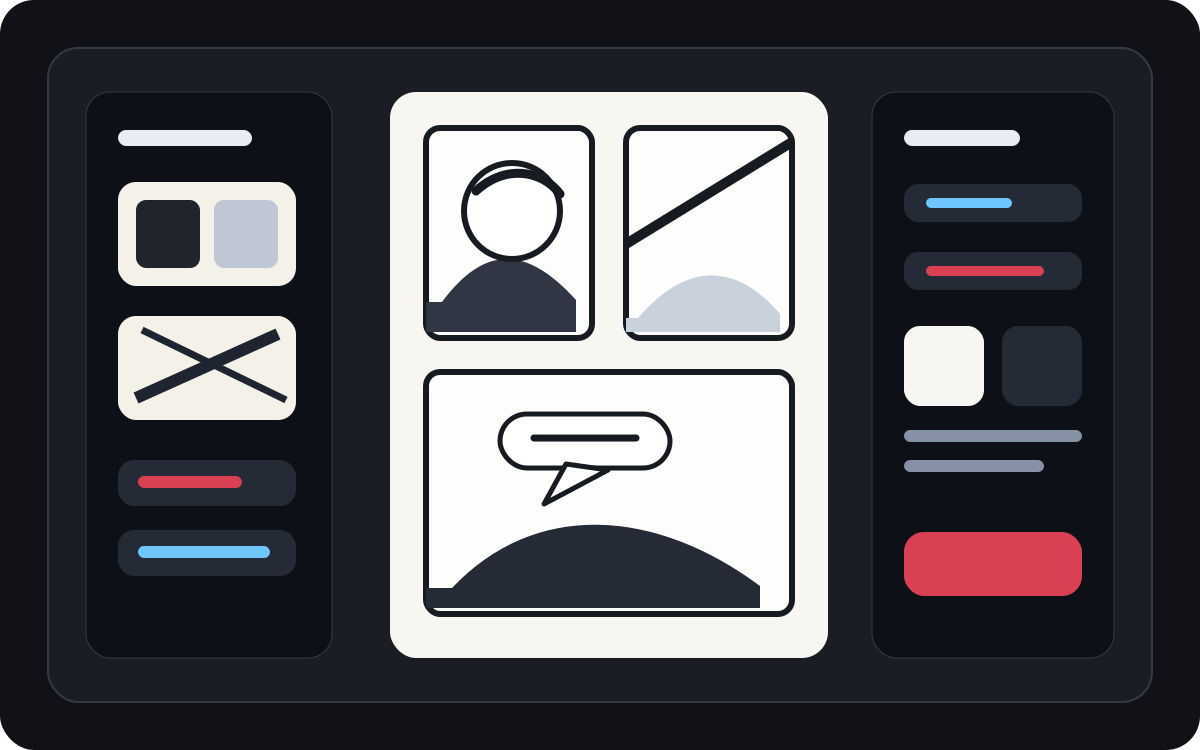
Keep the comic direction consistent.
Keep recurring context visible so characters, settings, captions, and style choices stay coherent.
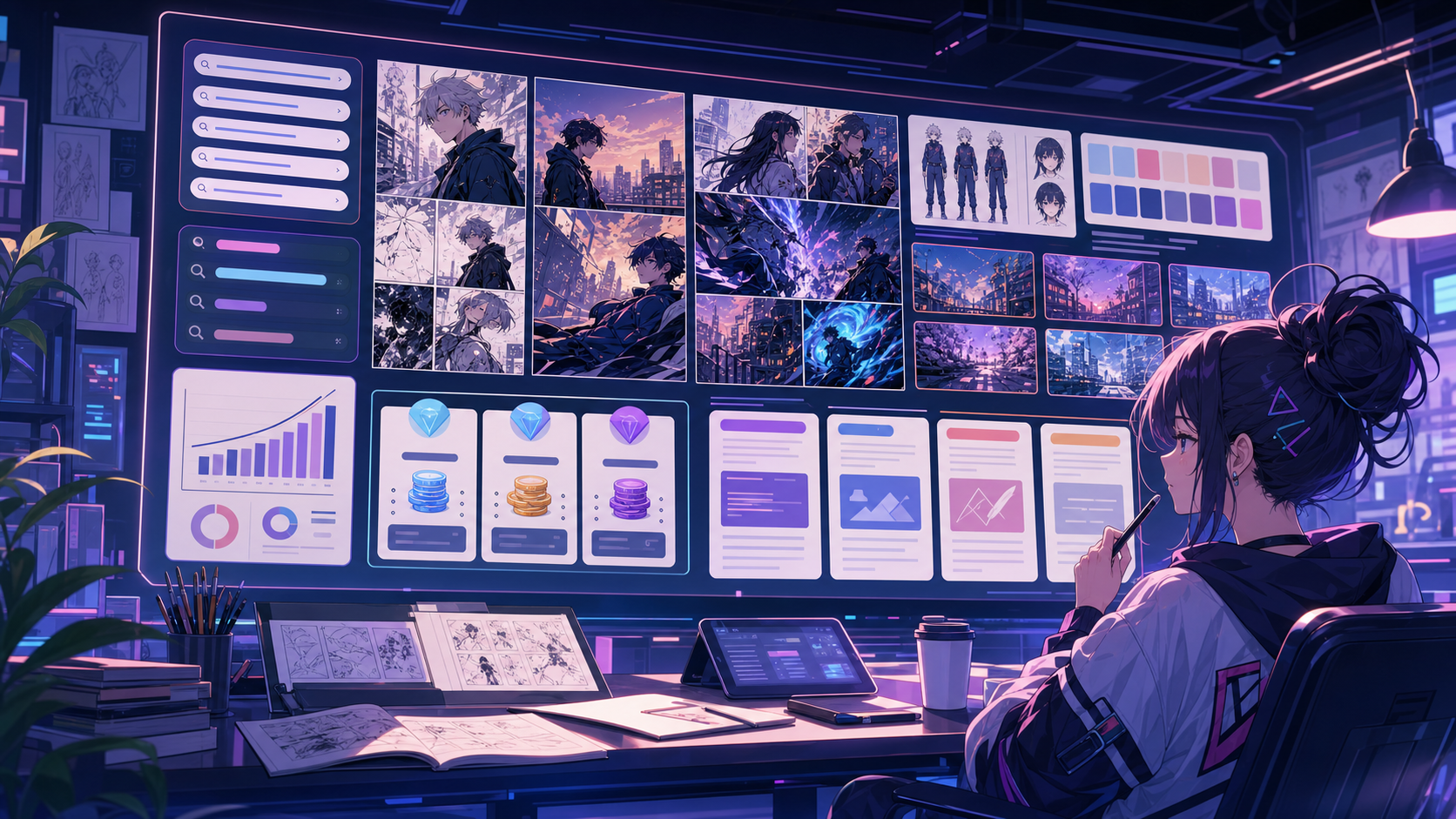
Edit the page before export.
Use the editor to refine prompts, rewrite text, adjust layout, and prepare a shareable draft.

Створено для реального завдання зі створення коміксу.
Для авторів, викладачів і команд, яким потрібна чернетка коміксу для перегляду перед фінальним оформленням.
01
Use manga maker to plan the story before generating final panels.
02
Keep character notes, scene direction, captions, and layout choices together.
03
Continue editing the draft after generation so the page stays useful for review.
Що автори можуть зробити тут.
Виберіть найближчий тип проєкту й відкрийте Studio з чіткішою метою для чернетки.
Що можна підготувати.
Це практичні стартові точки для перевірки, поширення та подальшого редагування.
Короткий шлях до Studio.
Почніть із найменшого корисного кроку, а потім доопрацюйте чернетку в редакторі.
Почніть із цих промптів для manga maker.
Використайте їх як основу, а потім замініть персонажів, місце дії та тон на свої.
Character intro
manga maker: create a short comic scenes with clear characters, readable panels, concise captions, and a polished comic layout.
Результат: Draft output: manga page draft
Action beat
manga maker: create a social comic posts with clear characters, readable panels, concise captions, and a polished comic layout.
Результат: Draft output: black-and-white panel layout
Quiet reveal
manga maker: create a classroom explainers with clear characters, readable panels, concise captions, and a polished comic layout.
Результат: Draft output: manga character scene
Інструменти, які допомагають зробити чернетку придатною.
Story structure
Use manga maker to plan the story before generating final panels.
Editable panels
Keep character notes, scene direction, captions, and layout choices together.
Project continuity
Continue editing the draft after generation so the page stays useful for review.
Продовжуйте з правильним наступним інструментом.
Comic character maker
Create reusable character direction before drafting manga scenes.
Відкрити сторінку
Comic speech bubble generator
Add manga speech bubbles after the page draft is ready.
Відкрити сторінку
Manga translator
Use translation workflows for existing manga pages and screenshots.
Відкрити сторінку
Більше сторінок для створення коміксів.
Пов'язаний процес
Перекладач манґи: manga translator
Сторінка перекладу зображень манґи з ШІ: manga translator, OCR, PDF, До / після перекладу.
Відкрити сторінку
Пов'язаний процес
comic character maker
comic character maker: створюйте чернетки коміксів у Comics Maker зі сюжетом, персонажами, панелями, репліками та експортом.
Відкрити сторінку
Пов'язаний процес
Генератор Реплік для Коміксів
Додавайте мовні бульбашки, підписи, хвости та читабельні комічні діалоги за допомогою генератора бульбашок коміксів, створеного для монтажу панелей.
Відкрити сторінку
Поширені запитання про manga maker.
What can manga maker create?
It can create comic draft structure, panel ideas, character direction, captions, and editable layouts.
Do I need drawing skills to use manga maker?
No. You can start with text, then refine the comic draft in the editor.
Can I edit the result?
Yes. You can keep adjusting prompts, captions, bubbles, layout, and export settings after the first draft.
Почніть наступну чернетку коміксу.
Відкрийте Studio, виберіть макет і перетворіть ідею на робочу чернетку коміксу.
Спробувати цей процес