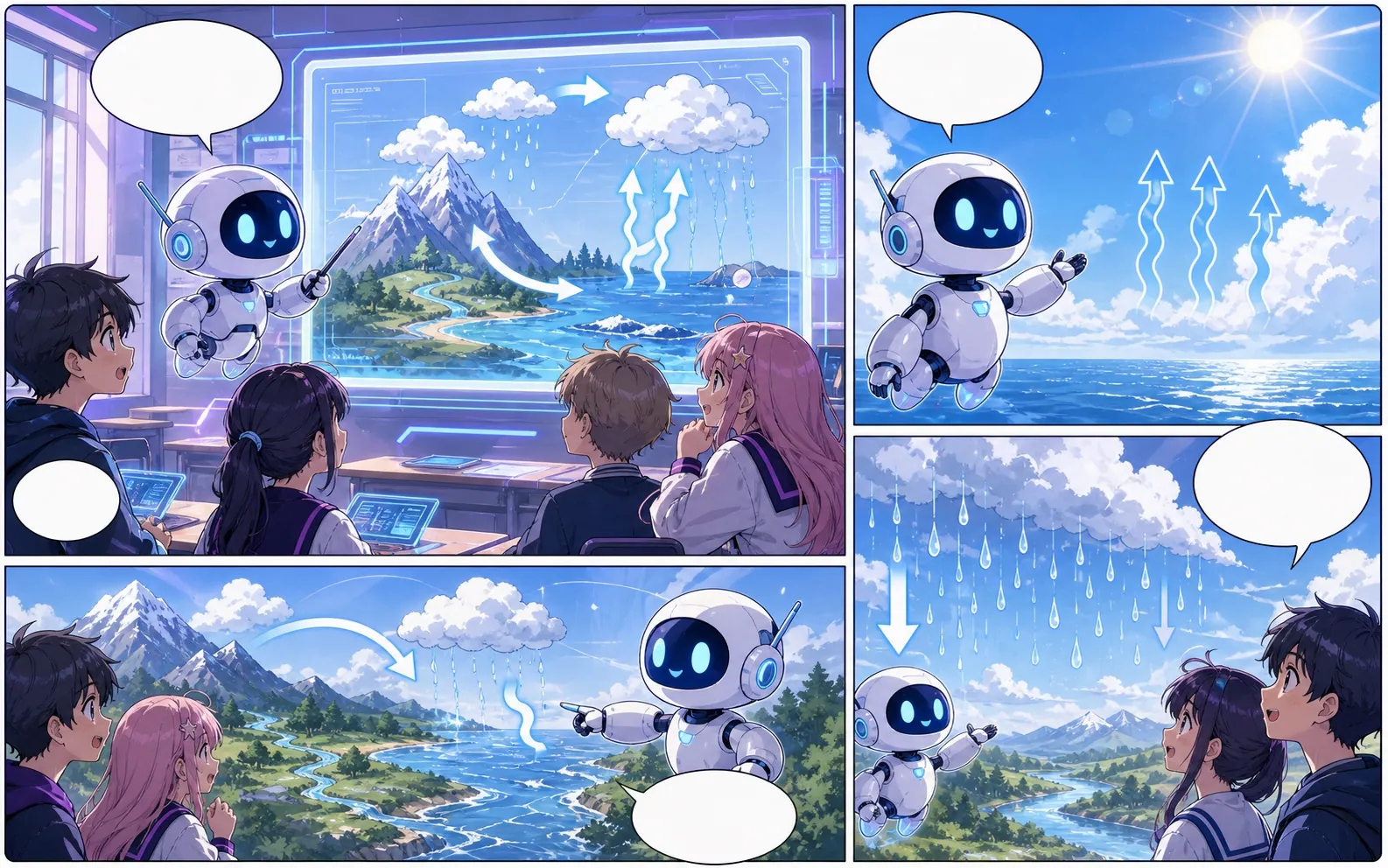
manga maker para rascunhos de quadrinhos editáveis.
Transforme uma ideia em ritmo narrativo, direção de personagens, painéis, legendas e opções de exportação.
Start on this page
Manga page idea
Describe the character entrance, action beat, reaction, and closing image. Put reading-order notes in the prompt when they matter.

What this draft does not do
- Image generation does not place reliable dialogue. Add and position speech bubbles in Studio after the panels are ready.
- Long plots produce vague pages. Work one scene or page at a time and repeat concrete character details.
Definição
O que é manga maker?
manga maker é um fluxo do Comics Maker para transformar uma ideia em estrutura, painéis, textos e um rascunho editável.
Resposta curta
Quando usar este fluxo.
Use manga maker quando precisar de um rascunho de quadrinho rápido, revisável e editável.
Plan a draft with manga maker.
Start with a story goal, character notes, and a visual direction before generating panels.
Keep the comic direction consistent.
Keep recurring context visible so characters, settings, captions, and style choices stay coherent.

Edit the page before export.
Use the editor to refine prompts, rewrite text, adjust layout, and prepare a shareable draft.
Criado para uma tarefa real de criação de quadrinhos.
Para criadores, professores e equipes que precisam revisar um rascunho de quadrinho antes da arte final.
01
Use manga maker to plan the story before generating final panels.
02
Keep character notes, scene direction, captions, and layout choices together.
03
Continue editing the draft after generation so the page stays useful for review.
O que criadores podem fazer aqui.
Escolha o tipo de projeto mais próximo e abra o Studio com uma ideia mais clara do rascunho que deseja criar.
O que você pode rascunhar.
São pontos de partida práticos para revisar, compartilhar e continuar editando.
Um caminho curto até o Studio.
Comece pelo menor passo útil e depois refine o rascunho no editor.
Comece com estes prompts de manga maker.
Use como ponto de partida e troque personagens, cenário e tom pelos seus.
Character intro
manga maker: create a short comic scenes with clear characters, readable panels, concise captions, and a polished comic layout.
Resultado: Draft output: manga page draft
Action beat
manga maker: create a social comic posts with clear characters, readable panels, concise captions, and a polished comic layout.
Resultado: Draft output: black-and-white panel layout
Quiet reveal
manga maker: create a classroom explainers with clear characters, readable panels, concise captions, and a polished comic layout.
Resultado: Draft output: manga character scene
Ferramentas que ajudam o rascunho a ficar utilizável.
Story structure
Use manga maker to plan the story before generating final panels.
Editable panels
Keep character notes, scene direction, captions, and layout choices together.
Project continuity
Continue editing the draft after generation so the page stays useful for review.
Continue criando com a próxima ferramenta certa.
Mais páginas para criar quadrinhos.
Fluxo relacionado
Tradutor de mangá: manga translator
Página de tradução de imagens de mangá com IA: manga translator, OCR, PDF, Antes / depois da tradução.
Abrir página
Fluxo relacionado
comic character maker
comic character maker: crie rascunhos de quadrinhos no Comics Maker com história, personagens, painéis, balões de fala e edição pronta para exportar.
Abrir página
Fluxo relacionado
comic bubble generator
comic bubble generator: crie rascunhos de quadrinhos no Comics Maker com história, personagens, painéis, balões de fala e edição pronta para exportar.
Abrir página
Perguntas frequentes sobre manga maker.
What can manga maker create?
It can create comic draft structure, panel ideas, character direction, captions, and editable layouts.
Do I need drawing skills to use manga maker?
No. You can start with text, then refine the comic draft in the editor.
Can I edit the result?
Yes. You can keep adjusting prompts, captions, bubbles, layout, and export settings after the first draft.
Comece seu próximo rascunho de quadrinho.
Abra o Studio, escolha um layout e transforme a ideia em um rascunho de quadrinho funcional.
Testar este fluxo