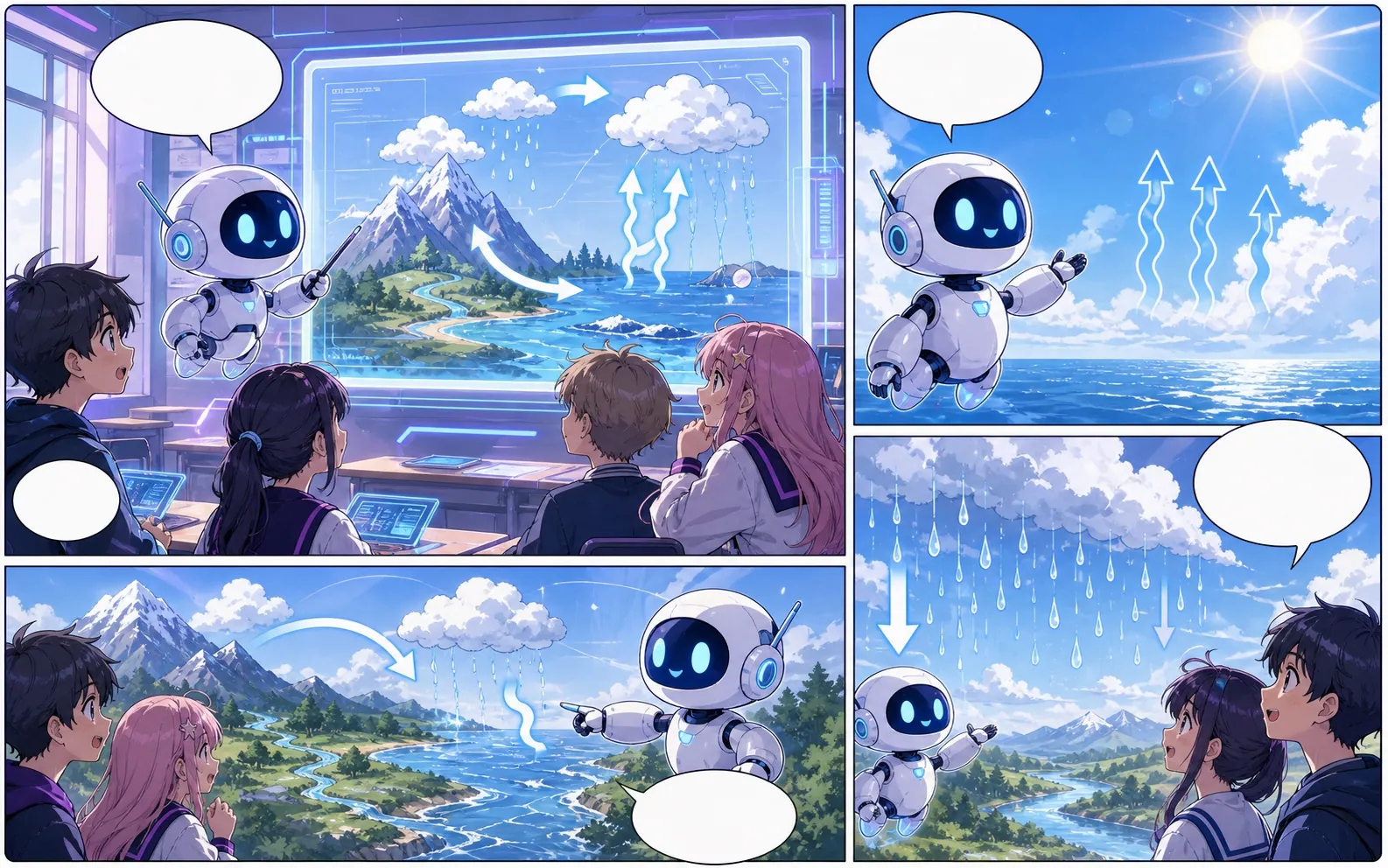
manga makerで編集しやすいコミック草稿を作成。
アイデアからストーリービート、キャラクター指示、パネル生成、キャプション、書き出しまでを一つの制作フローで進められます。
Start on this page
Manga page idea
Describe the character entrance, action beat, reaction, and closing image. Put reading-order notes in the prompt when they matter.

What this draft does not do
- Image generation does not place reliable dialogue. Add and position speech bubbles in Studio after the panels are ready.
- Long plots produce vague pages. Work one scene or page at a time and repeat concrete character details.
定義
manga makerとは?
manga makerは、ストーリー案をキャラクター指示、パネル構成、セリフ、編集可能なコミック草稿に変えるComics Makerの制作フローです。
短い答え
このワークフローを使うタイミング。
manga makerは、公開前に確認と編集ができる漫画草稿をすばやく作りたいときに使います。
Plan a draft with manga maker.
Start with a story goal, character notes, and a visual direction before generating panels.
Keep the comic direction consistent.
Keep recurring context visible so characters, settings, captions, and style choices stay coherent.

Edit the page before export.
Use the editor to refine prompts, rewrite text, adjust layout, and prepare a shareable draft.
実際の漫画制作タスクに合わせて設計。
最終作画の前に、構成、セリフ、ページの流れを確認したいクリエイター、教育者、マーケティングチームに向いています。
01
Use manga maker to plan the story before generating final panels.
02
Keep character notes, scene direction, captions, and layout choices together.
03
Continue editing the draft after generation so the page stays useful for review.
ここで作れるもの。
近いプロジェクトタイプを選び、作りたい草稿を明確にして Studio を開けます。
下書きできる内容。
確認、共有、継続編集に使いやすい実用的な出発点です。
Studio へ進む短い導線。
最小限の有用なステップから始め、エディター内で草稿を整えます。
manga makerのプロンプト例から始める。
例を出発点にして、キャラクター、舞台、トーンを自分の内容に置き換えてください。
Character intro
manga maker: create a 短い漫画シーン with clear characters, readable panels, concise captions, and a polished comic layout.
出力: Draft output: manga page draft
Action beat
manga maker: create a SNS向けコミック投稿 with clear characters, readable panels, concise captions, and a polished comic layout.
出力: Draft output: black-and-white panel layout
Quiet reveal
manga maker: create a 授業用の説明漫画 with clear characters, readable panels, concise captions, and a polished comic layout.
出力: Draft output: manga character scene
草稿を使える状態に近づけるツール。
Story structure
Use manga maker to plan the story before generating final panels.
Editable panels
Keep character notes, scene direction, captions, and layout choices together.
Project continuity
Continue editing the draft after generation so the page stays useful for review.
次に合うツールで制作を続ける。
その他のコミック制作ページ。
関連ワークフロー
Manga Translator:AI マンガページ翻訳ツール
AI manga translator でマンガページをオンライン翻訳。画像 OCR、吹き出し、PDF ページ、確認しやすい翻訳ドラフトに対応します。
ページを開く
関連ワークフロー
comic character maker
comic character maker: Comics Makerでストーリー、キャラクター、コマ割り、吹き出しを整理し、編集できるコミック草稿を作成します。
ページを開く
関連ワークフロー
comic bubble generator
comic bubble generator: Comics Makerでストーリー、キャラクター、コマ割り、吹き出しを整理し、編集できるコミック草稿を作成します。
ページを開く
manga maker のよくある質問。
manga makerでは何を作れますか?
漫画の構成、パネル案、キャラクター方向、セリフ、編集可能なレイアウトを作れます。
絵が描けなくても使えますか?
はい。文章から始めて、エディターで画面、セリフ、レイアウトを調整できます。
生成後に修正できますか?
できます。プロンプト、キャプション、吹き出し、レイアウト、書き出し設定を後から調整できます。