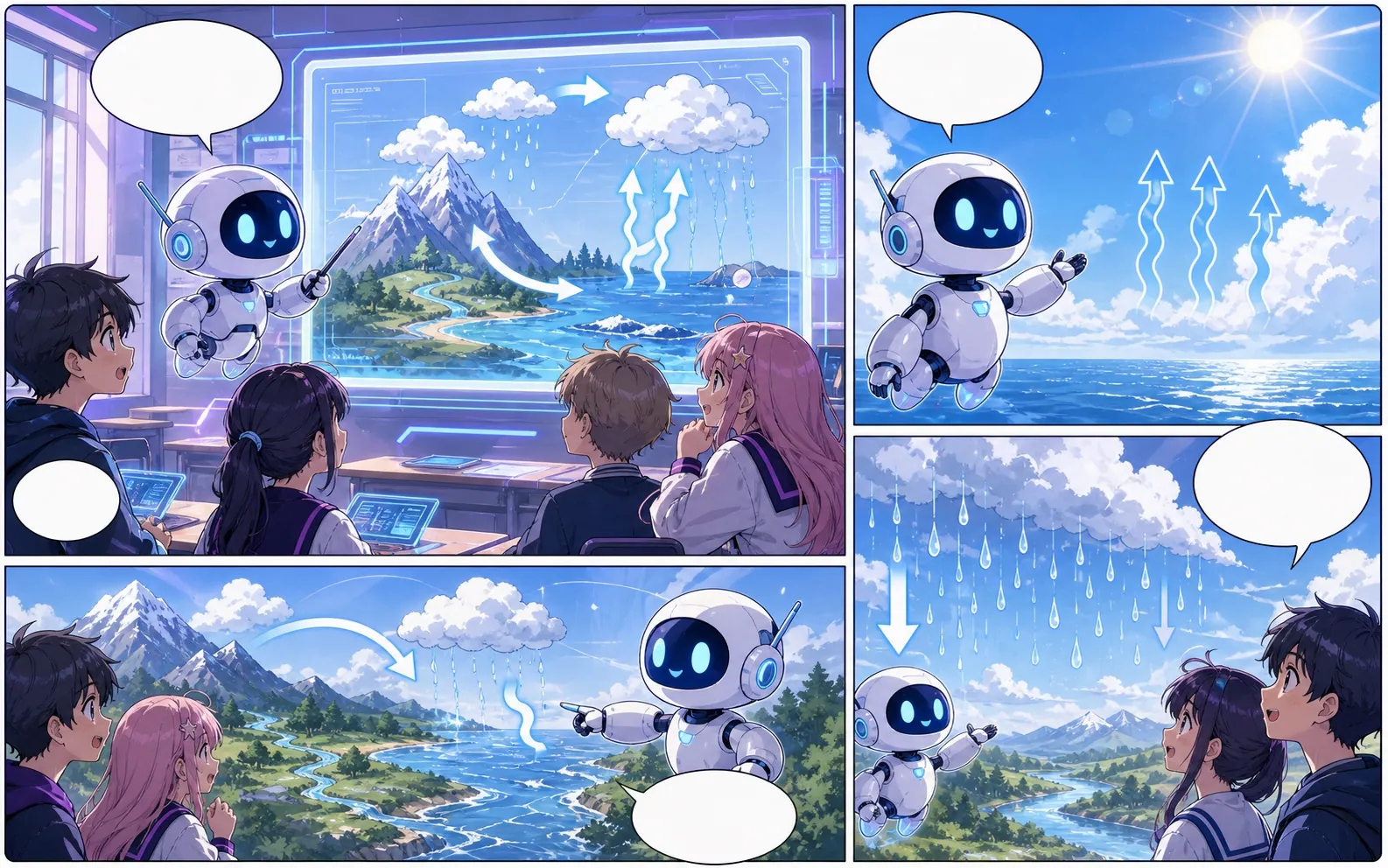
manga maker से editable comic drafts बनाएं।
आइडिया को कहानी के चरण, किरदार दिशा, पैनल जनरेशन, कैप्शन और निर्यात नियंत्रण वाली कॉमिक प्रक्रिया में बदलें।
Start on this page
Manga page idea
Describe the character entrance, action beat, reaction, and closing image. Put reading-order notes in the prompt when they matter.

What this draft does not do
- Image generation does not place reliable dialogue. Add and position speech bubbles in Studio after the panels are ready.
- Long plots produce vague pages. Work one scene or page at a time and repeat concrete character details.
परिभाषा
manga maker क्या है?
manga maker Comics Maker की प्रक्रिया है जो कहानी के विचार को किरदार दिशा, पैनल संरचना, कैप्शन और संपादन योग्य कॉमिक मसौदे में बदलती है।
संक्षिप्त उत्तर
यह प्रक्रिया कब उपयोग करें।
manga maker तब उपयोग करें जब आपको जल्दी reviewable और editable comic draft चाहिए।
Plan a draft with manga maker.
Start with a story goal, character notes, and a visual direction before generating panels.
Keep the comic direction consistent.
Keep recurring context visible so characters, settings, captions, and style choices stay coherent.

Edit the page before export.
Use the editor to refine prompts, rewrite text, adjust layout, and prepare a shareable draft.
असली कॉमिक बनाने के काम के लिए बनाया गया।
Creators, educators और teams के लिए जो final art से पहले comic draft review करना चाहते हैं।
01
Use manga maker to plan the story before generating final panels.
02
Keep character notes, scene direction, captions, and layout choices together.
03
Continue editing the draft after generation so the page stays useful for review.
रचनाकार यहां क्या बना सकते हैं।
सबसे करीब प्रोजेक्ट प्रकार चुनें, फिर Studio खोलें और मसौदे के लक्ष्य को साफ रखें।
आप क्या draft कर सकते हैं।
ये समीक्षा, साझा करने और आगे संपादन के लिए व्यावहारिक शुरुआती बिंदु हैं।
Studio में जाने का छोटा रास्ता।
सबसे छोटे उपयोगी step से शुरू करें, फिर editor में draft refine करें।
इन manga maker prompts से शुरू करें।
इन्हें शुरुआती बिंदु की तरह उपयोग करें, फिर किरदार, परिवेश और टोन अपने अनुसार बदलें।
Character intro
manga maker: create a short comic scenes with clear characters, readable panels, concise captions, and a polished comic layout.
आउटपुट: Draft output: manga page draft
Action beat
manga maker: create a social comic posts with clear characters, readable panels, concise captions, and a polished comic layout.
आउटपुट: Draft output: black-and-white panel layout
Quiet reveal
manga maker: create a classroom explainers with clear characters, readable panels, concise captions, and a polished comic layout.
आउटपुट: Draft output: manga character scene
मसौदे को उपयोगी बनाने में मदद करने वाले टूल।
Story structure
Use manga maker to plan the story before generating final panels.
Editable panels
Keep character notes, scene direction, captions, and layout choices together.
Project continuity
Continue editing the draft after generation so the page stays useful for review.
सही अगले टूल के साथ बनाना जारी रखें।
कॉमिक बनाने के और पेज.
संबंधित प्रक्रिया
मंगा अनुवादक: manga translator
AI मंगा इमेज अनुवाद पेज: manga translator, OCR, PDF, अनुवाद से पहले / बाद.
पेज खोलें
संबंधित प्रक्रिया
comic character maker
comic character maker: Comics Maker में कहानी, किरदार नोट्स, पैनल लेआउट, स्पीच बबल और export-ready comic draft बनाएं।
पेज खोलें
संबंधित प्रक्रिया
comic bubble generator
comic bubble generator: Comics Maker में कहानी, किरदार नोट्स, पैनल लेआउट, स्पीच बबल और export-ready comic draft बनाएं।
पेज खोलें
manga maker से जुड़े सामान्य प्रश्न.
What can manga maker create?
It can create comic draft structure, panel ideas, character direction, captions, and editable layouts.
Do I need drawing skills to use manga maker?
No. You can start with text, then refine the comic draft in the editor.
Can I edit the result?
Yes. You can keep adjusting prompts, captions, bubbles, layout, and export settings after the first draft.
अपना अगला comic draft शुरू करें।
Studio खोलें, layout चुनें और idea को working comic draft में बदलें।
यह प्रक्रिया आजमाएं