Comics Maker
내비게이션 열기
리소스
Anime character creatorCreate an original anime character from text or a reference image.만화 번역기AI 만화 이미지 번역 페이지코믹 번역기코믹 페이지 번역 워크플로만화 대본 제작 도구페이지 구성, 컷, 대사 지시, 캡션, 효과음, 이미지 프롬프트를 정리합니다.긴 웹툰용 온라인 Manhwa Cropper완성된 세로 스크롤 이미지를 올리고 높이와 여백 탐색 범위를 정한 뒤 실제 조각을 확인해 저장하세요. 디코딩과 자르기는 브라우저에서 이루어지고 서버는 로그인과 파일 정보만 검증합니다.AI 스토리보드 생성기한 장면을 목적 있는 숏으로 나누고 카메라와 연속성 메모를 수정한 뒤, 실제 이미지 파이프라인으로 필요한 프레임 초안만 생성하고 편집 가능한 보드를 내보냅니다.플롯 생성기주인공, 중심 갈등, 독자층, 분량, 분위기, 결말을 정한 뒤 이 페이지에서 구조화된 전제, 주요 비트, 전환점, 장면별 개요를 생성하세요.AI 캐릭터 생성기흩어진 아이디어를 게임, 애니메이션, 일러스트, 브랜드 콘셉트, 스토리 피치에 쓸 수 있는 편집 가능한 명세로 정리합니다. 정체성, 의상, 색상, 포즈를 먼저 확정하고 콘셉트 이미지 한 장을 생성합니다.동화책 만들기어린이 이야기, 학습 이야기, 가족의 추억을 읽기 좋은 페이지 순서로 설계하세요. 글과 미술 지시를 고친 뒤 선택한 페이지의 삽화를 생성하고 내려받을 수 있습니다.
comic book generator

comic book generator로 편집 가능한 만화 초안을 만드세요.

아이디어를 스토리 비트, 캐릭터 방향, 패널 생성, 캡션, 내보내기까지 이어지는 제작 흐름으로 정리합니다.

comic book generator draftstoryboard sequencecaption and speech bubble copyeditable export draft

Start on this page

Story premise

Name the lead, the immediate problem, the setting, and what changes by the end of this page.

2x2 layoutShonen styleDramatic mood4 images per draft
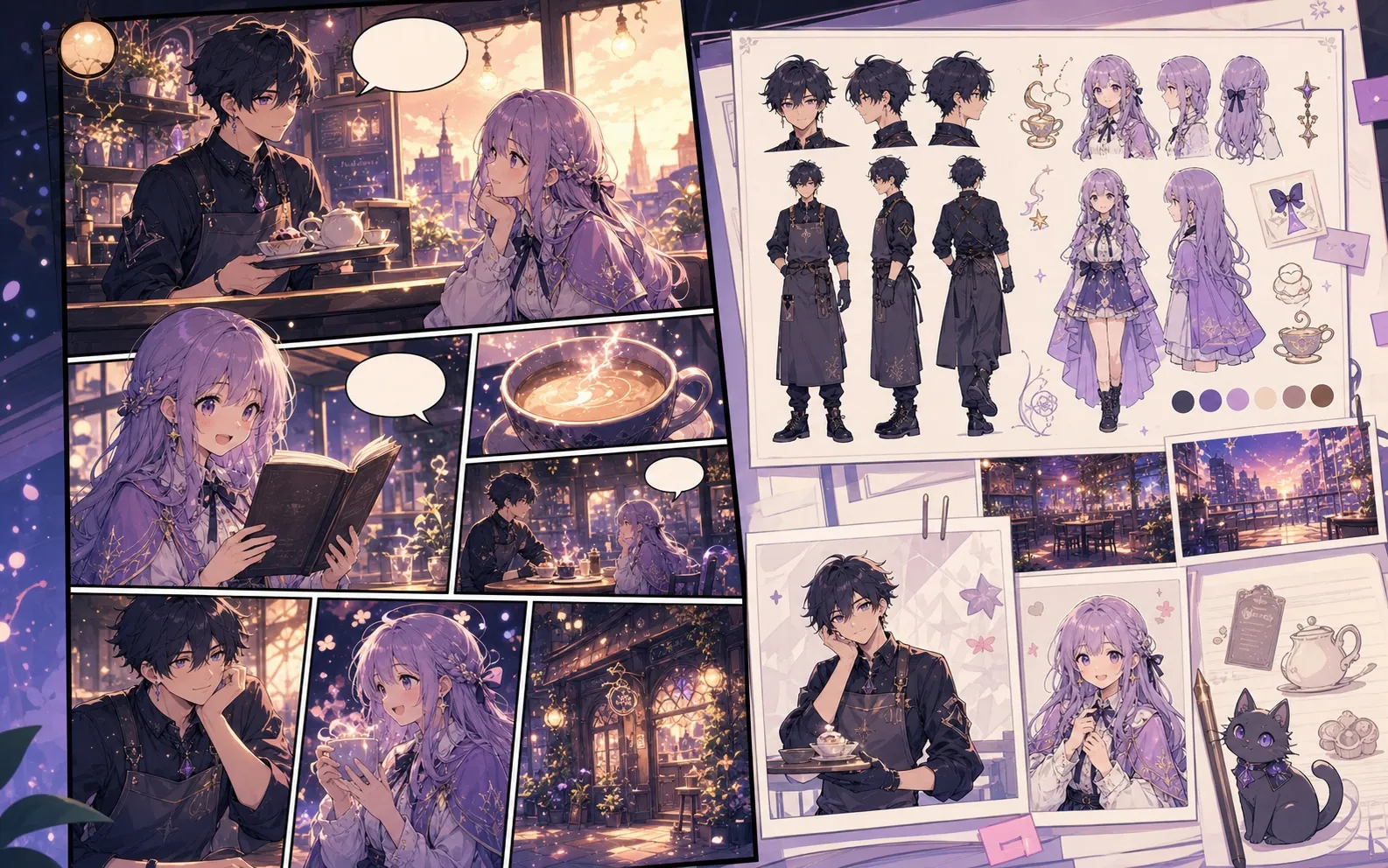
Built-in Comics Maker workflow sample used to test panel placement
Built-in workflow sample. This image belongs to the server's mock-provider sample set and is used to verify result placement and editor behavior; it is not a quality claim for the currently configured live image model.

What this draft does not do

  • Image generation does not place reliable dialogue. Add and position speech bubbles in Studio after the panels are ready.
  • Long plots produce vague pages. Work one scene or page at a time and repeat concrete character details.

정의

comic book generator란 무엇인가요?

comic book generator는 스토리 아이디어를 캐릭터 방향, 패널 구조, 캡션, 편집 가능한 만화 초안으로 바꾸는 Comics Maker 워크플로입니다.

짧은 답변

이 워크플로를 사용할 때.

comic book generator는 빠르게 검토 가능한 만화 초안을 만들고 계속 수정해야 할 때 적합합니다.

Story planning

Plan a draft with comic book generator.

Start with a story goal, character notes, and a visual direction before generating panels.

Describe the story goal
Choose layout and visual style
Generate a panel draft
Comic book page planning workflow preview
Panel continuity

Keep the comic direction consistent.

Keep recurring context visible so characters, settings, captions, and style choices stay coherent.

Use comic book generator to plan the story before generating final panels.
Keep character notes, scene direction, captions, and layout choices together.
Continue editing the draft after generation so the page stays useful for review.
Character and setting continuity board for comic book pages
적합한 용도

실제 만화 제작 작업에 맞춰 설계되었습니다.

최종 작업 전에 이야기 흐름, 대사, 패널 구성을 검토해야 하는 크리에이터, 교육자, 마케팅 팀에 적합합니다.

01

Use comic book generator to plan the story before generating final panels.

02

Keep character notes, scene direction, captions, and layout choices together.

03

Continue editing the draft after generation so the page stays useful for review.

사용 사례

여기서 만들 수 있는 것.

가장 가까운 프로젝트 유형을 고른 뒤, 원하는 초안을 더 명확히 하고 Studio를 여세요.

short comic scenes
social comic posts
classroom explainers
brand character stories
출력

초안으로 만들 수 있는 것.

검토, 공유, 이어서 편집하기 좋은 실용적인 시작점입니다.

comic book generator draft
storyboard sequence
caption and speech bubble copy
editable export draft
제작 흐름

Studio로 들어가는 짧은 경로.

가장 작은 유용한 단계부터 시작한 뒤 편집기에서 초안을 다듬습니다.

1Describe the story goal
2Choose layout and visual style
3Generate a panel draft
4Edit captions and export
프롬프트 예시

comic book generator 프롬프트로 시작하세요.

예시를 시작점으로 삼고 캐릭터, 배경, 톤을 자신의 이야기로 바꾸세요.

Adventure opening

comic book generator: create a short comic scenes with clear characters, readable panels, concise captions, and a polished comic layout.

출력: Draft output: chapter opening concept

Serialized mystery

comic book generator: create a social comic posts with clear characters, readable panels, concise captions, and a polished comic layout.

출력: Draft output: chapter outline

Brand story

comic book generator: create a classroom explainers with clear characters, readable panels, concise captions, and a polished comic layout.

출력: Draft output: 2x2 comic page

기능

초안을 실제로 쓸 수 있게 돕는 도구.

Story structure

Use comic book generator to plan the story before generating final panels.

Editable panels

Keep character notes, scene direction, captions, and layout choices together.

Project continuity

Continue editing the draft after generation so the page stays useful for review.

관련 워크플로

다음에 맞는 도구로 계속 제작하세요.

관련 리소스

더 많은 코믹 제작 페이지.

FAQ

comic book generator 자주 묻는 질문.

What can comic book generator create?

It can create comic draft structure, panel ideas, character direction, captions, and editable layouts.

Do I need drawing skills to use comic book generator?

No. You can start with text, then refine the comic draft in the editor.

Can I edit the result?

Yes. You can keep adjusting prompts, captions, bubbles, layout, and export settings after the first draft.

다음 만화 초안을 시작하세요.

Studio를 열고 레이아웃을 선택해 아이디어를 작업 가능한 만화 초안으로 바꾸세요.

이 워크플로 사용해 보기