
comic book generator สำหรับดราฟต์การ์ตูนที่แก้ไขได้
เปลี่ยนไอเดียเป็นจังหวะเรื่อง ทิศทางตัวละคร ช่องภาพ คำบรรยาย และตัวเลือกส่งออกในขั้นตอนการทำงานเดียว
Start on this page
Story premise
Name the lead, the immediate problem, the setting, and what changes by the end of this page.
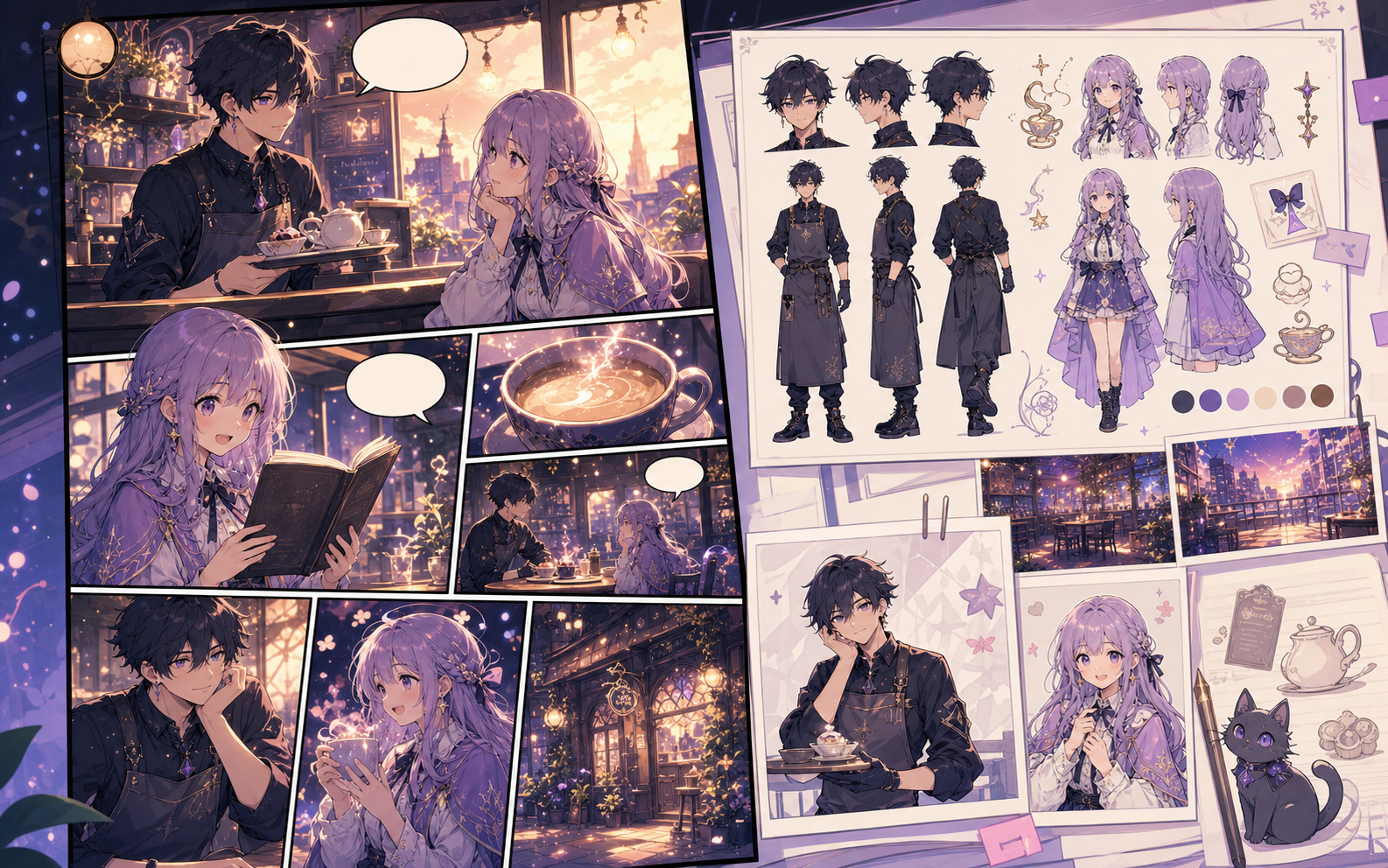
What this draft does not do
- Image generation does not place reliable dialogue. Add and position speech bubbles in Studio after the panels are ready.
- Long plots produce vague pages. Work one scene or page at a time and repeat concrete character details.
คำจำกัดความ
comic book generator คืออะไร?
comic book generator คือขั้นตอนการทำงานของ Comics Maker ที่เปลี่ยนไอเดียเรื่องเป็นตัวละคร ช่องภาพ ข้อความ และดราฟต์ที่แก้ไขได้
คำตอบสั้น
ควรใช้เวิร์กโฟลว์นี้เมื่อใด
ใช้ comic book generator เมื่อต้องการดราฟต์การ์ตูนที่ตรวจทานและแก้ไขได้อย่างรวดเร็ว
Plan a draft with comic book generator.
Start with a story goal, character notes, and a visual direction before generating panels.
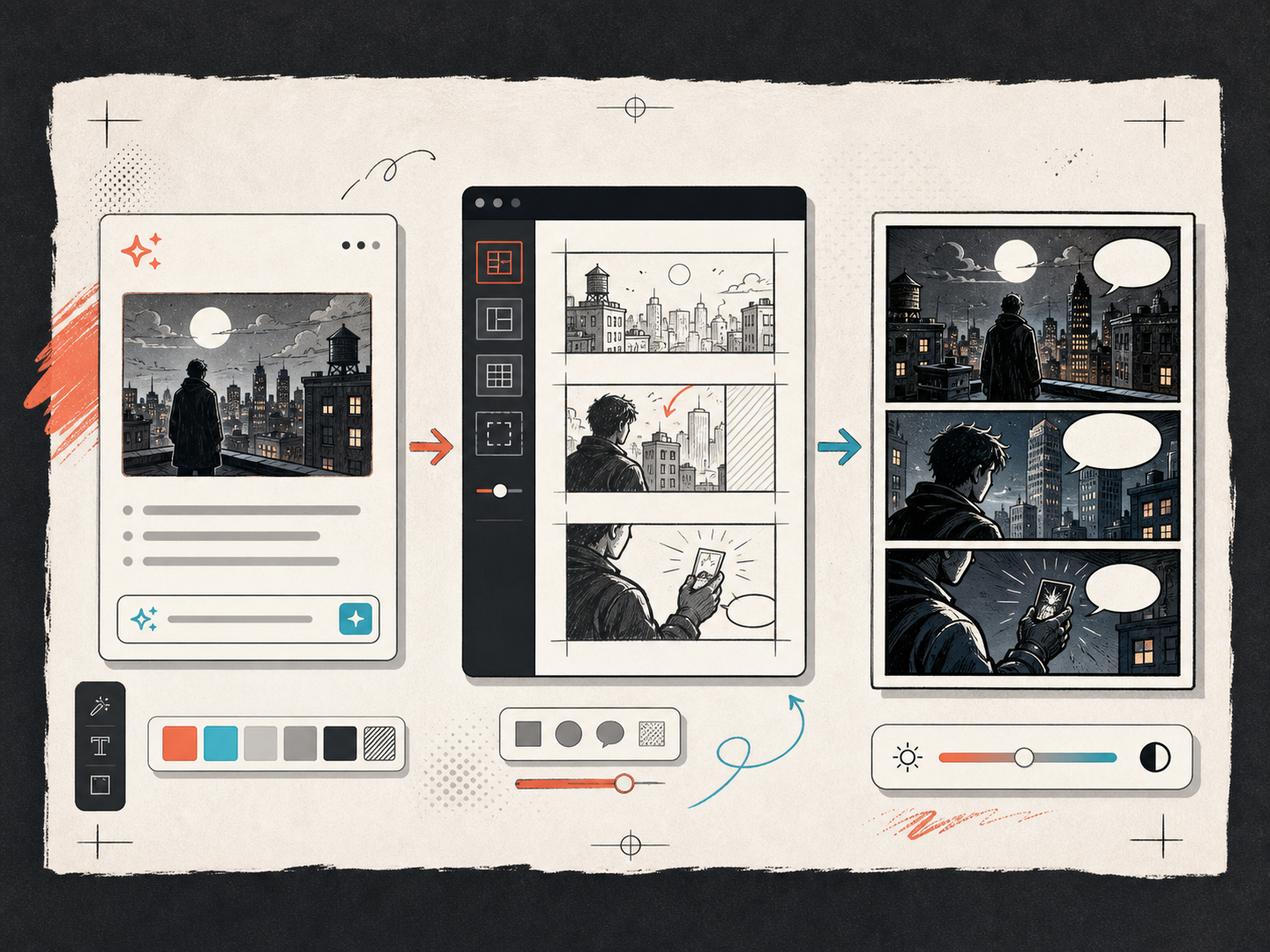
Keep the comic direction consistent.
Keep recurring context visible so characters, settings, captions, and style choices stay coherent.
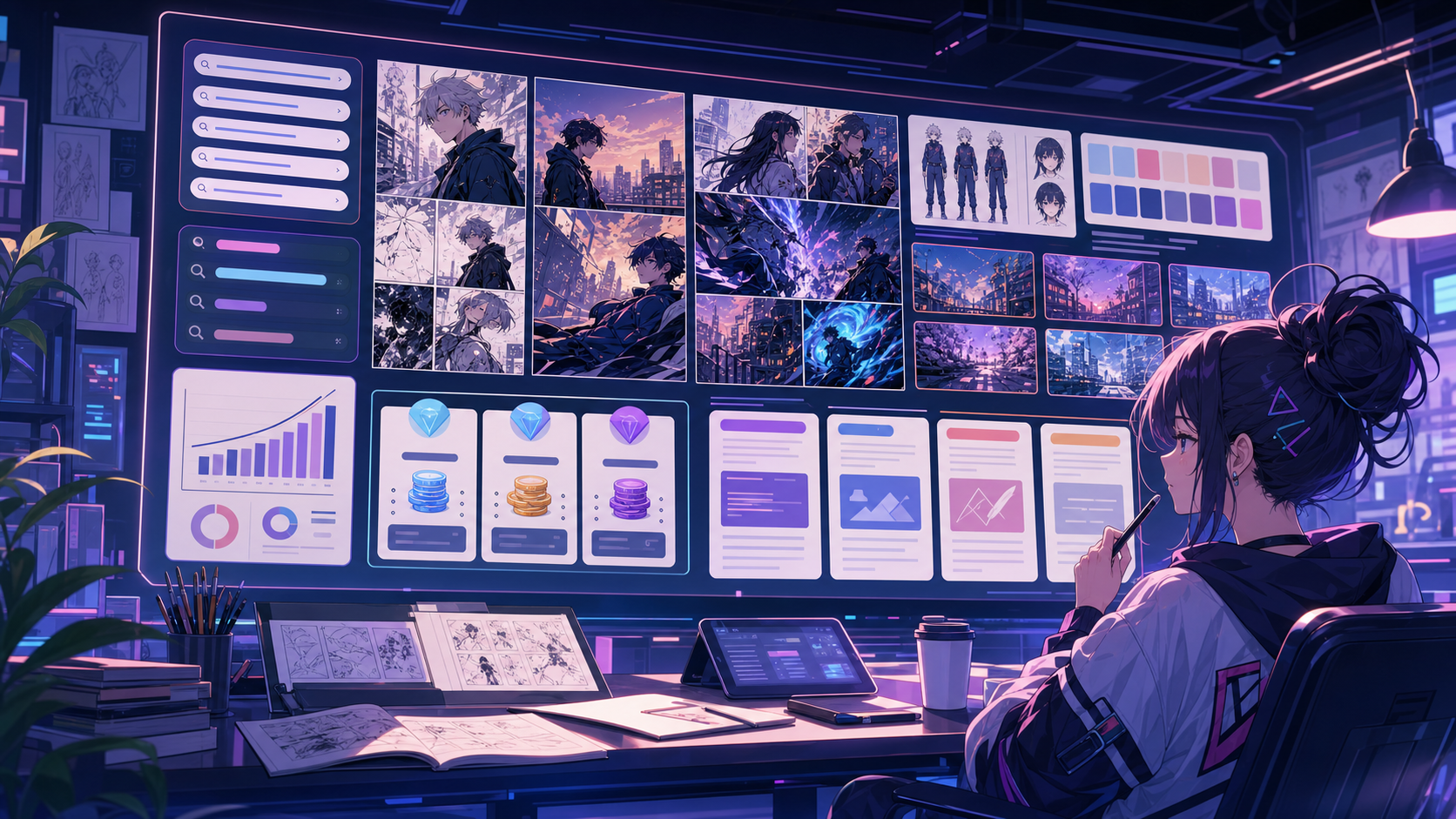
สร้างมาเพื่อภารกิจทำคอมิกจริง
เหมาะสำหรับครีเอเตอร์ ครู และทีมที่ต้องการตรวจดราฟต์การ์ตูนก่อนทำงานขั้นสุดท้าย
01
Use comic book generator to plan the story before generating final panels.
02
Keep character notes, scene direction, captions, and layout choices together.
03
Continue editing the draft after generation so the page stays useful for review.
ครีเอเตอร์สร้างอะไรได้ที่นี่
เลือกประเภทโปรเจกต์ที่ใกล้ที่สุด แล้วเปิด Studio พร้อมเป้าหมายดราฟต์ที่ชัดขึ้น
สิ่งที่คุณร่างได้
นี่คือจุดเริ่มต้นที่ใช้ได้จริงสำหรับตรวจทาน แชร์ และแก้ไขต่อ
ทางลัดเข้าสู่ Studio
เริ่มจากขั้นตอนเล็กที่สุดที่มีประโยชน์ แล้วปรับดราฟต์ในตัวแก้ไข
เริ่มด้วยพรอมป์ comic book generator เหล่านี้
ใช้เป็นจุดเริ่มต้น แล้วเปลี่ยนตัวละคร ฉาก และโทนให้เป็นของคุณ
Adventure opening
comic book generator: create a short comic scenes with clear characters, readable panels, concise captions, and a polished comic layout.
ผลลัพธ์: Draft output: chapter opening concept
Serialized mystery
comic book generator: create a social comic posts with clear characters, readable panels, concise captions, and a polished comic layout.
ผลลัพธ์: Draft output: chapter outline
Brand story
comic book generator: create a classroom explainers with clear characters, readable panels, concise captions, and a polished comic layout.
ผลลัพธ์: Draft output: 2x2 comic page
เครื่องมือที่ช่วยให้ดราฟต์นำไปใช้ได้
Story structure
Use comic book generator to plan the story before generating final panels.
Editable panels
Keep character notes, scene direction, captions, and layout choices together.
Project continuity
Continue editing the draft after generation so the page stays useful for review.
สร้างต่อด้วยเครื่องมือถัดไปที่เหมาะสม
หน้าเพิ่มเติมสำหรับสร้างคอมิก
เวิร์กโฟลว์ที่เกี่ยวข้อง
comic strip maker
comic strip maker: สร้างดราฟต์การ์ตูนใน Comics Maker พร้อมโครงเรื่อง ตัวละคร ช่องภาพ บอลลูนคำพูด และการส่งออกที่แก้ไขได้
เปิดหน้า
เวิร์กโฟลว์ที่เกี่ยวข้อง
AI comic maker
AI comic maker: สร้างดราฟต์การ์ตูนใน Comics Maker พร้อมโครงเรื่อง ตัวละคร ช่องภาพ บอลลูนคำพูด และการส่งออกที่แก้ไขได้
เปิดหน้า
เวิร์กโฟลว์ที่เกี่ยวข้อง
เครื่องมือสร้างบอลลูนคำพูดการ์ตูน
เพิ่มฟองคําพูด คําบรรยาย หาง และบทสนทนาการ์ตูนที่อ่านได้ด้วยเครื่องมือสร้างฟองสบู่การ์ตูนที่ออกแบบมาเพื่อแก้ไขแผงภาพ
เปิดหน้า
คำถามที่พบบ่อยเกี่ยวกับ comic book generator.
What can comic book generator create?
It can create comic draft structure, panel ideas, character direction, captions, and editable layouts.
Do I need drawing skills to use comic book generator?
No. You can start with text, then refine the comic draft in the editor.
Can I edit the result?
Yes. You can keep adjusting prompts, captions, bubbles, layout, and export settings after the first draft.
เริ่มดราฟต์คอมิกถัดไป
เปิด Studio เลือกเลย์เอาต์ แล้วเปลี่ยนไอเดียเป็นดราฟต์คอมิกที่ทำงานต่อได้
ลองเวิร์กโฟลว์นี้