
How to Make a Children's Picture Book Page by Page
A page-by-page method for shaping a short children's story, separating words from pictures and keeping characters consistent.
Written and reviewed by Comics Maker Editorial
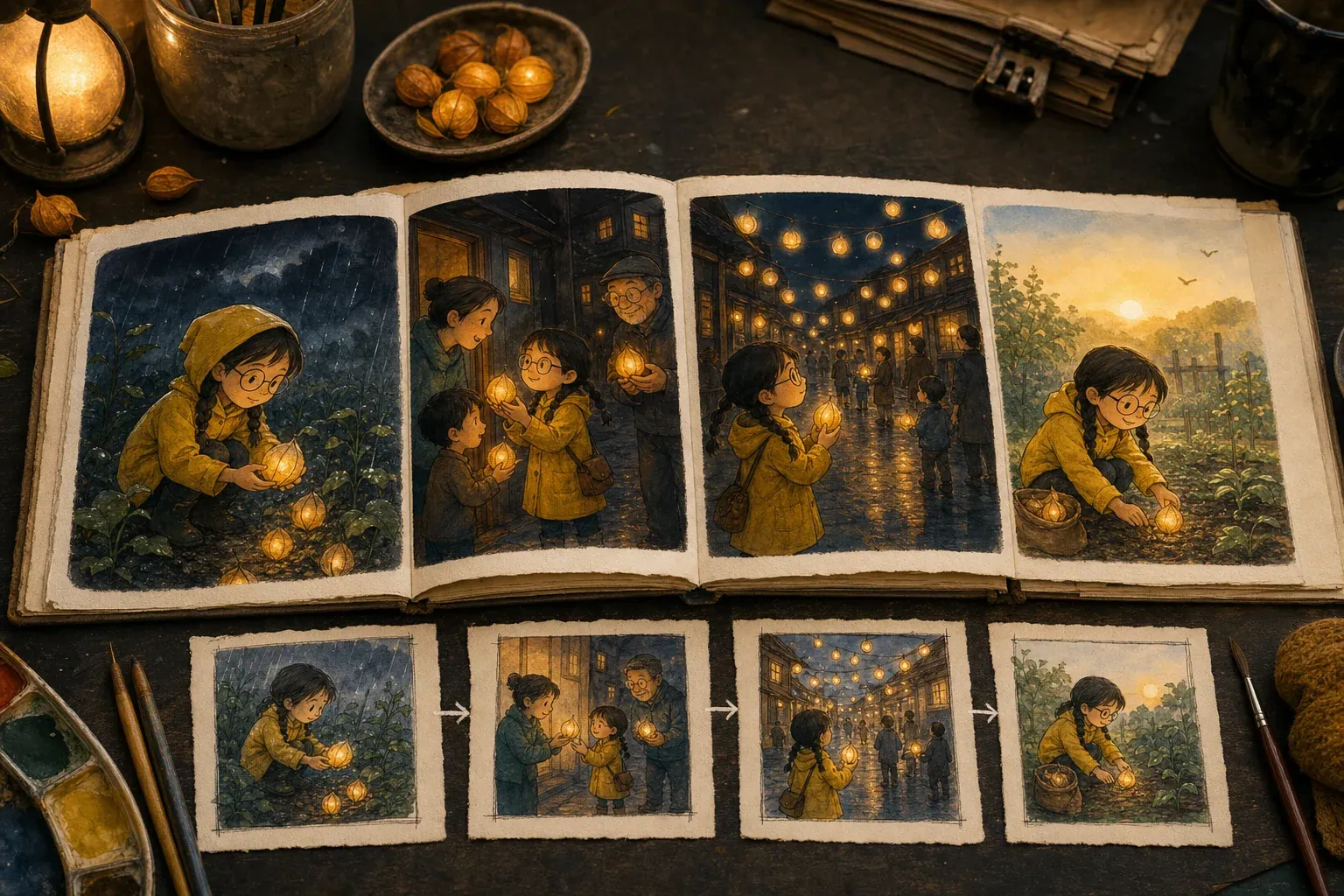
Direct answer
Start by defining the intended reader and the single change at the center of the story. Plan what each page turn must reveal or change, write only the words the pictures cannot carry, and keep page text separate from illustration and continuity notes. Read the complete page mockup aloud before approving illustrations one page at a time.
What to get right
- Choose the reader and story problem before deciding how many pages to fill.
- Plan page turns as reveals, changes, pauses or completed patterns.
- Keep reader text separate from illustration and continuity instructions.
- Treat generated pages as drafts; typography, prepress and printing remain separate work.
Product claims were checked against the current Comics Maker workflow on the date shown above. External references are used for publishing and craft guidance; generated output still requires human review.
Define the reader and one complete story change
Write the story as an event, not a topic. ‘Sharing’ is broad. ‘During a blackout, Nia discovers that the lantern seeds in her grandmother's garden work only when each neighbor carries one home’ contains a problem, a repeated action and an ending condition. A final moral cannot repair a story that never demonstrates its idea through choices.
BookTrust describes picture books as a form in which timing, page turns and the balance between text and illustration matter. That balance is the central production problem: words and pictures should cooperate rather than repeat each other.
Build a page mockup before writing polished prose
Choose a working page or spread count and create empty cards. Assign one job to each: establish the child and setting, introduce the problem, repeat an attempt with change, reveal a consequence, invite prediction, pause, turn or resolve. A page that does none of these may not be needed.
Author Joyce Dunbar's BookTrust guide recommends making a blank page mockup and notes a common picture-book structure of 12–14 spreads, while also emphasizing how few words the form may use. That is a publishing example, not a rule for every digital storybook. A six- or eight-page personal book can work when it promises a compact reading experience rather than a standard trade edition.
The storybook maker supports 6, 8, 12 or 16 planned pages. Use the selected count to control scope, then judge whether each page earns its place instead of stretching one event evenly across the template.
| Page job | What changes | Useful question |
|---|---|---|
| Setup | Reader understands place, character and current pattern | What can the picture establish without explanation? |
| Attempt | The character acts and meets a consequence | How is this attempt different from the last? |
| Turn | Meaning, plan or relationship changes | What does the reader now predict? |
| Resolution | The choice produces a new situation | Can the final image show the change? |
Separate page text from the illustration brief
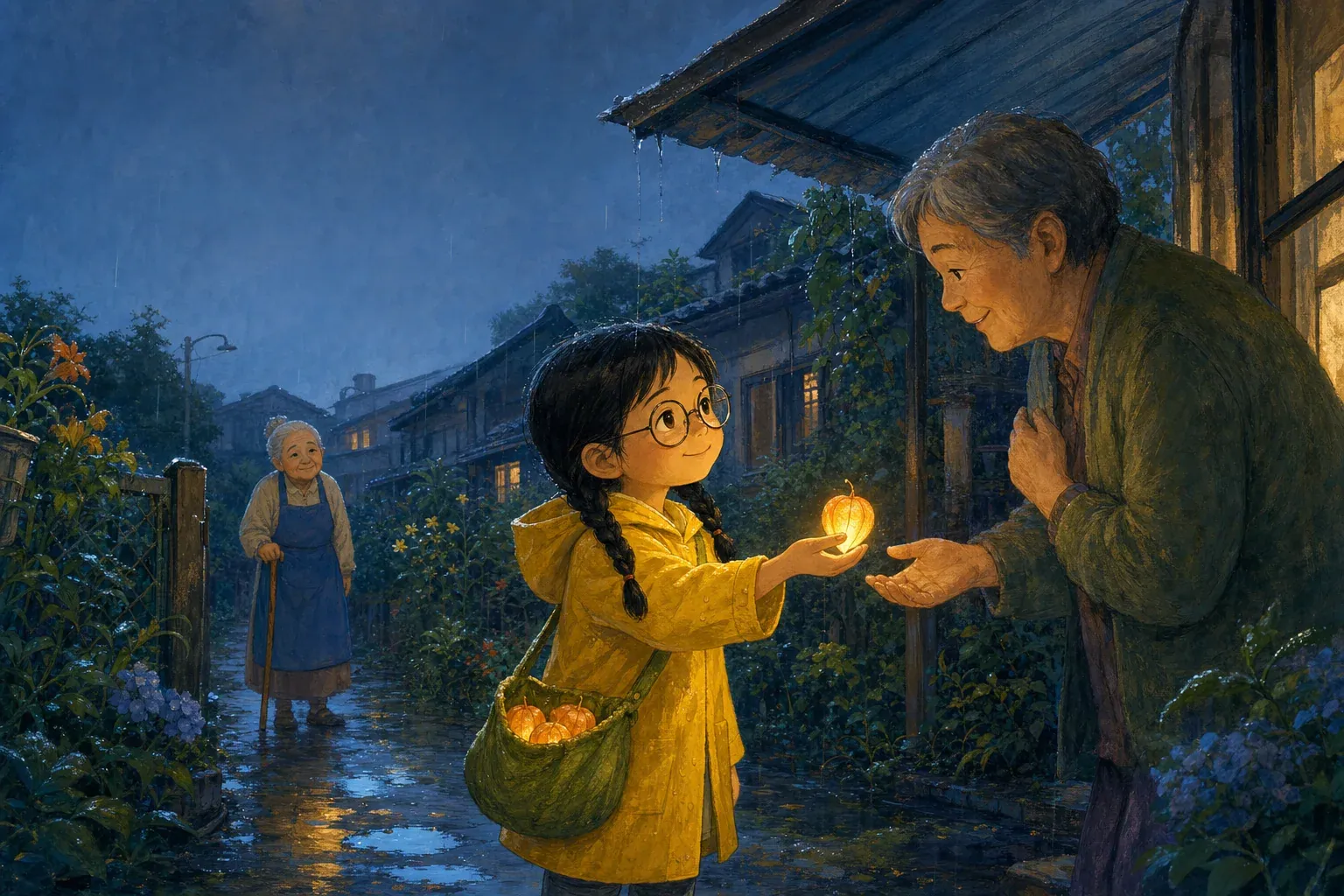
Page text is what the reader hears. Illustration direction is what the artist needs to stage the moment. Continuity notes record what must remain stable or change from the previous page. Mixing all three produces clumsy prose such as ‘Nia, wearing her yellow raincoat and round glasses, walks left into the same blue kitchen.’ The picture can carry clothing, direction and location while the sentence carries action, sound or feeling.
Read the words without images and inspect the images without words. The text should not depend on hidden production notes. The image sequence should still communicate major action. Then read the combined page mockup aloud. Listen for breath, repeated sentence openings, words too abstract for the reader and page turns that reveal nothing new.
Write a continuity bible before generating illustrations
Record character age impression, proportions, hair, clothing colors, recurring props, location rules, time of day and palette. Then add a local note to each page: the seed pouch has one fewer seed, the raincoat is now wet, the lantern moves to the neighbor's hand. Continuity is not only keeping things identical; it also records intentional state changes.
Generate or commission one page, inspect it against the bible and correct the description before moving on. Image models may change faces, hands, object counts, clothing and architecture even when the prompt repeats stable details. For a recurring lead that needs a stronger baseline, create and approve the character first with the comic character maker.
- Stable: face, body proportions, hair, base clothing and signature prop.
- Stateful: wetness, dirt, carried objects, time, light and emotional posture.
- Page-specific: action, camera, location area and negative space for text.
- Never ask the image model to typeset final story text inside the illustration.
Review teaching stories and family memories differently
A teaching story needs a precise learning goal and an accuracy review. If the topic is hand washing, show when it is needed, the ordered actions and a realistic obstacle. A counting story needs stable objects and an intentional change in quantity. A story generator can arrange pages; it cannot verify curriculum alignment, medical guidance or local school policy.
A family memory book should use details confirmed by the people represented. Record who remembers the event, which names or places should remain private and whether living people consent to depiction. Replace invented dialogue with remembered action or label it as reconstruction. Sensitive histories involving illness, migration, adoption, grief or conflict need review by the family, not only stylistic editing.
Move from the story plan to layout and print preparation
Keep an editable record of the title, synopsis, page text, illustration briefs, continuity notes and approved image files. JSON is useful for structured backup and production handoff. Print-friendly HTML can create a review copy in a browser. Neither is automatically a press-ready book.
Professional print preparation still requires trim size, bleed, safe areas, spreads, cover and spine planning, licensed fonts, color handling, image-resolution checks and a physical proof. If the goal is a digital family copy, the requirements may be lighter, but test page breaks and image access on the device that will open the file. Describe the deliverable accurately: an edited story plan with approved illustrations, ready for layout—not a manufactured book.
Next steps
Continue with the right production tool
Plan the storybook page by page
Generate editable page text, illustration briefs and continuity notes, then illustrate selected pages.
Open the storybook makerFix the underlying plot
Develop the premise, midpoint, climax, ending and scene logic before dividing the story into pages.
Use the plot generatorCreate a comic instead
Use panels, speech balloons and sequential comic-page grammar when illustrated prose is not the intended format.
Open the comic book generatorSources
References used
External references support specific workflow claims. Product behavior is described from the implemented Comics Maker pages.
- BookTrust: Joyce Dunbar's guide to writing picture books
Author guidance on story problems, dummy books, common spread counts, brevity and the relationship between words and pictures.
- BookTrust: Why picture books matter
Discussion of visual reading, reading aloud, timing and the balance of text and illustration.
FAQ
Common questions
How many pages should a children's picture book have?
Traditional publishing often works in standard page and spread structures, while a digital or personal story may be shorter. Choose a count that fits the intended format and gives every page a clear job.
How many words should go on each page?
There is no fixed number. Use fewer words when the picture carries setting and action, then read the page mockup aloud to test rhythm, vocabulary and page turns for the intended reader.
Should the illustration repeat the text?
Usually not. Let the picture carry visible setting, appearance and action while the words add sound, perspective, rhythm or information the image cannot communicate alone.
Can an online storybook maker create a print-ready book?
Planning, individual images and review exports are not the same as prepress. Professional printing still needs final layout, trim, bleed, fonts, color checks, resolution review and proofing.