
graphic novel generator cho bản nháp truyện tranh có thể chỉnh sửa.
Biến ý tưởng thành nhịp truyện, hướng nhân vật, khung tranh, chú thích và tùy chọn xuất trong một quy trình.
Start on this page
Chapter scene
Give the chapter context, viewpoint character, conflict, setting, and final beat for this page.
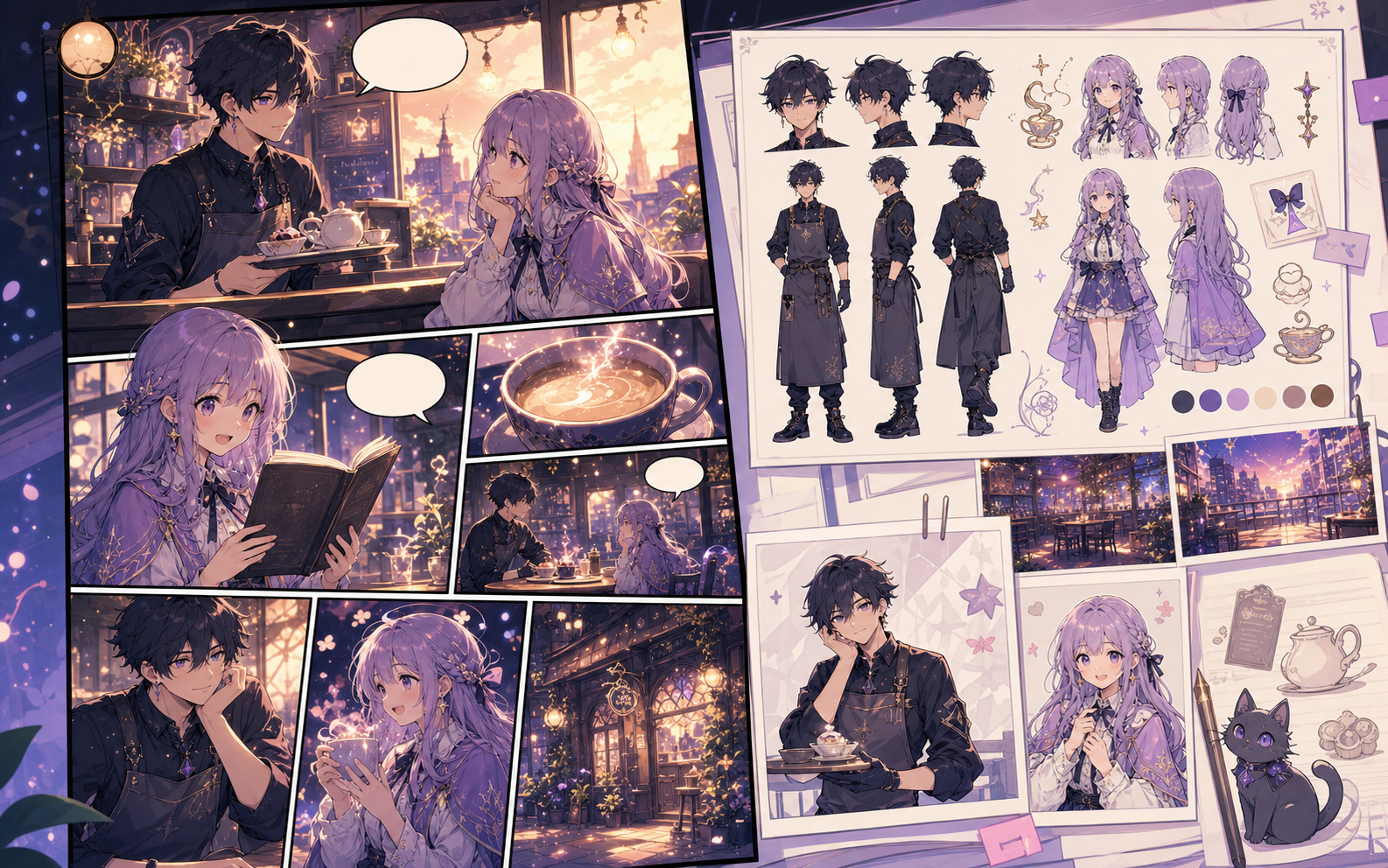
What this draft does not do
- Image generation does not place reliable dialogue. Add and position speech bubbles in Studio after the panels are ready.
- Long plots produce vague pages. Work one scene or page at a time and repeat concrete character details.
Định nghĩa
graphic novel generator là gì?
graphic novel generator là quy trình của Comics Maker để biến ý tưởng thành nhân vật, khung tranh, lời thoại và bản nháp có thể chỉnh sửa.
Trả lời ngắn
Khi nào nên dùng quy trình này.
Dùng graphic novel generator khi bạn cần bản nháp truyện tranh nhanh, dễ xem lại và dễ chỉnh sửa.
Plan a draft with graphic novel generator.
Start with a story goal, character notes, and a visual direction before generating panels.
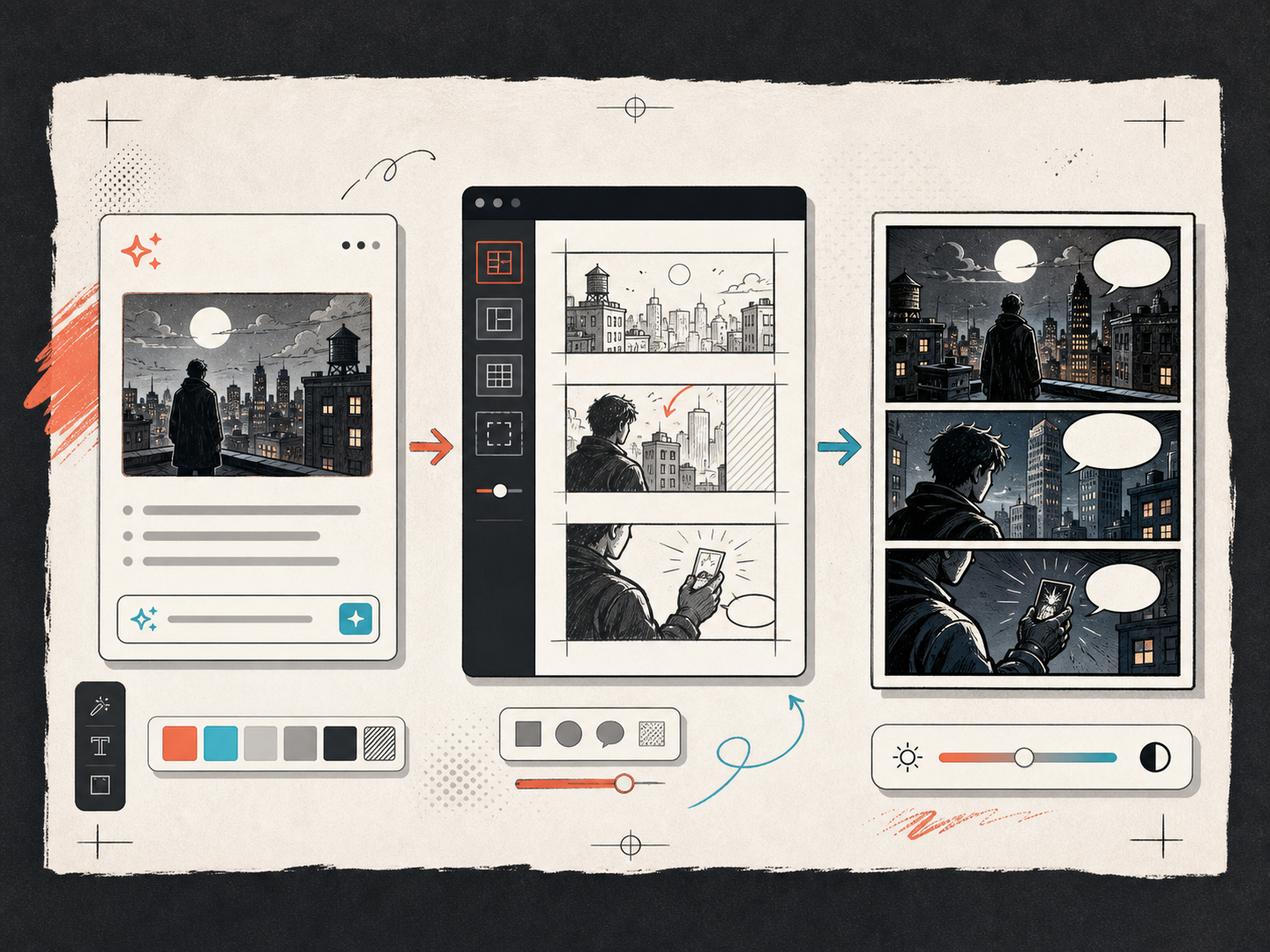
Keep the comic direction consistent.
Keep recurring context visible so characters, settings, captions, and style choices stay coherent.
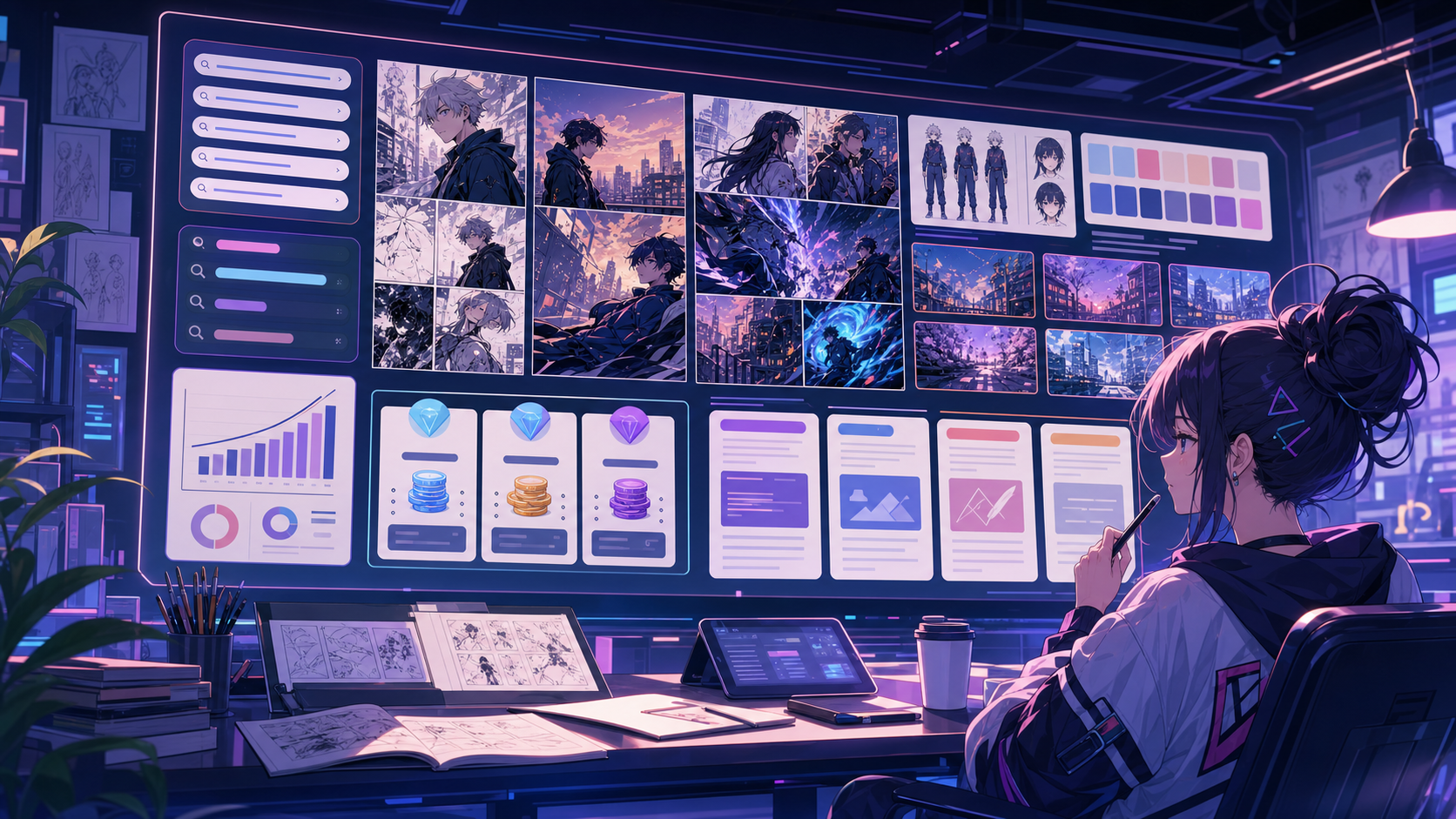
Được thiết kế cho một tác vụ làm truyện tranh thực tế.
Phù hợp cho creator, giáo viên và đội nhóm cần xem lại bản nháp truyện tranh trước khi hoàn thiện.
01
Use graphic novel generator to plan the story before generating final panels.
02
Keep character notes, scene direction, captions, and layout choices together.
03
Continue editing the draft after generation so the page stays useful for review.
Người sáng tạo có thể làm gì ở đây.
Chọn loại dự án gần nhất, rồi mở Studio với mục tiêu bản nháp rõ hơn.
Bạn có thể phác thảo gì.
Đây là các điểm bắt đầu thực tế để xem lại, chia sẻ và tiếp tục chỉnh sửa.
Đường ngắn vào Studio.
Bắt đầu bằng bước nhỏ nhất có ích, rồi tinh chỉnh bản nháp trong trình chỉnh sửa.
Bắt đầu với các prompt graphic novel generator này.
Dùng làm điểm bắt đầu, rồi thay nhân vật, bối cảnh và giọng điệu bằng nội dung của bạn.
Chapter opener
graphic novel generator: create a short comic scenes with clear characters, readable panels, concise captions, and a polished comic layout.
Đầu ra: Draft output: chapter arc board
Pitch sample
graphic novel generator: create a social comic posts with clear characters, readable panels, concise captions, and a polished comic layout.
Đầu ra: Draft output: graphic novel page draft
Công cụ giúp bản nháp trở nên dùng được.
Story structure
Use graphic novel generator to plan the story before generating final panels.
Editable panels
Keep character notes, scene direction, captions, and layout choices together.
Project continuity
Continue editing the draft after generation so the page stays useful for review.
Tiếp tục với công cụ tiếp theo phù hợp.
Thêm trang tạo truyện tranh.
Quy trình liên quan
comic book generator
comic book generator: tạo bản nháp truyện tranh trong Comics Maker với cốt truyện, nhân vật, khung tranh, bong bóng thoại và xuất bản có thể chỉnh sửa.
Mở trang
Quy trình liên quan
Trình Tạo Bong Bóng Thoại Truyện Tranh
Thêm bong bóng thoại, chú thích, phần cuối và hội thoại truyện tranh dễ đọc với trình tạo bong bóng truyện tranh được thiết kế để chỉnh sửa khung truyện.
Mở trang
Quy trình liên quan
comic panel generator
comic panel generator: tạo bản nháp truyện tranh trong Comics Maker với cốt truyện, nhân vật, khung tranh, bong bóng thoại và xuất bản có thể chỉnh sửa.
Mở trang
Câu hỏi thường gặp về graphic novel generator.
What can graphic novel generator create?
It can create comic draft structure, panel ideas, character direction, captions, and editable layouts.
Do I need drawing skills to use graphic novel generator?
No. You can start with text, then refine the comic draft in the editor.
Can I edit the result?
Yes. You can keep adjusting prompts, captions, bubbles, layout, and export settings after the first draft.
Bắt đầu bản nháp truyện tranh tiếp theo.
Mở Studio, chọn bố cục và biến ý tưởng thành bản nháp truyện tranh có thể tiếp tục làm việc.
Thử quy trình này