
trình tạo khung truyện tranh
Viết chủ thể, địa điểm, cự ly máy ảnh, cảm xúc và một hành động để tạo một khung truyện.
Bắt đầu từ một cảnh
trình tạo khung truyện tranh
Viết chủ thể, địa điểm, cự ly máy ảnh, cảm xúc và một hành động để tạo một khung truyện.
Chi phí dự kiến: 2 tín dụng
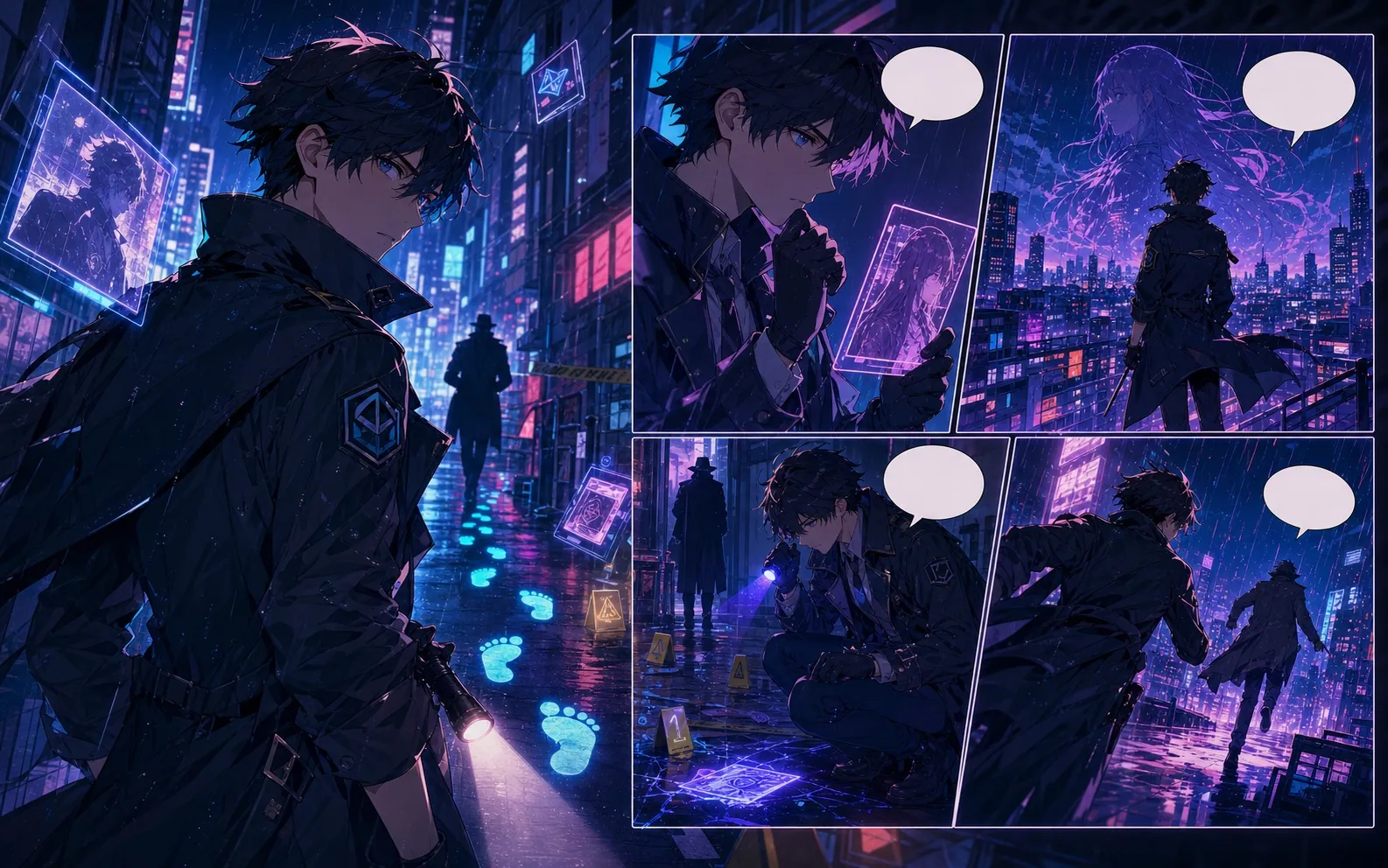
Giới hạn của bản nháp
- Công cụ tạo một khung, không phải cả trang. Chữ và chi tiết nhỏ cần kiểm tra thủ công.
Ví dụ về quy hoạch
Đạo diễn một khoảnh khắc có thể đọc được, không phải cả một cảnh
Gợi ý chụp ảnh biên tập, không phải kết quả hình ảnh được tạo ra. Hãy thử bản tóm tắt trong công cụ phía trên; xem lại hướng dẫn của người lập kế hoạch trước khi sử dụng tín dụng hình ảnh.
Ví dụ tóm tắt cảnh
Một khung truyện tranh: một người đưa thư mặc áo mưa vàng bắt được phong bì rơi trên sân ga mưa. Góc chụp trung bình ngang tầm mắt, một tay với tới phong bì, tàu màu xanh ở phía sau, không có chữ.
- Đóng khung người chuyển phát và phong bì cùng nhau ở khoảng cách trung bình.
- Giữ tay với và phong bì tách biệt với bóng nền.
- Xem lại tay, đạo cụ và điểm nhấn trước khi thêm bong bóng thoại.
Những gì cần kiểm tra và chỉnh sửa
Một khung hình đơn lẻ không thể hiển thị rõ ràng việc đến, thả một chữ cái và bắt nó như những khoảnh khắc riêng biệt. Chọn điểm mấu chốt. Nếu hình ảnh bị lộn xộn, hãy loại bỏ hành động nền trước khi thêm các từ mô tả thêm.
Được thiết kế cho một tác vụ làm truyện tranh thực tế.
Tải khung hình, kiểm tra tranh rồi thêm bong bóng thoại dễ đọc trong Studio.
01
Công cụ tạo một khung, không phải cả trang. Chữ và chi tiết nhỏ cần kiểm tra thủ công.
Tiếp tục với công cụ tiếp theo phù hợp.
Thêm trang tạo truyện tranh.
Quy trình liên quan
trình tạo truyện tranh từ văn bản
Dán đoạn văn ngắn về một sự kiện. Kiểm tra bốn nhịp hình ảnh trước khi tạo ảnh.
Mở trang
Quy trình liên quan
trình tạo truyện tranh AI
Bắt đầu từ một cảnh, nêu nhân vật và điều thay đổi. Xem kế hoạch bốn nhịp trước khi dùng tín dụng tạo ảnh.
Mở trang
Quy trình liên quan
trình tạo truyện tranh
Mô tả một cảnh truyện với nhân vật chính, địa điểm và thay đổi cuối cảnh. Kiểm tra bốn nhịp trước khi tạo từng khung hình.
Mở trang
Câu hỏi thường gặp về trình tạo khung truyện tranh.
Điều gì nên xuất hiện trong một lời nhắc một khung hình?
Đặt tên một chủ thể, một hành động có thể nhìn thấy, một vị trí và khoảng cách máy quay. Mô tả cảm xúc qua tư thế hoặc biểu cảm. Sử dụng một bảng riêng cho sự kiện thứ hai và thêm hội thoại chính xác như một bong bóng có thể chỉnh sửa sau khi tạo ra.
Có thể tạo gì tại đây?
Tải khung hình, kiểm tra tranh rồi thêm bong bóng thoại dễ đọc trong Studio.
Có những giới hạn nào?
Công cụ tạo một khung, không phải cả trang. Chữ và chi tiết nhỏ cần kiểm tra thủ công.
Bắt đầu bản nháp truyện tranh tiếp theo.
Mở Studio, chọn bố cục và biến ý tưởng thành bản nháp truyện tranh có thể tiếp tục làm việc.
Thử quy trình này