
Resmi çizgi roman tarzı panellere dönüştürün ve AI.
Bir fotoğraf yükleyin, çizgi roman yönünü seçin ve düzenlenebilen, altyazılı ve çizgi roman projesinde yeniden kullanılabilen stilize bir panel taslağı oluşturun.
Bir kaynak görüntüyü dönüştürün
PNG, JPG veya 5MB'a kadar WebP. Giriş ve 2 kredi gereklidir.
Renkli çizgi roman mürekkebi
Bir dönüşüm 2 kredi tutarında. Son başarısız iş başarısız olarak işaretlenir ve sunucu tarafından iade edilir.
Tek bir ana konu olan net bir görüntü kullanın. Sonuç bir yorum olur; yani yüzleri, elleri, logoları ve ürün detaylarını inceleyin.
Tanım
resmi çizgi romana dönüştürme nedir?
Bir fotoğraftan çizgi romana bir araç, yüklenen görseli stil yönlendirmesi, görsel oluşturma ve isteğe bağlı başlık düzenlemesi kullanarak çizgi roman tarzı bir panel veya sekansa dönüştürür.
Kısa cevap
Bu iş akışı ne zaman kullanılır.
Bu iş akışını, metin uyarısı yerine bir görselden başlıyor ve görünür bir önce-sonrası çizgi roman dönüşümü istiyorsanız kullanın.
Bir fotoğraf referansını çizgi roman tarzı bir taslağa dönüştür.
Fotoğrafı kaynak bağlam olarak kullanın, komik bir yön seçin ve orijinal konu veya sahneyi takip eden stilize bir panel oluşturun.
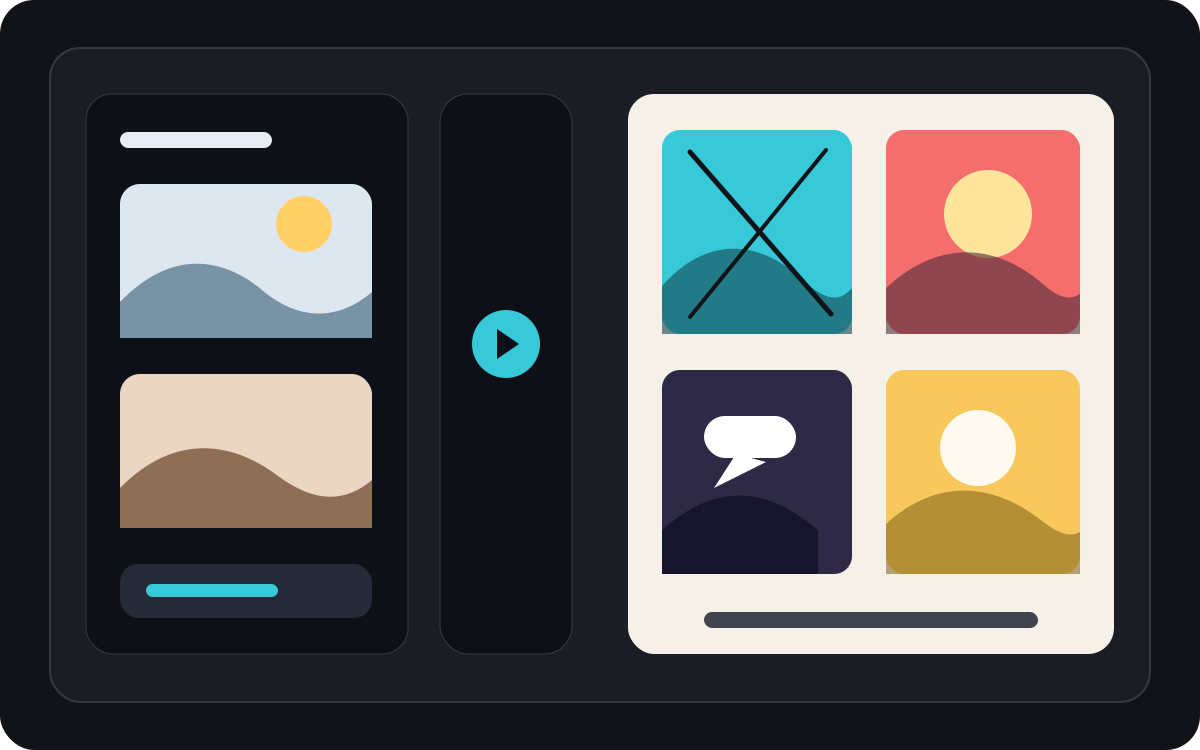
Bir fotoğrafı kısa bir komik ana dönüştür.
Bir fotoğraf, başlıklar ve basit bir hikaye fikriyle birlikte birleştirildiğinde tek bir panel, bir tepki ritmi veya kısa bir şeridin tohumu haline gelebilir.
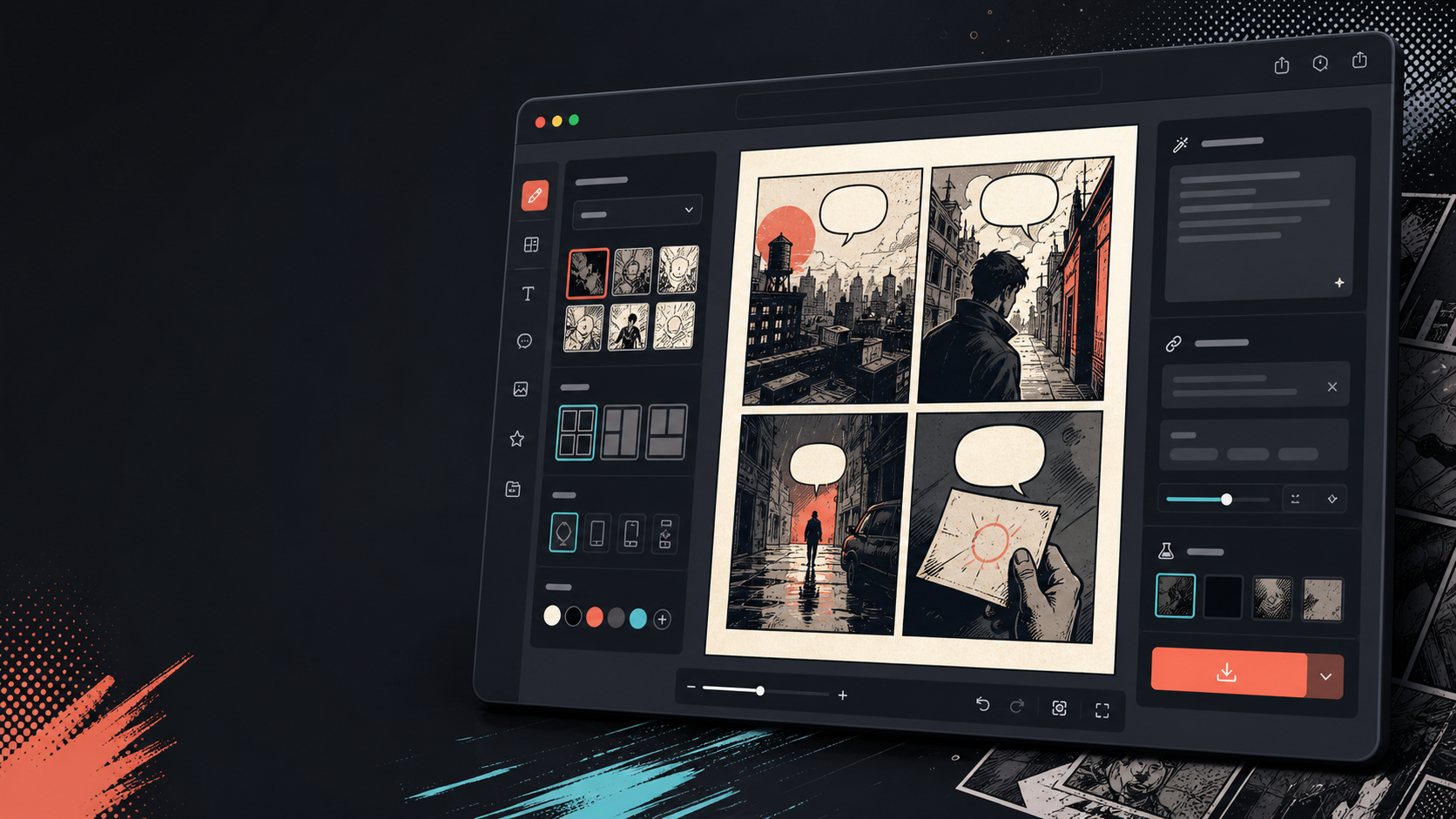
Görsel değiştikten sonra altyazılar, baloncuklar ve düzen ekleyin.
Görüntü dönüştürme sadece ilk adımdır. Paneli diyalog, anlatım veya çizgi roman sayfası düzeni ekleyerek tamamlayın.
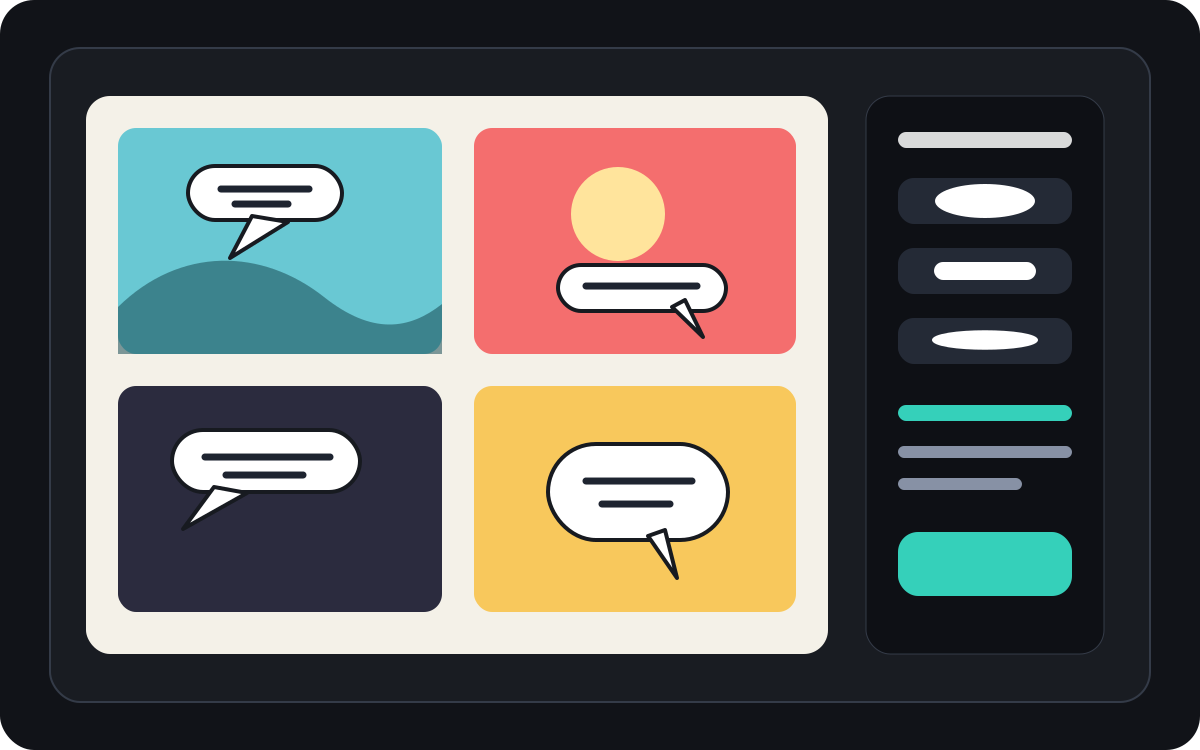
Gerçek bir çizgi roman üretim görevi için tasarlandı.
Zaten bir fotoğrafı veya referans görseli olan ve onu çizgi roman sahnesi, şerit veya stilize panel taslağı haline getirmek isteyen kullanıcılar.
01
Zaten bir fotoğrafı olan ve çizgi roman tarzı bir versiyon isteyen kullanıcılar için oluşturulmuştur.
02
Giriş ve çıktıyı görünür hale getiriyor ki kullanıcılar dönüşümü anlar.
03
Görsel dönüşümünü başlık, baloncuk ve proje düzenleme iş akışlarıyla eşleştirir.
Yaratıcılar burada ne üretebilir.
En yakın proje türünü seçin, ardından oluşturmak istediğiniz taslağı netleştirerek Studio'yu açın.
Nelerin taslağını çıkarabilirsiniz.
Bunlar inceleme, paylaşım ve düzenlemeye devam etmek için pratik başlangıç noktalarıdır.
Studio'ya giden kısa yol.
En küçük işe yarar adımla başlayın, ardından taslağı editörde geliştirin.
Bu resmi çizgi romana dönüştürme promptlarıyla başlayın.
Bunları başlangıç noktası olarak kullanın; karakterleri, ortamı ve tonu kendi hikayenizle değiştirin.
Seyahat fotoğrafı
Bu sokak kafe fotoğrafını kısa bir seyahat günlüğü başlığıyla sıcak bir çizgi roman paneline dönüştürün.
Çıktı: Düzenlenebilir başlık yönü olan çizgi roman tarzı seyahat paneli.
Evcil hayvan çizgi romanı
Bu köpek fotoğrafını komik bir çizgi roman paneline dönüştürün ve tek bir konuşma balonu için yer var.
Çıktı: Evcil hayvan çizgi romanı taslağı balon yerleştirmeye hazır.
Ürün sahnesi
Bu ürün fotoğrafını basit bir önce-sonrası hikayesi olan temiz bir çizgi roman tarzı reklam paneline dönüştürün.
Çıktı: Stilize ürün bağlamıyla pazarlama çizgi roman paneli.
Taslağı kullanılabilir hale getiren araçlar.
Görüntü-öncelikli iş akışı
Boş bir prompt yerine gerçek bir fotoğraftan veya referanstan başlayın.
Öncesi ve sonrası incelemesi
Son yönü seçmeden önce kaynak görselini ve çizgi roman taslağını karşılaştırın.
Çizgi roman bitirme araçları
Görsel stilize edildikten sonra altyazılar, baloncuklar ve düzen seçenekleri ekleyin.
Doğru sonraki araçla üretmeye devam edin.
Çizgi roman paneli oluşturucu
Kaynak görüntün yoksa taze bir panel oluşturun.
Sayfayı aç
Çizgi roman konuşma balonu üreticisi
Fotoğraf çizgi roman paneli haline geldikten sonra konuşma baloncukları ekleyin.
Sayfayı aç
AI çizgi roman yapımcısı
Metinden başlamak istediğinizde prompt oluşturma kullanın.
Sayfayı aç
Daha fazla çizgi roman oluşturma sayfası.
İlgili iş akışı
Çizgi Roman Konuşma Balonu Oluşturucu
Panel düzenlemesi için tasarlanmış bir çizgi roman balonu oluşturucu ile konuşma balonları, altyazılar, kuyruk ve okunabilir çizgi roman diyalogları ekleyin.
Sayfayı aç
İlgili iş akışı
comic panel generator
comic panel generator: Comics Maker ile hikaye, karakter notları, panel düzeni, konuşma balonları ve dışa aktarmaya hazır çizgi roman taslakları oluşturun.
Sayfayı aç
İlgili iş akışı
AI comic maker
AI comic maker: Comics Maker ile hikaye, karakter notları, panel düzeni, konuşma balonları ve dışa aktarmaya hazır çizgi roman taslakları oluşturun.
Sayfayı aç
resmi çizgi romana dönüştürme hakkında sık sorulan sorular.
Bir resmi çizgi romana nasıl dönüştürebilirim?
Bir fotoğraf yükleyin, çizgi roman tarzı seçin, çizgi roman tarzı bir taslak oluşturun, ardından önce-sonrası sonucu gözden geçirin. Dönüşümden sonra başlıklar veya baloncuklar ekleyebilirsiniz.
Bir fotoğrafı çizgi romana dönüştürebilir miyim?
Evet. Bir fotoğraf önce bir panel haline gelebilir, sonra başlıklar, tepkiler veya ek hikaye anlarıyla etrafında kısa bir sekans oluşturabilirsiniz.
Bu, AI çizgi roman üreticisiyle aynı mı?
Hayır. AI bir çizgi roman oluşturucu genellikle metinden başlar. Bu sayfa bir görselden başlar ve görsel dönüşüme odaklanır: resimden çizgi roman paneline geçiş.
Hangi resimler en iyi çalışıyor?
Güçlü bir konu, okunabilir aydınlatma ve basit arka planlara sahip net fotoğraflar genellikle bulanık veya kalabalık görüntülerden daha iyi dönüştürülür.
Dönüşümden sonra konuşma baloncukları ekleyebilir miyim?
Evet. Görsel çizgi roman tarzı bir taslak haline geldikten sonra, panelin çizgi roman gibi okunması için konuşma baloncukları, altyazılar veya anlatım kutuları ekleyebilirsiniz.
Ürün fotoğrafları için kullanabilir miyim?
Evet. Ürün fotoğrafları, sahne ve mesaj netleştiğinde çizgi roman reklam panelleri, önce-sonrası görseller veya kampanya storyboardları haline gelebilir.
Fotoğraftaki her detayı koruyacak mı?
Hiçbir AI dönüşüm tam olarak değildir. Çıktıyı çizgi roman tarzı bir yorum olarak ele alın ve kullanmadan önce önemli yüzleri, nesneleri, metinleri ve marka detaylarını gözden geçirin.
Sonucu dışa aktarabilir miyim?
Sonuç görünümünden tamamlanmış görselleri indirin. Studio, düzenlenebilir proje verilerini düzleştirilmiş bir sayfa veya baskıya hazır PDF yerine JSON olarak dışa aktarır.
Sonraki çizgi roman taslağınızı başlatın.
Studio'yu açın, bir düzen seçin ve fikri çalışılabilir bir çizgi roman taslağına dönüştürün.
Bu iş akışını dene