
Convierte la imagen en viñetas al estilo cómic con AI.
Sube una imagen, elige la dirección del cómic y crea un borrador de viñeta estilizado que pueda editarse, subtitularse y reutilizarse en un proyecto de cómic.
Convertir una imagen fuente
PNG, JPG o WebP hasta 5MB. Se requiere iniciar sesión y obtener 2 créditos.
Tinta de cómic en color
Una conversión cuesta 2 créditos. Un trabajo final fallido se marca como fallido y el servidor lo reembolsa.
Usa una imagen clara con un solo tema principal. El resultado es una interpretación, así que revisa rostros, manos, logotipos y detalles de productos.
Definición
¿Qué es convertir la imagen en cómic?
Una herramienta de imagen a cómic transforma una imagen subida en una viñeta o secuencia de estilo cómic usando dirección de estilo, generación visual y edición opcional de subtítulos.
Respuesta breve
Cuándo usar este flujo.
Utiliza este flujo de trabajo cuando empieces desde una imagen en lugar de un prompt de texto y quieras una transformación visible del cómic antes y después.
Convierte una referencia fotográfica en un borrador al estilo cómic.
Utiliza la imagen como contexto de origen, elige una dirección cómica y genera una viñeta estilizada que siga el tema o escena original.
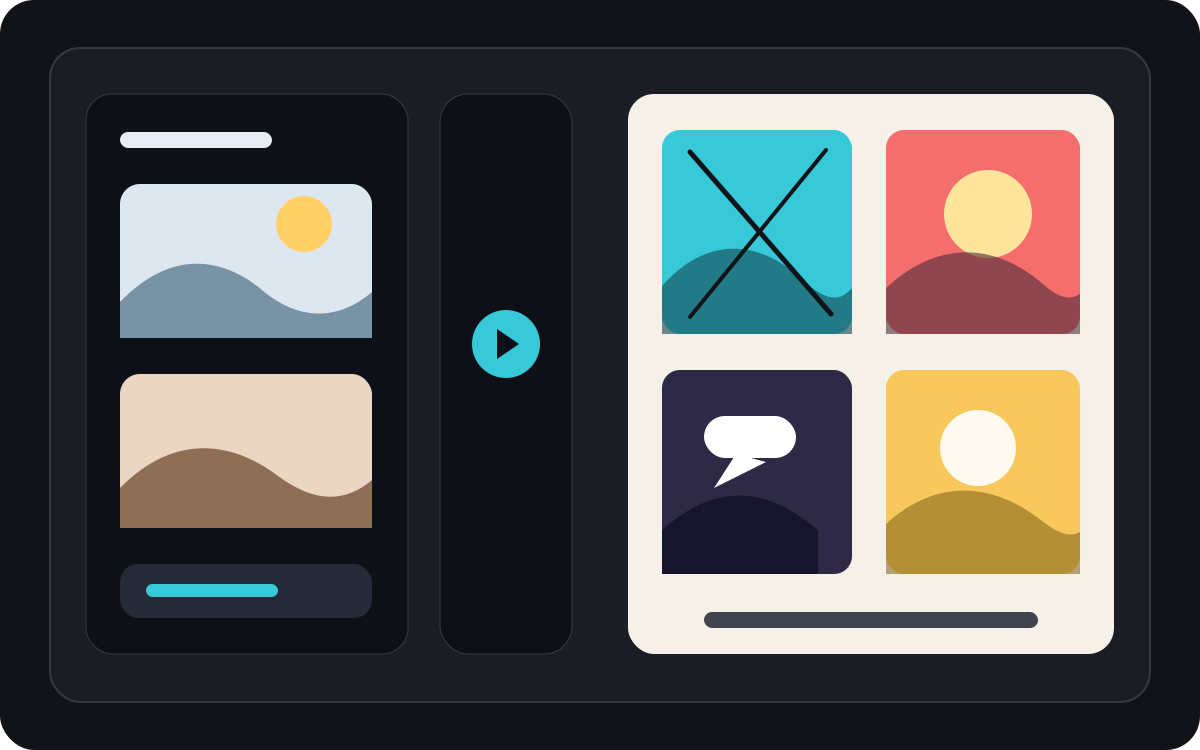
Convierte una imagen en un breve momento cómico.
Una foto puede convertirse en un solo panel, un momento de reacción o la semilla de una tira corta cuando se combina con pies de foto y una idea sencilla para una historia.
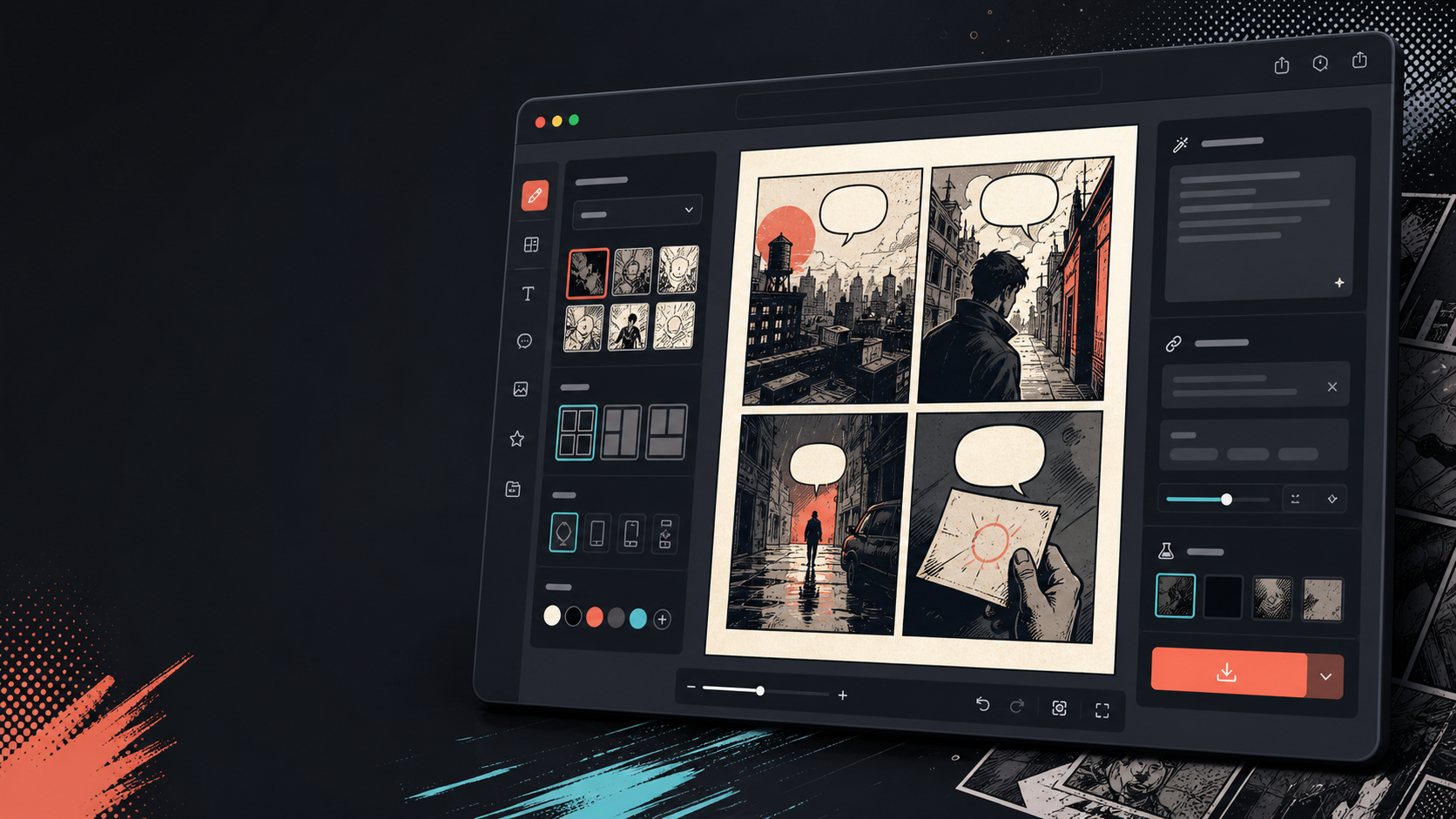
Añade pies de foto, burbujas y el diseño después de que cambie la imagen.
La conversión de imágenes es solo el primer paso. Termina el panel añadiendo diálogo, narración o un diseño de página de cómic.
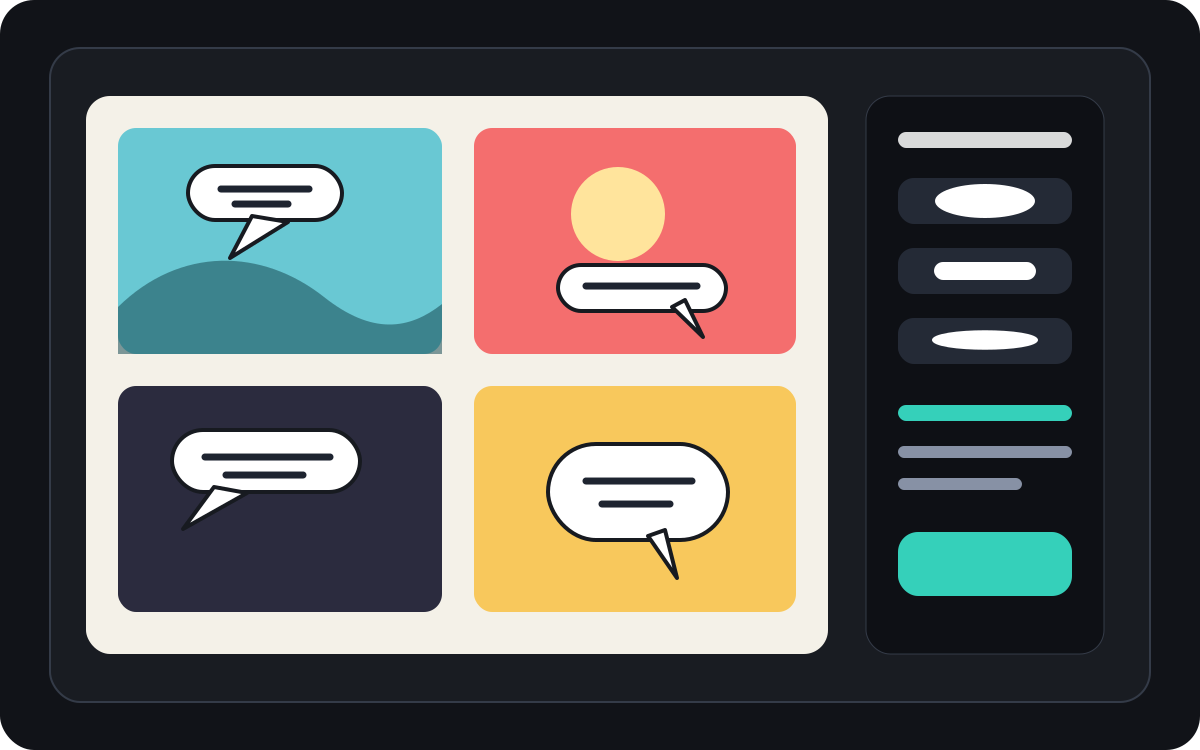
Pensado para una tarea real de creación de cómics.
Usuarios que ya tienen una foto o imagen de referencia y quieren transformarla en una escena de cómic, tira o borrador de viñeta estilizado.
01
Diseñado para usuarios que ya tienen una foto y quieren una versión estilo cómic.
02
Hace que la entrada y salida sean visibles para que los usuarios entiendan la transformación.
03
Combina la conversión de imágenes con flujos de trabajo de subtítulos, burbujas y edición de proyectos.
Qué pueden crear los autores aquí.
Elige el tipo de proyecto más cercano y abre Studio con una idea más clara del borrador que quieres crear.
Qué puedes bocetar.
Son puntos de partida prácticos para revisar, compartir y seguir editando.
Un camino corto hacia Studio.
Empieza con el paso útil más pequeño y luego perfecciona el borrador en el editor.
Empieza con estos prompts de convertir la imagen en cómic.
Úsalos como punto de partida y cambia personajes, escenario y tono por los tuyos.
Foto de viaje
Convierte esta foto de un café callejero en un cálido panel cómico con un breve pie de foto de diario de viaje.
Resultado: Viñeta de viaje al estilo cómic con dirección de pie de foto editable.
Cómic de mascotas
Transforma esta foto de perro en una viñeta cómica divertida con espacio para un globo de diálogo.
Resultado: Borrador de cómic para mascotas listo para colocar en la burbuja.
Escena de productos
Convierte esta foto del producto en un panel publicitario limpio al estilo cómic con una historia sencilla de antes y después.
Resultado: Viñeta de cómic de marketing con contexto estilizado del producto.
Herramientas que ayudan a que el borrador sea utilizable.
Flujo de trabajo centrado en la imagen
Empieza con una foto real o referencia en lugar de un prompt en blanco.
Revisión antes y después
Compara la imagen original y el borrador del cómic antes de elegir la dirección final.
Herramientas de acabado de cómic
Añade pies de foto, burbujas y opciones de diseño después de estilizar la imagen.
Sigue creando con la herramienta adecuada.
Generador de viñetas de cómic
Genera un panel nuevo cuando no tengas una imagen de origen.
Abrir página
Generador de globos de diálogo para cómics
Añade globos de diálogo después de que la foto se convierta en un panel de cómic.
Abrir página
AI creador de cómics
Usa la generación de prompts cuando quieras empezar por texto.
Abrir página
Más páginas para crear cómics.
Flujo relacionado
Generador de bocadillos para cómics
Añade globos de diálogo, pies de foto, cola y diálogos cómicos legibles con un generador de burbujas de cómic diseñado para la edición de viñetas.
Abrir página
Flujo relacionado
comic panel generator
comic panel generator: crea borradores de cómic en Comics Maker con historia, personajes, paneles, globos de diálogo y edición lista para exportar.
Abrir página
Flujo relacionado
AI comic maker
AI comic maker: crea borradores de cómic en Comics Maker con historia, personajes, paneles, globos de diálogo y edición lista para exportar.
Abrir página
Preguntas frecuentes sobre convertir la imagen en cómic.
¿Cómo convierto una imagen en un cómic?
Sube una foto, elige un estilo de cómic, genera un borrador en estilo cómic y luego revisa el resultado antes y después. Puedes añadir subtítulos o burbujas después de la conversión.
¿Puedo convertir una foto en una tira cómica?
Sí. Una foto puede convertirse primero en un panel, luego puedes construir una breve secuencia alrededor de ella con pies de foto, reacciones o momentos adicionales de la historia.
¿Es esto lo mismo que un generador de cómics AI?
No. Un generador de cómics AI suele empezar desde el texto. Esta página comienza con una imagen y se centra en la transformación visual de la imagen a la viñeta de cómic.
¿Qué fotos funcionan mejor?
Las fotos nítidas con un sujeto fuerte, iluminación legible y fondos sencillos suelen traducir mejor que imágenes borrosas o abarrotadas.
¿Puedo añadir globos de diálogo después de la conversión?
Sí. Después de que la imagen se convierta en un borrador estilo cómic, puedes añadir globos de diálogo, pies de foto o cuadros de narración para que el panel se lea como un cómic.
¿Puedo usarlo para fotos de productos?
Sí. Las fotos de productos pueden convertirse en paneles publicitarios de cómic, visuales de antes y después, o storyboards de campaña cuando la escena y el mensaje son claros.
¿Preservará todos los detalles de la foto?
No hay AI transformación exacta. Trata el resultado como una interpretación al estilo cómic y revisa rostros, objetos, textos y detalles de marca importantes antes de usarlos.
¿Puedo exportar el resultado?
Descarga imágenes completadas desde la vista de resultados. Studio exporta los datos editables del proyecto como JSON en lugar de una página aplanada o un PDF listo para imprimir.
Empieza tu próximo borrador de cómic.
Abre Studio, elige un diseño y convierte la idea en un borrador de cómic funcional.
Probar este flujo