
Maak van beeld stripachtige panelen met AI.
Upload een foto, kies de richting van de strip en maak een gestileerd panelconcept dat bewerkt, voorzien van onderschriften en hergebruikt kan worden in een stripproject.
Converteer één bronafbeelding
PNG, JPG of WebP tot 5MB. Inloggen en 2 studiepunten zijn vereist.
Kleurenstripinkt
Eén conversie kost 2 credits. Een laatste mislukte klus wordt als mislukt gemarkeerd en door de server terugbetaald.
Gebruik een duidelijk beeld met één hoofdonderwerp. Het resultaat is een interpretatie, dus beoordeel gezichten, handen, logo's en productdetails.
Definitie
Wat is afbeelding omzetten in strip?
Een picture-to-comic-tool transformeert een geüploade afbeelding in een stripachtige panel- of sequentie met behulp van stijlrichting, visuele generatie en optionele bijschriftbewerking.
Kort antwoord
Wanneer je deze werkstroom gebruikt.
Gebruik deze workflow wanneer je begint met een afbeelding in plaats van een tekstprompt en een zichtbare voor-en-na comictransformatie wilt.
Verander een fotoreferentie in een stripachtige versie.
Gebruik de afbeelding als broncontext, kies een striprichting en genereer een gestileerd paneel dat nog steeds het oorspronkelijke onderwerp of scène volgt.
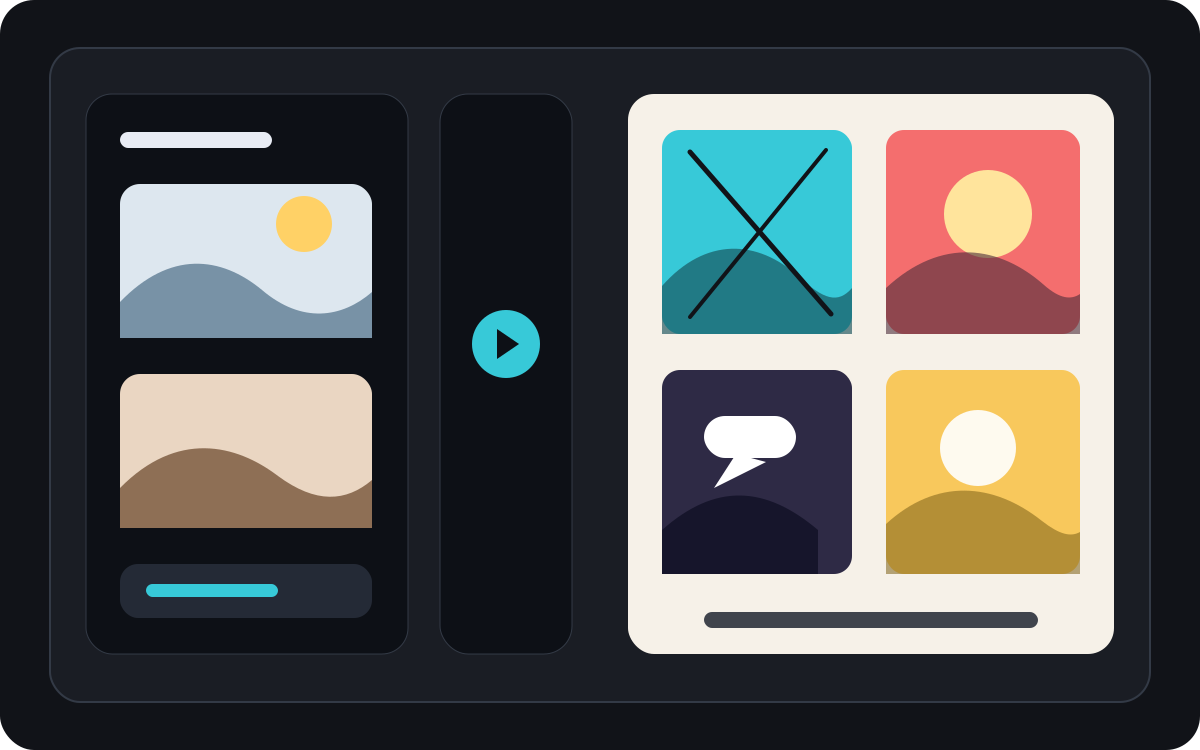
Zet één afbeelding om in een kort komisch moment.
Een foto kan een enkel paneel, een reactiebeat of het zaadje voor een korte strip worden, gecombineerd met bijschriften en een eenvoudig verhaalidee.
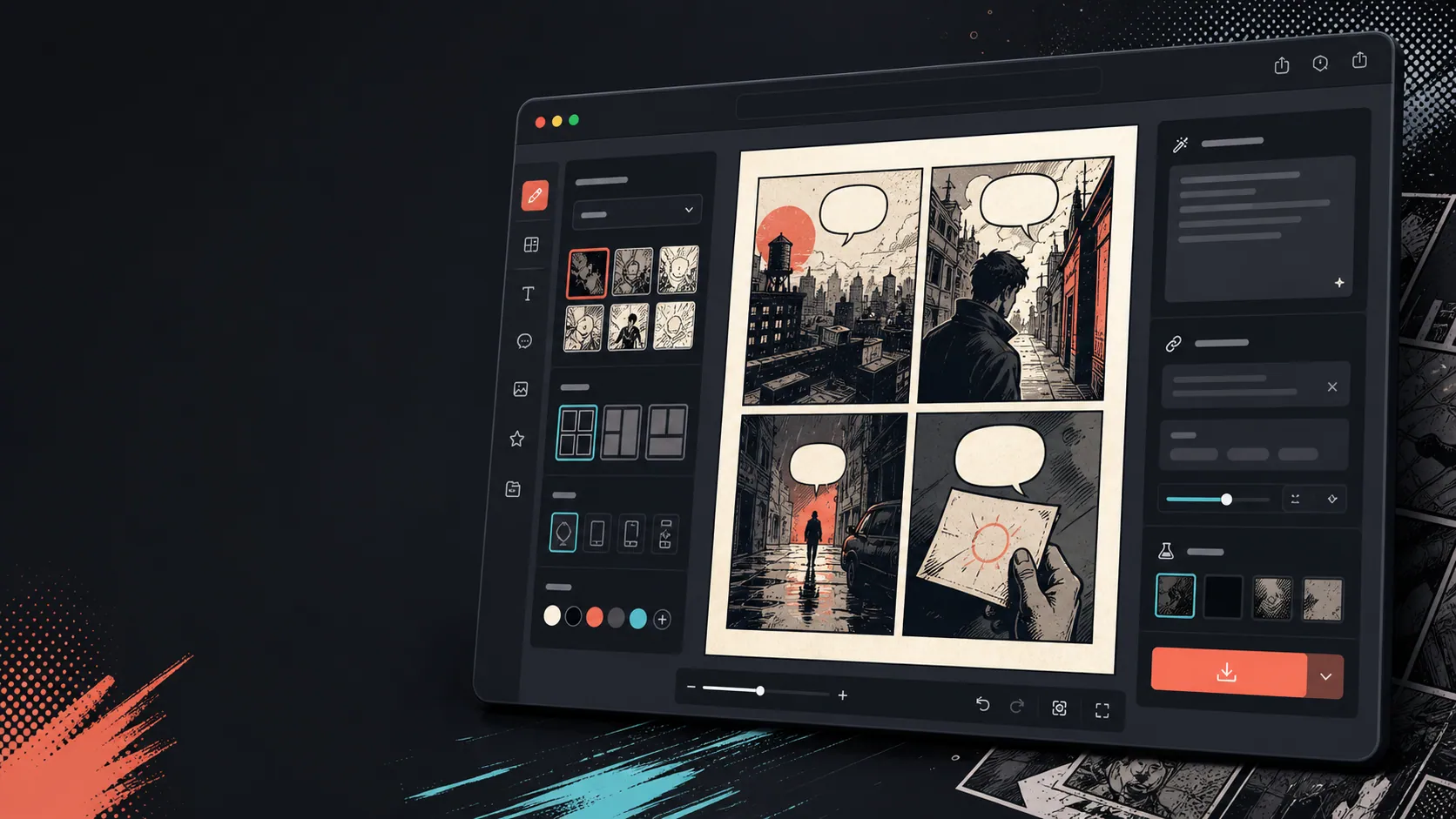
Voeg bijschriften, bubbels en lay-out toe nadat de afbeelding is veranderd.
Beeldconversie is slechts de eerste stap. Rond het paneel af door dialogen, vertelling of een strippagina-indeling toe te voegen.
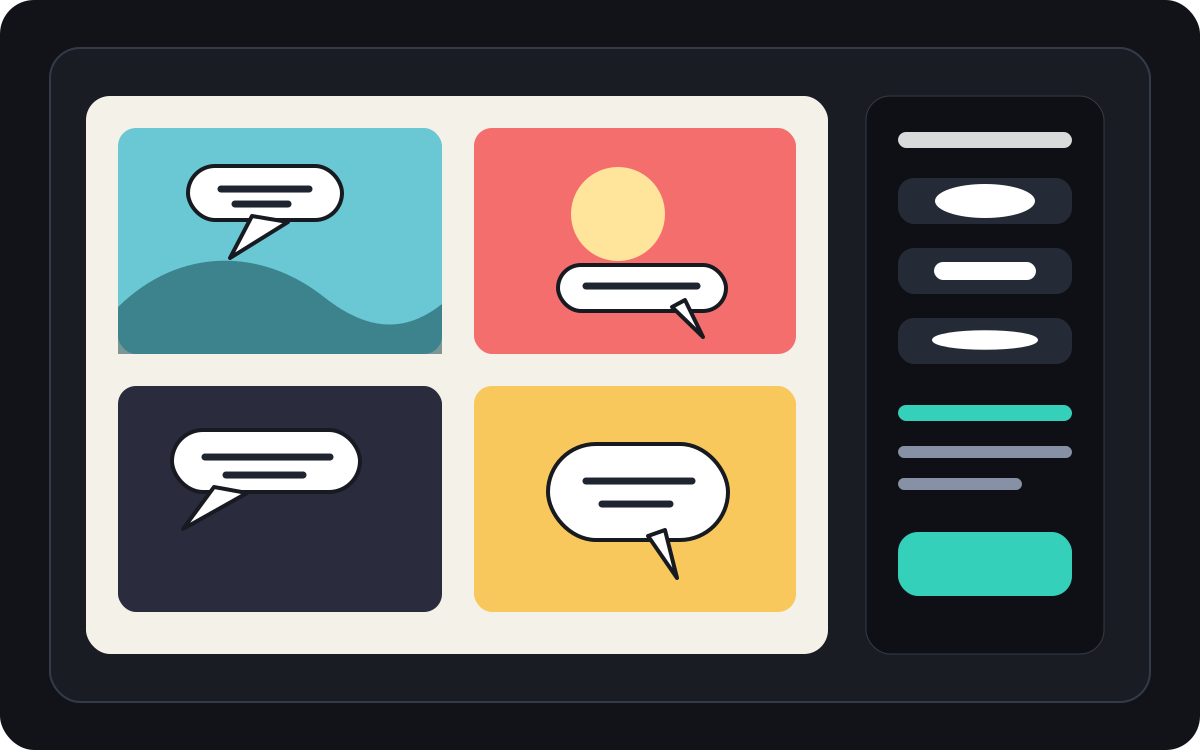
Gebouwd rond een echte taak voor stripcreatie.
Gebruikers die al een foto of referentieafbeelding hebben en deze willen omzetten in een strip, strip of gestileerd paneelconcept.
01
Gemaakt voor gebruikers die al een foto hebben en een stripachtige versie willen.
02
Maakt input en output zichtbaar zodat gebruikers de transformatie begrijpen.
03
Combineert beeldconversie met bijschriften, bubbel- en projectbewerkingsworkflows.
Wat makers hier kunnen maken.
Kies het dichtstbijzijnde projecttype en open Studio met een duidelijker beeld van het concept dat je wilt maken.
Wat je kunt uitwerken.
Dit zijn praktische startpunten voor beoordeling, delen en verdere bewerking.
Een korte route naar Studio.
Begin met de kleinste nuttige stap en verfijn het concept daarna in de editor.
Begin met deze afbeelding omzetten in strip-prompts.
Gebruik ze als startpunt en vervang personages, setting en toon door je eigen verhaal.
Reisfoto
Maak van deze straatcaféfoto een warm strippanel met een korte reisdagboekonderschrift.
Uitvoer: Stripachtige reispaneel met bewerkbare richting van het bijschrift.
Huisdierstrip
Verander deze hondenfoto in een grappig strippanel met ruimte voor één tekstballon.
Uitvoer: Concept van de huisdierstrip klaar voor het plaatsen van de bubbel.
Productscene
Maak van deze productfoto een strak stripachtig advertentiepaneel met een eenvoudig voor-en-na-verhaal.
Uitvoer: Marketing strippanel met gestileerde productcontext.
Tools die helpen om het concept bruikbaar te maken.
Beeld-eerst workflow
Begin met een echte foto of referentie in plaats van een blanco prompt.
Voor-en-na recensie
Vergelijk het bronbeeld en de stripversie voordat je de uiteindelijke richting kiest.
Stripafwerkingsgereedschappen
Voeg bijschriften, bubbels en lay-outkeuzes toe nadat de afbeelding is gestileerd.
Werk verder met de juiste volgende tool.
Strippanelgenerator
Genereer een nieuw paneel wanneer je geen bronafbeelding hebt.
Pagina openen
Komische tekstballongenerator
Voeg tekstballonnen toe nadat de foto een strippanel is geworden.
Pagina openen
AI stripmaker
Gebruik promptgeneratie wanneer je in plaats daarvan vanuit tekst wilt beginnen.
Pagina openen
Meer pagina's voor het maken van strips.
Gerelateerde werkstroom
Tekstballonmaker voor Strips
Voeg tekstballonnen, bijschriften, uitslagen en leesbare stripdialogen toe met een stripbubbelgenerator voor panelbewerking.
Pagina openen
Gerelateerde werkstroom
generator voor stripkaders
Noem onderwerp, plaats, camera-afstand, emotie en één zichtbare handeling voor één strippaneel.
Pagina openen
Gerelateerde werkstroom
AI-stripmaker
Begin met één scène, benoem de personen en verandering. Controleer vier verhaalstappen vóór je beeldcredits gebruikt.
Pagina openen
Veelgestelde vragen over afbeelding omzetten in strip.
Hoe maak ik van een afbeelding een strip?
Upload een foto, kies een stripstijl, maak een stripversie en bekijk dan het voor-en-na-resultaat. Je kunt na de conversie bijschriften of bubbels toevoegen.
Kan ik een foto omzetten in een strip?
Ja. Een foto kan eerst één paneel worden, waarna je er een korte sequentie omheen kunt bouwen met bijschriften, reacties of toegevoegde verhaalelementen.
Is dit hetzelfde als een AI stripgenerator?
Nee. Een AI stripgenerator begint meestal met tekst. Deze pagina begint met een afbeelding en richt zich op de visuele transformatie van afbeelding naar stripplaat.
Welke foto's werken het beste?
Duidelijke foto's met een sterk onderwerp, leesbare belichting en eenvoudige achtergronden converteren meestal beter dan wazige of overvolle beelden.
Kan ik na de conversie tekstballonnen toevoegen?
Ja. Nadat de afbeelding een stripachtige versie is geworden, kun je tekstballonnen, bijschriften of vertelkaders toevoegen om het paneel als een strip te laten lijken.
Kan ik het gebruiken voor productfoto's?
Ja. Productfoto's kunnen stripadvertentiepanelen, voor-en-na visuals of campagnestoryboards worden wanneer de scène en boodschap duidelijk zijn.
Zal het elk detail van de foto behouden?
Geen AI transformatie precies is. Behandel het resultaat als een stripachtige interpretatie en bekijk belangrijke gezichten, objecten, tekst en merkdetails voordat je het gebruikt.
Kan ik het resultaat exporteren?
Download voltooide afbeeldingen uit de resultaatweergave. Studio exporteert de bewerkbare projectgegevens als JSON in plaats van als een afgeplatte pagina of afdrukklaar PDF.
Start je volgende stripconcept.
Open Studio, kies een lay-out en verander het idee in een bruikbaar stripconcept.
Deze werkstroom proberen