
Transforme imagens em quadrinhos com AI.
Faça upload de uma imagem, escolha a direção do quadrinho e crie um rascunho estilizado de quadros que possa ser editado, legendado e reutilizado em um projeto de quadrinhos.
Converter uma imagem de origem
PNG, JPG ou WebP até 5MB. Assinar-se e 2 créditos são necessários.
Tinta colorida para quadrinhos
Uma conversão custa 2 créditos. Um trabalho final que falhou é marcado como falhado e reembolsado pelo servidor.
Use uma imagem clara com um único tema principal. O resultado é uma interpretação, então analise rostos, mãos, logos e detalhes do produto.
Definição
O que é transformar imagem em quadrinho?
Uma ferramenta picture-to-comic transforma uma imagem enviada em um quadro ou sequência no estilo quadrinho, usando direção de estilo, geração visual e edição opcional de legendas.
Resposta curta
Quando usar este fluxo.
Use esse fluxo de trabalho quando estiver começando a partir de uma imagem em vez de um prompt de texto e quiser uma transformação visível do quadrinho antes e depois.
Transforme uma referência fotográfica em um rascunho estilo quadrinho.
Use a imagem como contexto de origem, escolha uma direção cômica e gere um quadro estilizado que ainda siga o tema ou cena original.
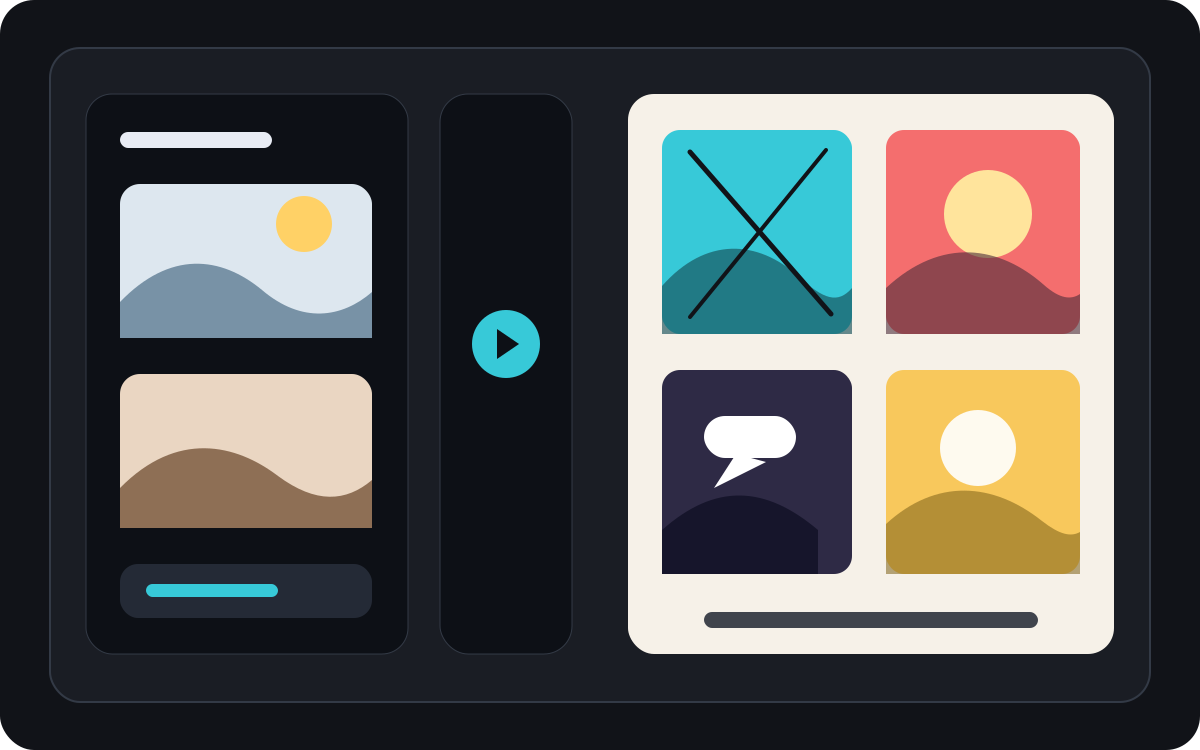
Converta uma imagem em um momento cômico curto.
Uma foto pode se tornar um único quadro, um momento de reação ou a semente de uma tira curta quando acompanhada de legendas e uma ideia simples de história.
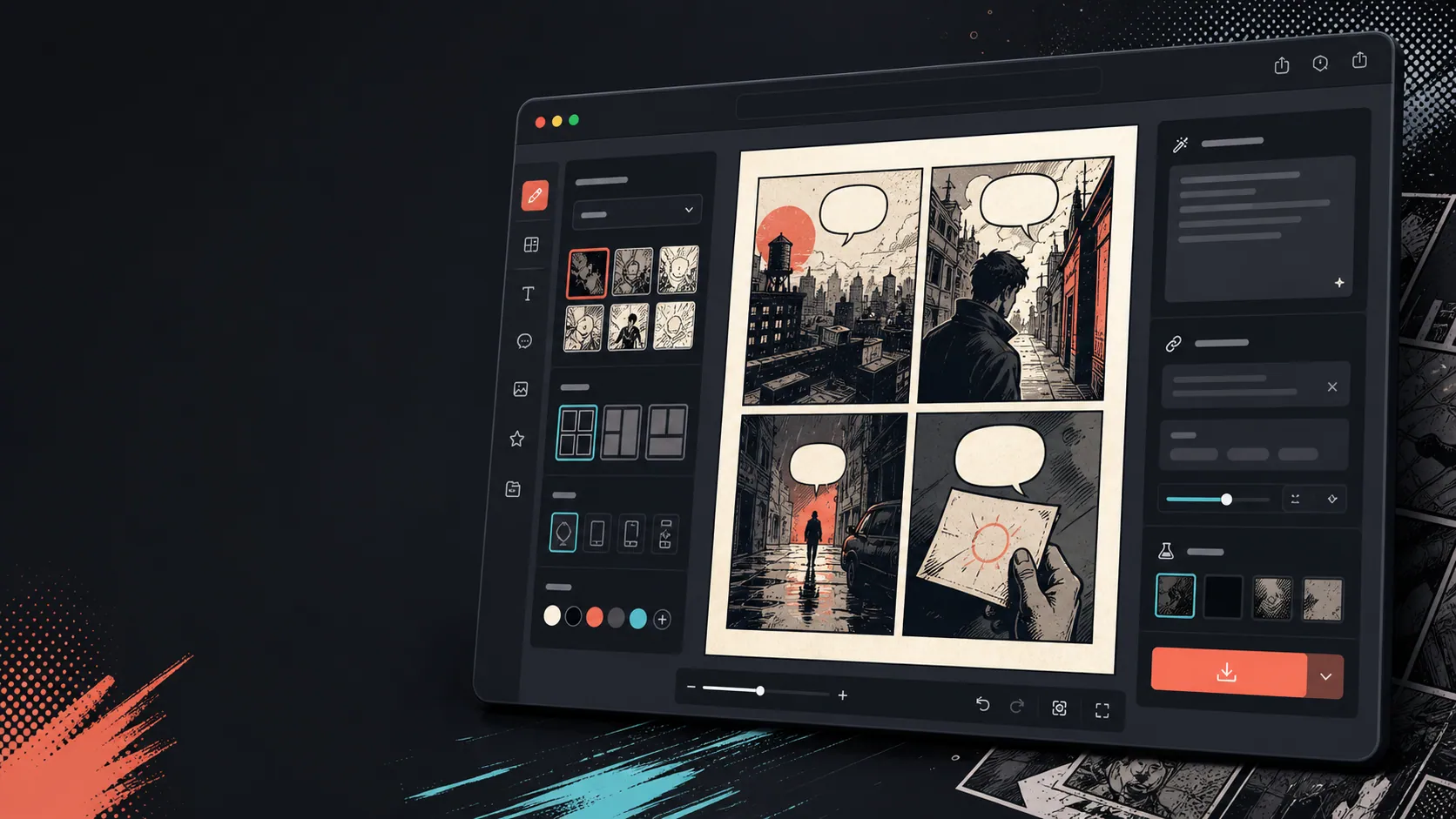
Adicione legendas, balões e layout depois que a imagem mudar.
A conversão de imagem é apenas o primeiro passo. Termine o quadro adicionando diálogos, narração ou um layout de página em quadrinhos.
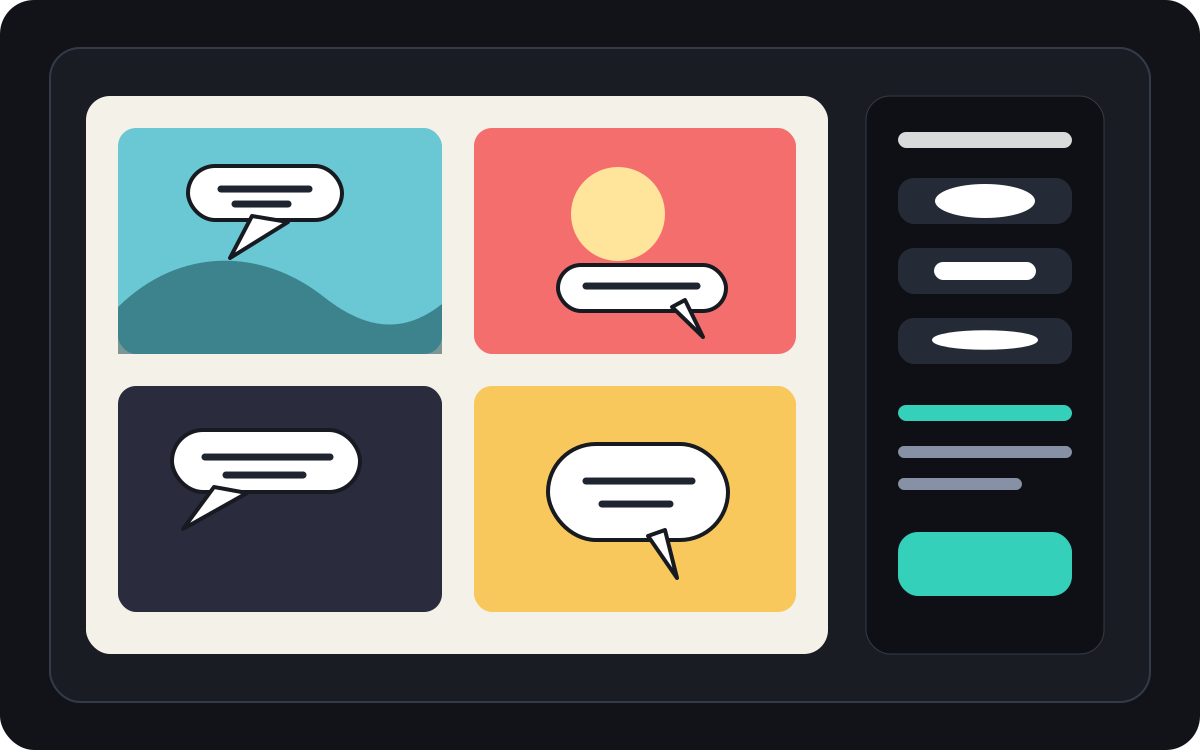
Criado para uma tarefa real de criação de quadrinhos.
Usuários que já possuem uma foto ou imagem de referência e queiram transformá-la em uma cena em quadrinhos, tira ou rascunho de quadros estilizado.
01
Feito para usuários que já têm uma foto e querem uma versão em estilo quadrinho.
02
Torna a entrada e saída visíveis para que os usuários entendam a transformação.
03
Combina conversão de imagem com fluxos de trabalho de legendas, bolhas e edição de projetos.
O que criadores podem fazer aqui.
Escolha o tipo de projeto mais próximo e abra o Studio com uma ideia mais clara do rascunho que deseja criar.
O que você pode rascunhar.
São pontos de partida práticos para revisar, compartilhar e continuar editando.
Um caminho curto até o Studio.
Comece pelo menor passo útil e depois refine o rascunho no editor.
Comece com estes prompts de transformar imagem em quadrinho.
Use como ponto de partida e troque personagens, cenário e tom pelos seus.
Foto de viagem
Transforme essa foto de um café de rua em um quadrinho caloroso com uma legenda curta de diário de viagem.
Resultado: Painel de viagem estilo quadrinho com direção de legenda editável.
Quadrinhos de animais
Transforme essa foto de cachorro em um quadrinho engraçado com espaço para um balão de fala.
Resultado: Rascunho de quadrinho para animais de estimação pronto para colocar na bolha.
Cena de produtos
Transforme essa foto do produto em um painel comercial limpo no estilo quadrinho, com uma história simples de antes e depois.
Resultado: Painel de marketing em quadrinhos com contexto estilizado do produto.
Ferramentas que ajudam o rascunho a ficar utilizável.
Fluxo de trabalho com foco na imagem
Comece com uma foto ou referência real em vez de um prompt em branco.
Análise do antes e depois
Compare a imagem original e o rascunho da revista antes de escolher a direção final.
Ferramentas de acabamento em quadrinhos
Adicione legendas, balões e opções de layout depois que a imagem for estilizada.
Continue criando com a próxima ferramenta certa.
Gerador de quadrinhos
Gere um painel novo quando não tiver uma imagem de origem.
Abrir página
Gerador de balões de fala para quadrinhos
Adicione balões de fala depois que a foto virar um quadro de quadrinhos.
Abrir página
AI criador de quadrinhos
Use geração de prompts quando quiser começar pelo texto.
Abrir página
Mais páginas para criar quadrinhos.
Fluxo relacionado
Gerador de Balões de Fala para Quadrinhos
Adicione balões de fala, legendas, fras e diálogos legíveis em quadrinhos com um gerador de balões de quadrinhos feito para edição de quadros.
Abrir página
Fluxo relacionado
gerador de painéis de quadrinhos
Indique sujeito, lugar, distância da câmera, emoção e uma ação visível para gerar um único quadro.
Abrir página
Fluxo relacionado
criador de quadrinhos com IA
Comece por uma cena, identifique as pessoas e explique o que muda. Confira os quatro momentos antes de gastar créditos de imagem.
Abrir página
Perguntas frequentes sobre transformar imagem em quadrinho.
Como faço para transformar uma imagem em um quadrinho?
Faça upload de uma foto, escolha um estilo de quadrinho, gere um rascunho no estilo de quadrinhos e depois revise o resultado do antes e depois. Você pode adicionar legendas ou bolhas após a conversão.
Posso transformar uma foto em uma tirinha?
Sim. Uma foto pode virar um único quadro primeiro, depois você pode construir uma pequena sequência ao redor dela com legendas, reações ou pontos adicionais da história.
Isso é o mesmo que um gerador de quadrinhos AI?
Não. Um gerador de quadrinhos AI geralmente começa com texto. Esta página começa a partir de uma imagem e foca na transformação visual da imagem para o quadro de quadrinhos.
Quais fotos funcionam melhor?
Fotos nítidas, com um sujeito forte, iluminação legível e fundos simples geralmente convertem melhor do que imagens borradas ou apertadas.
Posso adicionar balões de fala após a conversão?
Sim. Depois que a imagem vira um rascunho no estilo quadrinho, você pode adicionar balões de fala, legendas ou caixas de narração para fazer o quadro parecer um quadrinho.
Posso usá-lo para fotos de produtos?
Sim. Fotos de produtos podem se tornar painéis de anúncios de quadrinhos, visuais de antes e depois, ou storyboards de campanha quando a cena e a mensagem estão claras.
Será que vai preservar todos os detalhes da foto?
Nenhuma transformação AI é exata. Trate o resultado como uma interpretação no estilo quadrinho e revise rostos, objetos, textos e detalhes importantes da marca antes de usar.
Posso exportar o resultado?
Baixe imagens concluídas da visualização do resultado. Studio exporta os dados editáveis do projeto como JSON em vez de uma página achatada ou PDF pronto para impressão.
Comece seu próximo rascunho de quadrinho.
Abra o Studio, escolha um layout e transforme a ideia em um rascunho de quadrinho funcional.
Testar este fluxo