
AI के साथ चित्र को कॉमिक-शैली के पैनलों में बदलें।
एक चित्र अपलोड करें, कॉमिक दिशा चुनें, और एक शैलीबद्ध पैनल ड्राफ्ट बनाएं जिसे कॉमिक प्रोजेक्ट में संपादित, कैप्शन और पुन: उपयोग किया जा सकता है।
एक स्रोत छवि कनवर्ट करें
5MB तक PNG, JPG या WebP। साइन-इन और 2 क्रेडिट की आवश्यकता है।
रंग कॉमिक स्याही
एक रूपांतरण की लागत 2 क्रेडिट है। एक अंतिम विफल कार्य विफल चिह्नित किया गया है और सर्वर द्वारा वापस कर दिया गया है।
एक मुख्य विषय के साथ एक स्पष्ट छवि का उपयोग करें। परिणाम एक व्याख्या है, इसलिए चेहरे, हाथ, लोगो और उत्पाद विवरण की समीक्षा करें।
परिभाषा
चित्र को कॉमिक में बदलें क्या है?
एक चित्र-से-कॉमिक उपकरण शैली दिशा, दृश्य निर्माण और वैकल्पिक कैप्शन संपादन का उपयोग करके अपलोड की गई छवि को कॉमिक-शैली पैनल या अनुक्रम में बदल देता है।
संक्षिप्त उत्तर
यह प्रक्रिया कब उपयोग करें।
इस वर्कफ़्लो का उपयोग तब करें जब आप टेक्स्ट प्रॉम्प्ट के बजाय किसी छवि से प्रारंभ कर रहे हों और पहले और बाद में दृश्यमान कॉमिक परिवर्तन चाहते हों.
एक फोटो संदर्भ को कॉमिक-शैली के ड्राफ्ट में बदलें।
चित्र को स्रोत संदर्भ के रूप में उपयोग करें, एक कॉमिक दिशा चुनें, और एक शैलीबद्ध पैनल उत्पन्न करें जो अभी भी मूल विषय या दृश्य का अनुसरण करता है।

एक तस्वीर को एक छोटे हास्य क्षण में बदलें।
एक तस्वीर एक एकल पैनल, एक प्रतिक्रिया बीट, या एक छोटी पट्टी के लिए बीज बन सकती है जब कैप्शन और एक साधारण कहानी विचार के साथ जोड़ा जाता है।
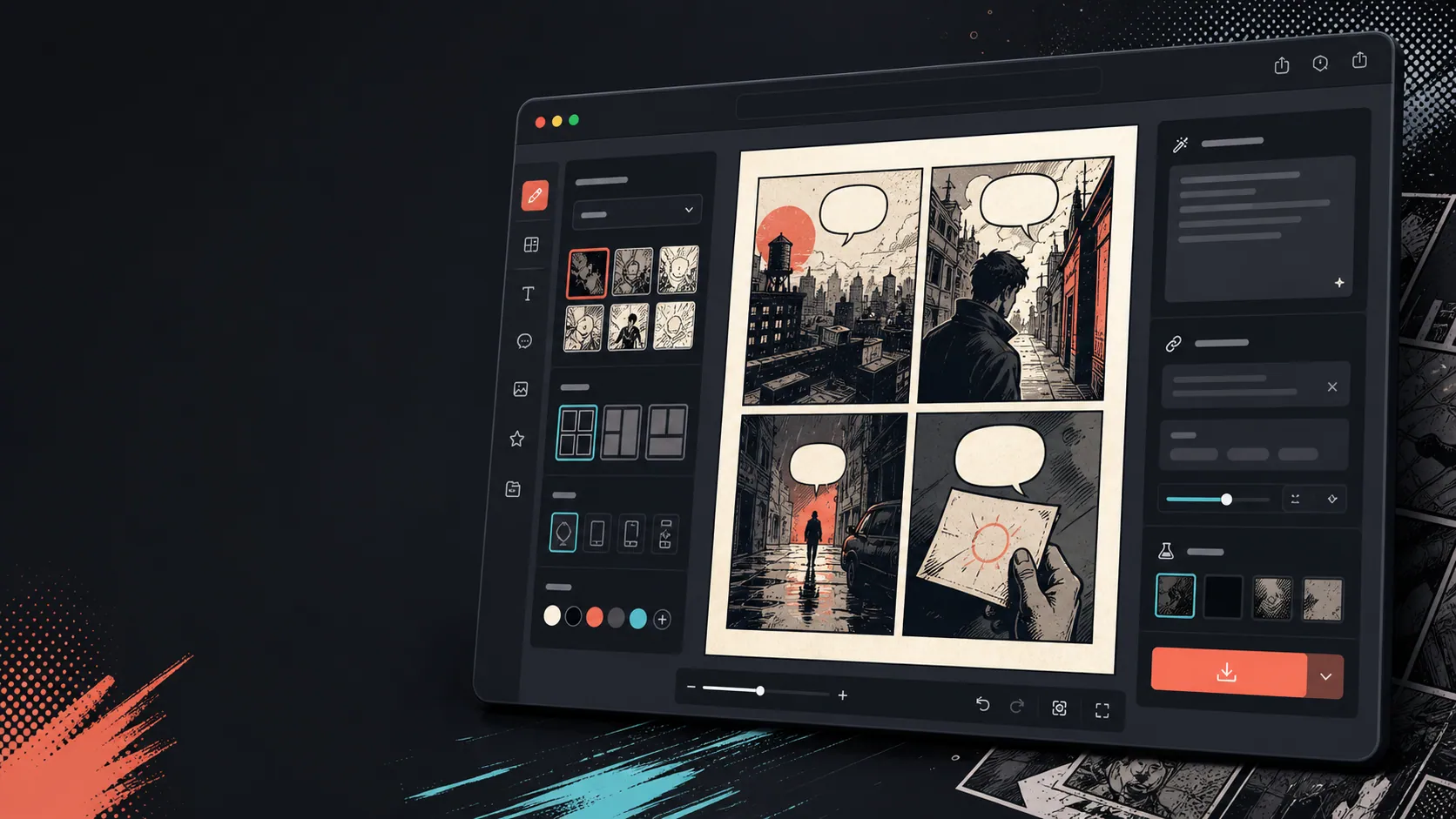
छवि में परिवर्तन के बाद कैप्शन, बुलबुले और लेआउट जोड़ें।
छवि रूपांतरण केवल पहला कदम है। संवाद, कथन या कॉमिक पेज लेआउट जोड़कर पैनल समाप्त करें।
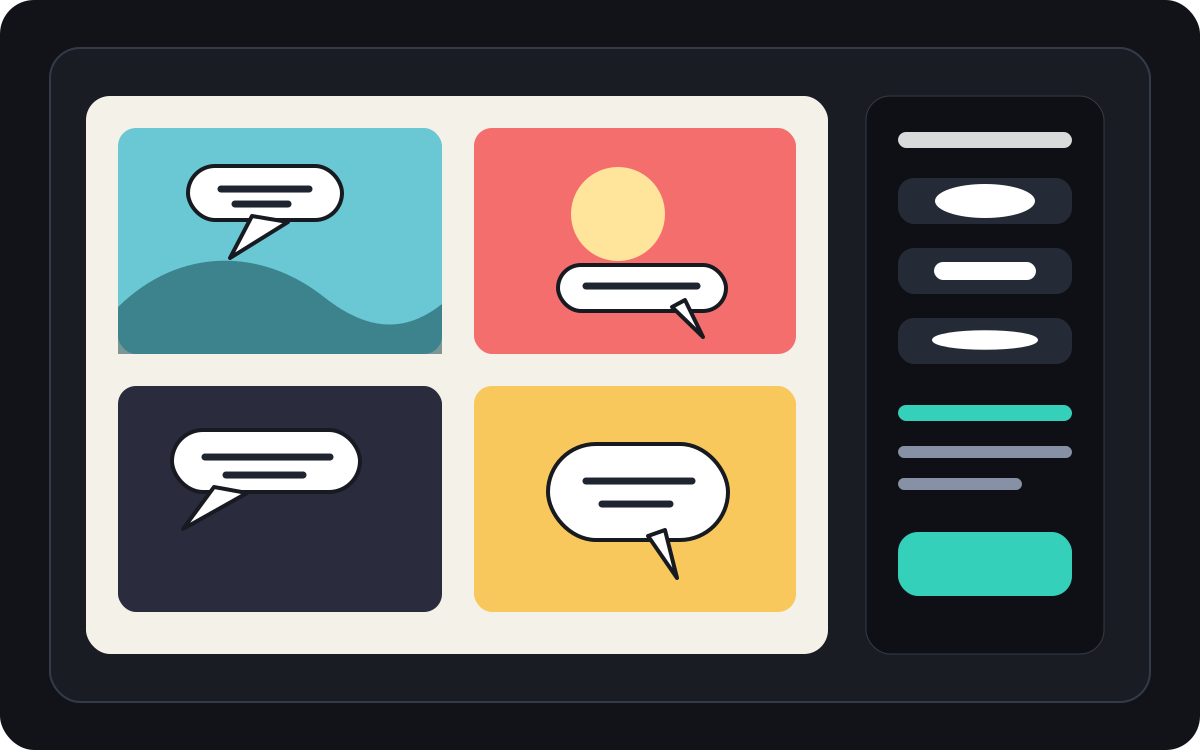
असली कॉमिक बनाने के काम के लिए बनाया गया।
जिन उपयोगकर्ताओं के पास पहले से ही एक फोटो या संदर्भ छवि है और वे इसे एक कॉमिक दृश्य, पट्टी या शैलीबद्ध पैनल ड्राफ्ट में बदलना चाहते हैं।
01
उन उपयोगकर्ताओं के लिए बनाया गया है जिनके पास पहले से ही एक तस्वीर है और एक कॉमिक-शैली संस्करण चाहते हैं।
02
इनपुट और आउटपुट को दृश्यमान बनाता है ताकि उपयोगकर्ता परिवर्तन को समझ सकें।
03
छवि रूपांतरण को कैप्शन, बबल और प्रोजेक्ट एडिटिंग वर्कफ़्लो के साथ जोड़ता है।
रचनाकार यहां क्या बना सकते हैं।
सबसे करीब प्रोजेक्ट प्रकार चुनें, फिर Studio खोलें और मसौदे के लक्ष्य को साफ रखें।
आप क्या draft कर सकते हैं।
ये समीक्षा, साझा करने और आगे संपादन के लिए व्यावहारिक शुरुआती बिंदु हैं।
Studio में जाने का छोटा रास्ता।
सबसे छोटे उपयोगी step से शुरू करें, फिर editor में draft refine करें।
इन चित्र को कॉमिक में बदलें prompts से शुरू करें।
इन्हें शुरुआती बिंदु की तरह उपयोग करें, फिर किरदार, परिवेश और टोन अपने अनुसार बदलें।
यात्रा फोटो
इस स्ट्रीट कैफे फोटो को एक छोटी यात्रा डायरी कैप्शन के साथ एक गर्म कॉमिक पैनल में बदल दें।
आउटपुट: संपादन योग्य कैप्शन दिशा के साथ कॉमिक-शैली यात्रा पैनल।
पालतू कॉमिक
एक भाषण बुलबुले के लिए जगह के साथ एक अजीब कॉमिक पैनल में इस कुत्ते की तस्वीर को बदल दें।
आउटपुट: बबल प्लेसमेंट के लिए तैयार पालतू कॉमिक ड्राफ्ट।
उत्पाद दृश्य
इस उत्पाद फ़ोटो को एक साफ़ कॉमिक-शैली के विज्ञापन पैनल में बदलें, जिसमें एक साधारण पहले और बाद की कहानी हो.
आउटपुट: शैलीबद्ध उत्पाद संदर्भ के साथ विपणन कॉमिक पैनल।
मसौदे को उपयोगी बनाने में मदद करने वाले टूल।
छवि-प्रथम वर्कफ़्लो
खाली प्रॉम्प्ट के बजाय वास्तविक फोटो या संदर्भ से शुरू करें।
पहले और बाद में समीक्षा
अंतिम दिशा चुनने से पहले स्रोत छवि और कॉमिक ड्राफ्ट की तुलना करें।
कॉमिक फिनिशिंग टूल्स
छवि को शैलीबद्ध करने के बाद कैप्शन, बुलबुले और लेआउट विकल्प जोड़ें।
सही अगले टूल के साथ बनाना जारी रखें।
कॉमिक बनाने के और पेज.
संबंधित प्रक्रिया
कॉमिक स्पीच बबल जनरेटर
पैनल संपादन के लिए बनाए गए कॉमिक बबल जनरेटर के साथ भाषण बुलबुले, कैप्शन, पूंछ और पठनीय हास्य संवाद जोड़ें।
पेज खोलें
संबंधित प्रक्रिया
कॉमिक पैनल जनरेटर
विषय, जगह, कैमरे की दूरी, भावना और एक दृश्य क्रिया बताकर कॉमिक का एक पैनल बनाएं।
पेज खोलें
संबंधित प्रक्रिया
AI कॉमिक मेकर
एक घटना से शुरू करें, पात्र और बदलाव बताएं। इमेज क्रेडिट खर्च करने से पहले चार चरण जांचें।
पेज खोलें
चित्र को कॉमिक में बदलें से जुड़े सामान्य प्रश्न.
मैं किसी चित्र को कॉमिक में कैसे बदलूँ?
एक तस्वीर अपलोड करें, एक कॉमिक शैली चुनें, एक कॉमिक-शैली ड्राफ्ट तैयार करें, फिर पहले और बाद के परिणाम की समीक्षा करें। आप रूपांतरण के बाद कैप्शन या बबल जोड़ सकते हैं.
क्या मैं किसी फोटो को कॉमिक स्ट्रिप में बदल सकता हूँ?
हाँ। एक तस्वीर पहले एक पैनल बन सकती है, फिर आप कैप्शन, प्रतिक्रियाओं या अतिरिक्त कहानी बीट्स के साथ इसके चारों ओर एक छोटा अनुक्रम बना सकते हैं।
क्या यह AI कॉमिक जनरेटर के समान है?
नहीं। एक AI कॉमिक जनरेटर आमतौर पर पाठ से शुरू होता है। यह पृष्ठ एक छवि से शुरू होता है और चित्र से कॉमिक पैनल में दृश्य परिवर्तन पर केंद्रित है।
कौन सी तस्वीरें सबसे अच्छा काम करती हैं?
एक मजबूत विषय, पठनीय प्रकाश व्यवस्था और सरल पृष्ठभूमि वाली स्पष्ट तस्वीरें आमतौर पर धुंधली या भीड़-भाड़ वाली छवियों की तुलना में बेहतर रूपांतरित होती हैं।
क्या मैं रूपांतरण के बाद भाषण बुलबुले जोड़ सकता हूँ?
हाँ। छवि के कॉमिक-शैली का ड्राफ्ट बनने के बाद, आप पैनल को कॉमिक की तरह पढ़ने के लिए स्पीच बबल, कैप्शन या कथन बॉक्स जोड़ सकते हैं।
क्या मैं इसे उत्पाद फ़ोटो के लिए उपयोग कर सकता हूँ?
हाँ। दृश्य और संदेश स्पष्ट होने पर उत्पाद फ़ोटो कॉमिक विज्ञापन पैनल, पहले और बाद के दृश्य या अभियान स्टोरीबोर्ड बन सकते हैं.
क्या यह फोटो से हर विवरण को संरक्षित करेगा?
कोई भी AI परिवर्तन सटीक नहीं है। आउटपुट को कॉमिक-शैली की व्याख्या के रूप में मानें और उपयोग करने से पहले महत्वपूर्ण चेहरे, वस्तुओं, पाठ और ब्रांड विवरणों की समीक्षा करें।
क्या मैं परिणाम निर्यात कर सकता हूं?
परिणाम दृश्य से पूर्ण छवियों को डाउनलोड करें। Studio संपादन योग्य प्रोजेक्ट डेटा को एक चपटा पृष्ठ या प्रिंट-तैयार पीडीएफ के बजाय JSON के रूप में निर्यात करता है।
अपना अगला comic draft शुरू करें।
Studio खोलें, layout चुनें और idea को working comic draft में बदलें।
यह प्रक्रिया आजमाएं