
AI으로 그림을 만화 스타일의 패널로 바꿔보세요.
사진을 업로드하고, 만화 방향을 선택한 뒤, 편집, 자막 붙이고, 만화 프로젝트에서 재사용할 수 있는 스타일화된 패널 초안을 만드세요.
한 소스 이미지 변환
5MB 이하 PNG, JPG, WebP를 사용할 수 있습니다. 생성에는 로그인과 2크레딧이 필요합니다.
컬러 만화 잉크
한 번의 변환에는 2크레딧이 소요됩니다. 최종 실패 작업은 실패로 표시되어 서버에서 환불합니다.
한 명의 주요 주제로 선명한 이미지를 사용하세요. 결과는 해석이므로, 얼굴, 손, 로고, 제품 세부사항을 검토하세요.
정의
그림을 만화로 바꾸세요란 무엇인가요?
그림-만화 도구는 업로드된 이미지를 스타일 방향, 시각적 생성, 선택적 캡션 편집을 통해 만화 스타일의 패널이나 시퀀스로 변환합니다.
짧은 답변
이 워크플로를 사용할 때.
텍스트 프롬프트 대신 이미지에서 시작할 때 만화 전후 변환을 눈에 띄게 하고 싶을 때 이 워크플로우를 사용하세요.
사진 참고를 만화 스타일의 초안으로 바꿔보세요.
사진을 원천 맥락으로 사용하고, 만화 방향을 선택하며, 원작 주제나 장면을 따르는 스타일화된 패널을 생성하세요.
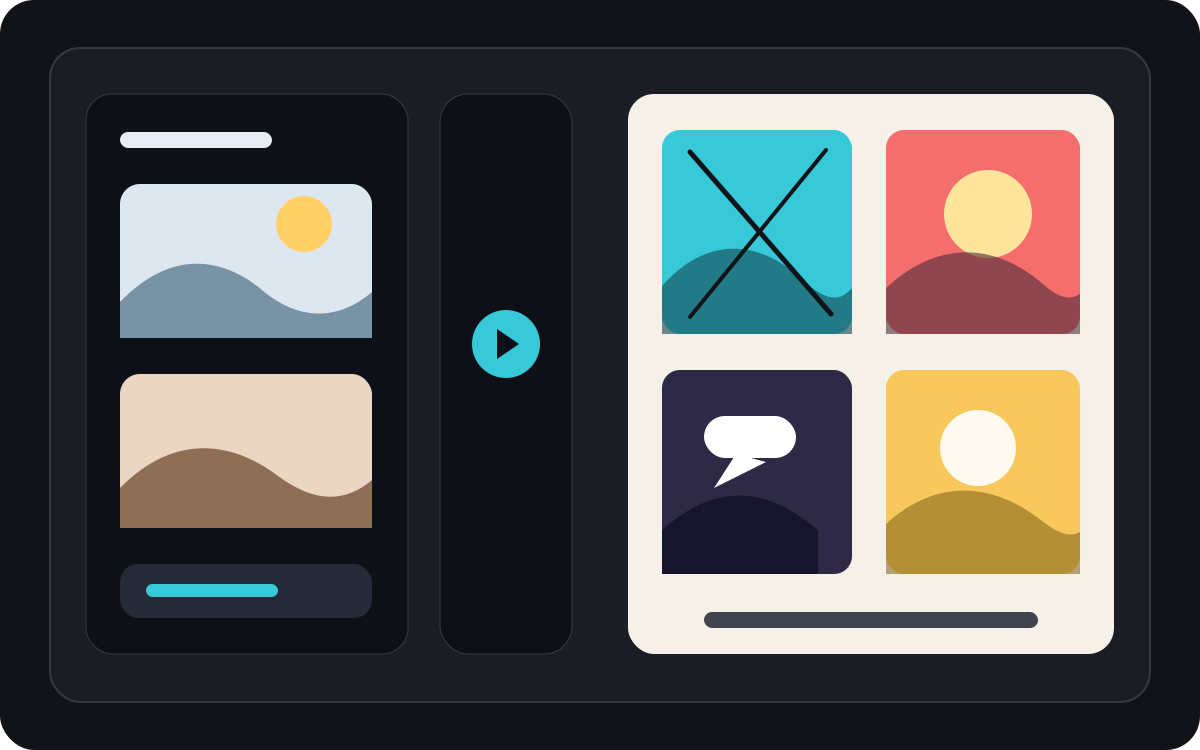
한 장의 사진을 짧은 코믹한 순간으로 바꿔보세요.
사진은 캡션과 간단한 스토리 아이디어와 결합되면 단일 패널, 반응 장면, 또는 짧은 스트립의 씨앗이 될 수 있습니다.
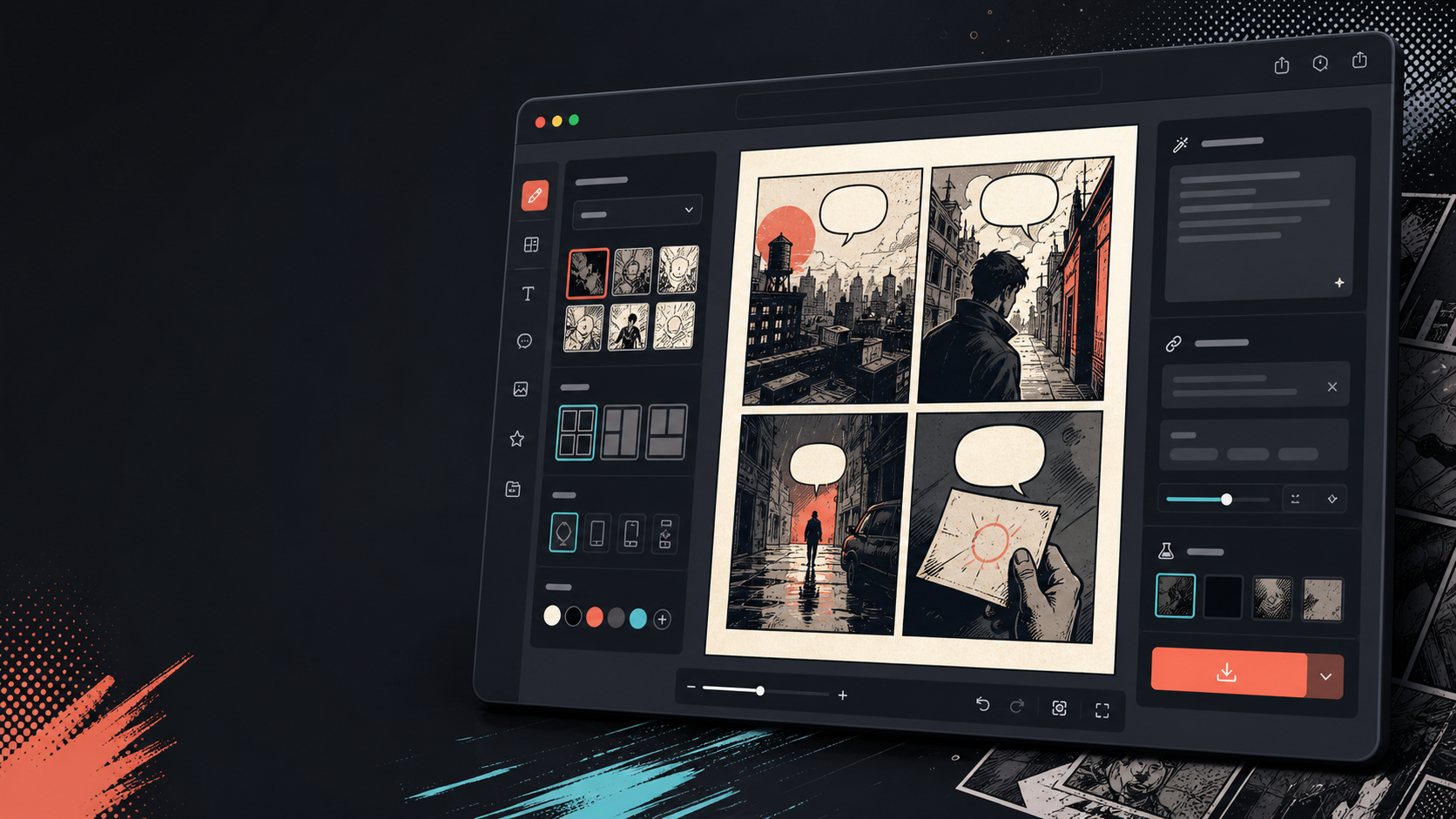
이미지가 바뀐 후에는 캡션, 버블, 레이아웃을 추가하세요.
이미지 변환은 첫걸음에 불과합니다. 대화, 내레이션, 만화 페이지 레이아웃을 추가해 패널을 마무리하세요.
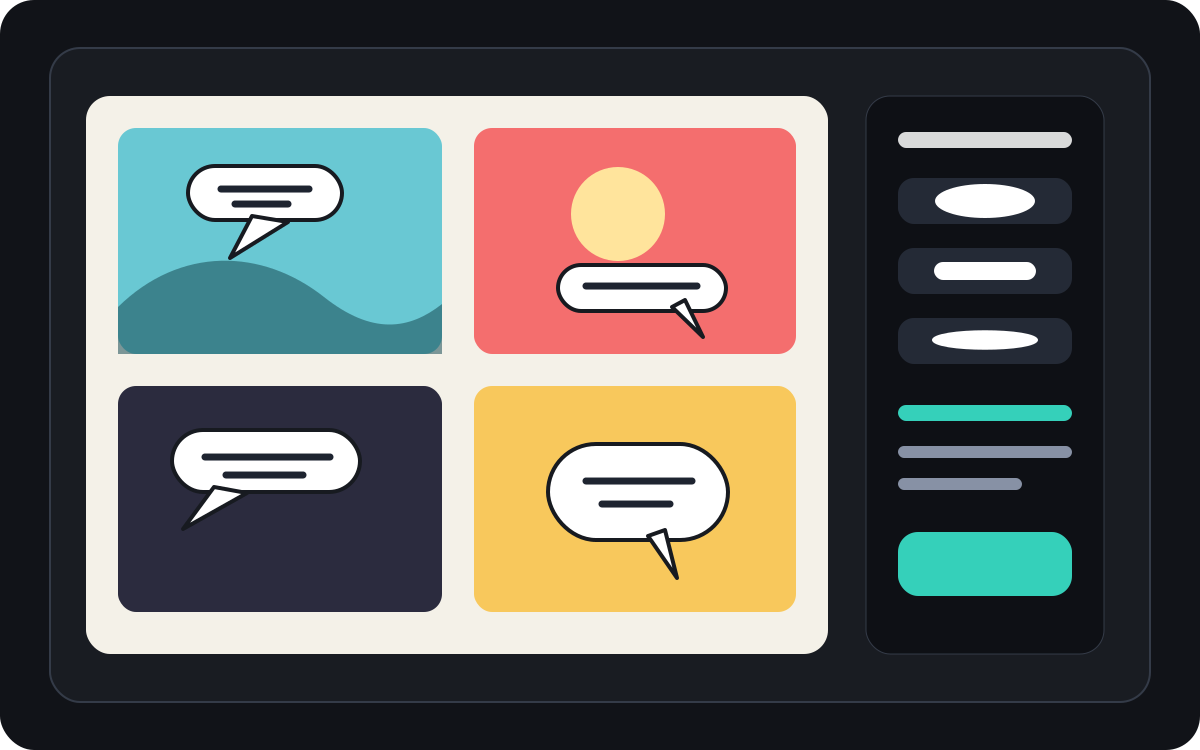
실제 만화 제작 작업에 맞춰 설계되었습니다.
이미 사진이나 참고 이미지를 가지고 있고 만화 장면, 만화 스트립, 또는 스타일화된 패널 초안으로 변환하고 싶은 사용자들.
01
이미 사진을 가지고 있고 만화 스타일 버전을 원하는 사용자를 위해 만들어졌습니다.
02
입력과 출력을 가시화하여 사용자가 변환을 이해할 수 있게 합니다.
03
이미지 변환을 캡션, 버블, 프로젝트 편집 워크플로우와 결합합니다.
여기서 만들 수 있는 것.
가장 가까운 프로젝트 유형을 고른 뒤, 원하는 초안을 더 명확히 하고 Studio를 여세요.
초안으로 만들 수 있는 것.
검토, 공유, 이어서 편집하기 좋은 실용적인 시작점입니다.
Studio로 들어가는 짧은 경로.
가장 작은 유용한 단계부터 시작한 뒤 편집기에서 초안을 다듬습니다.
그림을 만화로 바꾸세요 프롬프트로 시작하세요.
예시를 시작점으로 삼고 캐릭터, 배경, 톤을 자신의 이야기로 바꾸세요.
여행 사진
이 거리 카페 사진을 따뜻한 만화 패널로 바꾸고, 짧은 여행 일기 캡션이 붙어 있습니다.
출력: 편집 가능한 캡션 방향이 있는 만화 스타일의 여행 패널.
애완동물 만화
이 강아지 사진을 하나의 말풍선을 넣을 수 있는 재미있는 만화 패널로 변신하세요.
출력: 펫 만화 초안이 버블 배치 준비 완료.
제품 장면
이 제품 사진을 깔끔한 만화 스타일의 광고 패널로 바꾸고, 간단한 전후 이야기를 담으세요.
출력: 스타일화된 제품 맥락이 포함된 마케팅 만화 패널.
초안을 실제로 쓸 수 있게 돕는 도구.
이미지 우선 워크플로우
빈 프롬프트 대신 실제 사진이나 참고 자료에서 시작하세요.
전후 리뷰
최종 방향을 결정하기 전에 원본 이미지와 만화 초안을 비교하세요.
만화 마감 도구
이미지를 스타일화한 후에는 캡션, 말풍선, 레이아웃 선택지를 추가하세요.
다음에 맞는 도구로 계속 제작하세요.
더 많은 코믹 제작 페이지.
그림을 만화로 바꾸세요 자주 묻는 질문.
그림을 만화로 어떻게 바꿀 수 있을까요?
사진을 업로드하고, 만화 스타일을 선택하고, 만화 스타일의 초안을 생성한 뒤, 전후 결과를 검토하세요. 변환 후에 캡션이나 말풍선을 추가할 수 있습니다.
사진을 만화로 만들 수 있을까요?
네. 사진은 먼저 한 패널로 구성되고, 그 주위에 캡션, 반응, 혹은 추가된 스토리 전개를 덧붙여 짧은 시퀀스를 만들 수 있습니다.
이게 AI 만화 생성기와 같은 건가요?
아니. AI 만화 생성기는 보통 텍스트에서 시작합니다. 이 페이지는 이미지에서 시작하여 그림에서 만화 패널로의 시각적 변환에 초점을 맞춥니다.
어떤 사진이 가장 잘 어울릴까요?
명확한 피사체, 읽기 좋은 조명, 단순한 배경이 흐릿하거나 복잡한 이미지보다 더 잘 변환됩니다.
변환 후에 말풍선을 추가할 수 있나요?
네. 이미지가 만화 스타일의 초안이 된 후에는 말풍선, 캡션, 내레이션 박스를 추가해 패널을 만화처럼 읽게 만들 수 있습니다.
제품 사진에 사용할 수 있나요?
네. 제품 사진은 장면과 메시지가 명확할 때 만화 광고 패널, 전후 시각 자료, 캠페인 스토리보드로 활용될 수 있습니다.
사진의 모든 세부 사항을 보존할 수 있을까요?
AI 변환은 정확하지 않습니다. 출력물을 만화적 해석으로 간주하고 중요한 얼굴, 사물, 텍스트, 브랜드 세부사항을 검토한 후 사용하세요.
결과를 내보낼 수 있나요?
결과 뷰에서 완성된 이미지를 다운로드하세요. Studio 편집 가능한 프로젝트 데이터를 평면화된 페이지나 인쇄용 PDF가 아닌 JSON 형식으로 내보내줍니다.