
Zamień obraz w komiksowe panele za pomocą AI.
Prześlij zdjęcie, wybierz kierunek komiksu i stwórz stylizowany szkic panelu, który można edytować, dodać napisy i wykorzystać ponownie w projektach komiksowych.
Przekonwertowanie jednego obrazu źródłowego
PNG, JPG lub WebP do 5MB. Wymagane są zgłoszenie i zdobycie 2 punktów kredytowych.
Kolorowy atrament komiksowy
Jedna konwersja kosztuje 2 kredyty. Ostatnie nieudane zadanie jest oznaczane jako nieudane i otrzymuje zwrot pieniędzy przez serwer.
Użyj wyraźnego zdjęcia z jednym głównym bohaterem. Efektem jest interpretacja, więc recenzuj twarze, dłonie, logotypy i szczegóły produktu.
Definicja
Czym jest Przemień obraz w komiks?
Narzędzie do przekształcania obrazu w komiks przekształca przesłany obraz w panel lub sekwencję w stylu komiksowym, wykorzystując kierunek stylu, generowanie wizualne oraz opcjonalną edycję podpisów.
Krótka odpowiedź
Kiedy użyć tego procesu.
Stosuj ten workflow, gdy zaczynasz od obrazu zamiast od tekstowego promptu i chcesz mieć widoczną transformację komiksu przed i po.
Zamień zdjęcie referencyjne w szkic w stylu komiksu.
Użyj obrazu jako kontekstu źródłowego, wybierz kierunek komiksu i wygeneruj stylizowany panel, który nadal podąża za oryginalnym tematem lub sceną.
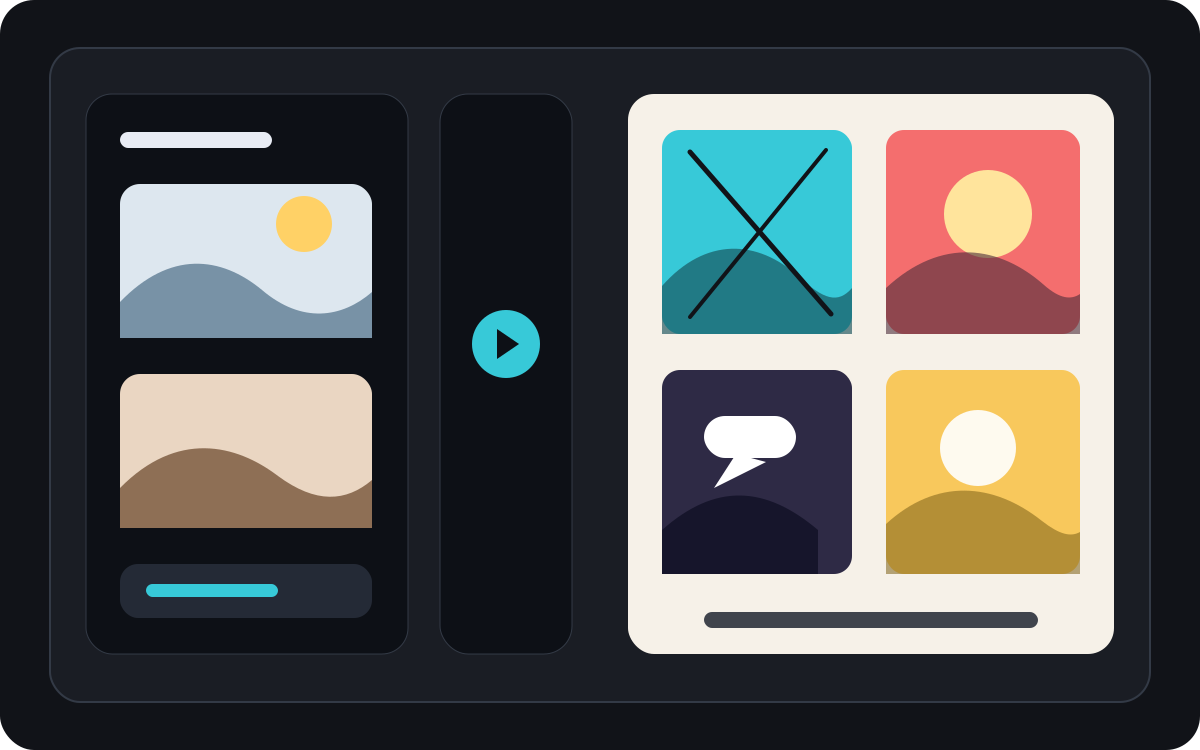
Przekształć jedno zdjęcie w krótki, komiczny moment.
Zdjęcie może stać się pojedynczym kadrem, refleksją lub zalążkiem krótkiego paska, gdy jest połączone z podpisami i prostym pomysłem na historię.
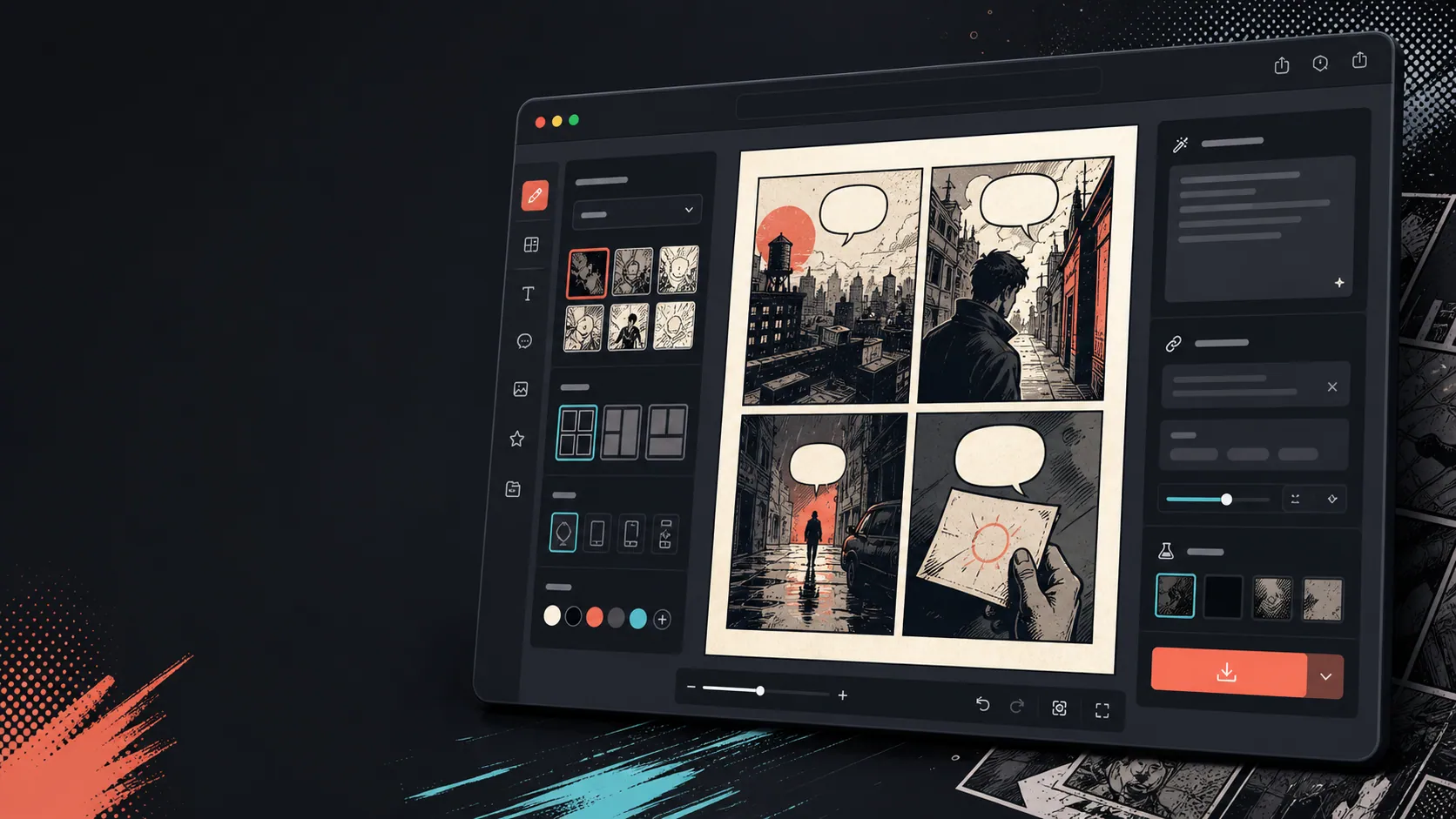
Dodaj podpisy, dymki i układ po zmianie obrazu.
Konwersja obrazu to dopiero pierwszy krok. Zakończ kadr, dodając dialogi, narrację lub układ strony komiksu.
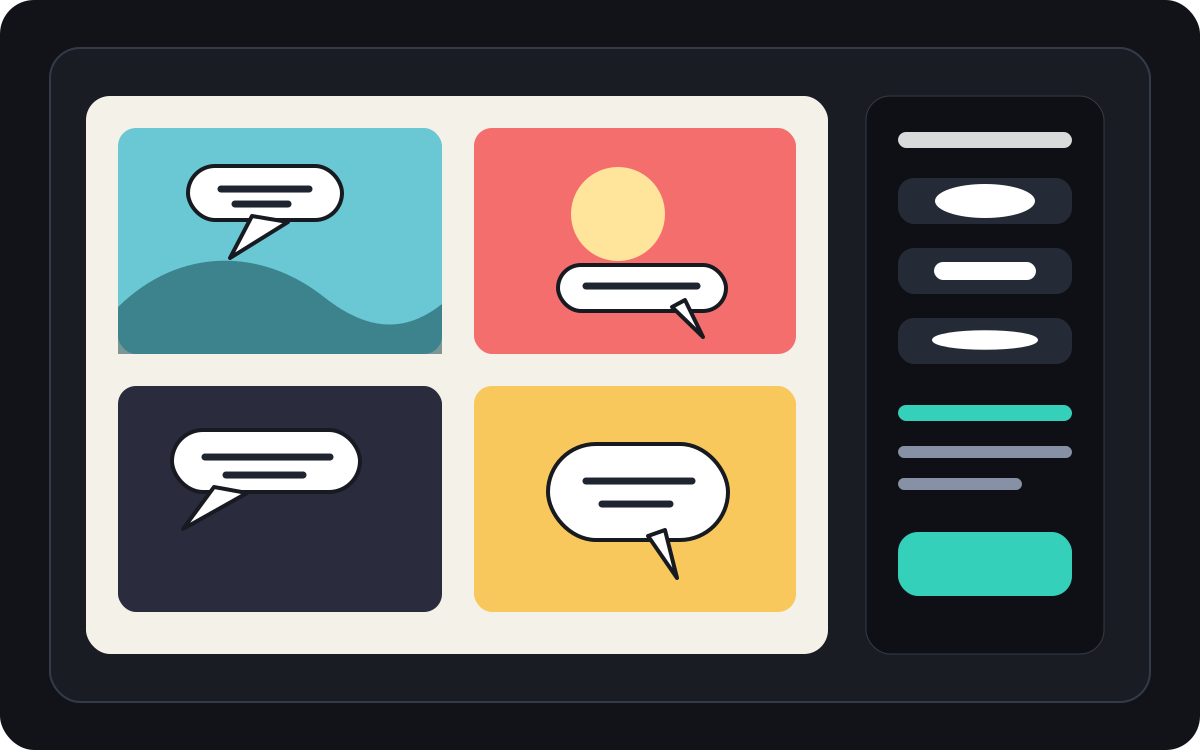
Zbudowane wokół realnego zadania tworzenia komiksu.
Użytkownicy, którzy już mają zdjęcie lub obraz referencyjny i chcą przekształcić je w scenę komiksową, pasek lub stylizowany szkic kadrów.
01
Stworzony dla użytkowników, którzy już mają zdjęcie i chcą wersji w stylu komiksu.
02
Sprawia, że wejście i wyjście są widoczne, dzięki czemu użytkownicy rozumieją transformację.
03
Łączy konwersję obrazów z podpisami, dymkami i workflow edycji projektu.
Co twórcy mogą tu zrobić.
Wybierz najbliższy typ projektu, a potem otwórz Studio z jaśniejszym celem szkicu.
Co możesz naszkicować.
To praktyczne punkty startowe do oceny, udostępnienia i dalszej edycji.
Krótka droga do Studio.
Zacznij od najmniejszego użytecznego kroku, a potem dopracuj szkic w edytorze.
Zacznij od tych promptów dla Przemień obraz w komiks.
Użyj ich jako punktu startowego, a następnie podmień postacie, miejsce i ton.
Zdjęcie podróżne
Zamień to zdjęcie z kawiarni ulicznego w ciepły panel komiksowy z krótkim podpisem do dziennika podróży.
Wynik: Panel podróży w stylu komiksowym z edytowalnym kierunkiem opisów.
Komiks o zwierzętach
Przekształć to zdjęcie psa w zabawny panel komiksowy z miejscem na jedną dymkę z mowy.
Wynik: Szkic komiksu dla zwierząt gotowy do założenia bańki.
Scena produktowa
Zamień to zdjęcie produktu w czysty, komiksowy panel reklamowy z prostą opowieścią przed i po.
Wynik: Panel komiksowy marketingowy ze stylizowanym kontekstem produktu.
Narzędzia, które pomagają zamienić szkic w użyteczny materiał.
Workflow opierający się na obrazach
Zacznij od prawdziwego zdjęcia lub odniesienia, zamiast pustego promptu.
Przegląd przed i po
Porównaj obraz źródłowy i szkic komiksu przed wyborem ostatecznego kierunku.
Narzędzia do wykończenia komiksów
Dodaj podpisy, dymki i wybory układu po stylizacji obrazu.
Kontynuuj z odpowiednim kolejnym narzędziem.
Generator paneli komiksowych
Wygeneruj świeży panel, gdy nie masz obrazu źródłowego.
Otwórz stronę
Generator dymków z komiksem
Dodaj dymki z wypowiedzią po tym, jak zdjęcie stanie się panelem komiksowym.
Otwórz stronę
AI twórca komiksów
Używaj generowania promptów, gdy chcesz zacząć od tekstu.
Otwórz stronę
Więcej stron do tworzenia komiksów.
Powiązany proces
Generator Dymków Komiksowych
Dodaj dymki z tekstem, podpisy, reszki i czytelne dialogi komiksowe za pomocą generatora dymków komiksowych stworzonych do edycji paneli.
Otwórz stronę
Powiązany proces
generator kadrów komiksowych
Podaj bohatera, miejsce, odległość kamery, emocję i jedną widoczną czynność, aby wygenerować pojedynczy kadr.
Otwórz stronę
Powiązany proces
kreator komiksów AI
Zacznij od jednej sceny, nazwij postaci i zmianę. Sprawdź cztery etapy przed wydaniem kredytów na obrazy.
Otwórz stronę
Najczęstsze pytania o Przemień obraz w komiks.
Jak zamienić obraz w komiks?
Wgraj zdjęcie, wybierz styl komiksu, stwórz szkic w stylu komiksowym, a następnie przejrzyj wyniki przed i po. Możesz dodać napisy lub dymki po konwersji.
Czy mogę zamienić zdjęcie w komiks?
Tak. Zdjęcie może najpierw stać się jednym kadrem, a potem możesz zbudować wokół niego krótką sekwencję z podpisami, reakcjami lub dodatkowymi momentami fabuły.
Czy to to samo co generator komiksów AI?
Nie. Generator komiksów AI zwykle zaczyna się od tekstu. Ta strona zaczyna się od obrazu i skupia się na wizualnej przemianie z obrazu na panel komiksowy.
Które zdjęcia działają najlepiej?
Wyraźne zdjęcia z mocnym obiektem, czytelnym oświetleniem i prostym tłem zwykle lepiej się konwertują niż rozmazane lub zatłoczone obrazy.
Czy mogę dodać dymki po konwersji?
Tak. Gdy obraz stanie się szkicem w stylu komiksowym, możesz dodać dymki z mowę, podpisy lub ramki narracyjne, by panel czytał się jak komiks.
Czy mogę używać go do zdjęć produktów?
Tak. Zdjęcia produktów mogą stać się panelami reklamowymi komiksów, wizualizacjami przed i po lub storyboardami kampanii, gdy scena i przekaz są jasne.
Czy zachowa każdy szczegół ze zdjęcia?
Żadna AI transformacja nie jest dokładna. Traktuj produkt jako interpretację w stylu komiksowym i przed użyciem przejrzyj ważne twarze, przedmioty, tekst i szczegóły marki.
Czy mogę wyeksportować wynik?
Pobierz ukończone obrazy z widoku wyników. Studio eksportuje edytowalne dane projektowe jako JSON, a nie spłaszczoną stronę czy gotowy do druku PDF.
Zacznij kolejny szkic komiksu.
Otwórz Studio, wybierz układ i zmień pomysł w roboczy szkic komiksu.
Wypróbuj ten proces