
Trasforma l'immagine in vignette in stile fumetto con AI.
Carica un'immagine, scegli la direzione del fumetto e crea una bozza stilizzata di vignetta che può essere modificata, sottotitolata e riutilizzata in un progetto a fumetti.
Converti un'immagine sorgente
PNG, JPG o WebP fino a 5MB. Sono richiesti l'accesso e 2 crediti.
Inchiostro a fumetti a colori
Una conversione costa 2 crediti. Un ultimo lavoro fallito viene segnato come fallito e rimborsato dal server.
Usa un'immagine chiara con un soggetto principale. Il risultato è un'interpretazione, quindi valuta volti, mani, loghi e dettagli del prodotto.
Definizione
Che cos'è trasformare l'immagine in fumetto?
Uno strumento picture-to-comic trasforma un'immagine caricata in una vignetta o una sequenza in stile fumetto usando la direzione dello stile, la generazione visiva e la modifica opzionale delle didascalie.
Risposta breve
Quando usare questo flusso.
Usa questo flusso di lavoro quando parti da un'immagine invece che da un prompt testuale e vuoi una trasformazione visibile del fumetto prima e dopo.
Trasforma un riferimento fotografico in una bozza in stile fumetto.
Usa l'immagine come contesto di origine, scegli una direzione a fumetti e genera una vignetta stilizzata che segua comunque il soggetto o la scena originale.
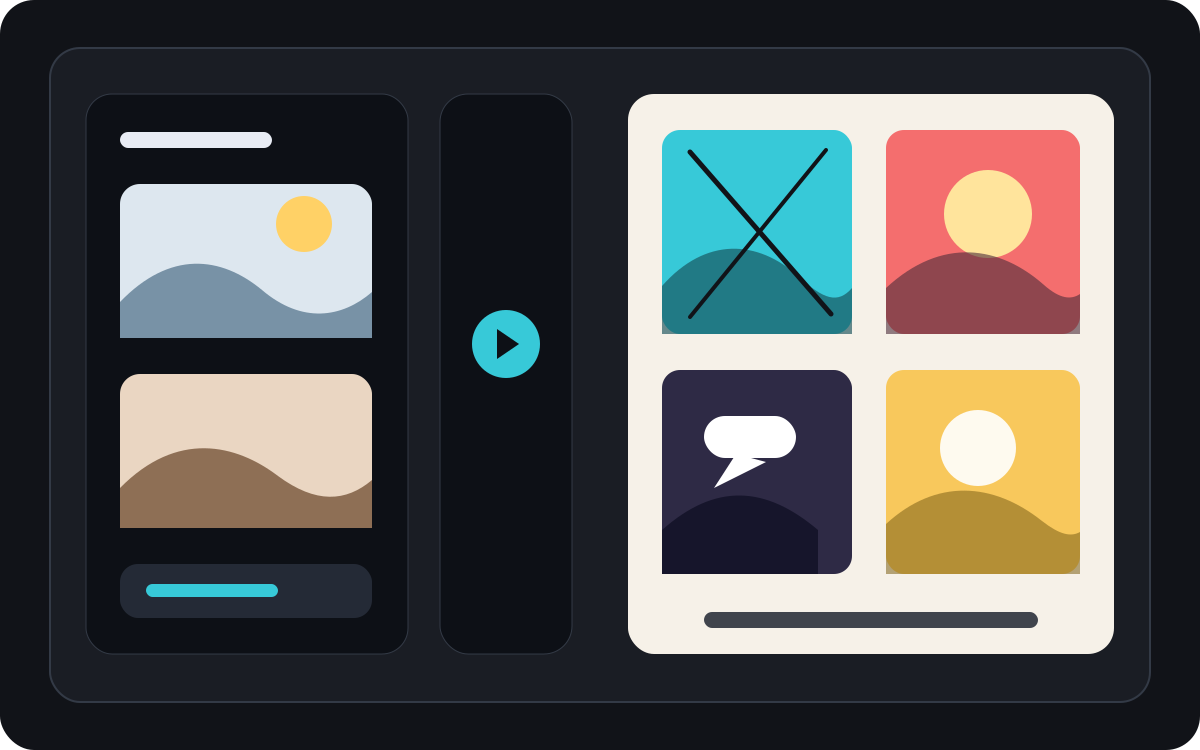
Trasforma un'immagine in un breve momento comico.
Una foto può diventare un singolo pannello, un momento di reazione o il seme per una breve striscia se abbinata a didascalie e a un'idea semplice per la storia.
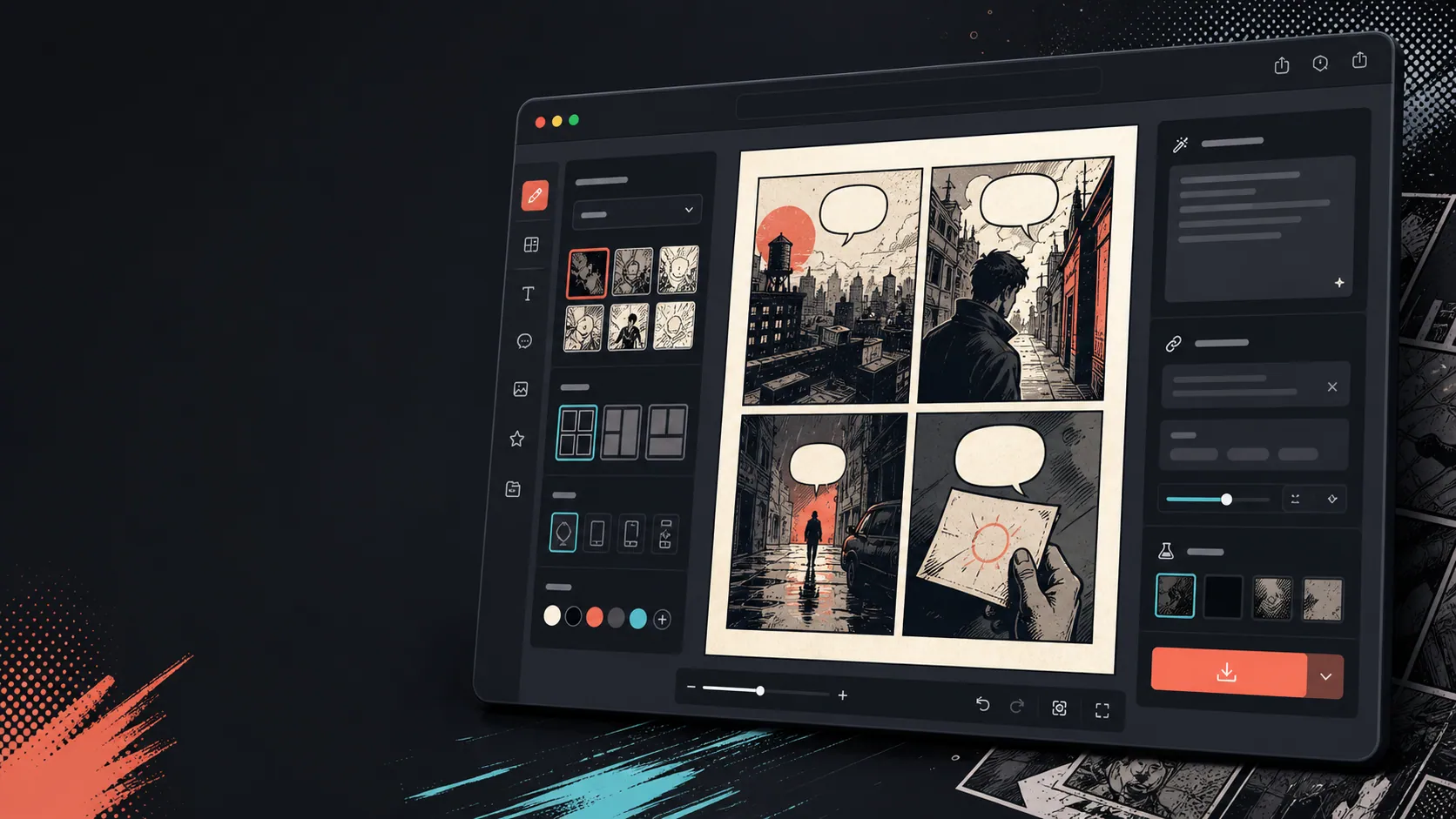
Aggiungi didascalie, bolle e layout dopo che l'immagine cambia.
La conversione dell'immagine è solo il primo passo. Concludi la vignetta aggiungendo dialoghi, narrazione o una disposizione di pagina a fumetto.
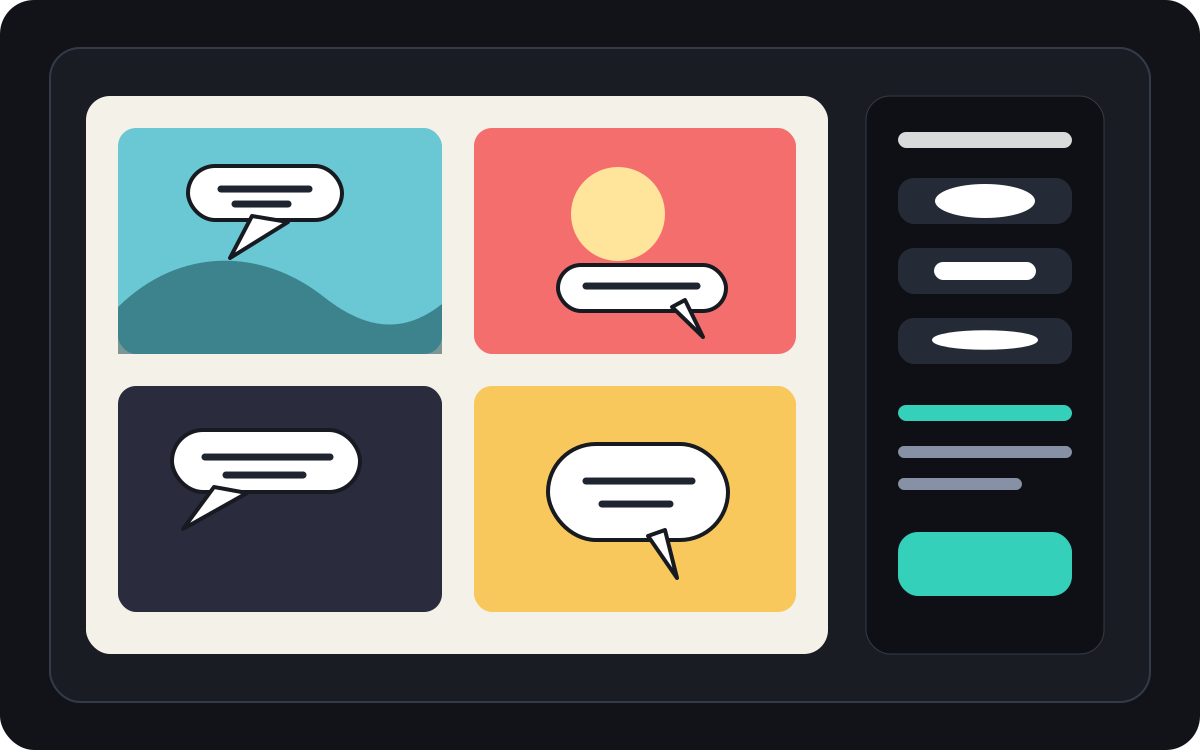
Pensato per un vero compito di creazione fumetto.
Utenti che hanno già una foto o un'immagine di riferimento e vogliono trasformarla in una scena a fumetto, striscia o bozza di vignetto stilizzata.
01
Progettato per utenti che hanno già una foto e vogliono una versione in stile fumetto.
02
Rende visibili l'input e l'output così che gli utenti comprendano la trasformazione.
03
Abbina la conversione delle immagini ai flussi di lavoro di didascalia, bolle e modifica di progetto.
Cosa possono creare qui gli autori.
Scegli il tipo di progetto più vicino e apri Studio con un'idea più chiara della bozza da creare.
Cosa puoi abbozzare.
Sono punti di partenza pratici per revisione, condivisione e modifica successiva.
Un percorso breve verso Studio.
Inizia dal passaggio utile più piccolo, poi rifinisci la bozza nell'editor.
Inizia con questi prompt per trasformare l'immagine in fumetto.
Usali come punto di partenza, poi sostituisci personaggi, ambientazione e tono con i tuoi.
Foto di viaggio
Trasforma questa foto di street café in una calda vignetta a fumetti con una breve didascalia di diario di viaggio.
Risultato: Pannello di viaggio in stile fumetto con indicazioni di didascalia modificabili.
Fumetto per animali domestici
Trasforma questa foto di cane in una divertente vignetta a fumetti con spazio per una bolletta del discorso.
Risultato: Bozza del fumetto per animali pronta per il posizionamento della bolla.
Scena di prodotto
Trasforma questa foto di prodotto in una vignetta pubblicitaria pulita in stile fumetto con una semplice storia prima e dopo.
Risultato: Vignetto di marketing con contesto di prodotto stilizzato.
Strumenti che rendono utilizzabile la bozza.
Flusso di lavoro immagine-prima
Inizia da una foto o un riferimento reale invece di un prompt vuoto.
Recensione prima e dopo
Confronta l'immagine originale con la bozza del fumetto prima di scegliere la direzione finale.
Strumenti per la finitura dei fumetti
Aggiungi didascalie, bolle e scelte di layout dopo che l'immagine è stata stilizzata.
Continua con lo strumento successivo più adatto.
Generatore di vignette a fumetti
Genera un pannello nuovo quando non hai un'immagine sorgente.
Apri pagina
Generatore di fumetti con fumetti
Aggiungi dei fumetti dopo che la foto diventa una vignetta a fumetto.
Apri pagina
AI creatore di fumetti
Usa la generazione dei prompt quando vuoi iniziare dal testo.
Apri pagina
Altre pagine per creare fumetti.
Flusso correlato
Generatore di Balloon per Fumetti
Aggiungi fumetti, didascalie, code e dialoghi a fumetti leggibili con un generatore di bolle a fumetti progettato per la modifica delle vignette.
Apri pagina
Flusso correlato
generatore di vignette per fumetti
Indica soggetto, luogo, distanza della camera, emozione e un'azione visibile per generare una singola vignetta.
Apri pagina
Flusso correlato
creatore di fumetti con IA
Parti da una scena, identifica i personaggi e spiega cosa cambia. Verifica i quattro momenti prima di spendere crediti.
Apri pagina
Domande frequenti su trasformare l'immagine in fumetto.
Come si trasforma un'immagine in un fumetto?
Carica un'immagine, scegli uno stile a fumetti, genera una bozza in stile fumetto, poi rivedi il risultato prima e dopo. Puoi aggiungere didascalie o bolle dopo la conversione.
Posso trasformare una foto in una striscia a fumetti?
Sì. Una foto può diventare prima un solo pannello, poi puoi costruire una breve sequenza intorno ad essa con didascalie, reazioni o elementi aggiuntivi della storia.
È la stessa cosa di un generatore di fumetti AI?
No. Un generatore di fumetti AI di solito parte dal testo. Questa pagina parte da un'immagine e si concentra sulla trasformazione visiva dall'immagine al pannello del fumetto.
Quali immagini funzionano meglio?
Foto chiare con un soggetto forte, illuminazione leggibile e sfondi semplici di solito si traducono meglio rispetto a immagini sfocate o affollate.
Posso aggiungere delle fumette dopo la conversione?
Sì. Dopo che l'immagine diventa una bozza in stile fumetto, puoi aggiungere fumetti, didascalie o caselle di narrazione per far sembrare il pannello un fumetto.
Posso usarlo per le foto dei prodotti?
Sì. Le foto dei prodotti possono diventare vignette pubblicitarie a fumetti, immagini prima e dopo, o storyboard di campagna quando la scena e il messaggio sono chiari.
Preserverà ogni dettaglio della foto?
Nessuna AI trasformazione è esatta. Considera il risultato come un'interpretazione in stile fumetto e rivedi volti importanti, oggetti, testi e dettagli del marchio prima di utilizzarlo.
Posso esportare il risultato?
Scarica le immagini completate dalla vista dei risultati. Studio esporta i dati modificabili del progetto come JSON invece che come una pagina appiattita o un PDF pronto per la stampa.
Inizia la prossima bozza di fumetto.
Apri Studio, scegli un layout e trasforma l'idea in una bozza di fumetto lavorabile.
Prova questo flusso