
Ubah gambar menjadi panel bergaya komik dengan AI.
Unggah gambar, pilih arah komik, dan buat draft panel bergaya yang dapat diedit, diberi keterangan, dan digunakan ulang dalam proyek komik.
Konversi satu gambar sumber
PNG, JPG, atau WebP hingga 5MB. Diperlukan untuk masuk dan 2 kredit.
Tinta komik berwarna
Satu konversi harganya 2 kredit. Pekerjaan gagal akhir ditandai gagal dan dikembalikan oleh server.
Gunakan gambar yang jelas dengan satu subjek utama. Hasilnya adalah interpretasi, seperti wajah, tangan, logo, dan detail produk yang ditinjau.
Definisi
Apa itu ubah gambar menjadi komik?
Alat gambar-ke-komik mengubah gambar yang diunggah menjadi panel atau urutan bergaya komik menggunakan arah gaya, pembuatan visual, dan pengeditan caption opsional.
Jawaban singkat
Kapan memakai alur ini.
Gunakan alur kerja ini saat Anda memulai dari gambar alih-alih prompt teks dan ingin transformasi komik sebelum dan sesudah yang terlihat.
Ubah referensi foto menjadi draf bergaya komik.
Gunakan gambar sebagai konteks sumber, pilih arah komik, dan buat panel bergaya yang tetap mengikuti subjek atau adegan asli.
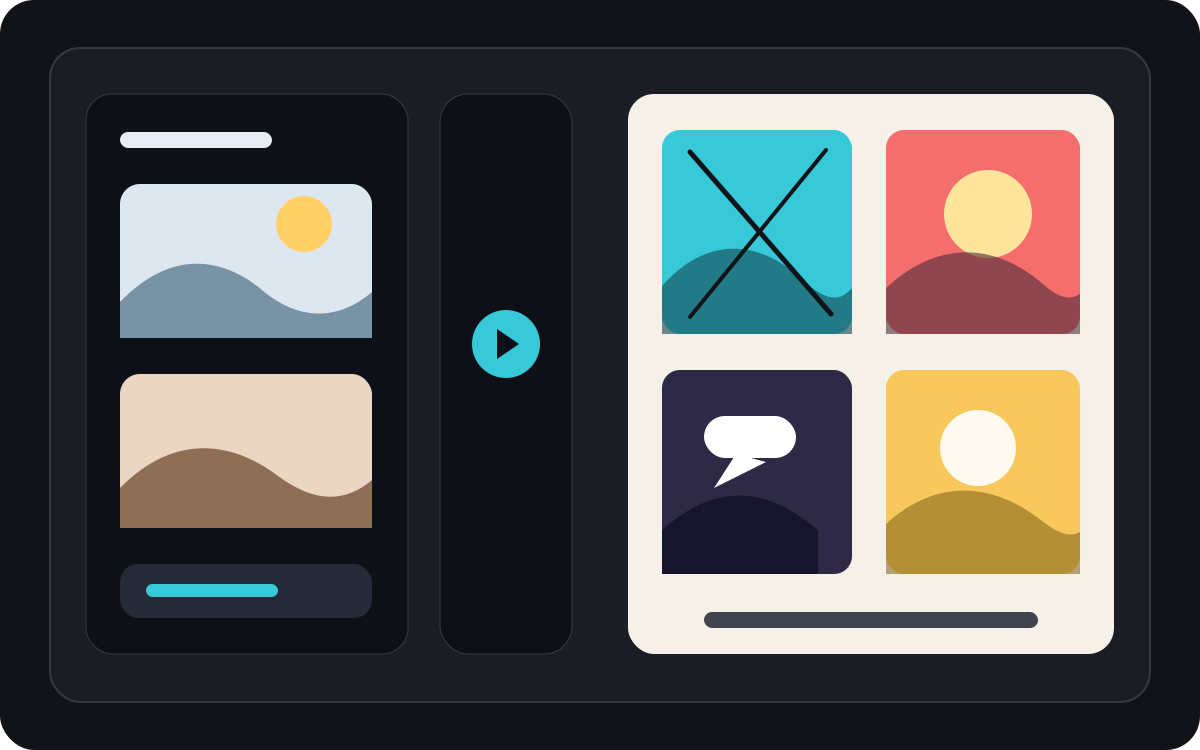
Ubah satu gambar menjadi momen komedi singkat.
Sebuah foto bisa menjadi satu panel, beat reaksi, atau benih untuk strip pendek jika dipadukan dengan caption dan ide cerita sederhana.
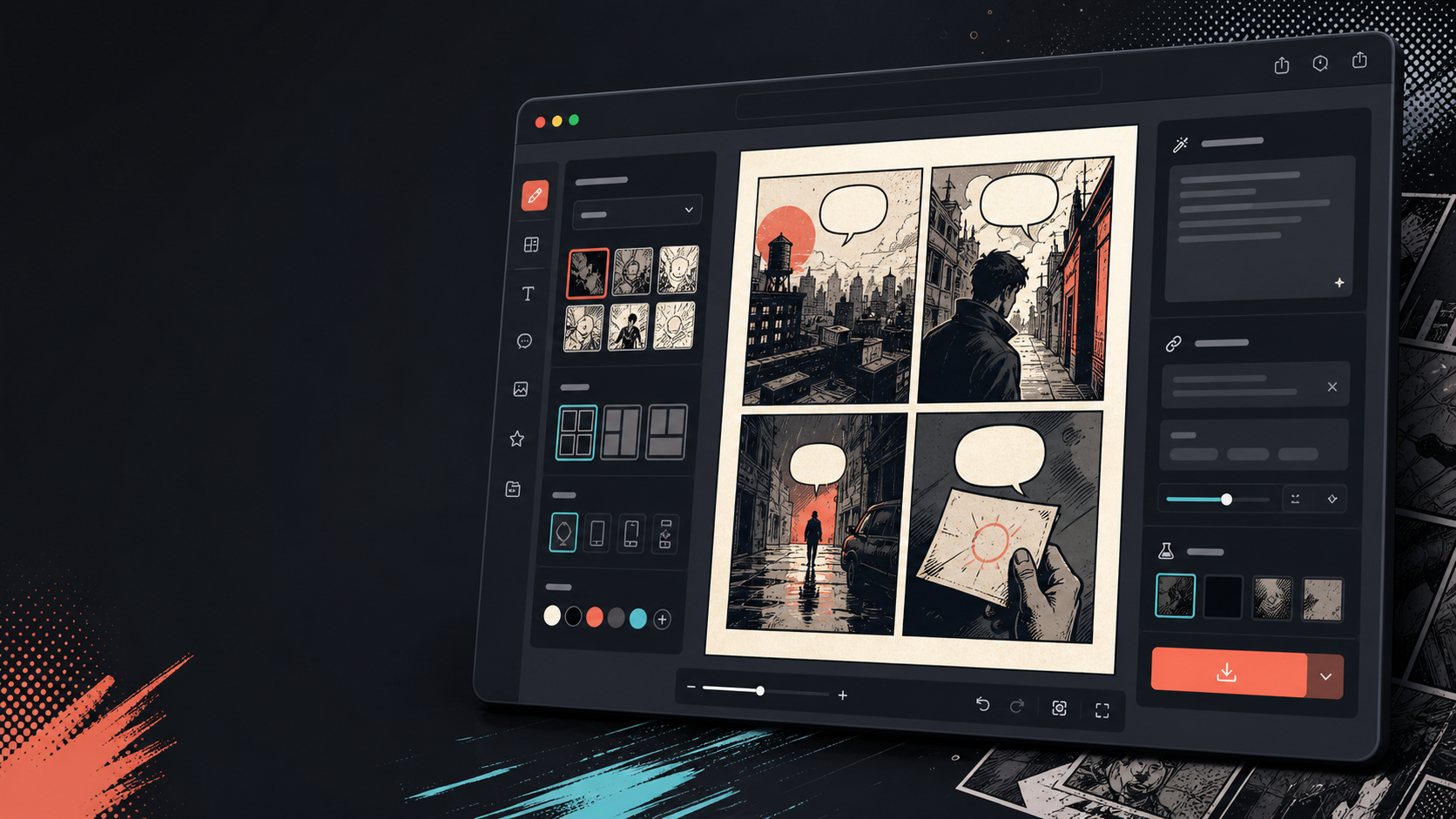
Tambahkan keterangan, gelembung, dan tata letak setelah gambar berubah.
Konversi gambar hanyalah langkah pertama. Selesaikan panel dengan menambahkan dialog, narasi, atau tata letak halaman komik.
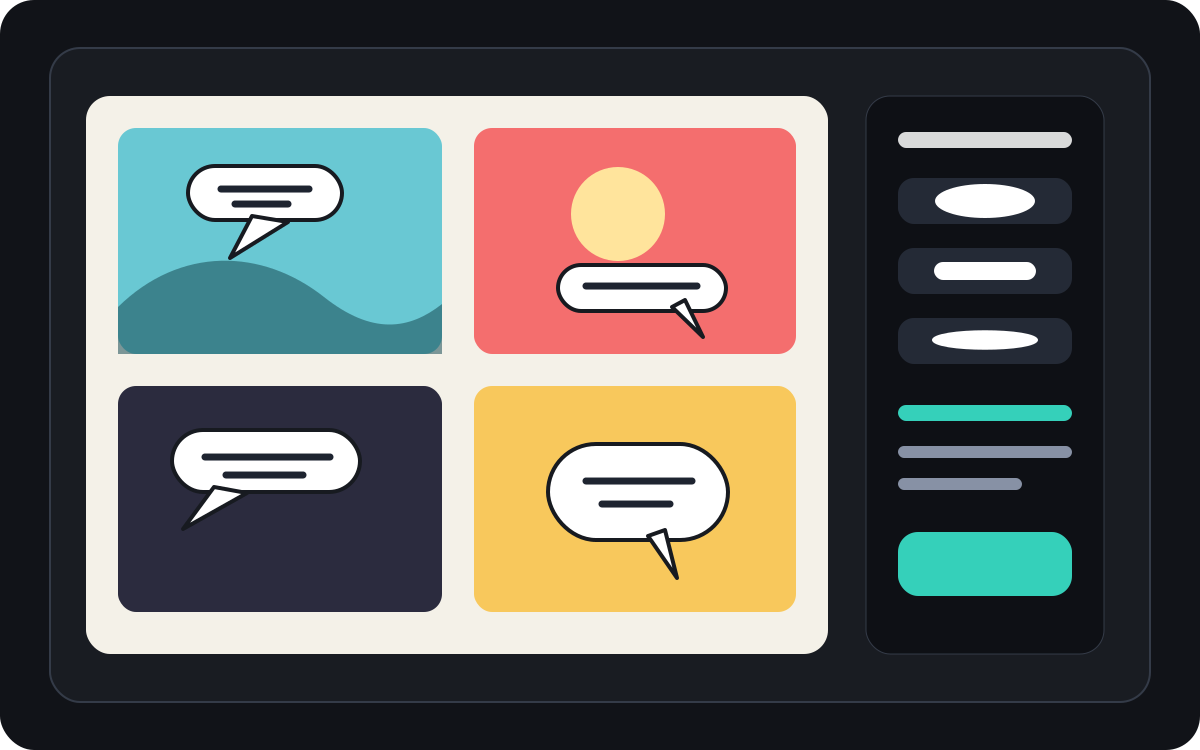
Dibuat untuk tugas pembuatan komik yang nyata.
Pengguna yang sudah memiliki foto atau gambar referensi dan ingin mengubahnya menjadi adegan komik, strip, atau draft panel bergaya.
01
Dibuat untuk pengguna yang sudah memiliki gambar dan menginginkan versi bergaya komik.
02
Membuat input dan output terlihat sehingga pengguna memahami transformasi.
03
Menggabungkan konversi gambar dengan alur kerja pengeditan caption, bubble, dan proyek.
Apa yang bisa dibuat kreator di sini.
Pilih jenis proyek terdekat, lalu buka Studio dengan gambaran draf yang lebih jelas.
Apa yang bisa Anda draf.
Ini adalah titik awal praktis untuk ditinjau, dibagikan, dan diedit lebih lanjut.
Jalur singkat ke Studio.
Mulai dari langkah kecil yang berguna, lalu sempurnakan draf di editor.
Mulai dengan prompt ubah gambar menjadi komik ini.
Gunakan sebagai titik awal, lalu ganti karakter, latar, dan nuansa sesuai cerita Anda.
Foto perjalanan
Ubah foto kafe jalanan ini menjadi panel komik hangat dengan keterangan buku harian perjalanan singkat.
Keluaran: Panel perjalanan bergaya komik dengan arah keterangan yang dapat diedit.
Komik hewan peliharaan
Ubah foto anjing ini menjadi panel komik lucu dengan ruang untuk satu gelembung bicara.
Keluaran: Draf komik hewan peliharaan siap untuk ditempatkan di gelembung.
Scene produk
Ubah foto produk ini menjadi panel iklan bergaya komik yang bersih dengan cerita sederhana sebelum dan sesudah.
Keluaran: Panel komik pemasaran dengan konteks produk bergaya.
Alat yang membantu draf menjadi siap dipakai.
Alur kerja dengan gambar terlebih dahulu
Mulailah dari foto asli atau referensi, bukan hanya prompt kosong.
Tinjauan sebelum dan sesudah
Bandingkan gambar sumber dan draf komik sebelum memilih arah akhir.
Alat finishing komik
Tambahkan keterangan, gelembung, dan pilihan tata letak setelah gambar distilisasi.
Lanjutkan dengan alat berikutnya yang tepat.
Generator panel komik
Buat panel baru ketika Anda tidak memiliki gambar sumber.
Buka halaman
Generator gelembung bicara komik
Tambahkan gelembung bicara setelah foto menjadi panel komik.
Buka halaman
AI pembuat komik
Gunakan pembuatan prompt jika Anda ingin memulai dari teks sebagai gantinya.
Buka halaman
Halaman lain untuk membuat komik.
Alur terkait
Generator Balon Percakapan Komik
Tambahkan gelembung bicara, keterangan, ekor, dan dialog komik yang mudah dibaca dengan generator gelembung komik yang dirancang untuk penyuntingan panel.
Buka halaman
Alur terkait
comic panel generator
comic panel generator: buat draf komik di Comics Maker dengan alur cerita, catatan karakter, panel, balon dialog, dan ekspor yang bisa diedit.
Buka halaman
Alur terkait
AI comic maker
AI comic maker: buat draf komik di Comics Maker dengan alur cerita, catatan karakter, panel, balon dialog, dan ekspor yang bisa diedit.
Buka halaman
Pertanyaan umum tentang ubah gambar menjadi komik.
Bagaimana cara mengubah sebuah gambar menjadi komik?
Unggah gambar, pilih gaya komik, buat draft bergaya komik, lalu tinjau hasil sebelum dan sesudahnya. Anda dapat menambahkan caption atau gelembung setelah konversi.
Bisakah saya mengubah sebuah foto menjadi strip komik?
Ya. Sebuah foto bisa menjadi satu panel terlebih dahulu, lalu Anda bisa membangun urutan pendek di sekitarnya dengan keterangan, reaksi, atau tambahan momen cerita.
Apakah ini sama dengan generator komik AI?
Tidak. Generator komik AI biasanya dimulai dari teks. Halaman ini dimulai dari gambar dan berfokus pada transformasi visual dari gambar ke panel komik.
Gambar mana yang paling efektif?
Foto yang jelas dengan subjek yang kuat, pencahayaan yang mudah dibaca, dan latar belakang sederhana biasanya lebih baik dibandingkan gambar buram atau padat.
Bisakah saya menambahkan gelembung bicara setelah konversi?
Ya. Setelah gambar menjadi draft bergaya komik, Anda dapat menambahkan gelembung bicara, keterangan, atau kotak narasi agar panel terdengar seperti komik.
Bisakah saya menggunakannya untuk foto produk?
Ya. Foto produk dapat menjadi panel iklan komik, visual sebelum dan sesudah, atau storyboard kampanye ketika adegan dan pesan sudah jelas.
Apakah akan mempertahankan setiap detail dari foto?
Tidak ada transformasi AI yang tepat. Perlakukan hasil tersebut sebagai interpretasi gaya komik dan tinjau wajah, objek, teks, serta detail merek penting sebelum digunakan.
Bisakah saya mengekspor hasilnya?
Unduh gambar yang sudah selesai dari tampilan hasil. Studio mengekspor data proyek yang dapat diedit sebagai JSON daripada halaman yang diratakan atau PDF siap cetak.
Mulai draf komik berikutnya.
Buka Studio, pilih tata letak, dan ubah ide menjadi draf komik yang siap dikerjakan.
Coba alur ini