
Превратите картину в панели в стиле комиксов с помощью AI.
Загрузите картинку, выберите направление комикса и создайте стилизованный вариант панели, который можно редактировать, подписывать и повторно использовать в проекте комикса.
Конвертировать одно исходное изображение
PNG, JPG или WebP до 5 МБ. Требуется вход в систему и 2 кредита.
Цветные комиксные чернила
Одна конвертация стоит 2 кредита. Последняя неудачная работа отмечается как неудачная и возвращается сервером.
Используйте чёткое изображение с одним основным объектом. В результате получилась интерпретация, то есть проверьте лица, руки, логотипы и детали продукта.
Определение
Что такое превратить изображение в комикс?
Инструмент преобразования изображения в комикс преобразует загруженное изображение в панель или последовательность в стиле комикса с помощью направления стиля, визуальной генерации и опционального редактирования подписей.
Краткий ответ
Когда использовать этот процесс.
Используйте этот рабочий процесс, когда начинаете с изображения, а не с текстовой подсказки, и хотите видеть видимую трансформацию комиксов до и после.
Превратите фотоссылку в черновик в стиле комикса.
Используйте изображение как исходный контекст, выберите направление комикса и создайте стилизованную панель, которая всё равно следует оригинальному сюжету или сцене.

Преврати одну фотографию в короткий комический момент.
Фотография может стать одной панелью, реакционным ударом или завязкой для короткой полосы, если сочетать с подписями и простой идеей истории.
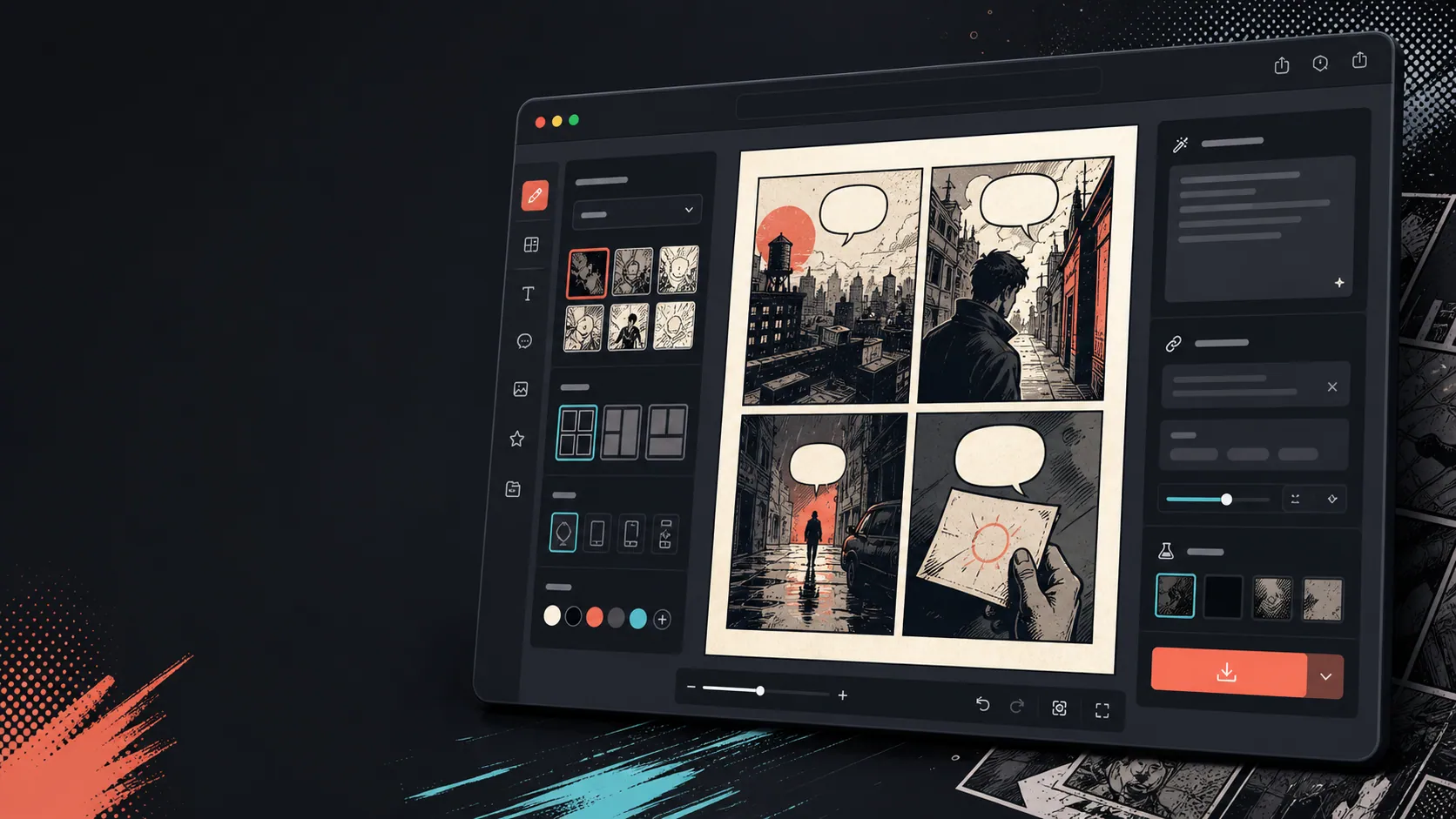
Добавляйте подписи, пузырьки и макет после изменения изображения.
Конвертация изображений — это только первый шаг. Завершите панель, добавив диалоги, повествование или оформление страницы комикса.

Создано для реальной задачи по созданию комикса.
Для пользователей, у которых уже есть фото или референсное изображение, которые хотят превратить его в комикс-сцену, стрип или стилизованный вариант панели.
01
Создано для пользователей, у которых уже есть картинка и которые хотят версию в стиле комикса.
02
Это делает вход и выход видимыми, чтобы пользователи понимали трансформацию.
03
Сочетает конвертацию изображений с рабочими процессами редактирования субтитра, пузыря и проекта.
Что авторы могут сделать здесь.
Выберите самый близкий тип проекта и откройте Studio с более понятной целью для черновика.
Что можно подготовить.
Это практичные отправные точки для проверки, публикации и дальнейшего редактирования.
Короткий путь в Studio.
Начните с минимального полезного шага, затем доработайте черновик в редакторе.
Начните с этих промптов для превратить изображение в комикс.
Используйте их как основу, затем замените персонажей, место действия и тон на свои.
Фотография с путешествия
Превратите это фото в уличном кафе в тёплую панель комикса с короткой подписью к дневнику путешествий.
Результат: Панель путешествий в стиле комикса с редактируемым указанием подписей.
Комикс о питомцах
Превратите это фото собаки в забавную комикс-панель с местом для одной речевой пузыри.
Результат: Чертёвик комикса по питомцам готов к размещению пузырьков.
Продуктовая сцена
Превратите эту фотографию продукта в чистую рекламную панель в стиле комикса с простой историей до и после.
Результат: Маркетинговая панель комиксов с стилизованным контекстом продукта.
Инструменты, которые помогают сделать черновик пригодным.
Рабочий процесс, ориентированный на изображение
Начните с настоящей фотографии или ссылки, а не с пустой подсказки.
Обзор до и после
Сравните исходное изображение и черновик комикса перед выбором окончательного направления.
Инструменты для завершения комиксов
Добавьте подписи, пузырьки и варианты макета после стилизации изображения.
Продолжайте с подходящим следующим инструментом.
Генератор комикс-панелей
Генерируйте новую панель, если у вас нет исходного изображения.
Открыть страницу
Генератор пузырей в комической речи
Добавляйте пузырьки речи после того, как фото превращается в комикс-панель.
Открыть страницу
AI комиксмейкер
Используйте генерацию подсказок, когда хотите начать с текста.
Открыть страницу
Больше страниц для создания комиксов.
Связанный процесс
Генератор Реплик для Комиксов
Добавьте речевые пузырьки, подписи, хвосты и читаемые комические диалоги с помощью генератора пузырей для монтажа панелей.
Открыть страницу
Связанный процесс
генератор панелей комикса
Укажите героя, место, расстояние камеры, эмоцию и одно действие для отдельного кадра комикса.
Открыть страницу
Связанный процесс
генератор комиксов с ИИ
Начните с одной сцены: кто участвует и что меняется. Проверьте четыре момента до расходования кредитов.
Открыть страницу
Частые вопросы о превратить изображение в комикс.
Как превратить картину в комикс?
Загрузите фотографию, выберите стиль комикса, создайте черновик в стиле комикса, затем просмотрите результат до и после. После конвертации можно добавить подписи или пузыри.
Могу ли я превратить фотографию в комикс?
Да. Фото может сначала стать одной панелью, затем можно построить вокруг неё короткую последовательность с подписями, реакциями или добавленными сюжетными моментами.
Это то же самое, что генератор комиксов AI?
Нет. Генератор AI комиксов обычно начинается с текста. Эта страница начинается с изображения и сосредоточена на визуальном превращении от изображения к панели комикса.
Какие фотографии работают лучше всего?
Чёткие фотографии с яркой темой, читаемым освещением и простыми фонами обычно конвертируются лучше, чем размытые или переполненные изображения.
Могу ли я добавить речевые пузырьки после конвертации?
Да. После того как изображение становится черновиком в стиле комикса, можно добавить облачки речи, подписи или окна для озвучки, чтобы панель выглядела как комикс.
Могу ли я использовать его для фотографий продуктов?
Да. Фотографии продуктов могут стать рекламными панелями комиксов, визуальными материалами до и после, или раскадровками кампании, когда сцена и сообщение ясны.
Сохранит ли она каждую деталь с фотографии?
Никакое AI преобразование не является точным. Воспринимайте результаты как интерпретацию в стиле комикса и просматривайте важные лица, объекты, текст и детали бренда перед использованием.
Могу ли я экспортировать результат?
Скачайте готовые изображения из просмотра результатов. Studio экспортирует редактируемые данные проекта в формате JSON, а не в плоскую страницу или PDF, готовый к печати.
Начните следующий черновик комикса.
Откройте Studio, выберите макет и превратите идею в рабочий черновик комикса.
Попробовать этот процесс